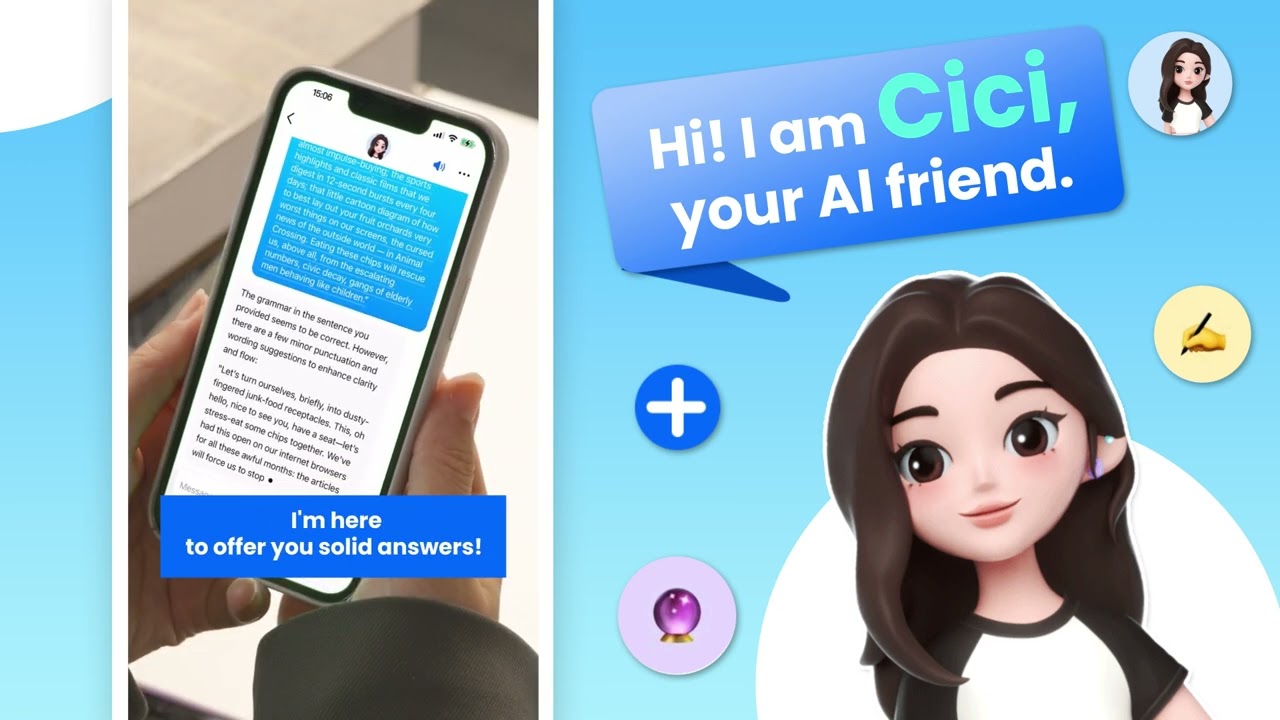

Dola helps busy students, professionals, and creators who need quick support for everyday work and study. The app brings chat, voice input, and content tools into one place, so you can ask questions, organize ideas, and get results across devices. Dola (formerly Cici) keeps the interface straightforward for casual conversations or focused tasks. Whether you are drafting a note or summarizing an article, it adapts to your context. For Android users, the Dola APK offers a convenient way to install and start.
Quick voice or typing
Dola lets you speak or type to ask questions, make requests, and follow up naturally. Voice input speeds up simple commands, while text helps you provide details. As a result, you can move from idea to response without juggling different tools.
Organize tasks and plans
You can summarize meetings, track tasks, and plan meals or trips in one flow. Dola helps group notes, reminders, and schedules in clear outlines, so your day is easier to review. In addition, it supports quick adjustments when plans change.
Draft and refine writing
Dola assists with emails, social posts, resumes, and reports. You provide the goal and context, then the app suggests a structure or edits for clarity. Next, you can iterate with short prompts until the tone and length match your needs.
Learn and summarize faster
Dola breaks down complex ideas into simple steps and can solve math questions with explanations. You can paste text or share a link to a file or webpage, then ask for a summary or key points. This helps you review material quickly before a meeting or class.
Generate images from ideas
Dola turns text prompts or photos into visual outputs in a range of styles, such as anime or cyberpunk. You can refine prompts, adjust details, and compare variations. This is useful for mood boards, social graphics, or quick concept previews.
Dola is available on Android and also offers a desktop option and a Chrome extension. The extension includes a toolbar designed to work with common Office applications, which can help you keep assistance within everyday tools. Availability may vary by country or region, so some features might not appear in all locations. If an install prompt or access message is unclear, you can send feedback or questions using the contact below. For users who prefer APK installation, search and download Dola from trusted sources that match device settings.
Dola provides a free tier in many regions to help users try core functions. Paid plans may apply for higher usage or advanced features, depending on local offerings. Pricing and plan details can change over time, so check the in‑app information page when you sign in. This helps set expectations before you start large tasks or frequent image generation.
To begin, install the app, then open it for a short setup. If you prefer APK installation, download Dola from a source that matches your Android device settings and follow standard prompts.
Dola brings writing help, learning support, planning tools, and image generation into one place. For regular updates and improvements, consider installing the Dola latest version when available.
For assistance or feedback, use the contact below.
Latest Version
13.3.0Uploaded by
Ahmed Elgarhi
Requires Android
Android 5.0+
Category
Free Productivity AppContent Rating
Teen · Diverse Content: Discretion Advised
Report
Flag as inappropriateLast updated on May 13, 2026
Bug fixes and performance improvements.




APKPure - A multi-platform app store primarily focused on Android, providing extensive app-related content. Discover the app you want easier, faster, and safer, with quick and efficient downloads and installations.