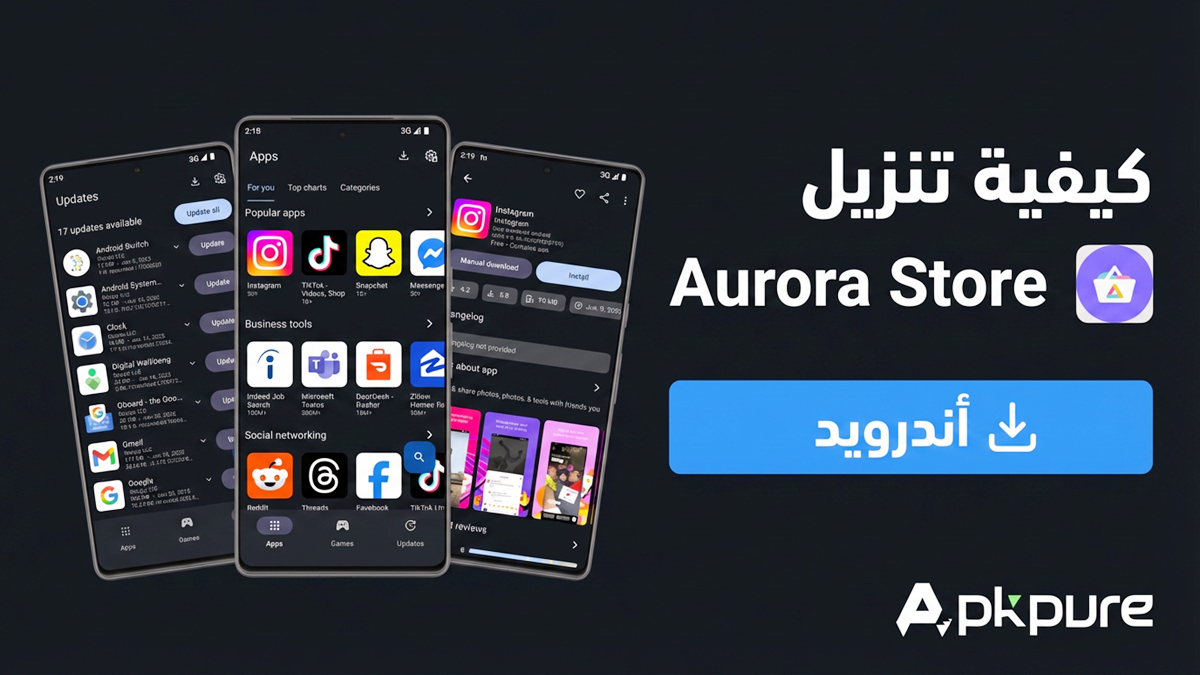

Aurora Store helps users who want app access and updates without tying usage to a personal account or extra services. It focuses on privacy and control, so you can explore listings, read details, and keep installations organized with a clear, ad free interface. In addition, it supports anonymous sessions and works on phones that do not include proprietary services by default. Download Aurora Store APK latest version on APKPure to start with a secure and familiar app experience.
Private and anonymous downloads
Aurora Store fetches authentic APKs and updates from official sources without asking you to sign in. You can download and install apps while keeping your account details out of the process. This approach suits users who prefer minimal data exposure.
Runs without proprietary services
Aurora Store works even if your device does not have Play Services installed. That means Huawei phones, custom ROM builds, and degoogled setups can still browse and update apps. If you use microG, Aurora Store provides helpful compatibility context as well.
Device and region spoofing for discovery
You can temporarily spoof device model and locale to view titles that are normally filtered by region or hardware. This helps testers and power users review availability and screenshots for research or quality checks. Switch back at any time when you finish comparing listings.
Privacy insights before you install
Aurora Store surfaces Exodus tracker reports so you can see known trackers linked to an app. It also shows Plexus information about microG compatibility. With these details, you can make informed choices without leaving the app.
Granular update management and app details
You can review pending updates in one place, ignore specific versions, and block unwanted updates for selected apps. After installation, Aurora Store can keep or auto delete the APK to match your storage habits. Detailed listings include descriptions, screenshots, change notes, reviews, and version info presented in a clean, ad free interface.
Aurora Store is an open source client that requests original APKs and updates from official sources. The project does not modify packages and does not require you to log in, which helps keep usage anonymous. Laws and app terms vary by region, so users should consider local rules and any agreements related to the apps they choose. Many users adopt Aurora Store for transparency and control, since source code and behavior can be reviewed by the community.
This app suits users who value privacy, including those on Huawei devices, custom ROMs, or degoogled phones that lack proprietary services. It is also useful for testers and developers who need to check region or device specific listings during quality checks. People who prefer centralized update control and ad free navigation will find the layout straightforward. If you follow the Aurora OSS project, you can track development and community discussions around features and fixes.
Getting started takes only a few minutes, and most settings are easy to adjust later. If you plan to download Aurora Store for private installs and updates, follow the simple steps below to set things up in a practical flow.
Open Aurora Store after installation, then review the welcome prompts so you understand how it handles downloads and updates.
Select an anonymous session to start browsing without linking a personal account, then grant any basic permissions requested by the app.
Use search or categories to find an app, open the listing, and check details, screenshots, reviews, and privacy insights before proceeding.
Tap Install to fetch the APK, then confirm the system install prompt. If asked, allow installs from this source to continue.
Go to the Updates section to manage future versions, and visit Settings to adjust device or locale spoofing, auto delete for APK files, and per app update blocks.
Aurora Store provides private browsing, discovery tools, and clear update control in one place. For users who prefer an account free experience with built in privacy insights, consider the Aurora Store apk latest version on APKPure to manage apps with steady control.
Latest Version
4.8.1Uploaded by
Hafez Abdullah
Requires Android
Android 6.0+
Available on
Rahul Kumar Patel
Category
Free Tools AppReport
Flag as inappropriateLast updated on Feb 16, 2026
Minor bug fixes and improvements. Install or update to the newest version to check it out!



APKPure - A multi-platform app store primarily focused on Android, providing extensive app-related content. Discover the app you want easier, faster, and safer, with quick and efficient downloads and installations.