

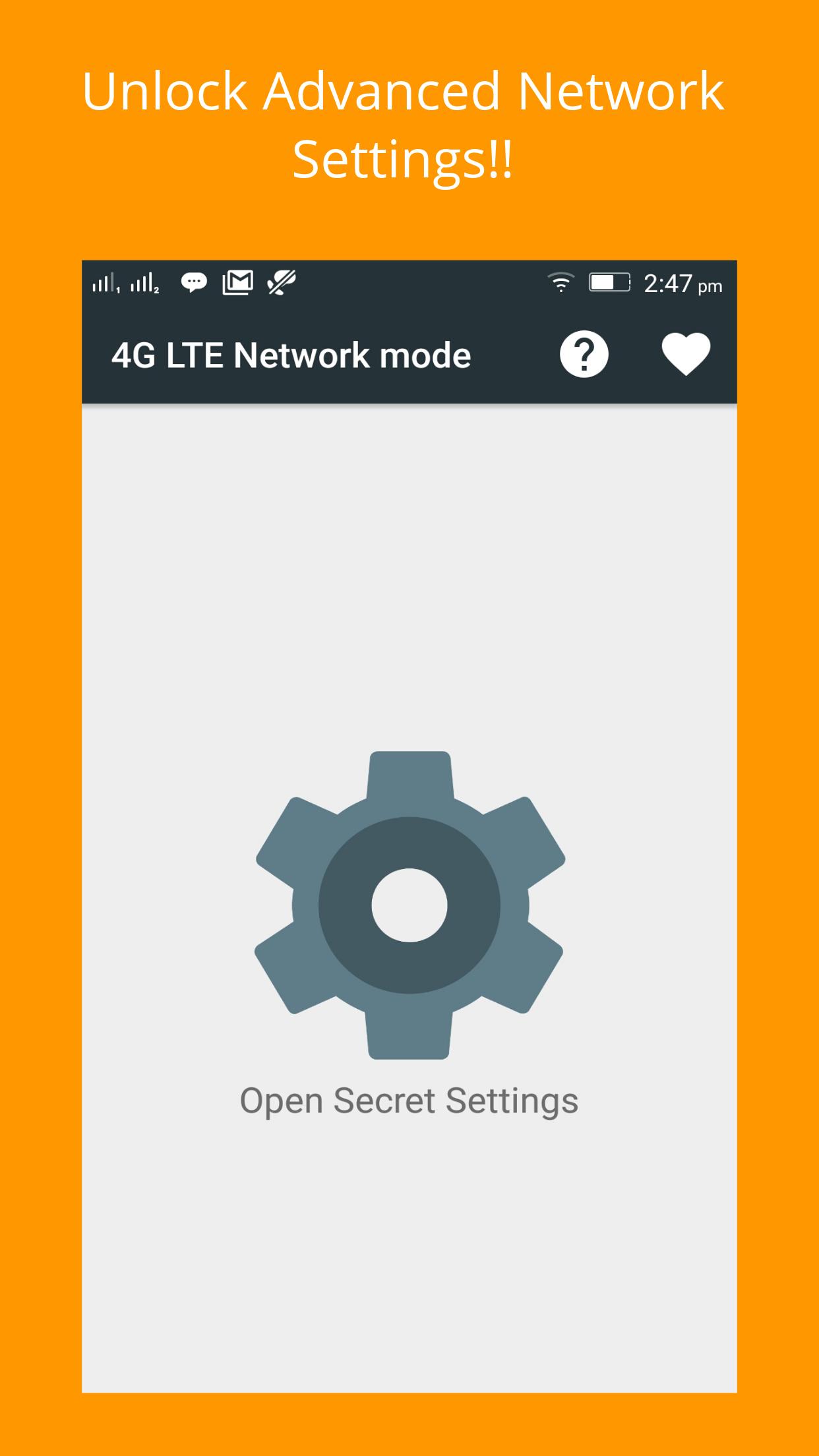
4G Only Network Mode suits users who face unstable mobile data or constant network switching during daily use. It opens a hidden settings menu for advanced cellular configuration on compatible phones, so you can adjust how your device connects to mobile networks. The app focuses on practical control rather than automatic changes, which can help maintain a steadier connection. It is designed for phones with Qualcomm chips across different brands. For quick setup and easy access to these tools, download 4G Only Network Mode.
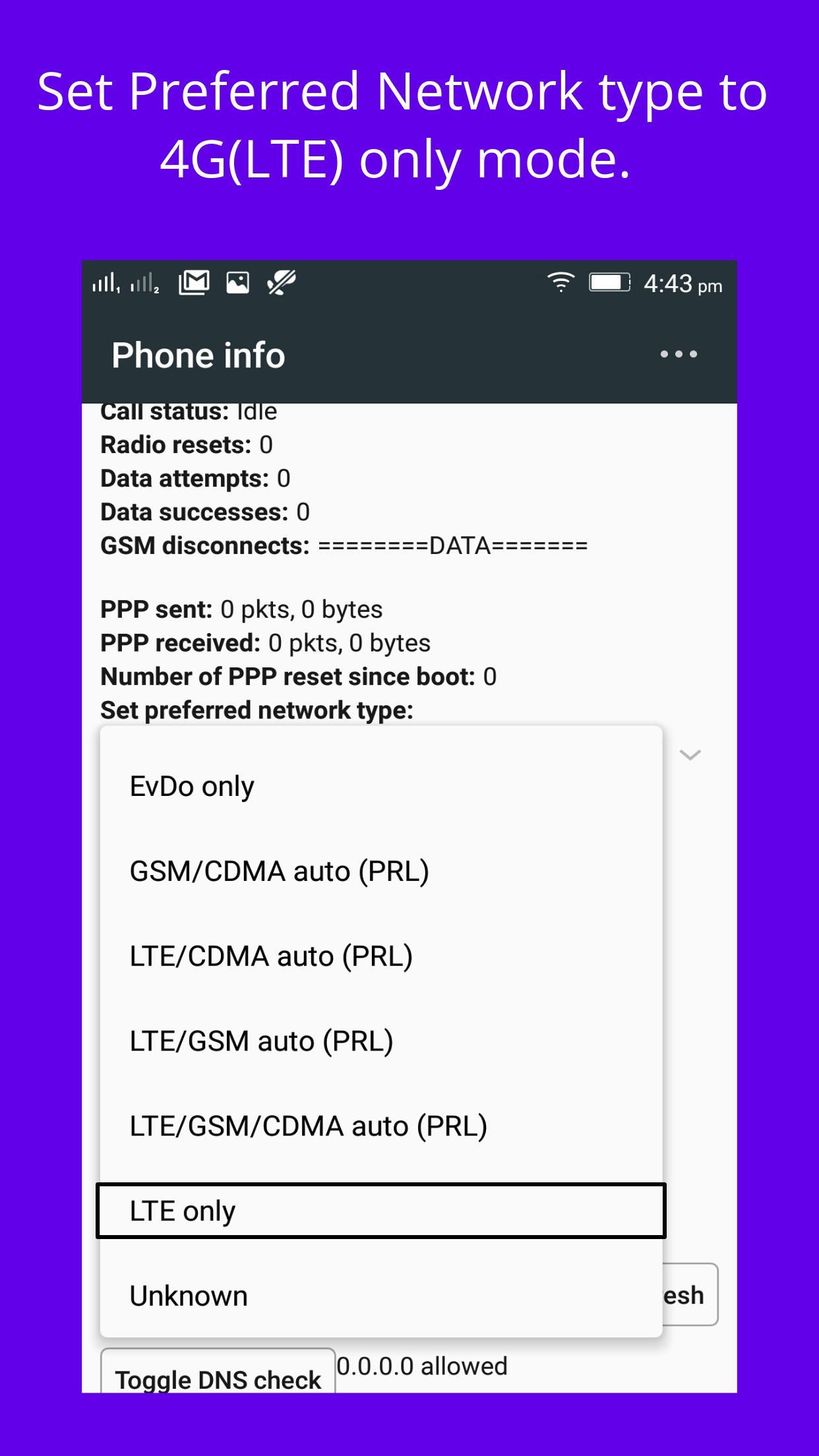
Set LTE only mode
4G Only Network Mode lets you switch your device to LTE only when supported. This may reduce network handoffs and help maintain more stable mobile data sessions in areas with mixed coverage.
Lock a specific network type
If coverage varies, you can lock the device to 4G, 3G, or 2G only. This avoids automatic network changes that can interrupt calls or data and keeps your phone on the chosen signal type.
Enable VoLTE on supported phones
On compatible devices, 4G Only Network Mode can enable voice over LTE for direct calling over 4G. Availability depends on device capabilities and carrier support, so results can vary by model and network.
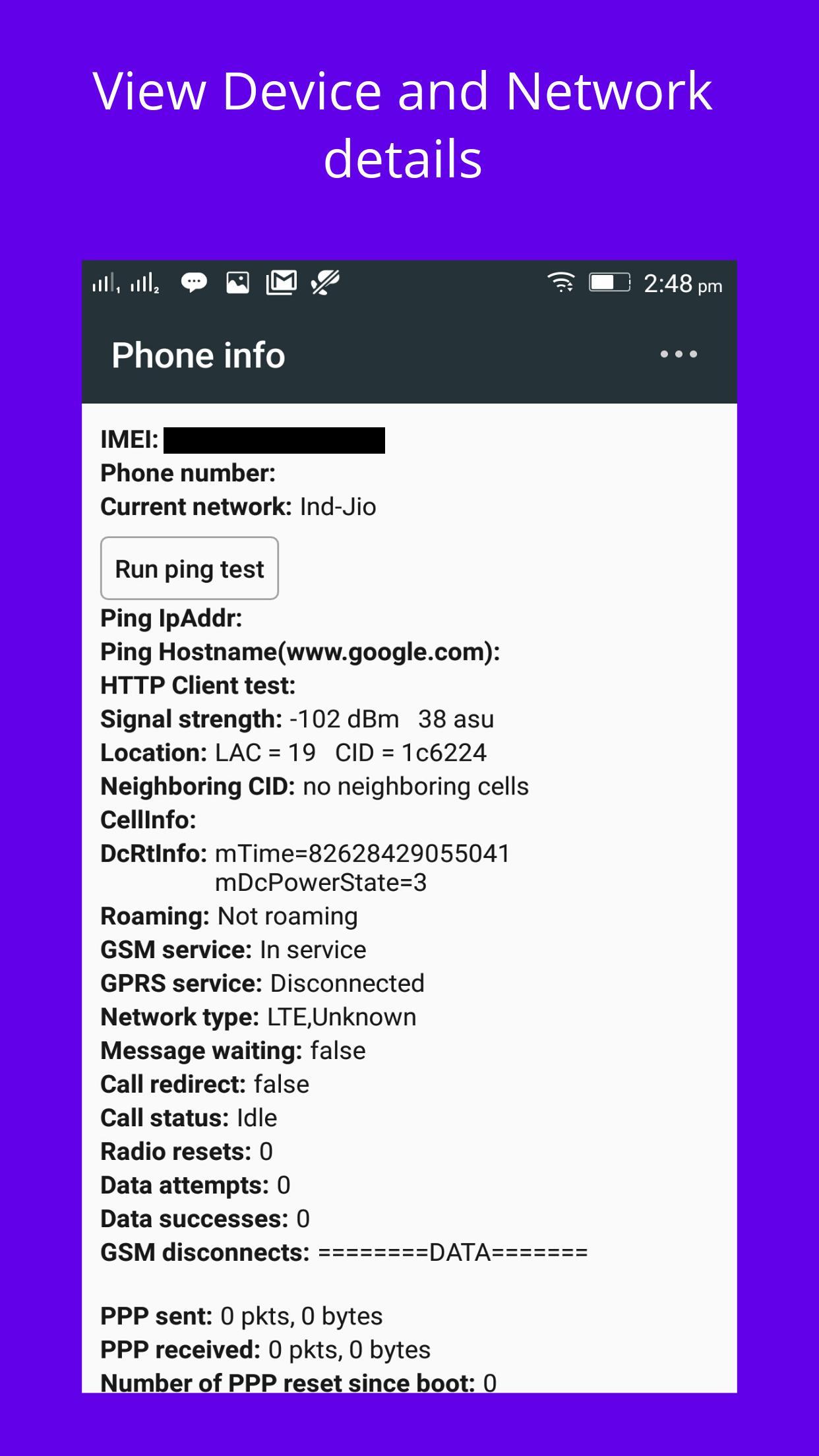
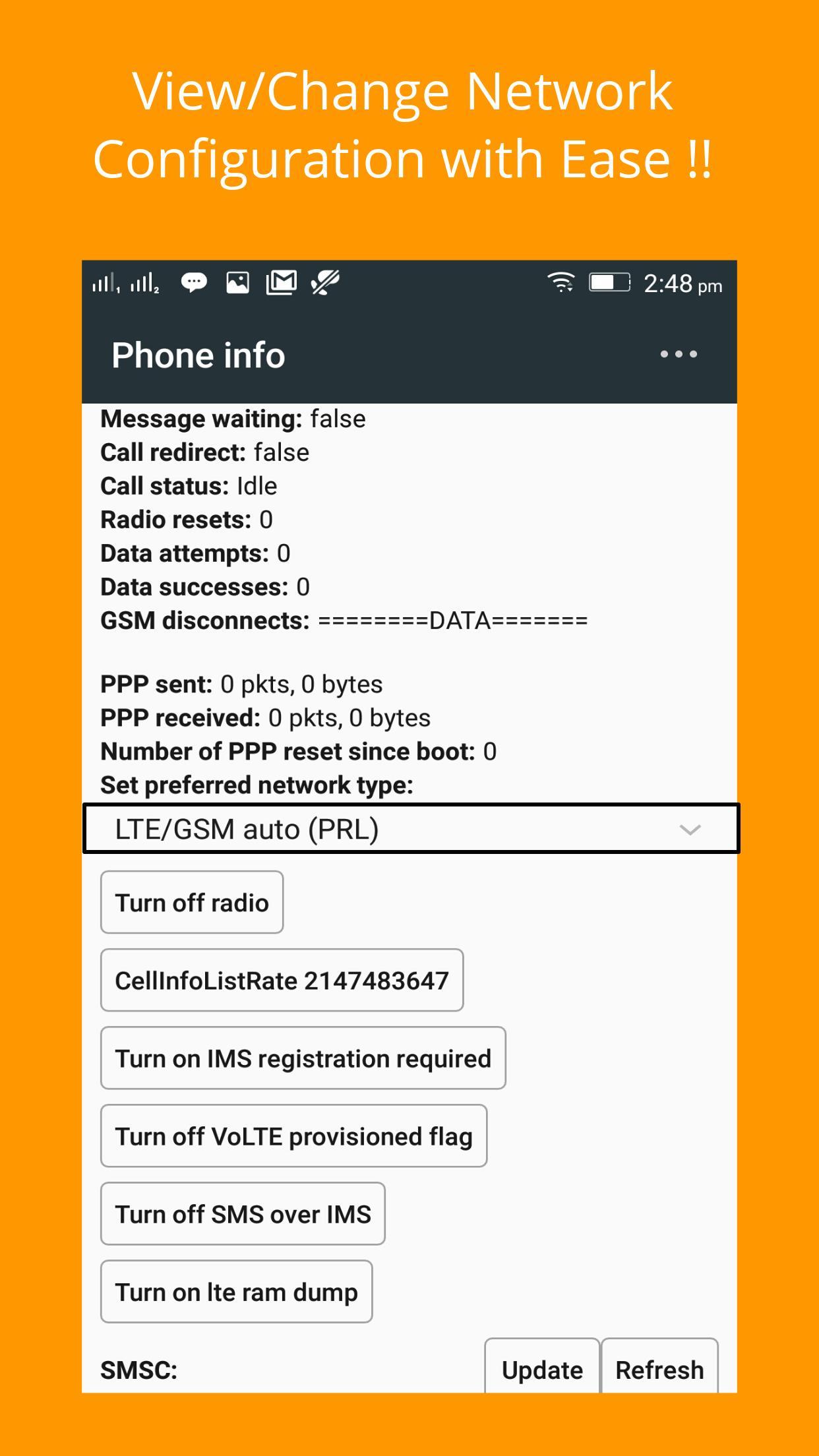
Advanced statistics and parameters
Use this tool to access advanced network options and control how your phone connects. Review device and carrier support before changing settings. For current improvements and compatibility updates, install the 4G Only Network Mode latest version.
Latest Version
3.3Uploaded by
Владимир Иванов
Requires Android
Android 4.1+
Category
Free Communication AppContent Rating
Everyone
Report
Flag as inappropriateLast updated on May 16, 2021
Performance Improvements

APKPure - A multi-platform app store primarily focused on Android, providing extensive app-related content. Discover the app you want easier, faster, and safer, with quick and efficient downloads and installations.











