Scan Date:Oct 21, 2025
Show More

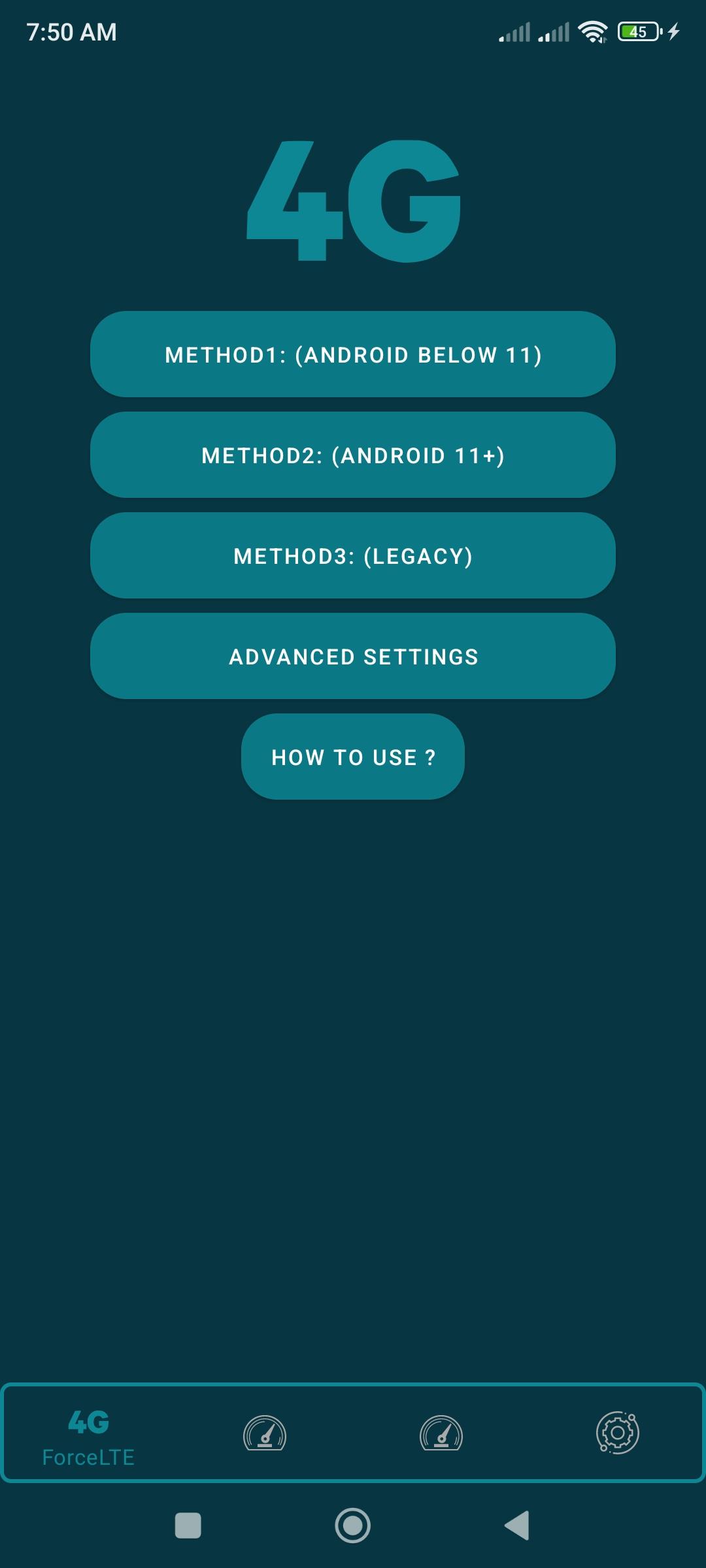
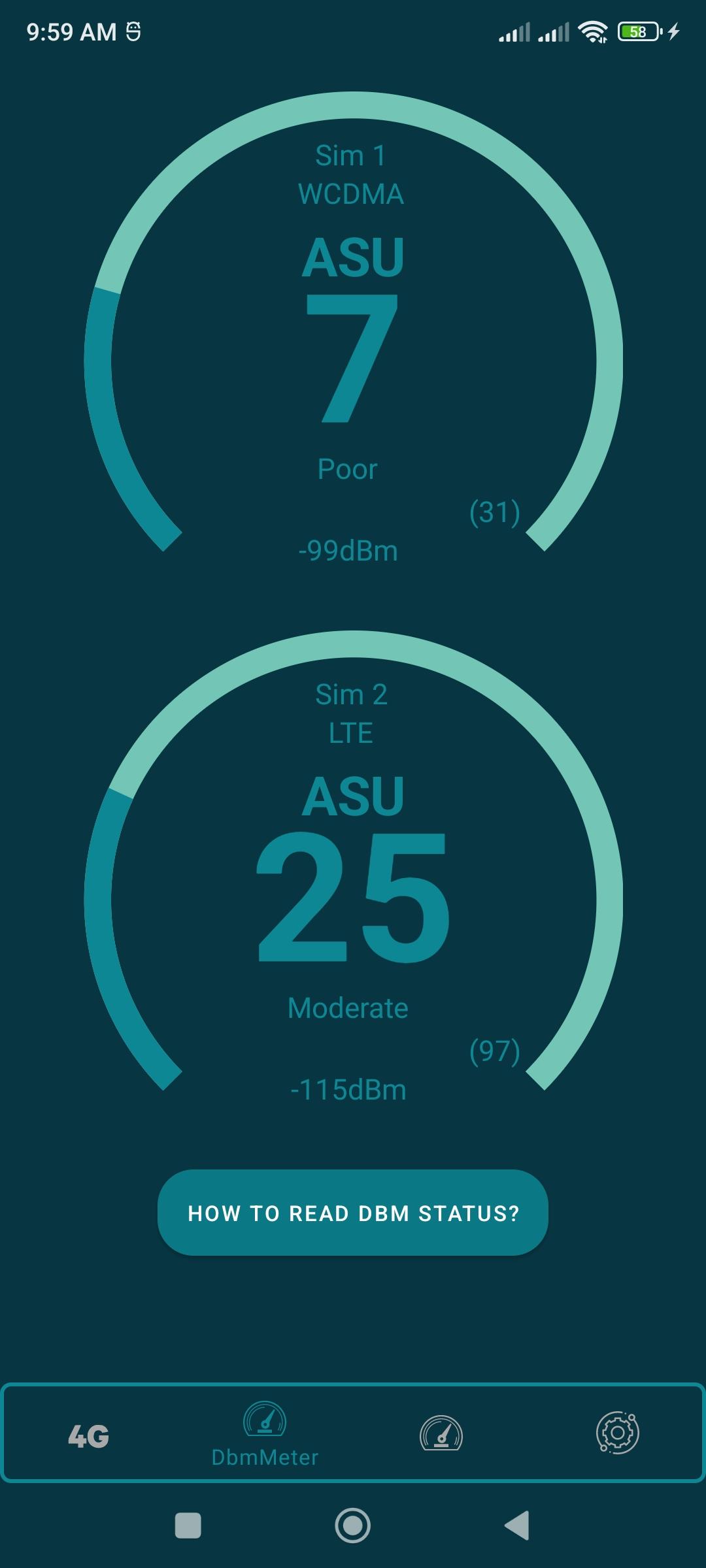
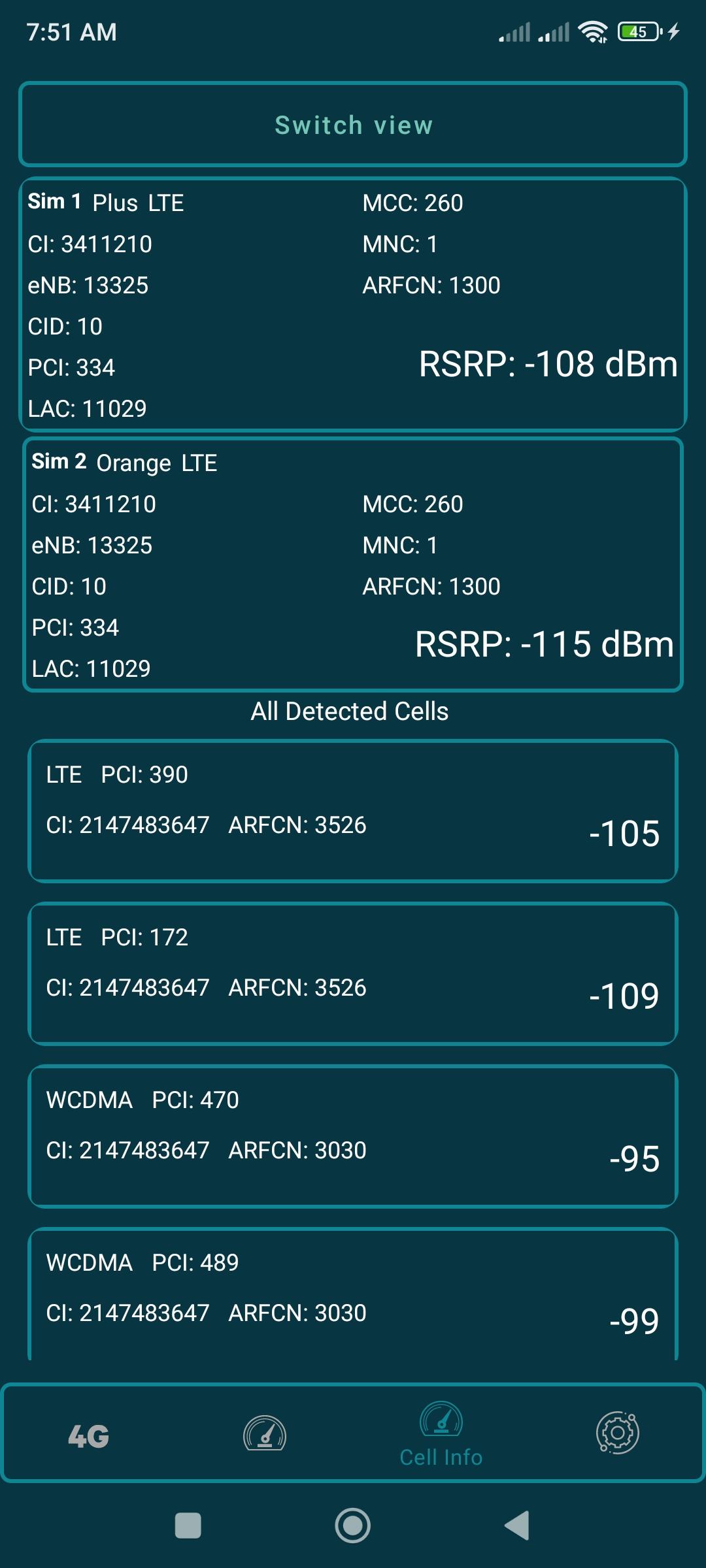
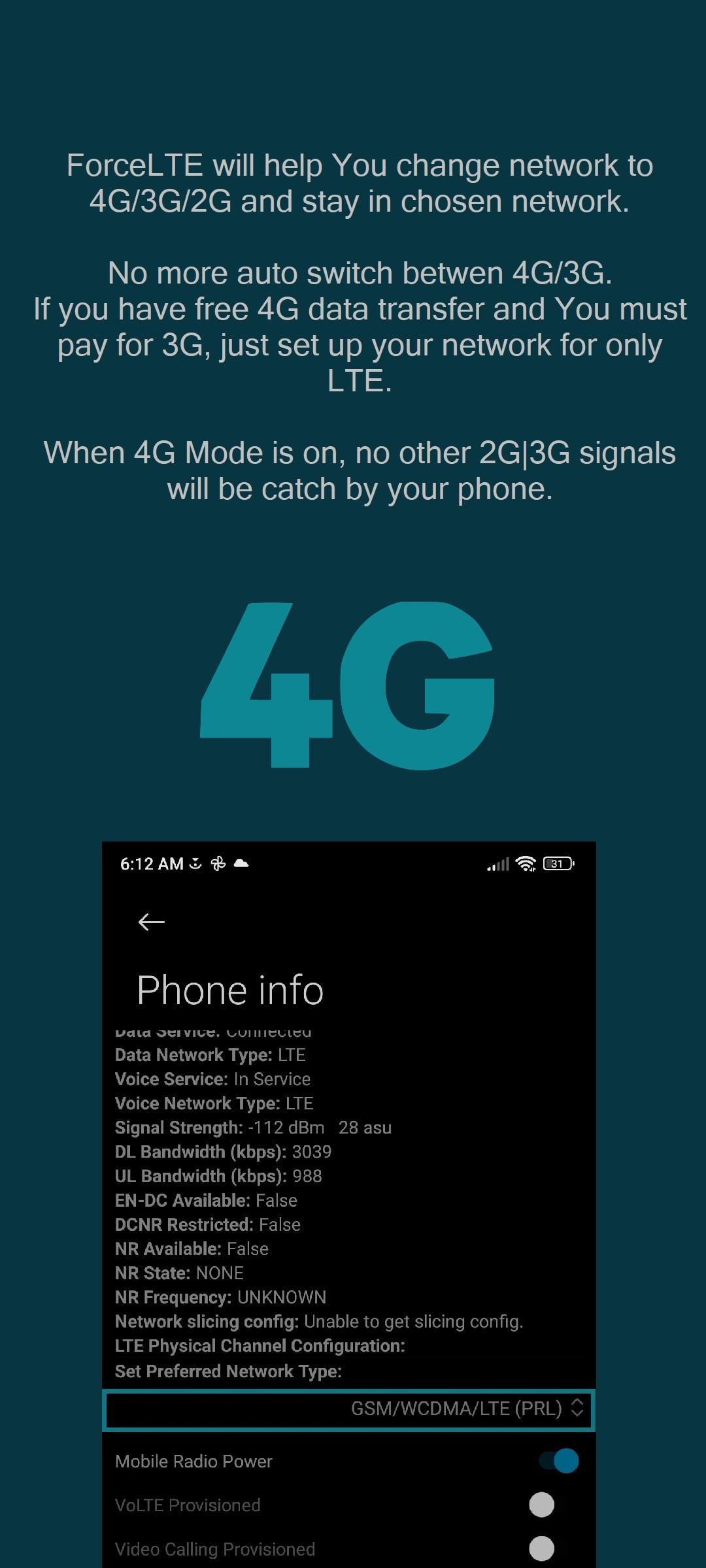
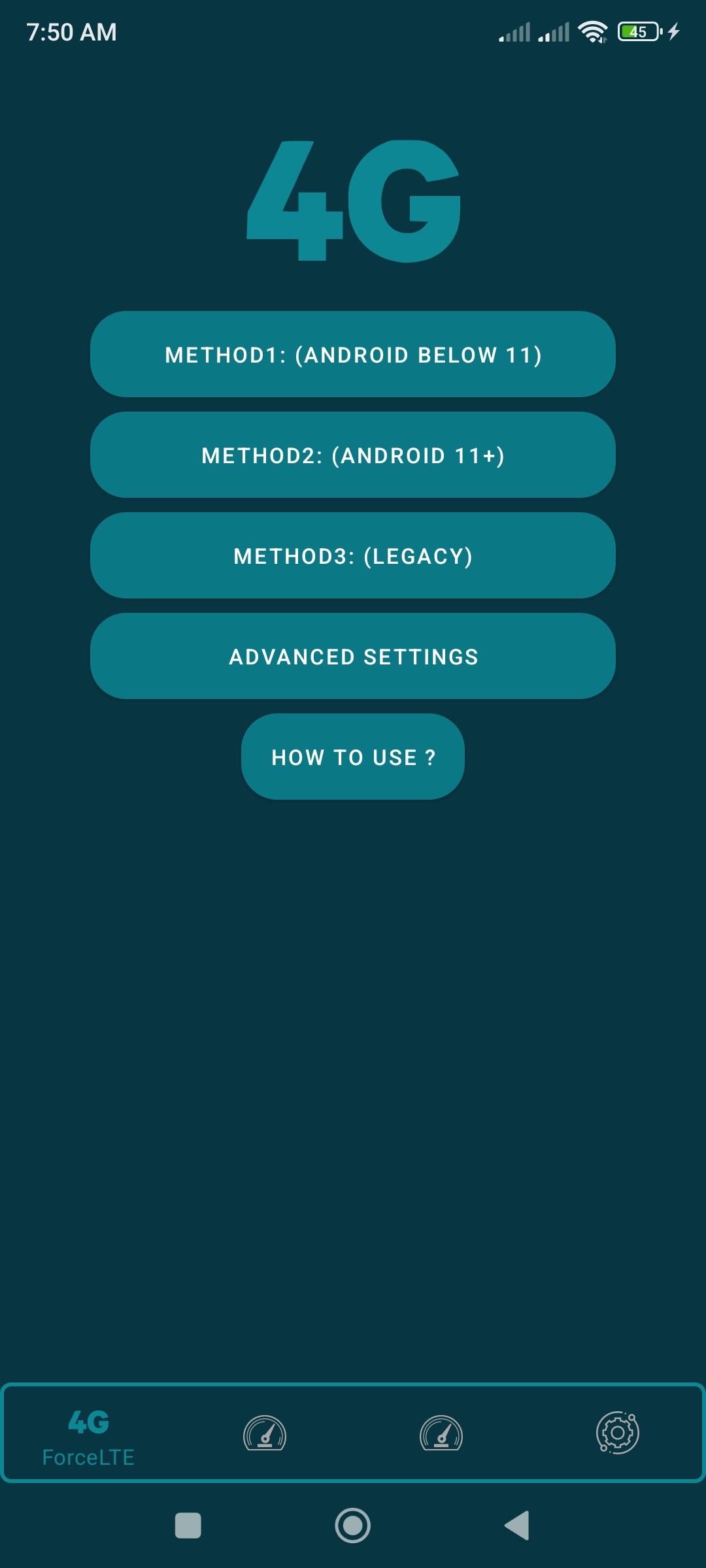
Force LTE Only (4G/5G) helps when your phone switches between 4G and 3G or when you want to avoid extra 3G charges. It lets you set a preferred network mode and keep it, which can steady connections in areas with mixed coverage. Additionally, recent builds support Android 11 and devices with 5G NR. However, support varies by manufacturer and model, and some brands block forced network switching. If it does not work on your device, the limitation is from the phone. Get the Force LTE Only (4G/5G) APK for compatible phones.
Lock to LTE, 3G, or 2G
You can choose LTE only, 3G only, or 2G only depending on your needs. Once selected, the device stays on the chosen mode instead of automatically bouncing between 4G and 3G. This is helpful in locations where frequent network changes interrupt calls or data. You can switch back whenever your situation changes.
Support for Android 11 and 5G NR
Additionally, Force LTE Only (4G/5G) works on Android 11 and recognizes devices with 5G NR. If your hardware and carrier provide 5G, you can select modes that suit your coverage while keeping control over switching. This gives users on modern phones a way to manage network behavior in mixed 4G and 5G environments.
Control costs when plans split 4G and 3G
When budgets matter, you can set LTE only if your plan offers free 4G but charges for 3G. This reduces the chance of unexpected charges from brief 3G fallbacks. It is most useful in areas where signal conditions cause frequent network changes.
Device and brand limitations
Finally, be aware that some phone brands restrict forced network selection at the system level. In such cases, the app cannot override those blocks. Results may differ even across models from the same brand. Test on your device, and if changes do not apply, the restriction comes from the manufacturer rather than the app.
This tool helps you pick and hold a mobile network mode on compatible devices. Review your coverage and plan details, then choose the mode that fits your situation. For best compatibility, install the Force LTE Only (4G/5G) latest version and verify results on your specific phone.
Latest Version
9.1.2Uploaded by
Xsquare Studio
Requires Android
Android 7.0+
Category
Free Tools AppContent Rating
Everyone
Security Report
Report
Flag as inappropriateLast updated on Oct 21, 2025
- Improved application performance
- Added new features
- Added support for new Android versions



APKPure - A multi-platform app store primarily focused on Android, providing extensive app-related content. Discover the app you want easier, faster, and safer, with quick and efficient downloads and installations.