

+18 Stickers for Whatsapp suits users who want a quick, visual way to show flirtation, desire, or playful mood during conversations. It focuses on expressive stickers for consenting adults, which helps you set context without long messages. The interface focuses on simple browsing and quick adding, so you can move from discovery to sending with minimal steps. As chats shift between teasing and intimacy, the app helps you match the tone naturally. If you plan to download +18 Stickers for Whatsapp, expect organized categories that keep selection straightforward.
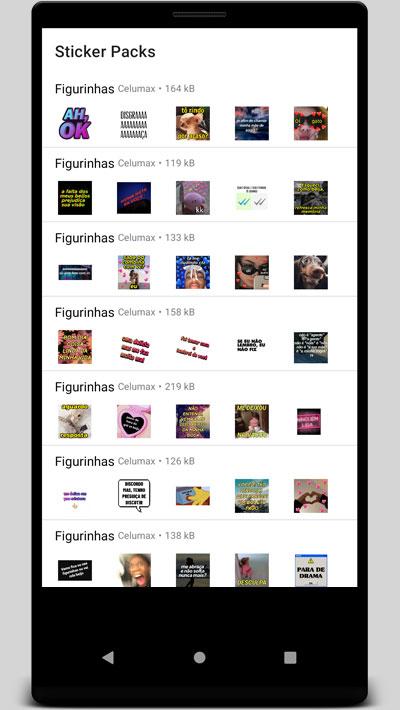
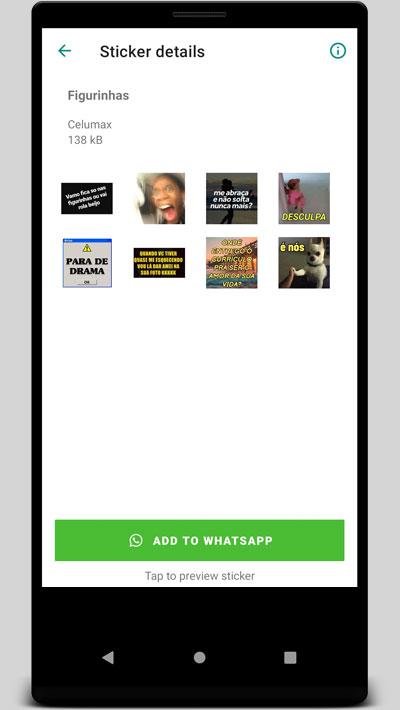
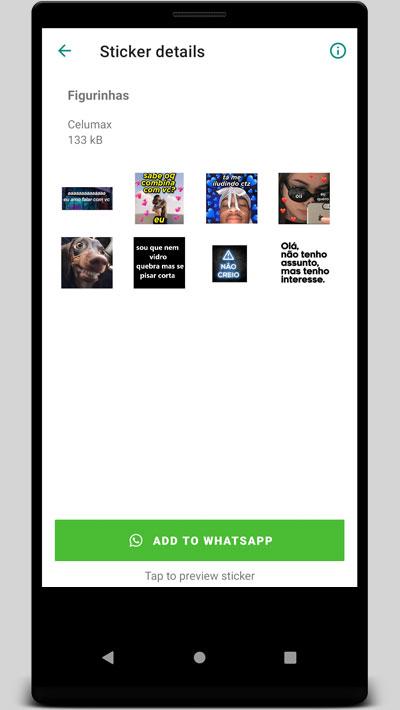
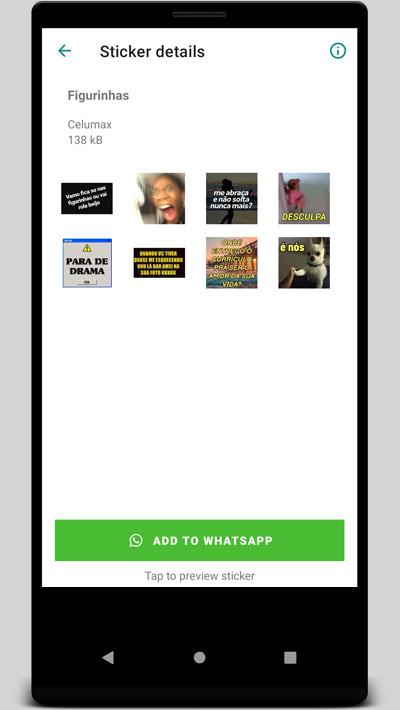
Animated adult-themed sticker packs
+18 Stickers for Whatsapp provides animated stickers designed for private conversations. Movement adds emphasis to your message, which makes reactions clearer and more expressive in chat. You can respond with a single sticker when words feel too slow.
Wide range of romantic and playful themes
The catalog covers romance, fantasies, sex games, roleplay, possessive or lover tones, and LGBTQ+ themes. This variety lets you match different moments, from light teasing to bolder messages. As your mood changes, you can switch themes without leaving the conversation style you prefer.
Built for WhatsApp chats
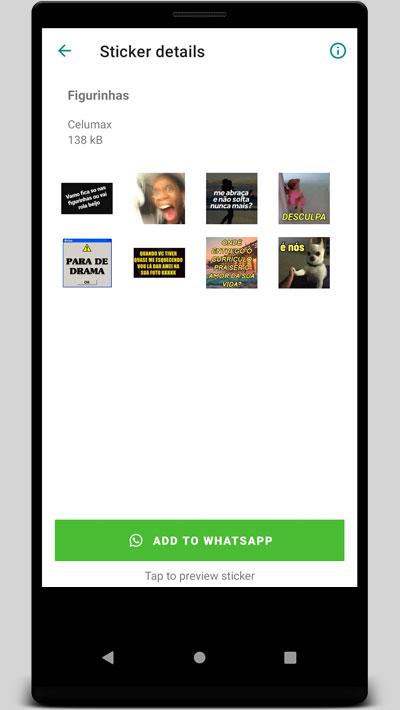
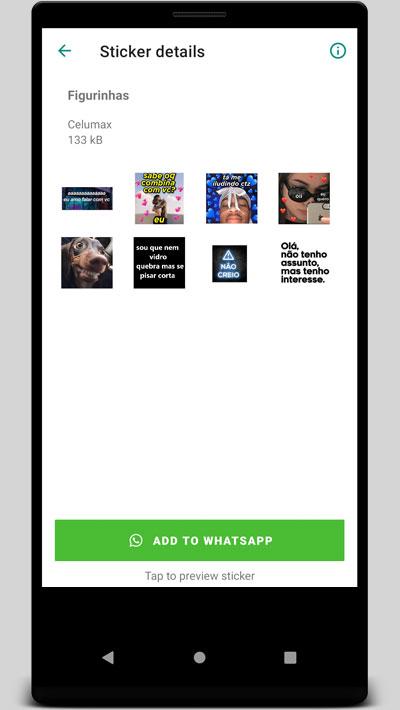
The stickers are formatted for smooth use inside WhatsApp, so they appear in your sticker tray after adding. You can send them like any other pack supported by the WAStickerApps format. This keeps the flow of chatting simple and familiar.
Easy browsing with a large catalog
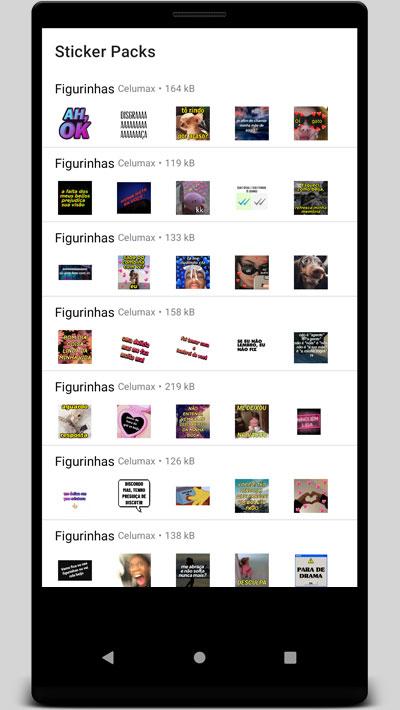
Collections are free to browse, which helps you explore before adding anything to your chats. The app includes dozens of packs and hundreds of stickers, so you have fresh options when you want to change the tone. This breadth makes it easier to personalize how you communicate in different conversations.
Useful for couples and close friends
+18 Stickers for Whatsapp helps couples and close friends express intentions and reactions quickly. A single sticker can clarify mood, reduce mixed signals, and keep the conversation on track. This is practical when you want to maintain a playful rhythm without typing long replies.
This content is intended for adult audiences in private contexts. Share stickers only with consenting recipients and avoid sending them in groups that include minors or people who may find such content unwelcome. Before sharing in any group, check its rules and culture to prevent misunderstandings.
Consider the privacy of your conversations. Use private chats for sensitive topics and review your notification previews if you are concerned about on-screen content visibility. If a contact prefers not to receive adult-themed stickers, respect their preference and switch to neutral communication.
The focus is on bold, romantic, and playful themes designed for personal messaging. Stickers aim to convey mood and intention in a direct way, which can reduce the need for lengthy explanations. Content is designed for adult contexts, so select packs that align with your comfort level and the preferences of your chat partner.
This quick guide explains how to add packs and start sending stickers after installing +18 Stickers for Whatsapp APK. Follow the steps to move from browsing to sending without disrupting your chat flow.
+18 Stickers for Whatsapp offers animated, adult-oriented stickers that help you communicate mood and intention in private conversations. For stable performance and access to current packs, consider installing the +18 Stickers for Whatsapp latest version.
Latest Version
1.0Uploaded by
Венци С.
Requires Android
Android 4.1+
Category
Free Personalization AppContent Rating
Everyone
Report
Flag as inappropriateLast updated on Nov 30, 2021
Minor bug fixes and improvements. Install or update to the newest version to check it out!



APKPure - A multi-platform app store primarily focused on Android, providing extensive app-related content. Discover the app you want easier, faster, and safer, with quick and efficient downloads and installations.