

1111 VPN helps when you need quick privacy on public WiFi, or when sites and apps are restricted at work, school, or while traveling. It keeps setup simple and routes your traffic through an encrypted tunnel, so everyday tasks like messaging or watching videos feel familiar. The focus is practical use without extra steps, and the approach suits new users and frequent travelers alike. Users who install the 1111 VPN APK typically want straightforward access with basic protection across regions.
One-tap connection
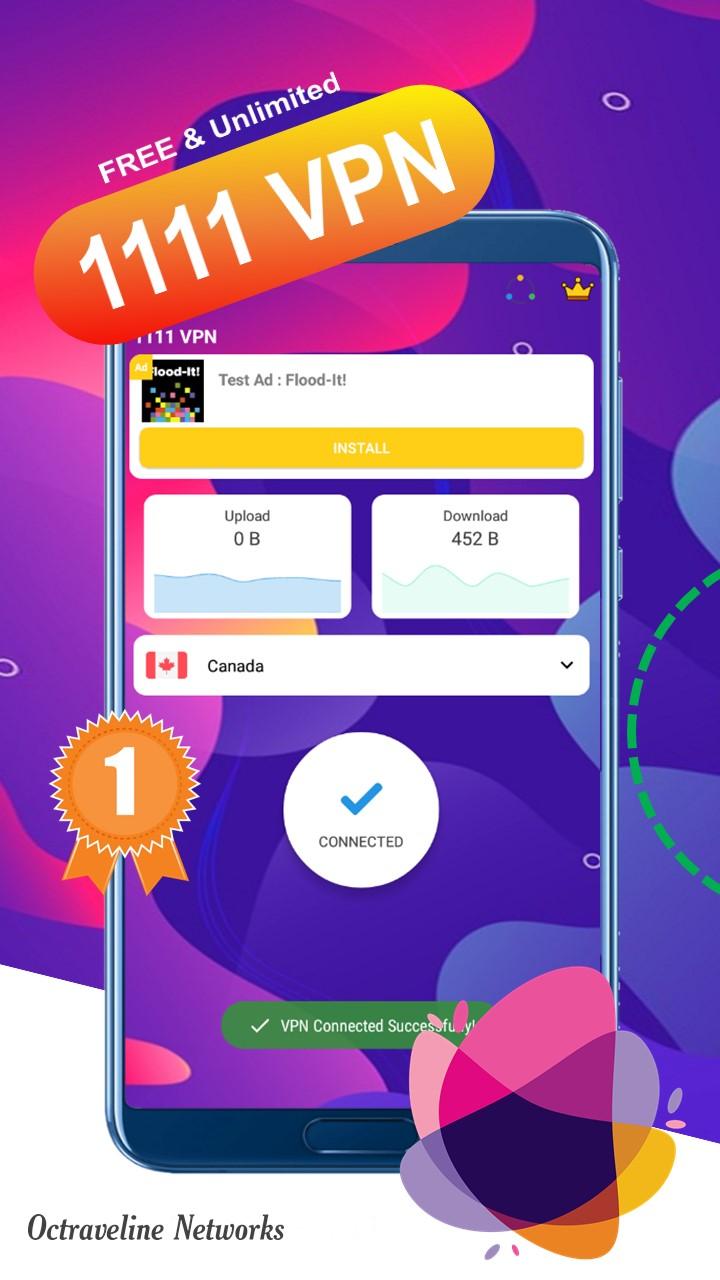
1111 VPN keeps the interface minimal. A single Connect button starts or stops the session, and a small VPN icon shows when traffic is protected. This helps when switching between WiFi and mobile data without digging through settings. From there, performance depends on the server you reach, which the app can pick automatically.
Automatic fast servers
The app selects a working server for you across regions such as the United States, India, Japan, Singapore, Canada, France, Germany, and the United Kingdom. If a video buffers or a page loads slowly, disconnect and reconnect to get a different route. For best compatibility, use the 1111 VPN latest version before testing streams or social feeds.
OpenVPN security options
Beyond speed, security matters. Connections use OpenVPN with UDP for faster transfers or TCP for steadier links. The app claims 2048 bit encryption and a no log policy to help keep activity private during transit. Still, favor HTTPS sites and sign out after sessions on public networks.
Access to blocked sites and apps
When connected, you can route traffic through other regions to open services that might be restricted. Typical examples include YouTube, Instagram, WhatsApp, and similar apps. Access to specific streaming catalogs is not guaranteed, so a quick reconnect may help when a title or feed is blocked.
1111 VPN offers a simple way to add a private tunnel for everyday browsing, streaming, and social apps. If this setup matches your needs, download 1111 VPN and allow the VPN permission on first launch. Tap Connect, open your target app, and reconnect if speeds vary during use.
Latest Version
6.3Uploaded by
Octraveline Networks
Requires Android
Android 4.1+
Category
Free Tools AppContent Rating
Everyone
Report
Flag as inappropriateLast updated on Mar 1, 2025
Minor bug fixes and improvements. Install or update to the newest version to check it out!





APKPure - A multi-platform app store primarily focused on Android, providing extensive app-related content. Discover the app you want easier, faster, and safer, with quick and efficient downloads and installations.













