Want the World’s best zip file opener for Android! zip file with password - zip unzip rar opener is the no# 1 simplest, easiest and the quickest compression program. Generate Zip files, encrypt, extract files, open Zip, RAR files, share files by Bluetooth, email, whatsapp, Facebook, gmail, Zapya, Skype, Viber and Google Drive.
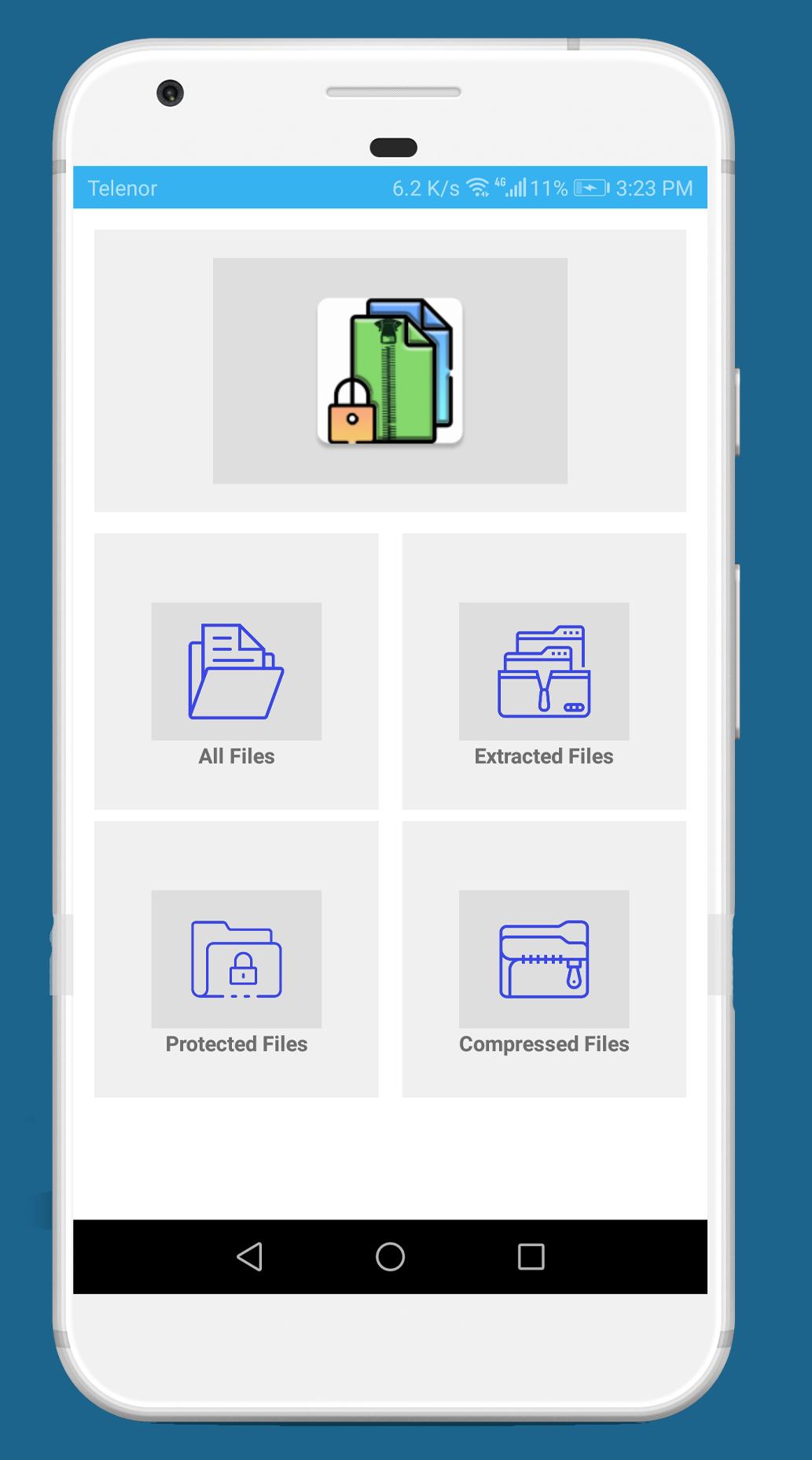
Sharing of rar and zip password protected files is very safe and simple with Zippo just with few clicks. Zippo make it easy to deal with compress file efficiently. Don’t need to find compressed files just open app and click on compressed Folder all compressed files in your phone will be there. Searching files is sometimes very difficult so this app is there for you to help searching photos, videos, audios, documents and compressed files by name and compress them.
It Assists you to:
1- Zip the files present in your phone’s storage
2- Unzip compressed file types, including .ZIP .RAR, with few clicks
3- Create password-protected zip files
4- Decompress password-protected zip files
5- Open compressed Files
6- Share the compress file using Bluetooth, email, whatsapp, Facebook, gmail, Zapya, Skype, Viber and Google Drive
7- Compress and uncompressed large files including common formats of doc, .docx, .xls, .xlsx, .ppt, .pptx,.pdf
8- Zip and unzip photos including format of .jpg, .jpeg .png, .bmp, .gif, .tif, and more
9- Zip and unzip audios including format of MP3, MP4, M4A, FLAC, WAV and more
10- Zip and unzip videos including MP4, AVI, WMV and more
11- Make archives of all text files including .txt, .rtf, .csv, .ini, .inf, .bat, .js, .log, .xml,.css, .java, .cs, .h, .m, .cpp, .c, .sql,. properties)
FEEDBACK:
Your feedback is the most important thing for us If you have any problem while using the application, let us know through your worthy comments we will fix it as early as possible.
Mini FAQ:
Q: The program is not working?
A: Send us email with the description of the error.
Q: What is password?
A: Secret code that you select while compressing the file
Q: How to compress files?
A: Select all files which you want to compress, by clicking on the check box then click on "Compress" button. Your files will be compressed.
Q: How to extract files?
A: Click on archive name and select "Extract " button
Latest Version
1.12Uploaded by
Cauan Silva
Requires Android
Android 4.4+
Category
Free Tools AppContent Rating
Everyone
Report
Flag as inappropriateLast updated on Jun 24, 2021
Bugs Fixed.
User experience improved.



APKPure - A multi-platform app store primarily focused on Android, providing extensive app-related content. Discover the app you want easier, faster, and safer, with quick and efficient downloads and installations.