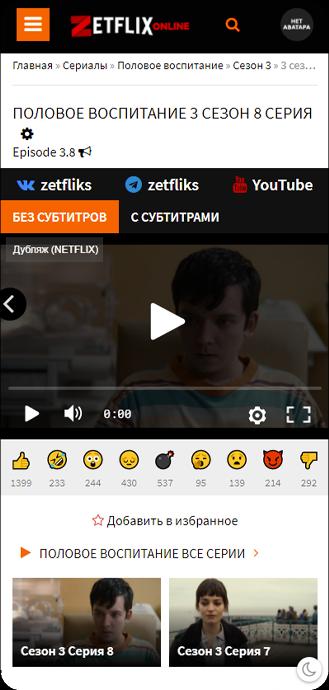
ZetFlix helps users who want to watch well known shows on a phone without paying for an official plan. The app focuses on series and makes mobile viewing straightforward, which suits short sessions during commutes or breaks. In addition, interest around TV use exists, yet the experience is primarily built for handheld devices. For those exploring an alternative catalog, the ZetFlix APK provides installation on Android and a simple path to start watching.
ZetFlix provides viewing of selected series and movies without an active subscription. This helps you check popular content quickly and decide what to watch next. As you browse, playback starts inside the app with minimal steps.
Focus on Netflix originals and trending seriesZetFlix highlights originals and long running series many users follow. Titles commonly searched include Stranger Things, Wednesday, The Witcher, You, Elite, Emily in Paris, Ginny & Georgia, and Black Mirror. Availability can change over time, so specific shows may appear or become unavailable depending on the catalog.
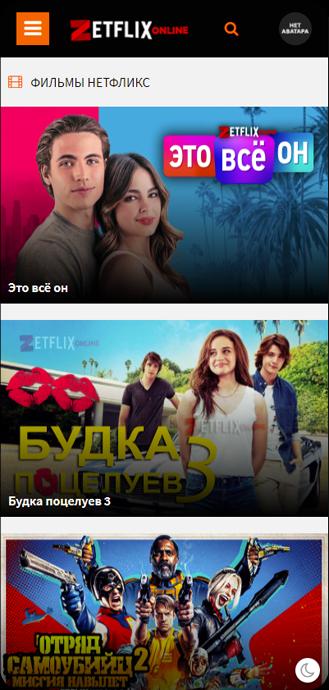
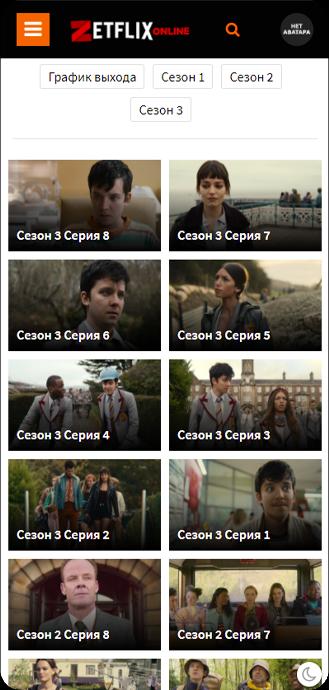
Mobile oriented viewing experienceZetFlix is designed for phones and tablets, which makes casual watching straightforward on Android. You can browse the catalog and then switch to full screen during playback. This layout supports short sessions and quick resumes throughout the day.
Simple catalog discoveryAs you explore, ZetFlix surfaces sought after series so you can find familiar names fast. You may look up a show by its title or scan collections that emphasize current interest. This approach reduces time spent searching and keeps navigation simple.
APK installation for AndroidZetFlix is distributed as an APK, which lets you install it directly on Android devices. This format suits users who manage apps manually and prefer straightforward setup. After install, opening the app brings you to content sections without extra steps.
ZetFlix is not affiliated with Netflix or any official rights holders, and it provides access without an official subscription. Because sourcing is not tied to a licensed service, content availability can vary, and some titles may be limited in certain regions or removed without notice. Users should understand that catalogs change and that named series may not always be accessible. Before choosing to download ZetFlix, consider these factors and check the app regularly for updates to the catalog.
Interest in watching on Android TV or Samsung TV is high, yet official support is not confirmed within the app information. ZetFlix is built around mobile viewing, so results on TV platforms may differ or not work as expected. iOS use is not indicated, and the app focuses on Android installation through an APK file. If TV playback is important, test cautiously and expect a mobile first experience.
Users often ask what ZetFlix is and how it differs from official streaming services. ZetFlix is a third party app that aggregates series and films for free viewing on Android without a paid plan. Questions also center on specific shows such as Stranger Things or The Witcher; availability changes, so check inside the app after installation. For installation related queries, search terms like ZetFlix app download or Zetflix download refer to the same APK package.
Getting started is straightforward for Android users who prefer manual installs. To begin, download ZetFlix from a source you trust and open the APK on your device. After installation, launch the app and follow the steps below to reach your first episode or film.
ZetFlix offers mobile access to selected series and films without a paid plan. If this suits your viewing needs, install the ZetFlix latest version and check the catalog for your preferred titles. Use the app for short sessions or evening viewing on your Android device.
Latest Version
0.0.1Uploaded by
ZETFLIX
Requires Android
Android 5.0+
Category
Free Entertainment AppReport
Flag as inappropriateLast updated on Dec 27, 2024
Minor bug fixes and improvements. Install or update to the newest version to check it out!




APKPure - A multi-platform app store primarily focused on Android, providing extensive app-related content. Discover the app you want easier, faster, and safer, with quick and efficient downloads and installations.