Scan Date:May 14, 2026
Show More


Zello brings real time voice conversations to individuals and frontline teams, so people can coordinate quickly without dialing or waiting on calls. It supports direct chats and larger group communication, and it fits both personal use and enterprise deployments. The service works across Android, iOS, Windows, and Mac, and it connects well with common accessories such as headsets and speaker mics. Organizations can choose the free service, the ZelloWork cloud, or an on premises Enterprise Server. Therefore, Zello adapts to many workflows while keeping voice at the center of day to day operations.
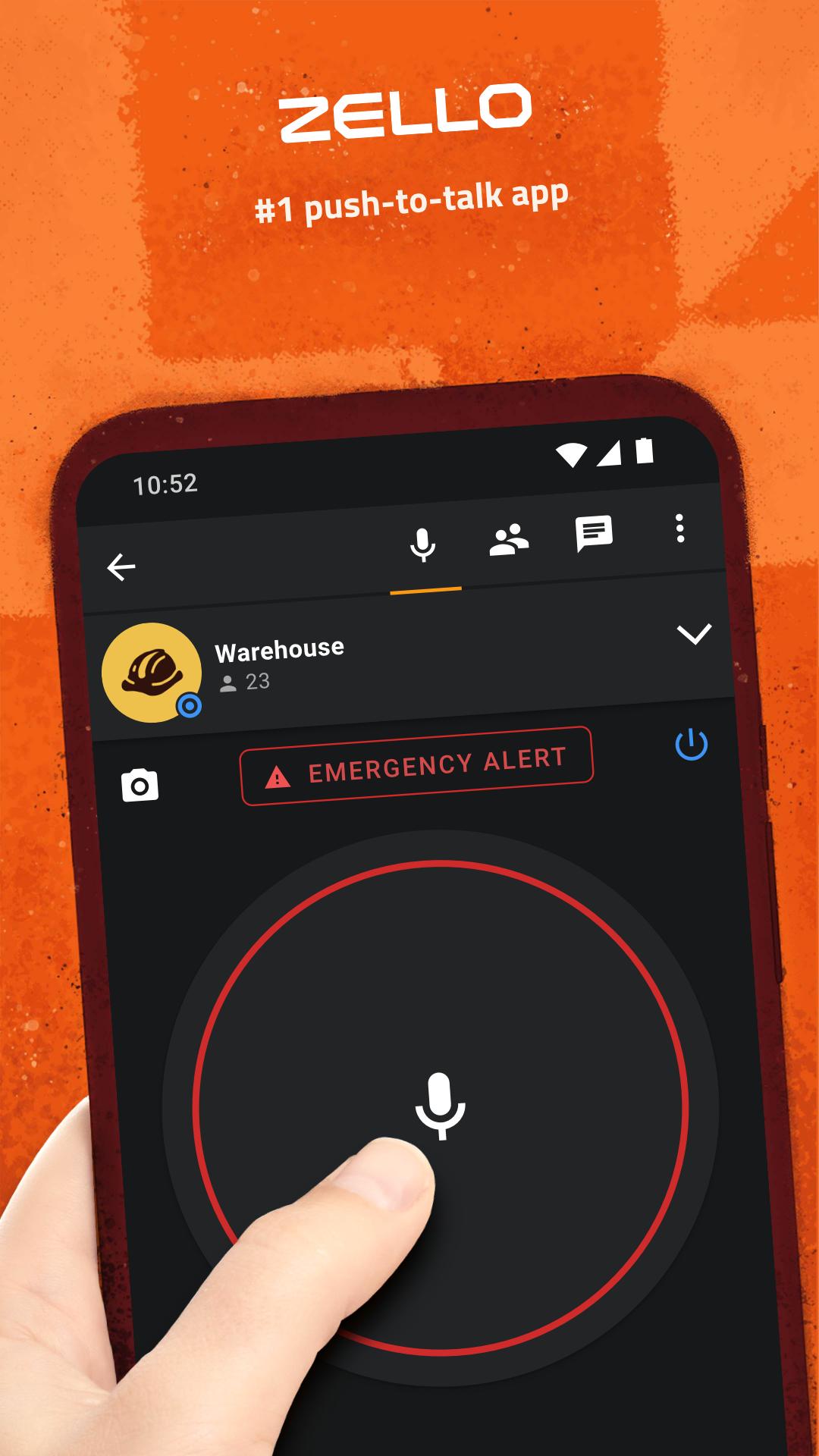
Instant push to talk
Zello delivers low latency voice so you can press, talk, and get heard in real time over Wi Fi or mobile data. Conversations feel natural since audio streams immediately and stays clear even when networks are busy. This keeps teams aligned during fast moving tasks.
Channels for groups and events
Create public or private channels to organize teams by role, shift, or location. Zello supports one to one and one to many talk paths, including large channels with thousands of members. As a result, you can scale communication without changing tools.
Message history and alerts
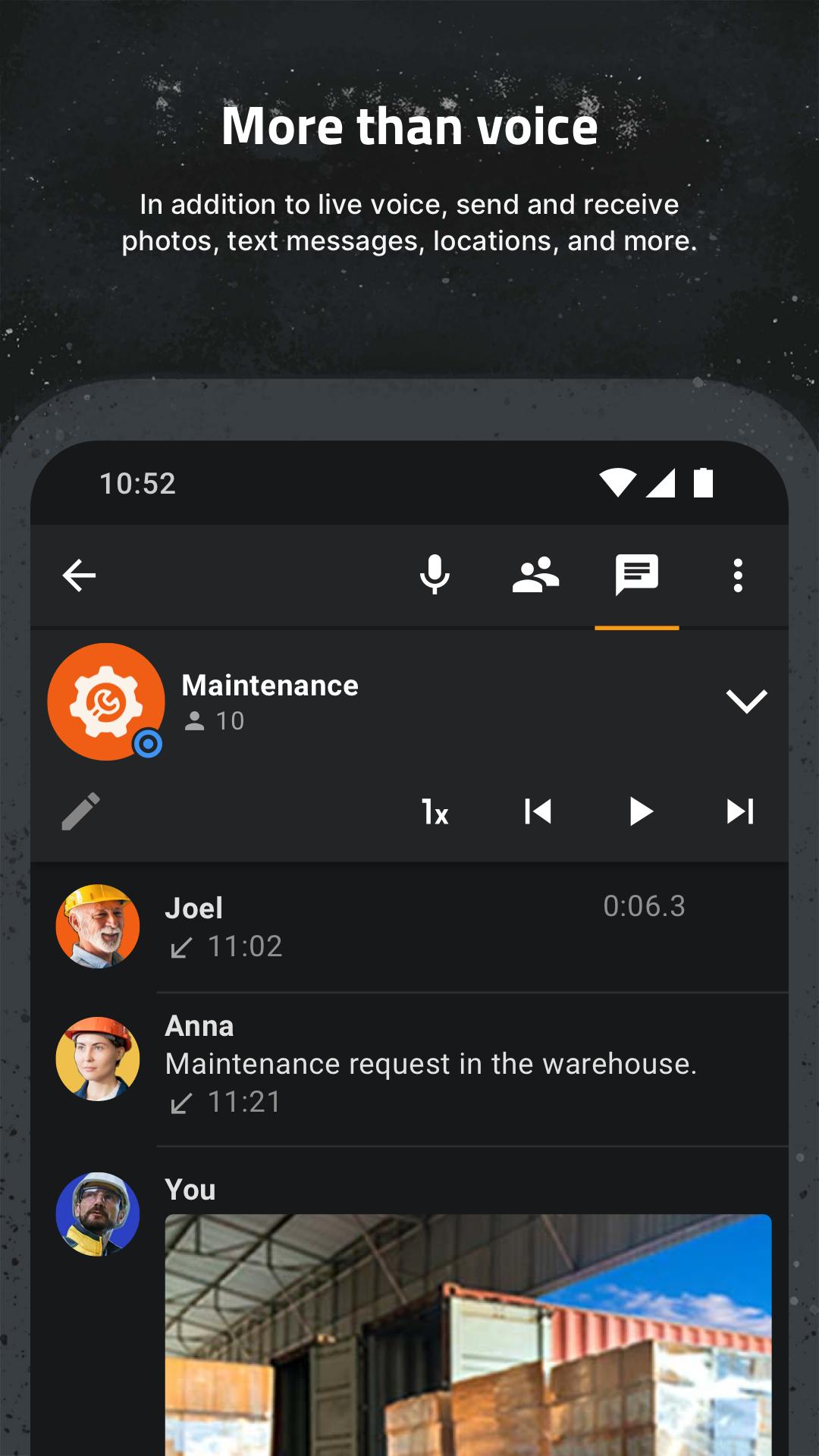
Replay recent voice messages when you miss a call, and optionally use transcription to skim what was said. Push notifications and call alerts make sure urgent traffic is noticed. Therefore, nothing important gets lost when you step away.
Works with headsets and buttons
Map a hardware push to talk key on supported devices to keep your hands free. Zello also works with Bluetooth headsets, earpieces, and speaker mics for clearer audio in loud areas. This makes field use practical and consistent.
Cross platform and deployment choices
Use Zello on Android, iOS, Windows, and Mac so everyone can connect with the same workflow. You can start with the free service, then move to ZelloWork cloud or an on premises Enterprise Server as needs grow. In addition, migration keeps channels and contacts intact.
Advanced tools with ZelloWork
ZelloWork adds live voice translations, emergency alerts, and live location tracking to support safety and coordination. Zello AI, also known as Ella, assists with tasks like summarizing traffic. Therefore, organizations gain control and visibility when operating at scale.
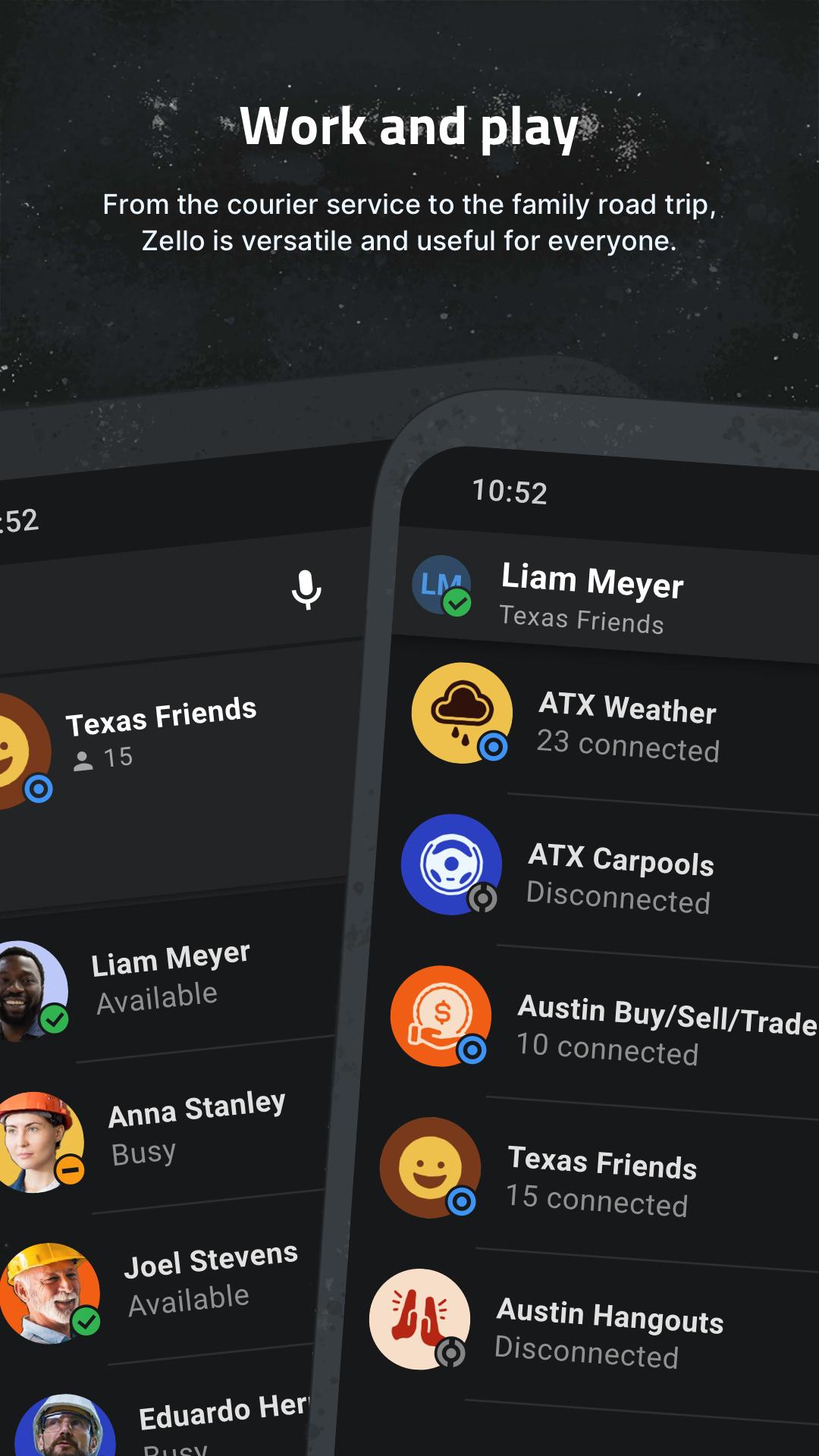
Retail associates can call for price checks or curbside pickup without leaving the customer. Drivers in transportation coordinate arrivals and dock assignments, while aviation ground crews handle turnarounds with fewer delays. Construction and hospitality teams route tasks to the right people, and emergency response groups use priority channels to send time sensitive updates. Moreover, Zello Kiosk enables customer assistance buttons that tie directly into staffed channels so help requests go to the correct team with a single press.
Admins configure users, channels, and talk paths in a web console, then apply roles and policies that match organizational rules. You can set up call alerts, emergency channels, and location sharing for selected groups. In addition, audit trails and message history help compliance teams review activity when needed.
Organizations can embed push to talk into existing apps using the Mobile SDK for Android, iOS, and React Native. This keeps users inside the company app while adding instant voice. Radio gateways bridge existing LMR systems with Zello so radio users and smartphone users can talk together during transitions or mixed operations.
Use this quick guide to get started with Zello on a phone or tablet. The steps help you move from install to your first live conversation, and they work well for personal or team use.
Zello is a practical PTT walkie talkie app for real time voice across teams and devices. Get the Zello APK on APKPure to start faster communication today, and update here whenever a new Zello APK latest version is available.
For official support and product details, use the resources below.
What is the Zello app used for?
Zello is used for instant push to talk voice conversations across individuals and groups. People use the Zello PTT Walkie Talkie workflow to coordinate tasks, share updates, and manage operations without phone calls. It fits personal use and enterprise teams on Zello Android, Zello iOS, Windows, and Mac.
Is Zello still free?
Yes, Zello offers free personal use. For organizations that need admin controls and advanced features, ZelloWork is available as a paid service. Therefore, you can start on the free plan and move to ZelloWork when your needs grow.
How much does Zello cost per month?
Zello personal use is free, while ZelloWork is billed as a subscription with pricing based on features and seats. The Enterprise Server is licensed for on premises deployments with different terms. For current pricing details, contact Zello at support@zello.com or visit the official website.
Latest Version
7.8.0Uploaded by
อรุยุทธิ์ สายใหม
Requires Android
Android 7.0+
Category
Free Communication AppContent Rating
Everyone
Security Report
Report
Flag as inappropriateLast updated on May 13, 2026
In this release, we fixed several small issues.


APKPure - A multi-platform app store primarily focused on Android, providing extensive app-related content. Discover the app you want easier, faster, and safer, with quick and efficient downloads and installations.