Scan Date:Apr 2, 2026
Show More

Yumo suits users who want lighthearted phone personalization without heavy themes or launcher changes. It places small companions near your status indicators so your screen feels lively while you move between apps. Setup is quick and does not require root, which fits everyday use on most phones. If you prefer a playful touch that stays out of the way, download Yumo to keep subtle characters visible as you work or scroll.
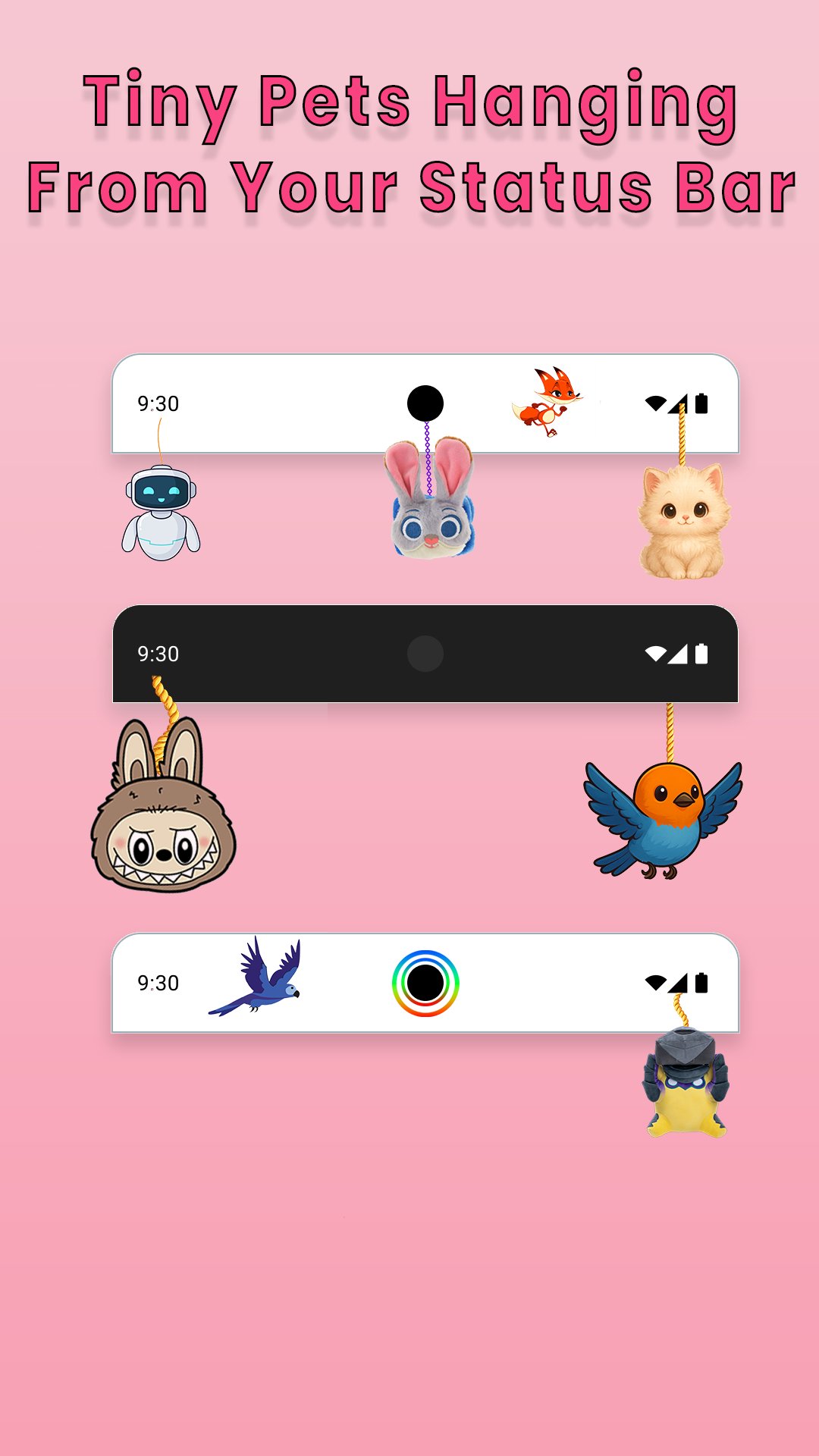
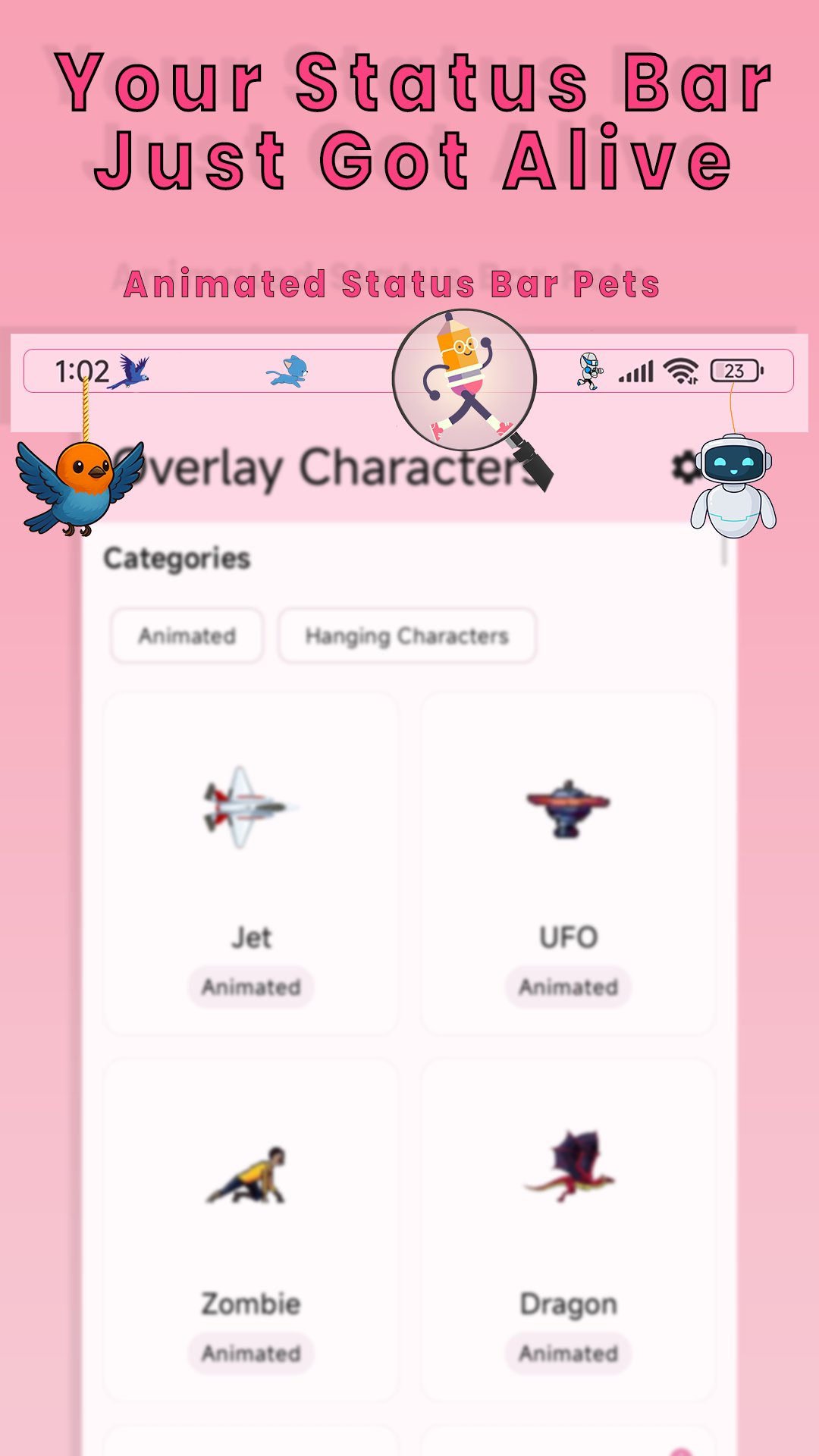
Yumo brings tiny pets and characters to the top of your screen where your battery, signal, and cutout sit. They walk, hang, and react in simple ways that add movement without covering important information. You can choose themes like cats, dogs, bunnies, pandas, foxes, fantasy creatures, and seasonal sets to match your mood.
Characters that hang around your camera cutoutIf your phone has a camera hole or notch, Yumo turns that space into a small stage. Characters can dangle around the cutout to make the area feel intentional rather than empty. This approach uses a spot you already see often, so the effect stays noticeable yet unobtrusive while you browse or chat.
Battery Buddies with contextual behaviorBattery Buddies add simple reactions based on your battery level. As your charge rises or falls, pets adjust their behavior to reflect the state of your phone. This gives you a quick visual cue without opening any panels, which can be handy when you want a glanceable hint.
Always on across apps with simple setupYumo keeps your companions visible as you switch between apps. You do not need to keep Yumo open for the pets to stay on screen, and no root or launcher change is required. This design focuses on lightweight performance so the animations remain smooth during everyday tasks.
Touch reactions and your own custom hangersYou can tap pets for small reactions, which adds a bit of interactivity to the experience. Yumo also lets you hang custom images or emojis as characters, so you can turn your own pictures into tiny companions. This keeps the look personal while staying compact near the status area.
According to the developer, the app does not collect user data and does not share data with third parties. This disclosure is intended to help users understand how the app handles information. As with any Android app, you control permissions and can adjust them later in system settings.
Yumo can be used for free and also offers in app purchases for extra content. Some character options or features may be premium, and a few items that were free in earlier releases may now require payment. This setup helps users try the core experience first while deciding whether paid items are necessary for their needs.
Unlike launchers that change the home screen, Yumo focuses only on pets around the status bar and camera cutout. It works system wide without root, which keeps your existing setup intact. The developer has acknowledged user requests for a toggle to disable pets in landscape mode and noted this for a future update, which may help users who watch videos or play games often.
Yumo is designed for quick setup on most phones. The steps below outline the basic flow from first launch to daily use, so you can start enjoying your companions with minimal changes. If you prefer side loading, you can install the Yumo APK and then follow the same setup steps.
Yumo adds small animated companions to the top of your screen for a playful, low effort customization. It stays lightweight, works across apps, and includes options for touch reactions and custom characters. To keep features up to date, consider installing the Yumo latest version when it becomes available.
For official assistance or more details, use the resources below.
Latest Version
1.3.5Uploaded by
Levy Caruge
Requires Android
Category
Free Personalization AppContent Rating
Everyone
Security Report
Report
Flag as inappropriateLast updated on Apr 2, 2026
Added 3 new Easter-themed characters
Improved UI for a better experience
Fixed bugs and performance improvements




APKPure - A multi-platform app store primarily focused on Android, providing extensive app-related content. Discover the app you want easier, faster, and safer, with quick and efficient downloads and installations.