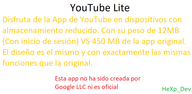
YouTube Lite focuses on essential viewing so videos open quickly and navigation stays responsive. It is built for people who want a simple YouTube experience on devices with limited storage or slower networks. You get an efficient app that is easy to install via APK download and sideloading.
Clean, simple interface
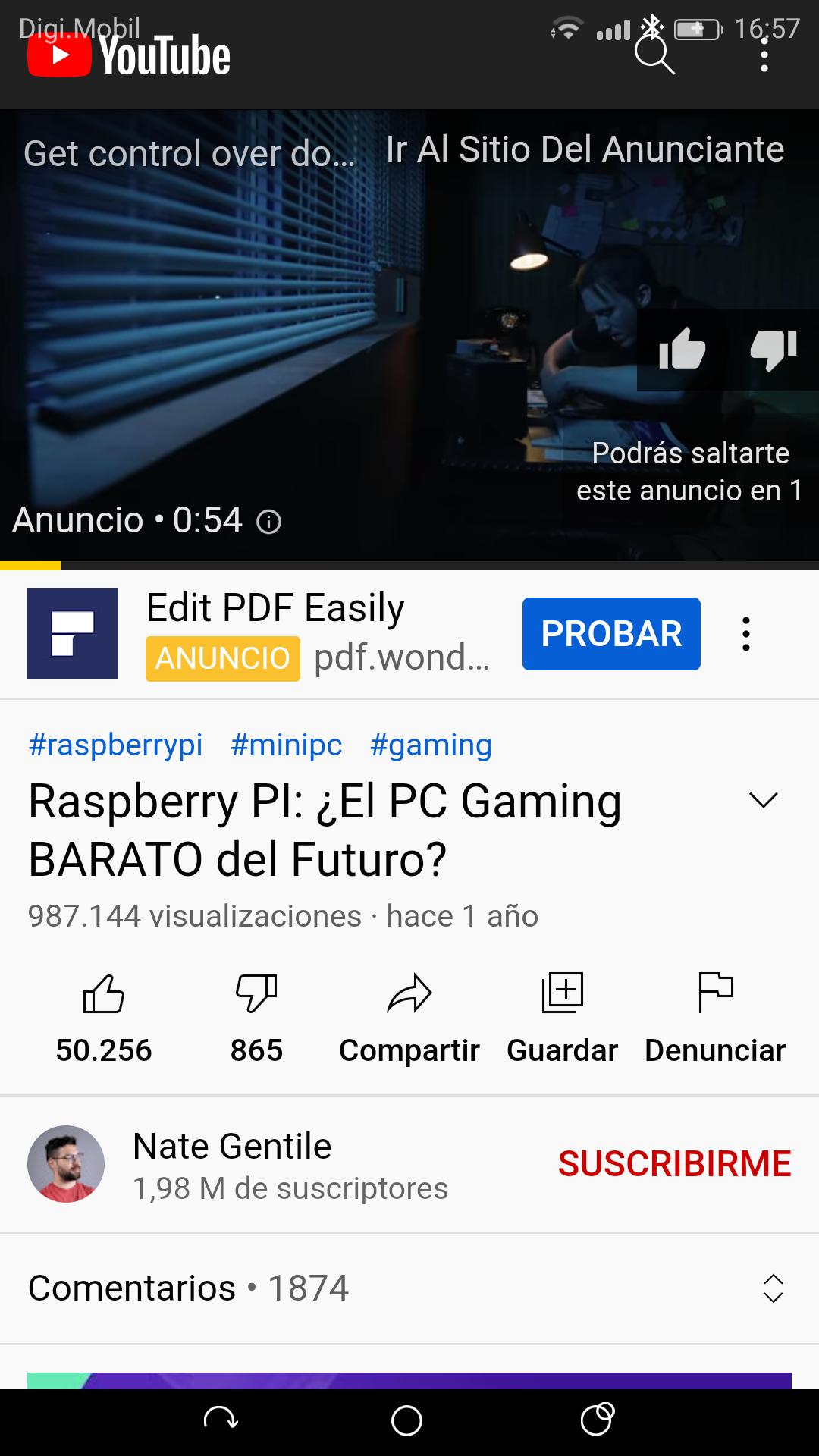
YouTube Lite keeps navigation minimal so you can get to videos fast. Buttons are clear and easy to reach, which helps new users and kids. The layout reduces clutter, so you focus on watching instead of managing menus.
Light on storage, memory, and battery
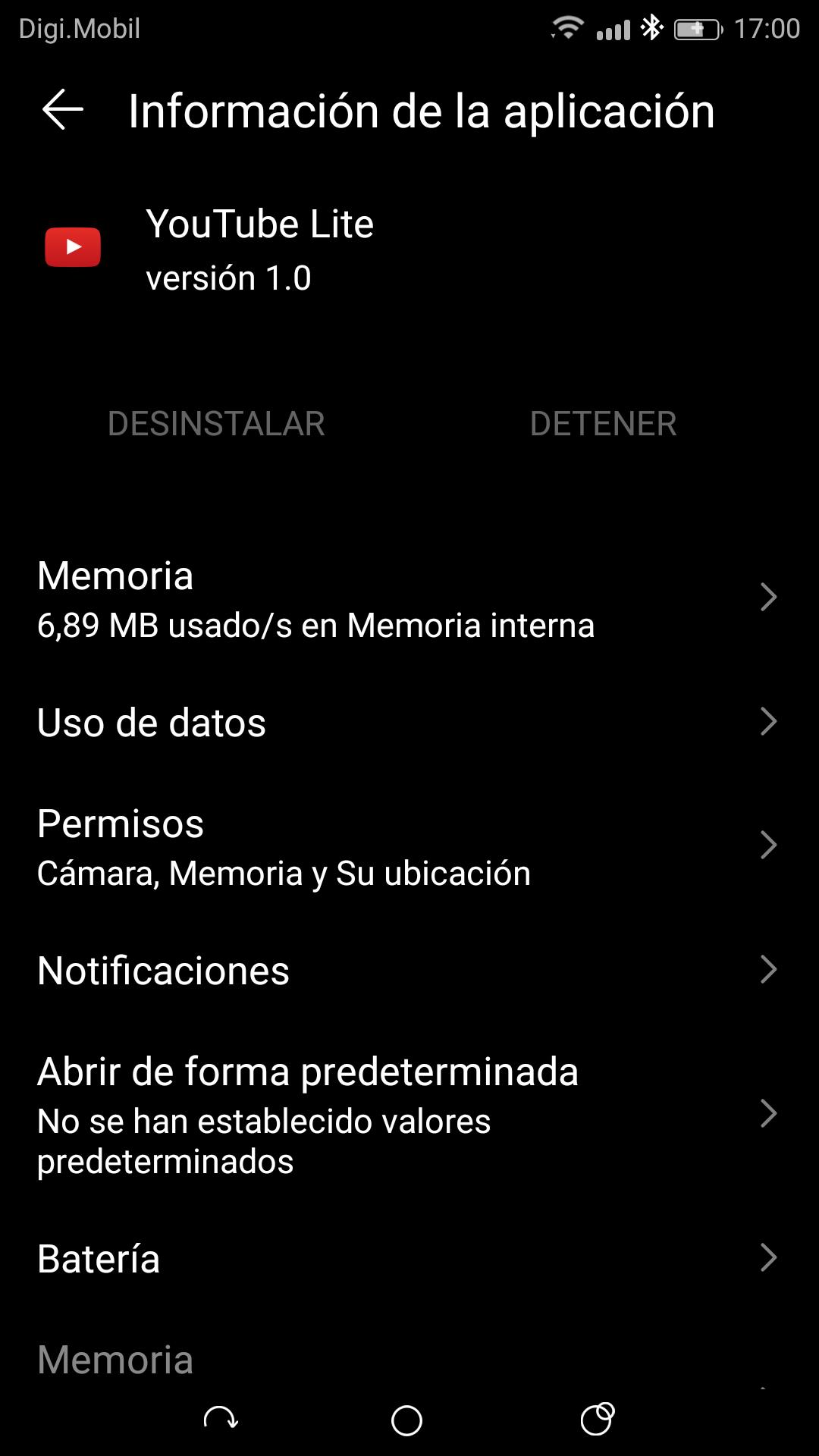
YouTube Lite is tuned for low resource use. It runs smoothly on budget and older Android devices and helps conserve battery during longer sessions. This makes it a practical choice if you want to save space and keep your phone responsive.
Playback quality control up to 1080p
You choose the resolution that fits your data plan and connection. YouTube Lite supports lower qualities for data savings and goes up to 1080p for sharper playback. It does not support 4K, which keeps performance stable on more devices.
Familiar YouTube browsing
YouTube Lite keeps the core sections you expect, including Home, Trending, Subscriptions, and Search. You can quickly find new videos and follow channels you like. This continuity makes switching to the lighter app straightforward.
Ad experience and Premium support
Many users report fewer ads than the standard app, although ad frequency can vary by region and content. You can sign in with a YouTube Premium account for an ad free experience within YouTube Lite. This keeps viewing consistent with your subscription benefits.
Follow these quick steps to download YouTube Lite and begin watching. This guide covers APK download, installation, and first time setup.
Tap "Download APK" on this page to get the YouTube Lite APK latest version.
Open the downloaded file from your browser or Files app and allow Install unknown apps when prompted.
After permission is granted, tap Install and wait for the process to finish.
Open YouTube Lite and sign in to your account to sync subscriptions and history.
Set your preferred video quality, enable Wi Fi only downloads if needed, and start watching.
YouTube Lite offers a fast, focused way to watch YouTube on Android with a small install size and efficient performance. Get the YouTube Lite APK latest version on APKPure and start your YouTube Lite download safely.
Can YouTube Lite download videos for offline viewing?
Yes, YouTube Lite supports downloads, and the saved videos play inside the app. You cannot export these files to other players, so keep the YouTube Lite APK installed to access your offline content.
Is the YouTube Lite APK safe to install from APKPure?
Yes, YouTube Lite is available for secure download on APKPure. Get the YouTube Lite APK from this page and install it directly to keep your APK download safe and up to date.
Does YouTube Lite support background play or 4K video?
No, YouTube Lite does not include background play and it does not support 4K. Playback goes up to 1080p, which helps keep performance reliable across more Android devices.
How do I update to the YouTube Lite APK latest version?
Download the new YouTube Lite APK from APKPure and install it over your current build. Your data stays on the device, and the update completes quickly without extra steps.
Is YouTube Lite available in my country?
Anyone can download YouTube Lite from APKPure. Install the YouTube Lite APK on your Android device and sign in to use your subscriptions anywhere.
Latest Version
1.1Uploaded by
HeXp_DpD
Requires Android
Android 4.0+
Available on
HeXp_DpDCategory
Free Video Players & Editors AppReport
Flag as inappropriateLast updated on Oct 13, 2021
V1.1 - Scroll Up in Comments Fixed


APKPure - A multi-platform app store primarily focused on Android, providing extensive app-related content. Discover the app you want easier, faster, and safer, with quick and efficient downloads and installations.