Scan Date:May 8, 2026
Show More
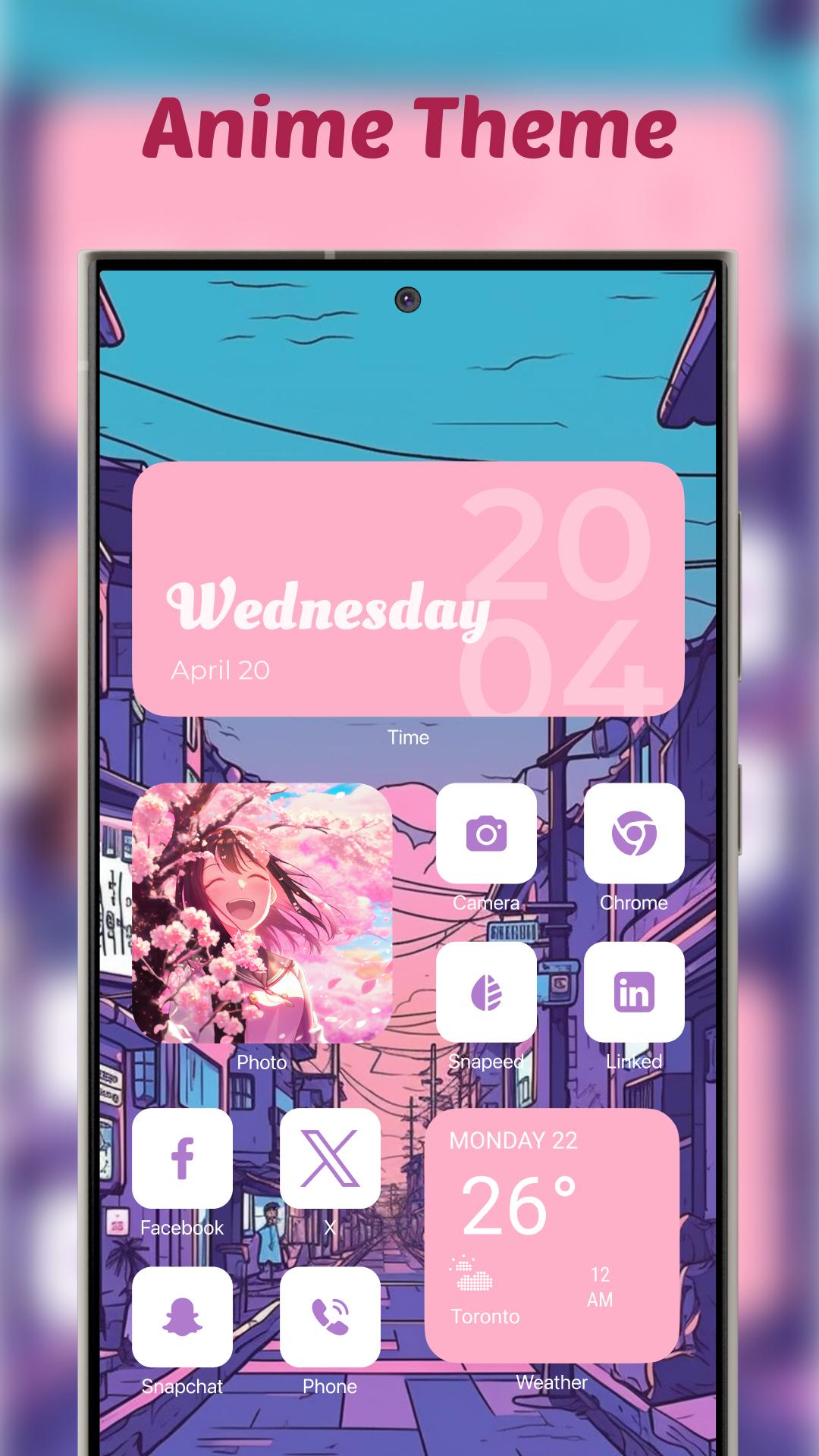
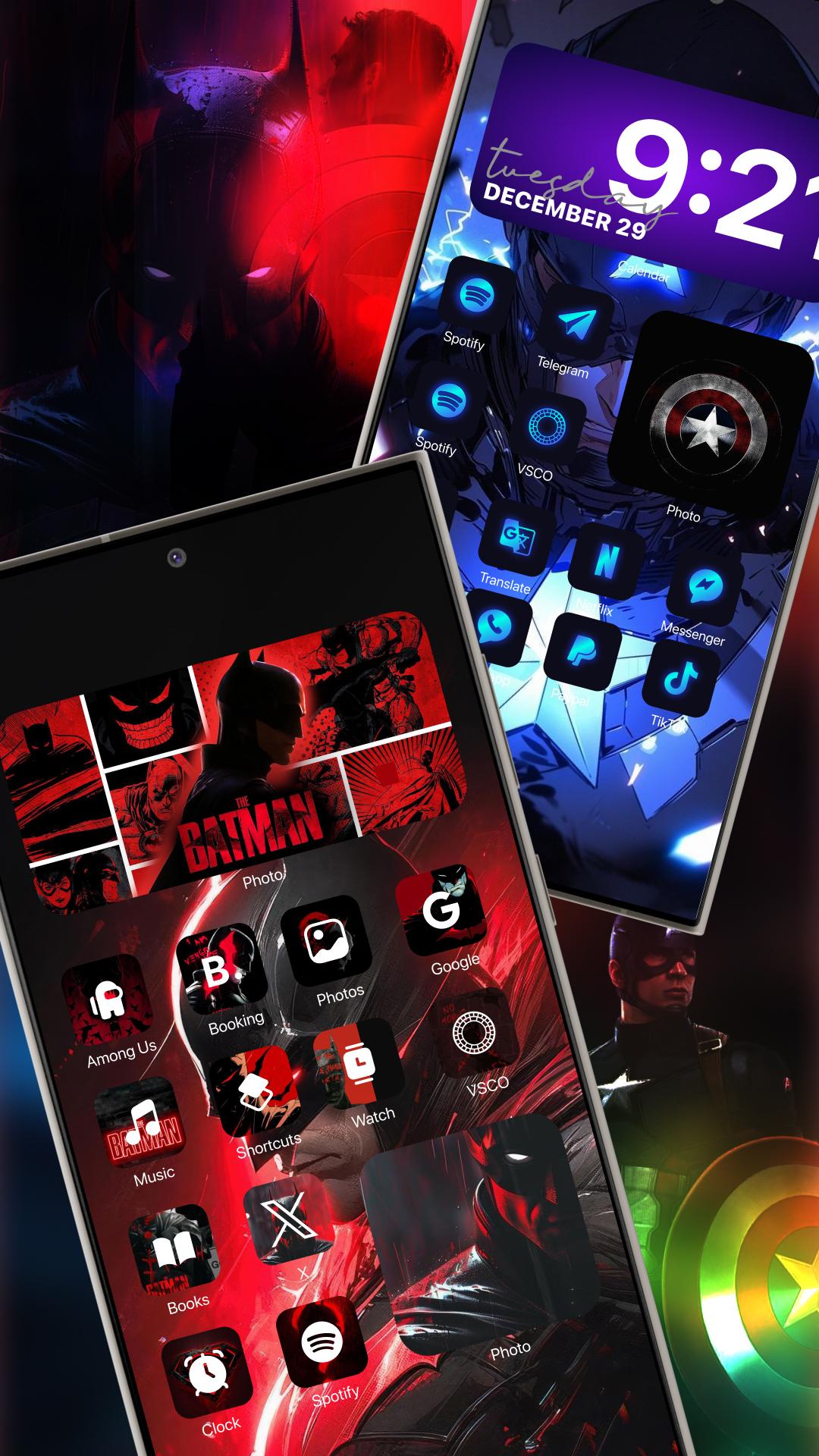
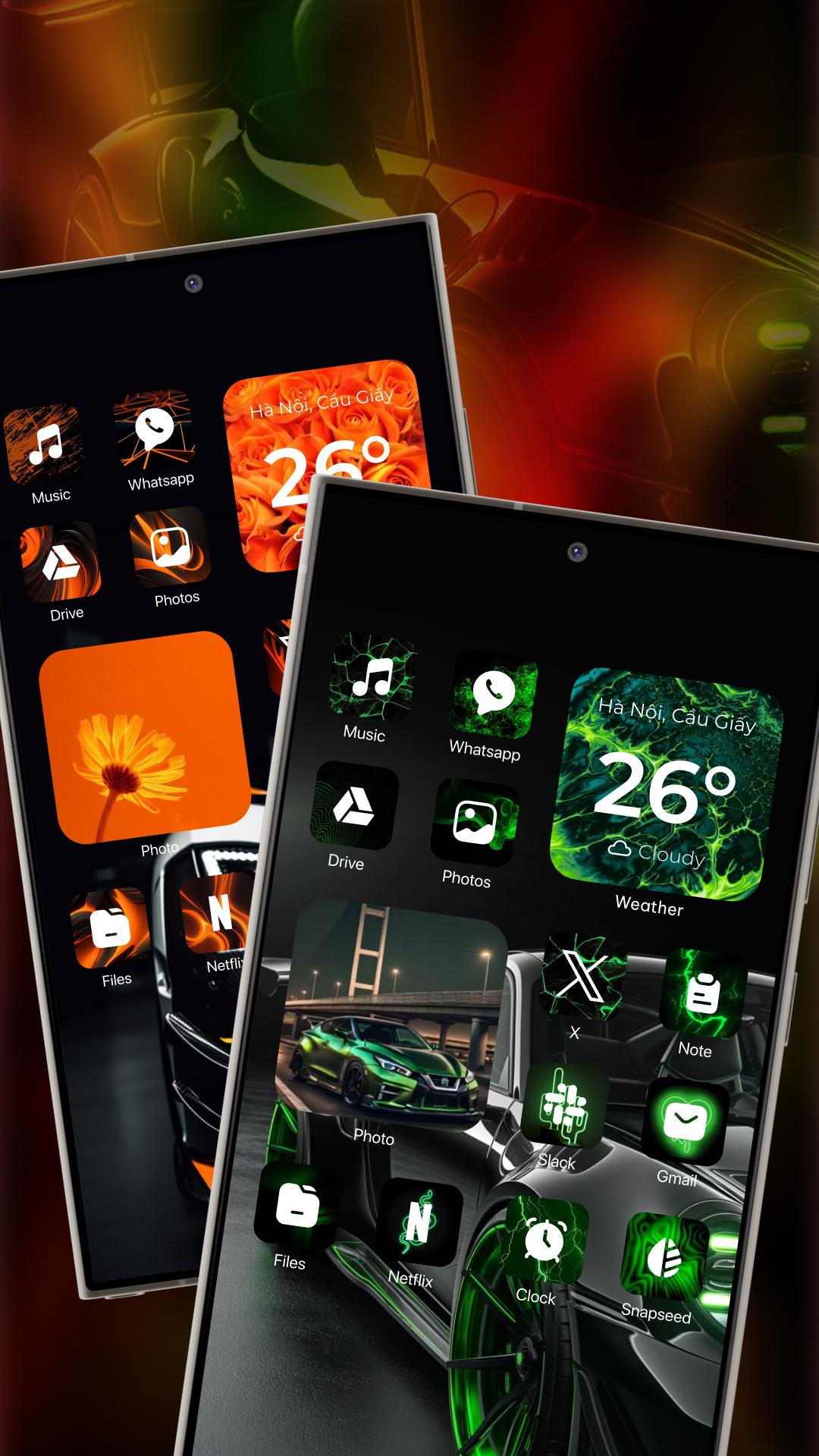
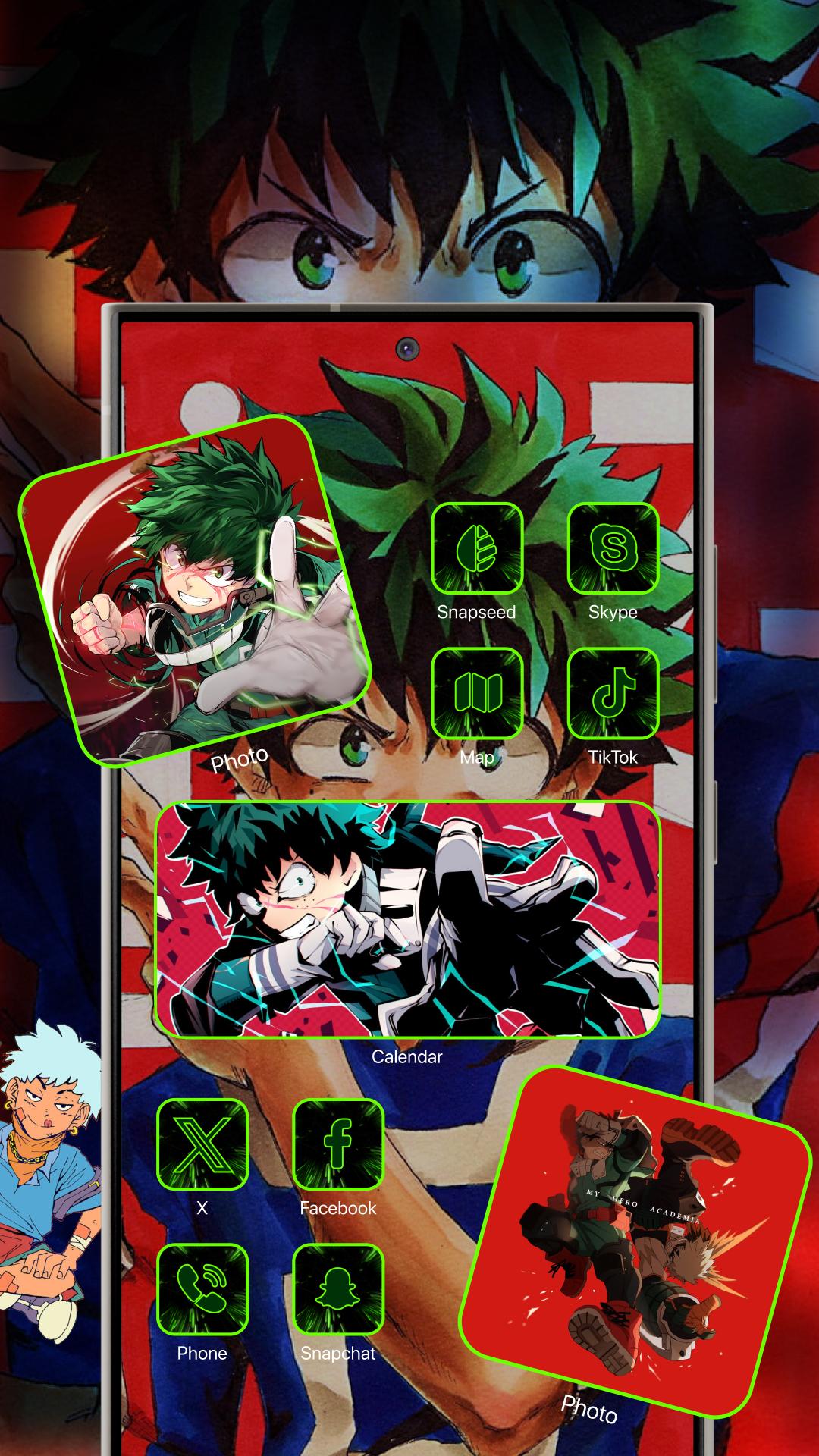
Yotheme helps you customize your phone's interface with a collection of 1,000 themes in various styles: cartoon, minimal, pastel, neon, holiday, and vintage. Each theme includes wallpapers, icons, and widgets for you to install and adjust as you wish.
Benefits of using Yotheme:
- Changing the theme simultaneously updates the wallpaper, icons, and widgets
- Personalize your phone's theme to make it unique
- Unlimited theme collection, continuously updated
- Change your phone's theme, including wallpapers, icons, and widgets, in seconds
- 4K image quality, following current trends
Vibrant wallpapers
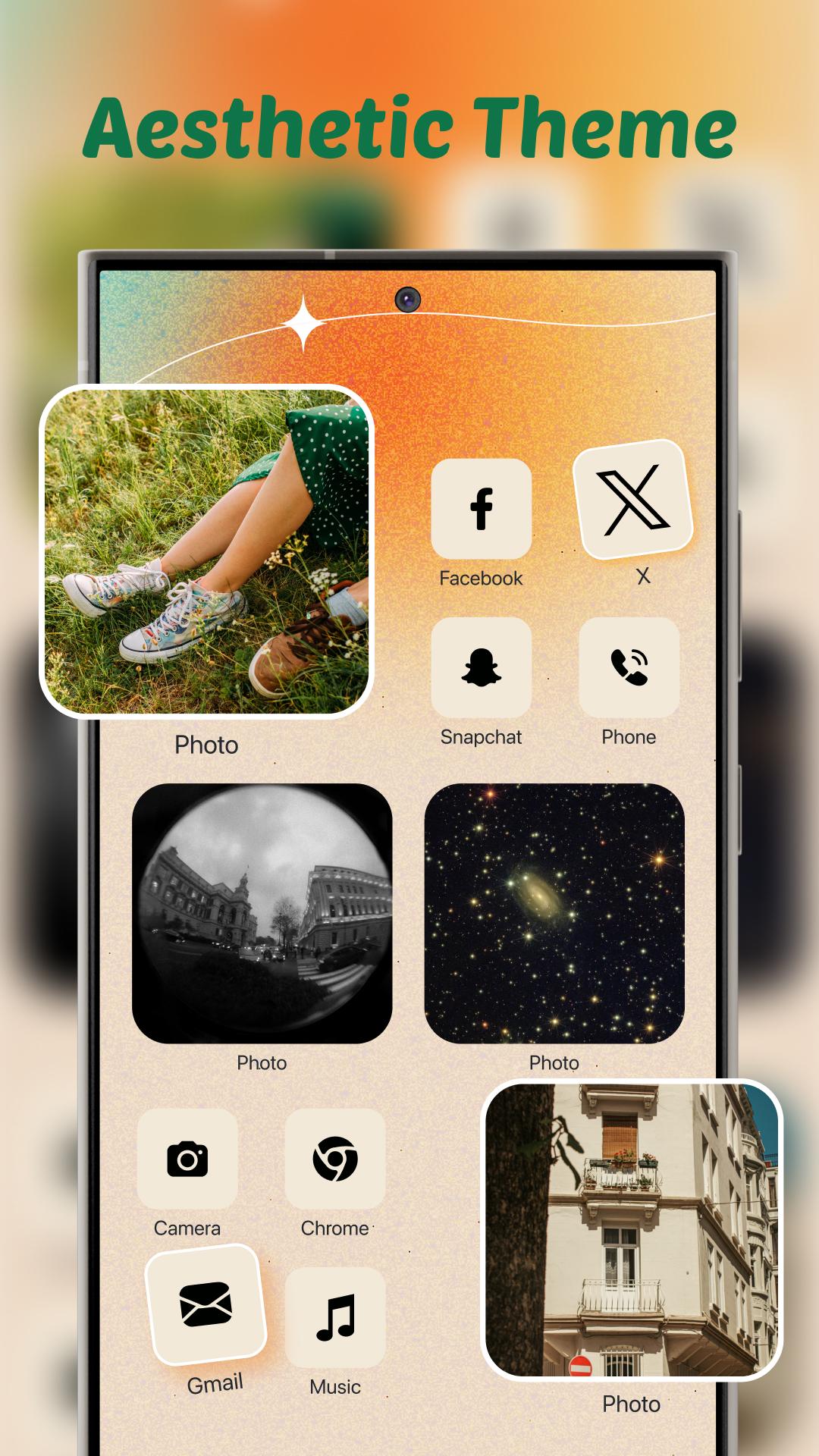
Yotheme offers an unlimited collection of wallpapers in various themes. You can set them as your lock screen or home screen wallpaper. The wallpaper themes include: cartoon, minimal, pastel, neon, holiday, and vintage. 4K quality wallpapers, sharp and vibrant, with a variety of themes to match your style. Before setting the wallpaper, you can preview it to see if it fits, and then apply it if desired.
Creative icons
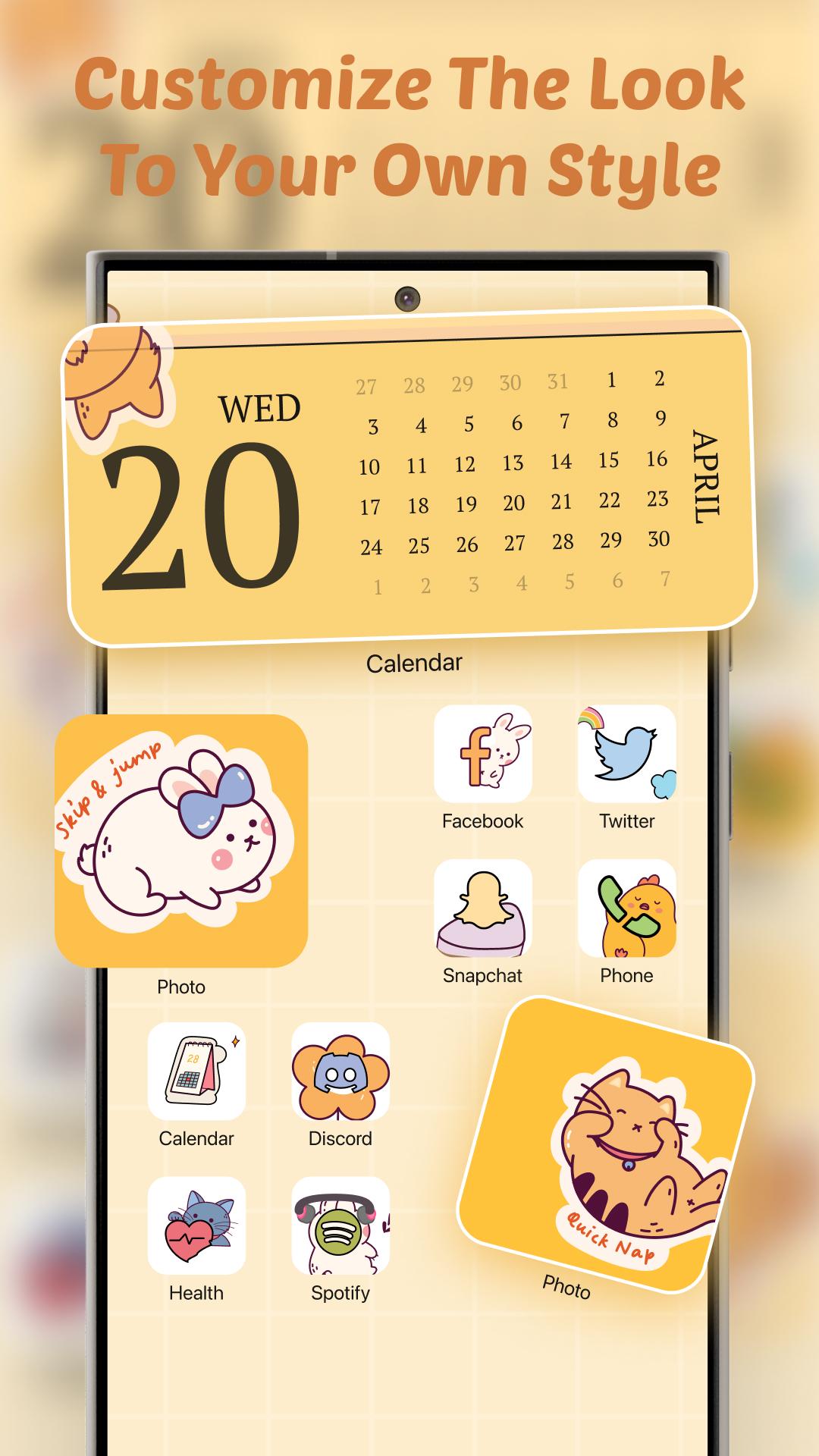
If the default app icons are boring you, try themed icon templates like: seasons, cute, love, festivals, colors, and more. Choose your preferred theme, then select the app for which you want to change the icon.
Smart widgets
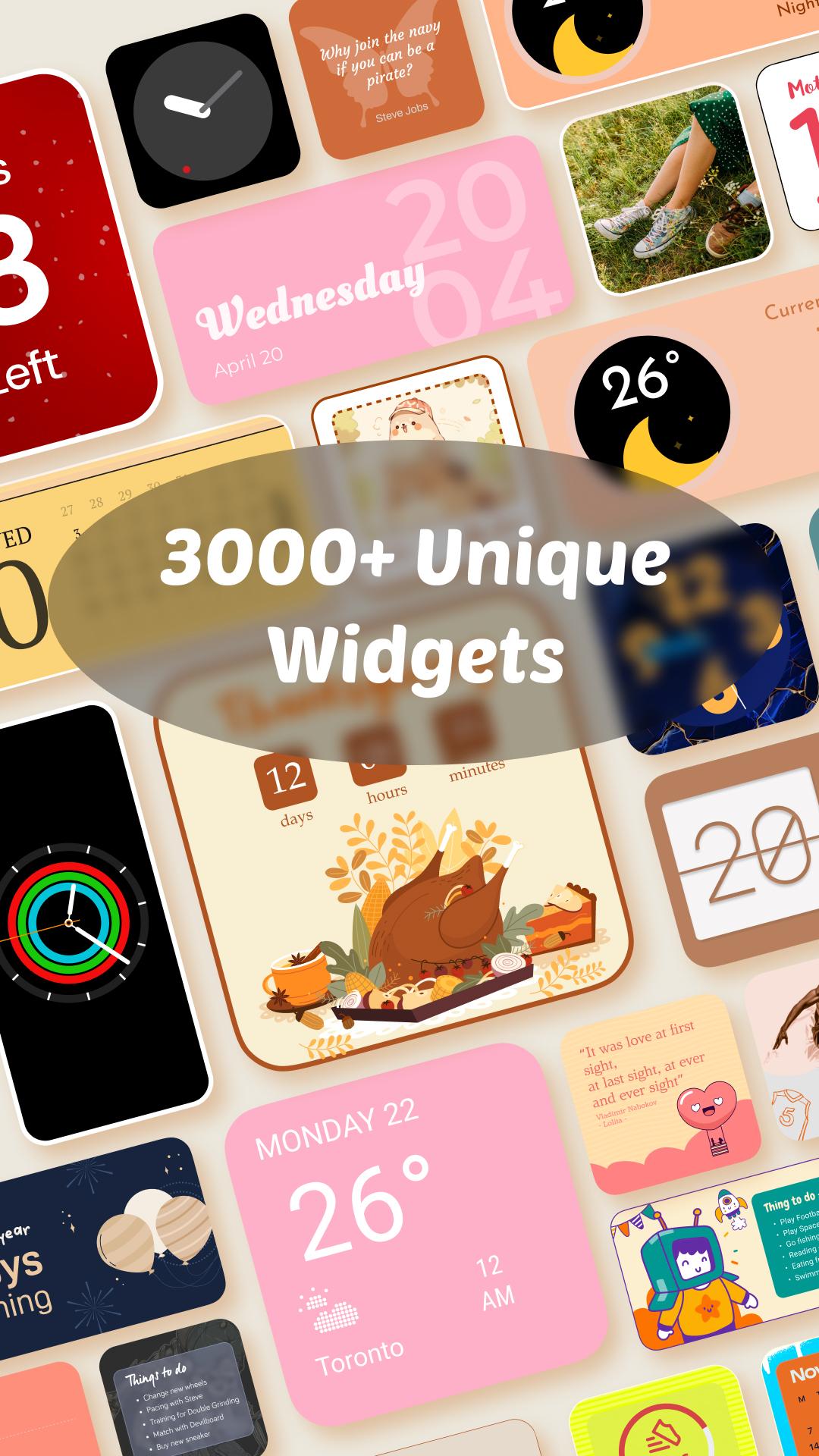
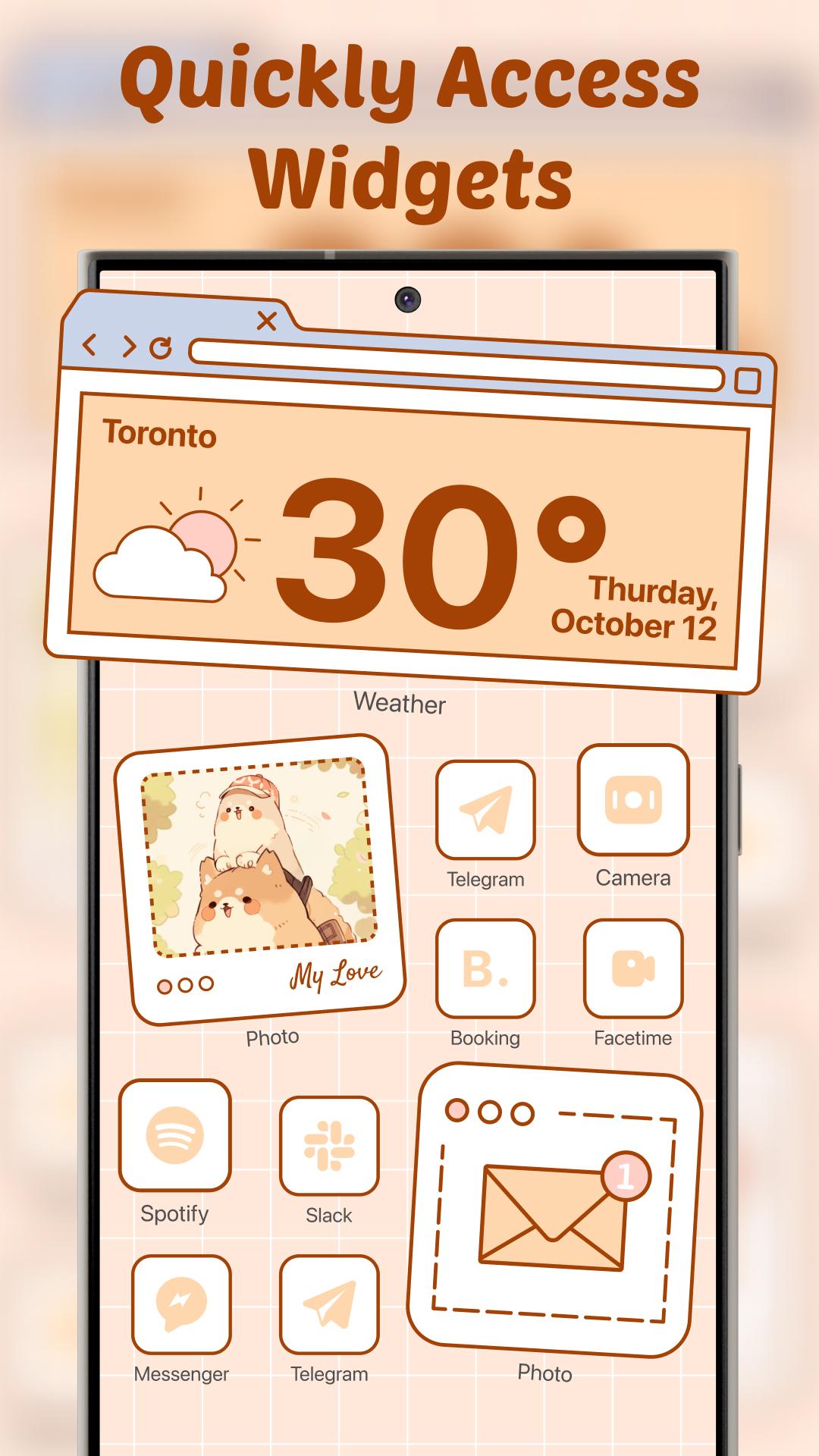
Widgets allow quick access to important features on the home screen. Yotheme provides a complete set of different widgets: photo, time, clock, weather, calendar, countdown, quote, and note. You just need to choose your favorite widget template to add to the home screen and then arrange the layout according to your preferences.
How to use?
- Step 1: On the Yotheme home screen, there are 3 tabs: themes, icons, and widgets. Select 'Theme' to synchronize the wallpaper, icons, and widgets with the same theme.
- Step 2: Tap 'Set Wallpaper' to apply the wallpaper
- Step 3: To change the app icon interface, go to the icon tab and select your preferred theme. Then, check the apps you want to change the icon for and click 'install'.
- Step 4: Set up widgets:
You need to select the features to add to the home screen using one of the three different sizes provided by the app.
(1) Photo slideshow: Choose the images you like, then adjust their size according to themes such as lifestyle, personal photos, family, and friends. These images will then be added to the home screen.
(2) Analog clock: You can choose to display time with different styles and sizes.
(3) Famous quote: Display inspiring quotes from famous people on your screen
(4) Special countdown reminder: This widget will help you note important dates like birthdays, exams, and meetings to remind you as those days approach.
(5) Important note: You can quickly create notes and lists for home screen
(6) Calendar integration: You can set the widget to display the current date or the entire month
(7) Weather forecast: Displays daily weather information, temperature, humidity, and more
(8) Time widget: Displays the date, time, and battery percentage
With just one Yotheme app, you can easily change your phone's theme in seconds. Changing the theme includes changing the wallpaper, icons, and widgets. With themes constantly updated over time, you can customize your phone's interface to match your personal style in just a few seconds. So what are you waiting for? Download the app now to explore exciting features. Don't forget to leave feedback so we can continue improving the app!
Latest Version
1.2.0Uploaded by
Abijith Abi
Requires Android
Android 6.0+
Category
Free Personalization AppContent Rating
Everyone
Security Report
Report
Flag as inappropriateLast updated on May 8, 2026
New themes
New widgets
More icon pack

APKPure - A multi-platform app store primarily focused on Android, providing extensive app-related content. Discover the app you want easier, faster, and safer, with quick and efficient downloads and installations.