★★ This Clock application is compatible with Samsung Gear Fit that is connected to Gear Fit Manager.
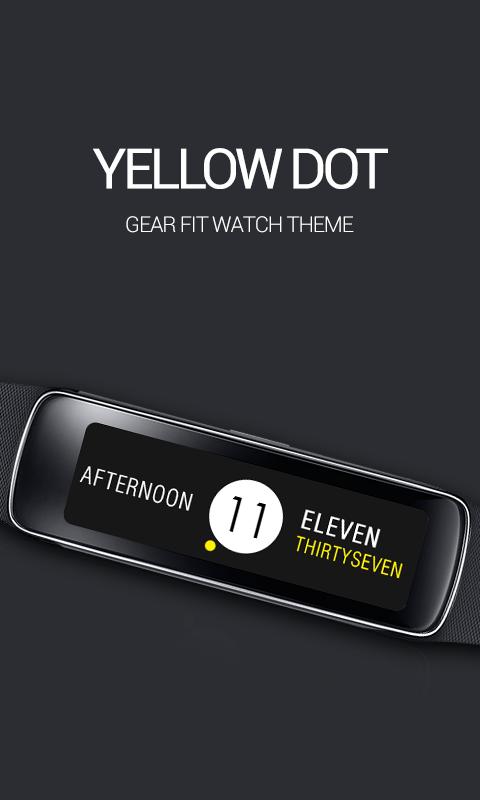
Introducing a clock application for Samsung Gear Fit- Yellow Dot.
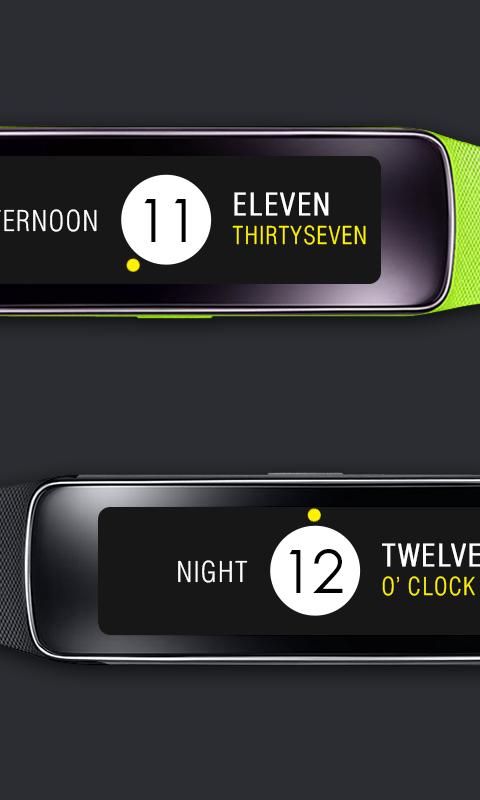
Hours and Minutes are reinterpreted in this stylish clock. Typography and the rotating yellow dot display the current time.
▶ How to Set
- Install Gear Fit Manager and connect with your Gear Fit device.
- Download and install the clock application.
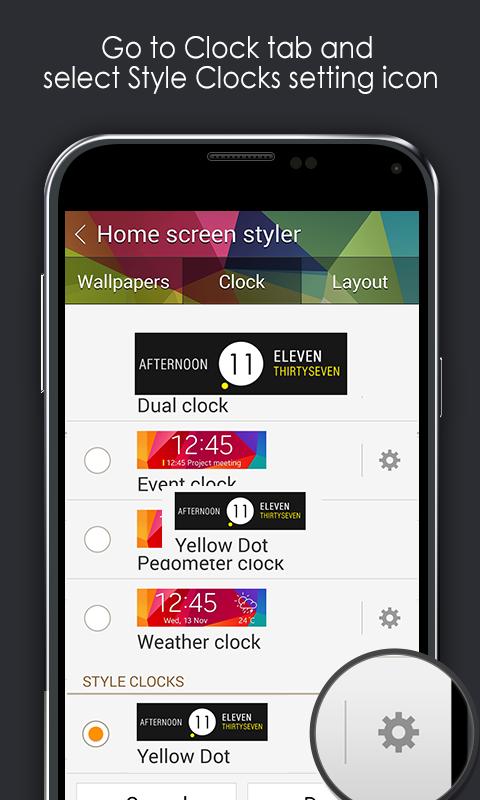
- You can find the downloaded clock app at Gear Fit Manager application (Home Screen Styler → Clock tab → Style Clocks setting menu).
- Select the clock to display on the home screen of your Gear Fit device.
▶ How to Uninstall
- Go to Application manager under Android Settings.
- Find and select "Yellow Dot" on the list.
- Tap 'Uninstall' button to delete the application.
SAMSUNG_GEAR_FIT_CLOCK
Latest Version
1.0.0Uploaded by
Josh Snow
Requires Android
Android 4.3+
Category
Free Tools AppContent Rating
Unrated · Warning – content has not yet been rated. Unrated apps may potentially contain content appropriate for mature audiences only.
Report
Flag as inappropriateLast updated on Aug 6, 2015
Minor bug fixes and improvements. Install or update to the newest version to check it out!



APKPure - A multi-platform app store primarily focused on Android, providing extensive app-related content. Discover the app you want easier, faster, and safer, with quick and efficient downloads and installations.