
XChat helps when you need quiet, controlled conversations without voice or video. It centers on simple chat and file exchange so you can share information with less exposure. Because there are fewer moving parts, it is easier to keep attention on what matters in each discussion. As a result, XChat fits users who prefer discreet communication and a minimal interface. If you plan to sideload, search for XChat APK to confirm the exact build you need.
XChat supports written messages and document sharing, nothing else. By keeping communication to text and files, the app reduces what is collected during a chat. You can share notes, PDFs, and other documents without adding audio or video data. This approach helps lower your digital footprint during sensitive discussions.
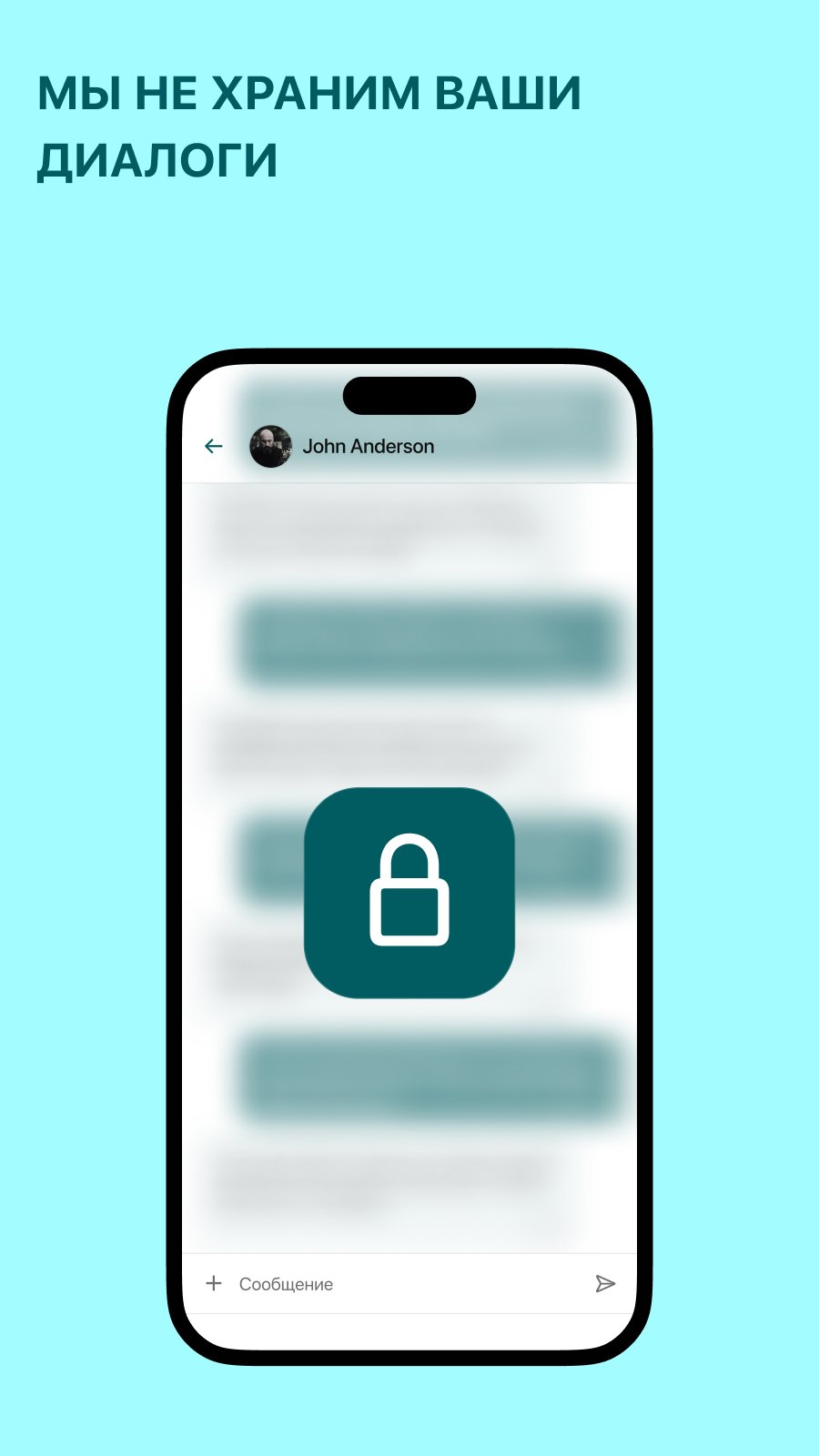
Automatic 30 day server purgeAll chat history stored on servers is deleted every 30 days, and it cannot be recovered. This scheduled purge limits how long messages remain accessible in server storage. As conversations age out, long term exposure decreases, which is useful for topics that should not linger online. Keep in mind that recipients may still hold local copies on their devices.
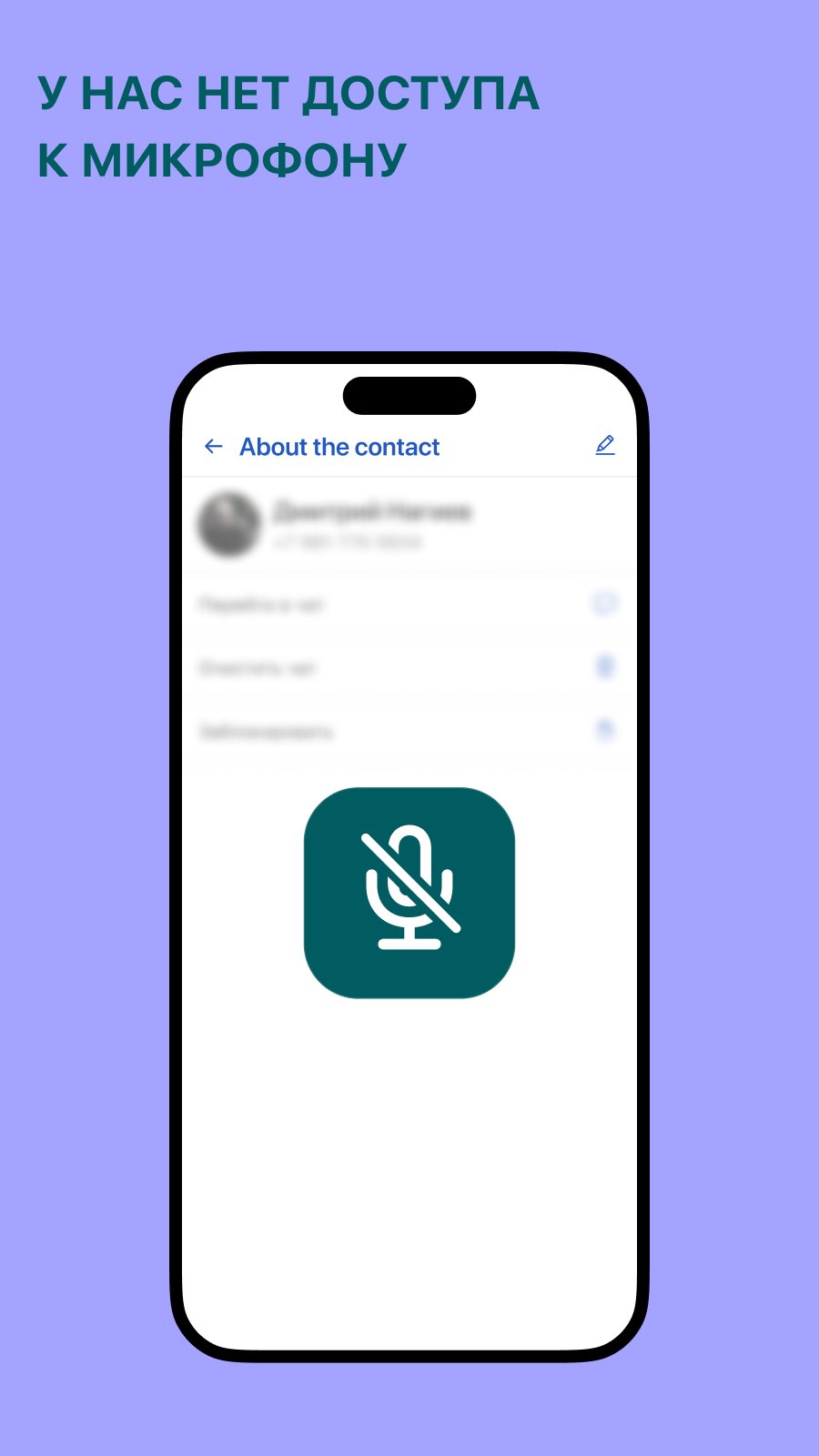
Screenshot blocking and no mic or camera accessXChat blocks screenshots inside the app, which discourages quick capture of chat content. It also does not request microphone or camera permissions, reducing the chance of voice or image leaks from the device. Because these inputs are not used, accidental recording and unintended data gathering are less likely. In addition, this keeps permission prompts simple during setup.
No calls or audio messagesXChat does not offer voice calls or audio clips. Removing these features cuts down on voice capture risks and related metadata, such as call logs or audio attachments. You focus on text that is straightforward to review and manage. For many users, this limits distractions and keeps communication predictable.
Controlled access for one to one chatsXChat supports secure one to one conversations and file exchange within a focused interface. Biometric based access allows you to enter chats without exposing extra personal details. The layout is minimal, so you can find threads quickly and send documents without extra steps. The app is free to use and avoids unnecessary extras that complicate private messaging.
This app reduces risk by limiting features and data sources. The 30 day server deletion policy, no mic or camera permissions, and screenshot blocking are practical controls meant to lower exposure. However, privacy also depends on device settings, lock screen strength, and how recipients store messages. For highly sensitive cases, consider how metadata at the network level and contact behavior may still create traces.
There are other products named “XChat” in search results. This listing refers to a private messenger for text and documents, not the legacy desktop IRC client. It is also unrelated to discussions about X, formerly Twitter, or celebrity news. If you see guides about connecting to IRC servers, those do not describe this XChat messenger.
Setup is straightforward and focused on private text and files. XChat for Android opens to a clean chat list, so you can start quickly. The steps below help you begin without calls or audio.
XChat centers on secure text and document exchange with fewer data surfaces. It suits users who want simple one to one chats and predictable privacy controls. For updates and stability improvements, check the XChat latest version before installing.
Latest Version
1.3.32Uploaded by
Muhammad Angga
Requires Android
Android 5.0+
Category
Free Communication AppContent Rating
Everyone
Report
Flag as inappropriateLast updated on Jan 4, 2025
Minor bug fixes and improvements. Install or update to the newest version to check it out!


APKPure - A multi-platform app store primarily focused on Android, providing extensive app-related content. Discover the app you want easier, faster, and safer, with quick and efficient downloads and installations.











