Scan Date:Jul 9, 2025
Show More


Xash3D FWGS helps users who want classic Half-Life gameplay on a phone or tablet. It serves as a compatible engine so your existing game data can run on mobile without a PC. Moreover, it focuses on portability and stability, so long-time fans can enjoy familiar content on modern devices. If you plan to download Xash3D FWGS, note that you need your own Half-Life files to launch the game.
Xash3D FWGS is built to work with Valve’s GoldSrc, which powers Half-Life and many community creations. You can start Half-Life Android sessions using your owned game data and play as you remember. The engine aims to preserve behavior so maps, assets, and scripts function in a way that matches the original environment.
Broad mod supportYou can load a wide range of well-known Half-Life–based mods. Examples include Opposing Force, Blue Shift, They Hunger, Poke646, and Echoes. This variety allows you to revisit single player campaigns and fan missions that were popular on PC, now on an Android device with the same files.
Advanced multiplayer optionsXash3D FWGS supports classic online play for GoldSrc titles. You can join servers, play with friends, and use familiar modes from the original era. As a result, players who prefer competitive or cooperative sessions can bring those experiences to mobile.
Touchscreen and gamepad supportThe app provides controls tailored for mobile use. You can adjust on-screen buttons for movement and actions or connect a compatible controller for a more traditional setup. This flexibility helps you tune sensitivity and layout for your device and play style.
Portable and open-source projectXash3D FWGS offers builds for Android and other systems so the same content can run in more places. The project is open-source with active development, which encourages community feedback and improvements over time. This approach helps maintain support for mods and core engine behavior.
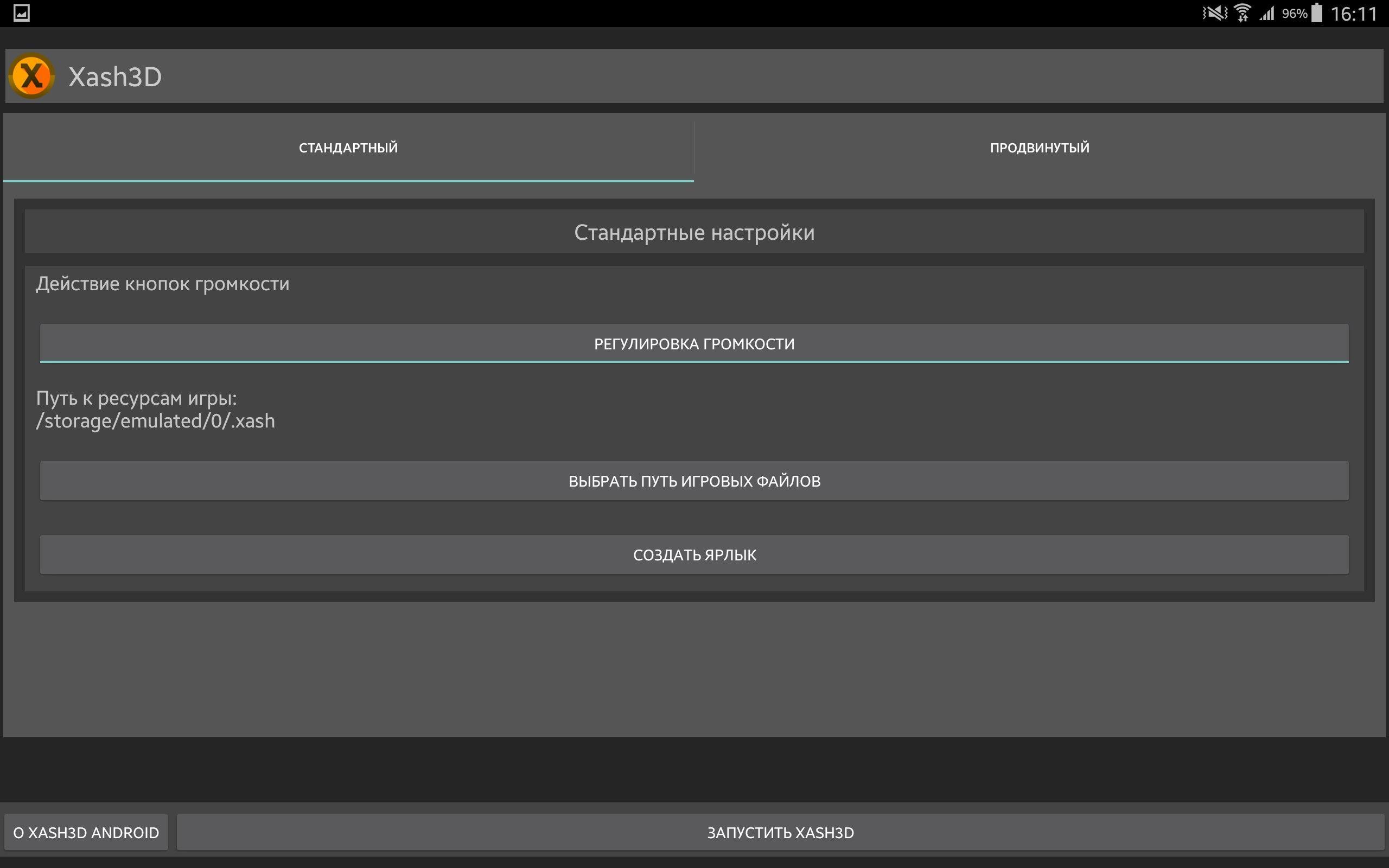
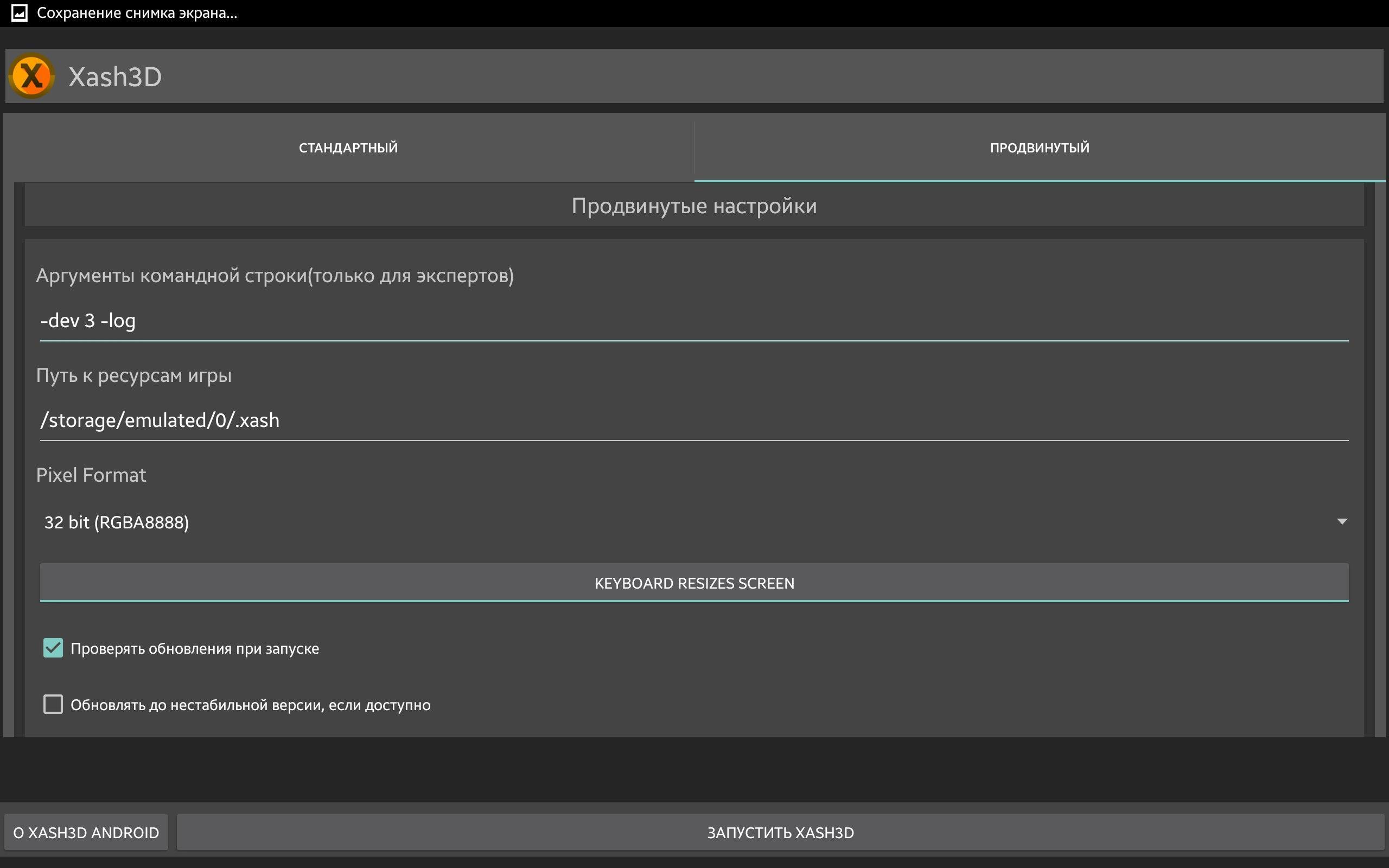
Xash3D FWGS requires a purchased Steam copy of Half-Life to launch the base game. You need to copy your “valve” folder from the PC installation into an “xash” folder on your Android device. The engine reads these files to start correctly, and mods use similar folder structures. FWGS is not affiliated with Valve or any rights holders, and all trademarks belong to their respective owners.
For help, mod recommendations, and updates, the community is active on channels such as Discord and Telegram. You can also check the official site for documentation and the list of supported content. This is useful if you plan a Xash3D FWGS download and want to confirm a mod’s compatibility before moving files. Visit the official website for guidance about setups and known issues.
This quick guide explains the basic setup so you can get started fast. For stability and fixes, use the Xash3D FWGS latest version when possible.
Xash3D FWGS enables GoldSrc games and mods to run on Android with familiar behavior and controls. If you are ready to move your data and begin, start with a clean Xash3D APK setup.
For official support and documentation, use the resources below.
Latest Version
0.19.3Uploaded by
Velaron
Requires Android
Android 2.2+
Category
Free Action GameContent Rating
Teen · Violence, Blood
Security Report
Report
Flag as inappropriateLast updated on Dec 7, 2023
Minor bug fixes and improvements. Install or update to the newest version to check it out!




APKPure - A multi-platform app store primarily focused on Android, providing extensive app-related content. Discover the app you want easier, faster, and safer, with quick and efficient downloads and installations.