Scan Date:Sep 5, 2025
Show More


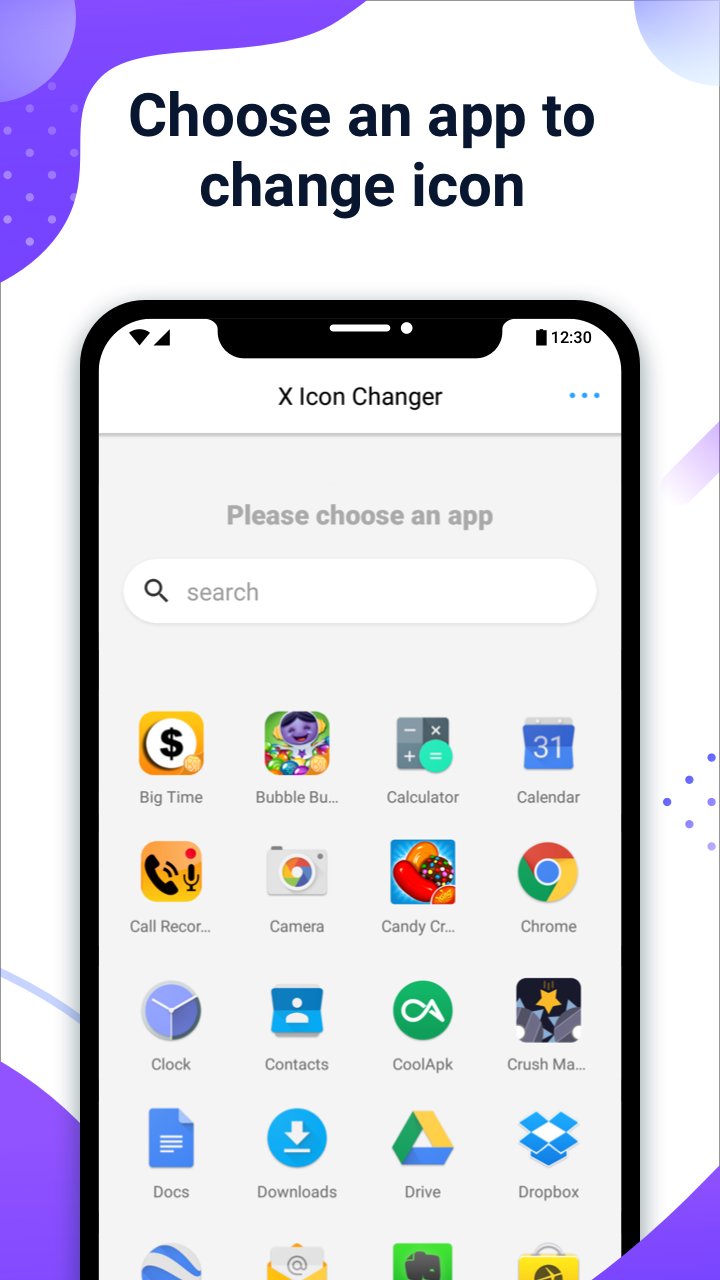
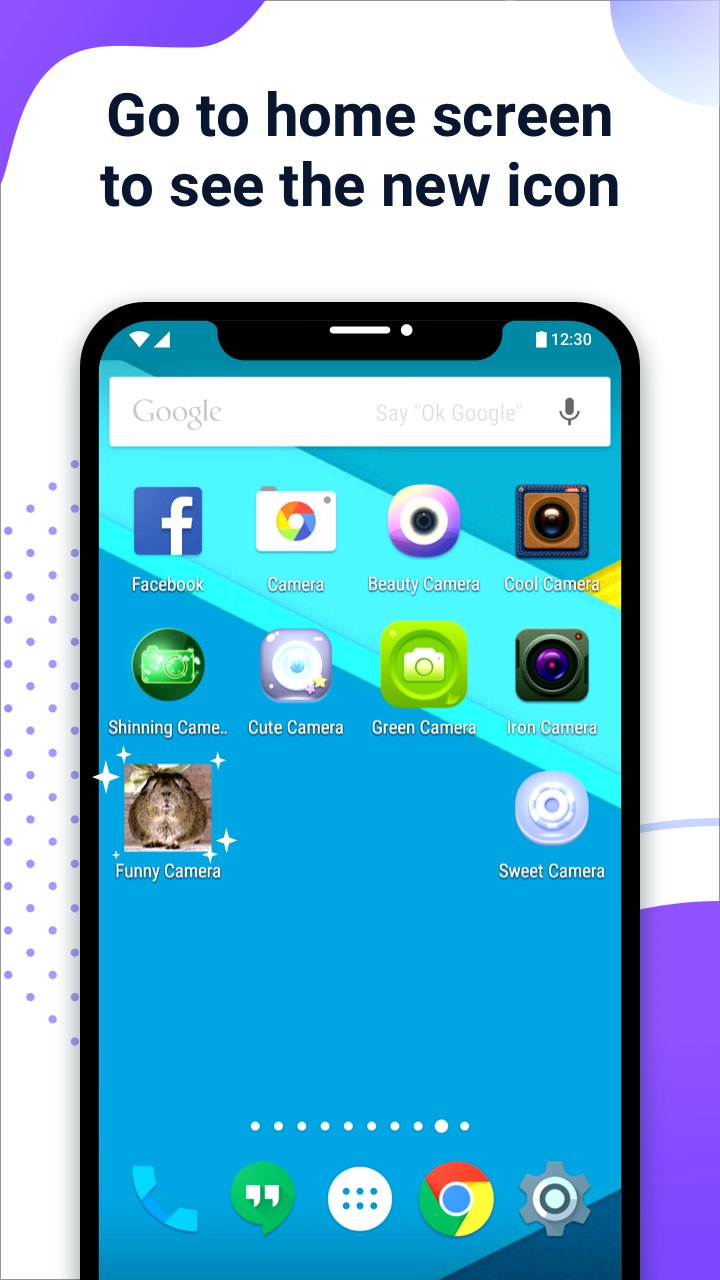
X Icon Changer helps when you want a simple way to refresh how your apps look. You pick a new appearance for an app and optionally rename its shortcut. It works by creating a shortcut on your home screen, so the original stays unchanged. With the X Icon Changer APK, setup is quick and you can switch styles whenever needed.
Create custom app shortcuts
Choose icons from multiple sources
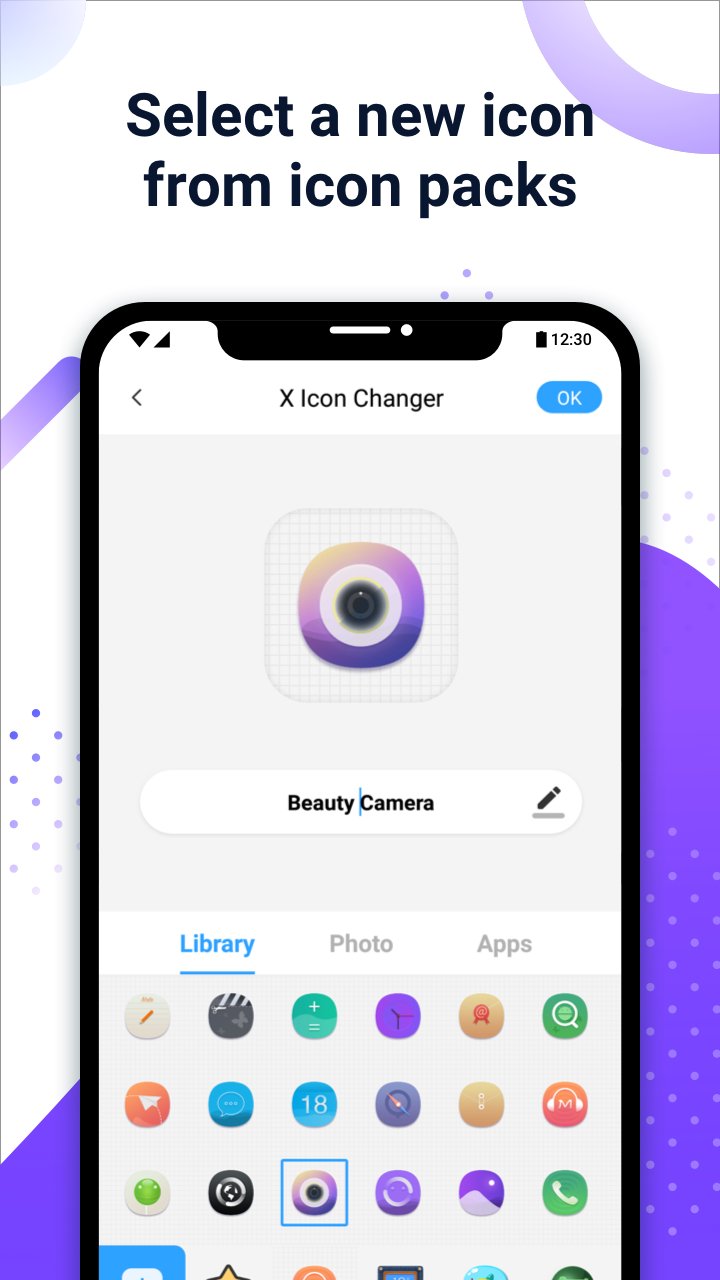
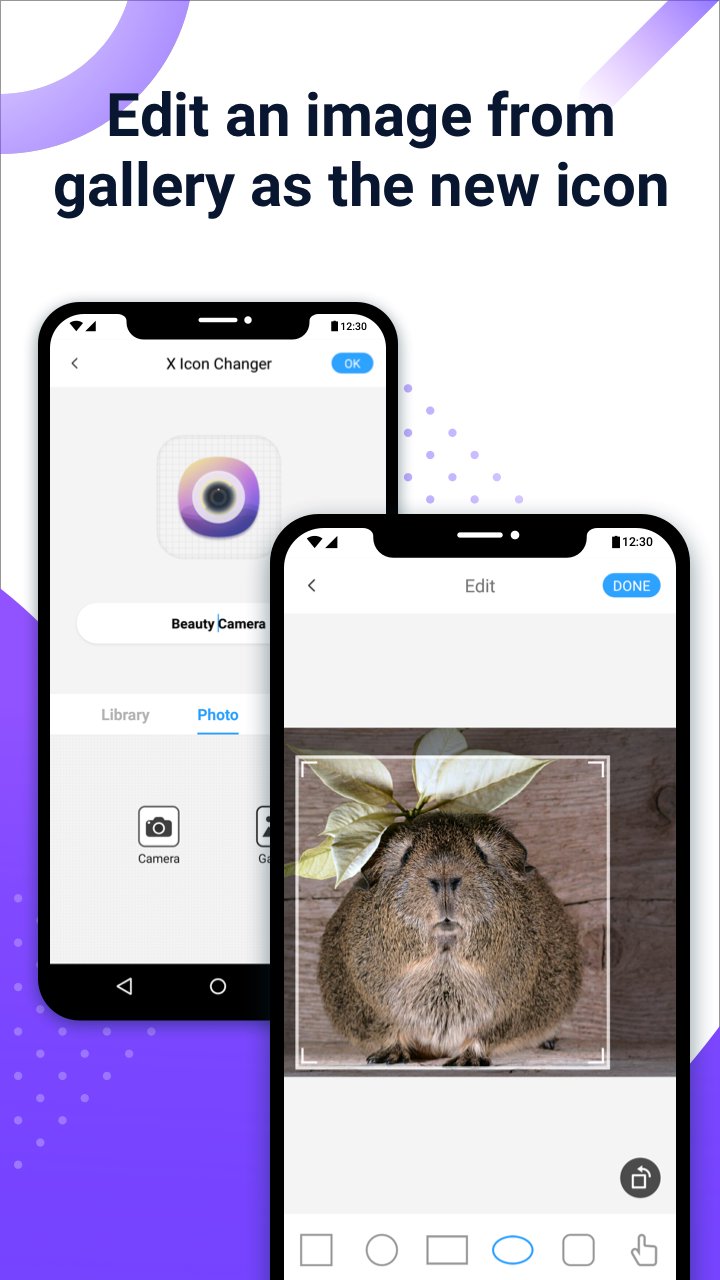
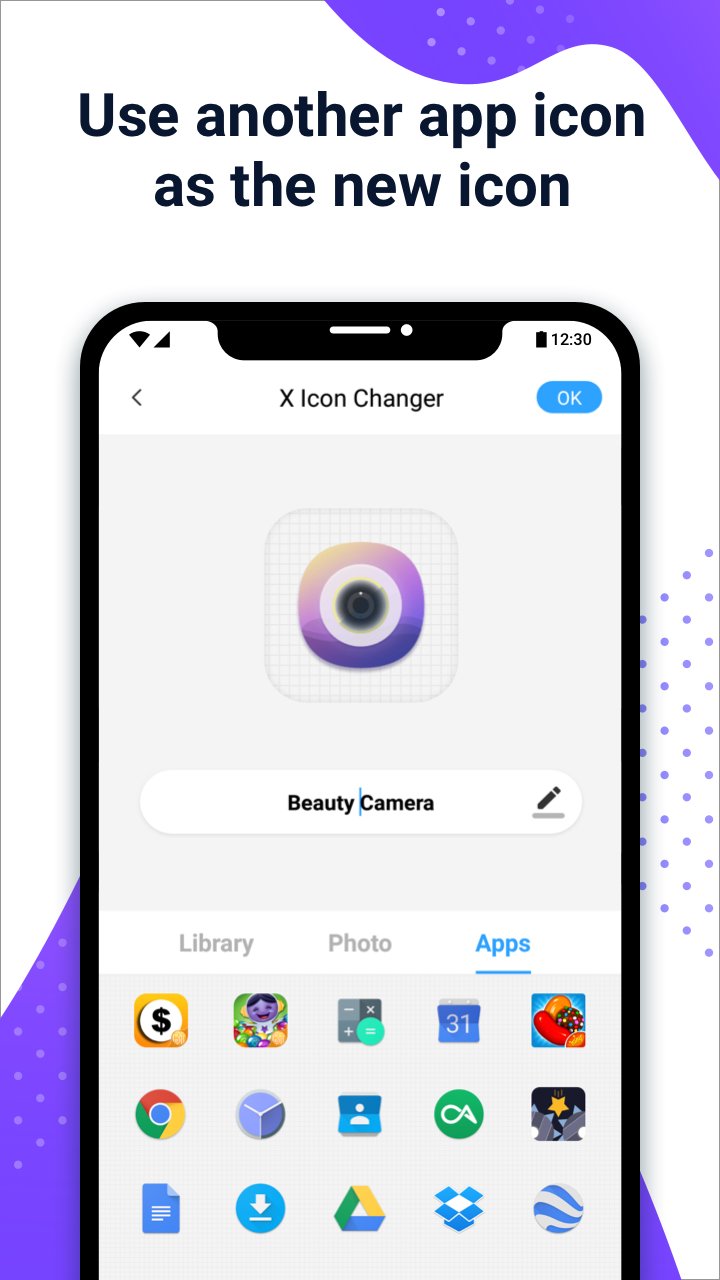
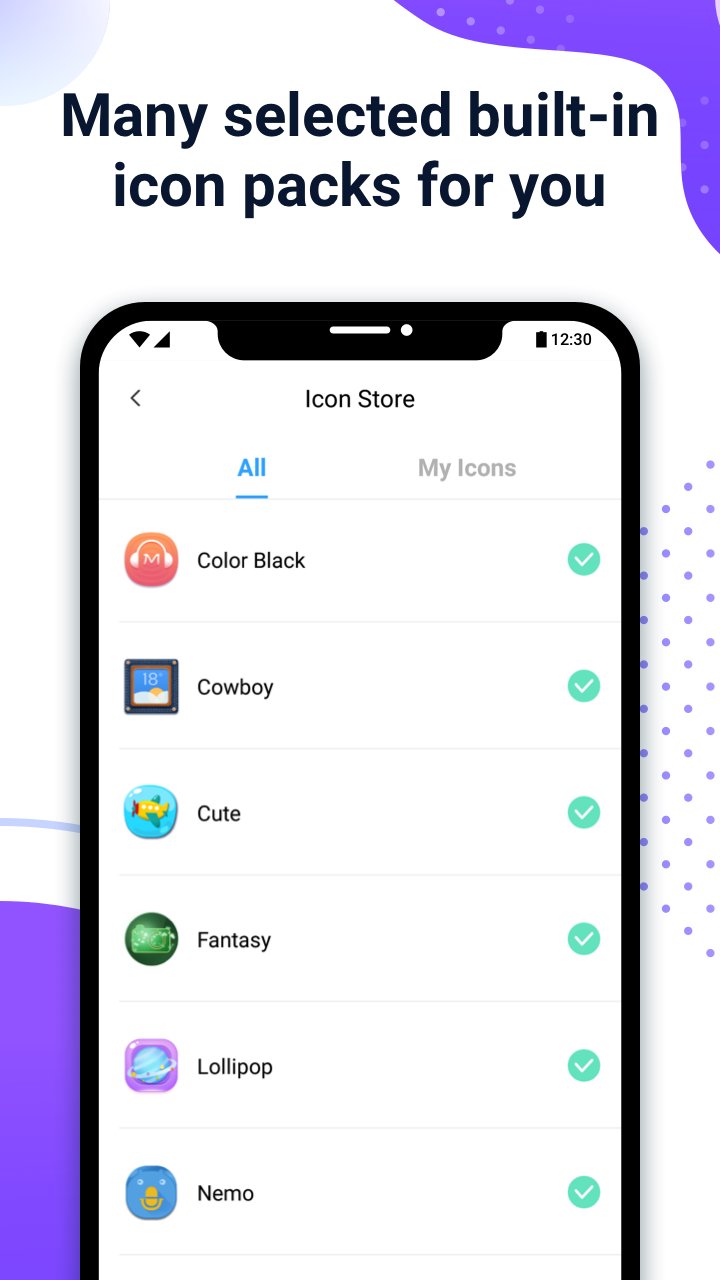
You can select icons from built in packs, your gallery, other app icons, or supported third party icon packs. This makes it easy to match a theme or a wallpaper without changing your launcher. Many selected personalized icon packs are included and free to use.
Avoid watermarks on Android 8.0 and above
GIF animation on launch
If you want a playful touch, add a GIF so a short animation plays when you open an app from its new shortcut. This applies only to the customized shortcut and does not affect the original app.
This app helps you change how your apps look using home screen shortcuts and optional labels. Install the X Icon Changer latest version to access current icon packs and the widget method on supported Android versions.
Latest Version
4.5.2Uploaded by
Paulo da Zn
Requires Android
Android 5.0+
Category
Free Personalization AppContent Rating
Everyone
Security Report
Report
Flag as inappropriateLast updated on Sep 2, 2025
Performance improved.



APKPure - A multi-platform app store primarily focused on Android, providing extensive app-related content. Discover the app you want easier, faster, and safer, with quick and efficient downloads and installations.