Scan Date:Jan 15, 2026
Show More

Volume manager / Sound manager app to automate volume levels & ringer modes based on the app you open. Easily automate volume levels using per app volume control options.
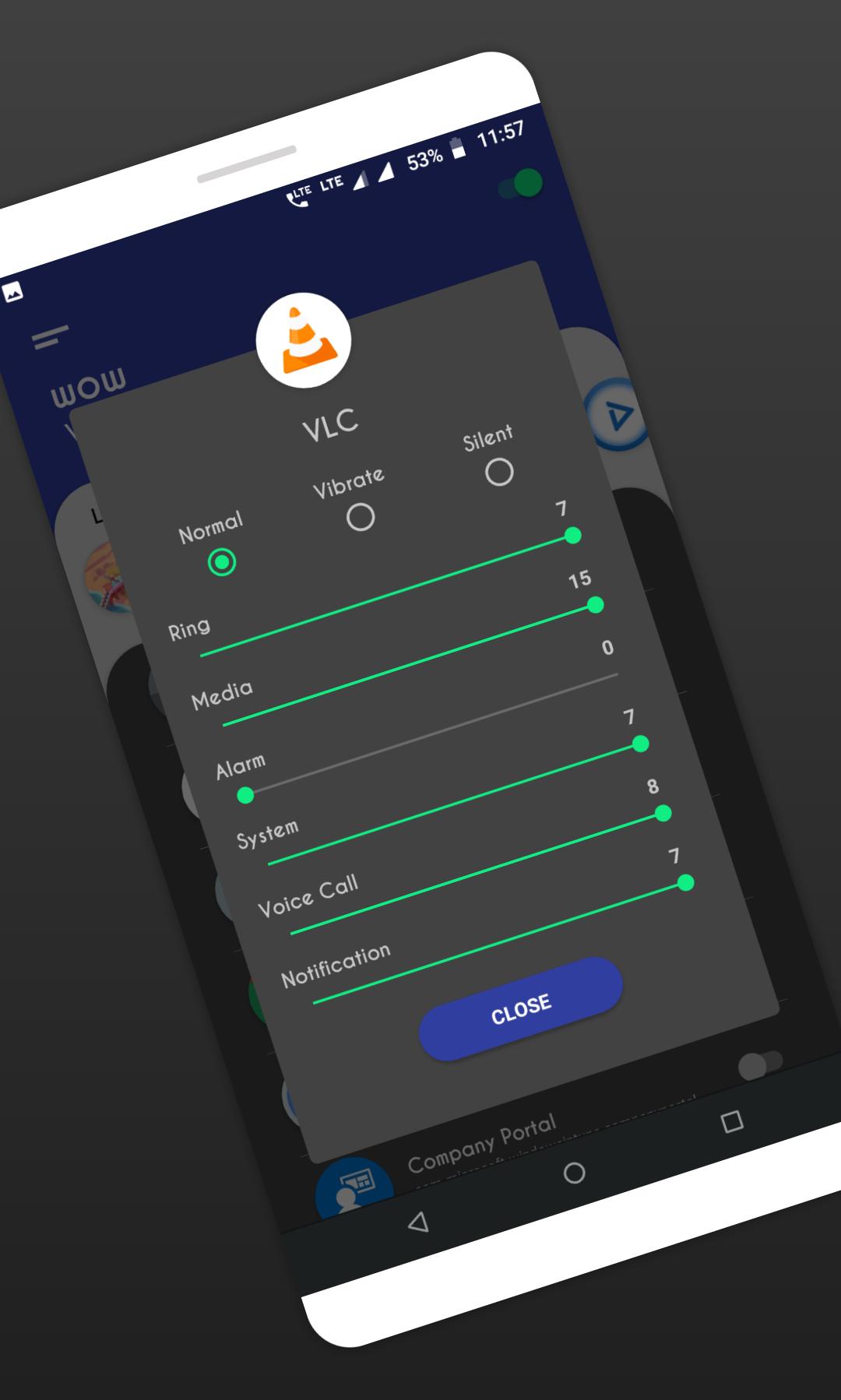
WOW Volume Manager makes its easy to control different volume levels for android such as Ring, music, alarm, incall voice, notification etc.
App also offers automate ringer modes, such as silent, vibrate or normal mode based on the app you open.
Note: app can change volume levels only if you open the app which you configured. there is no possibility in android to change volume levels for background running apps. only apps those are on foreground and open by user, only for those app automate volume control can work.
How to use:
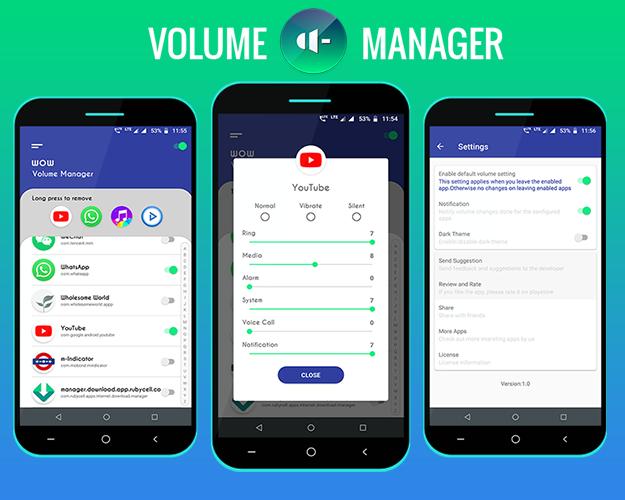
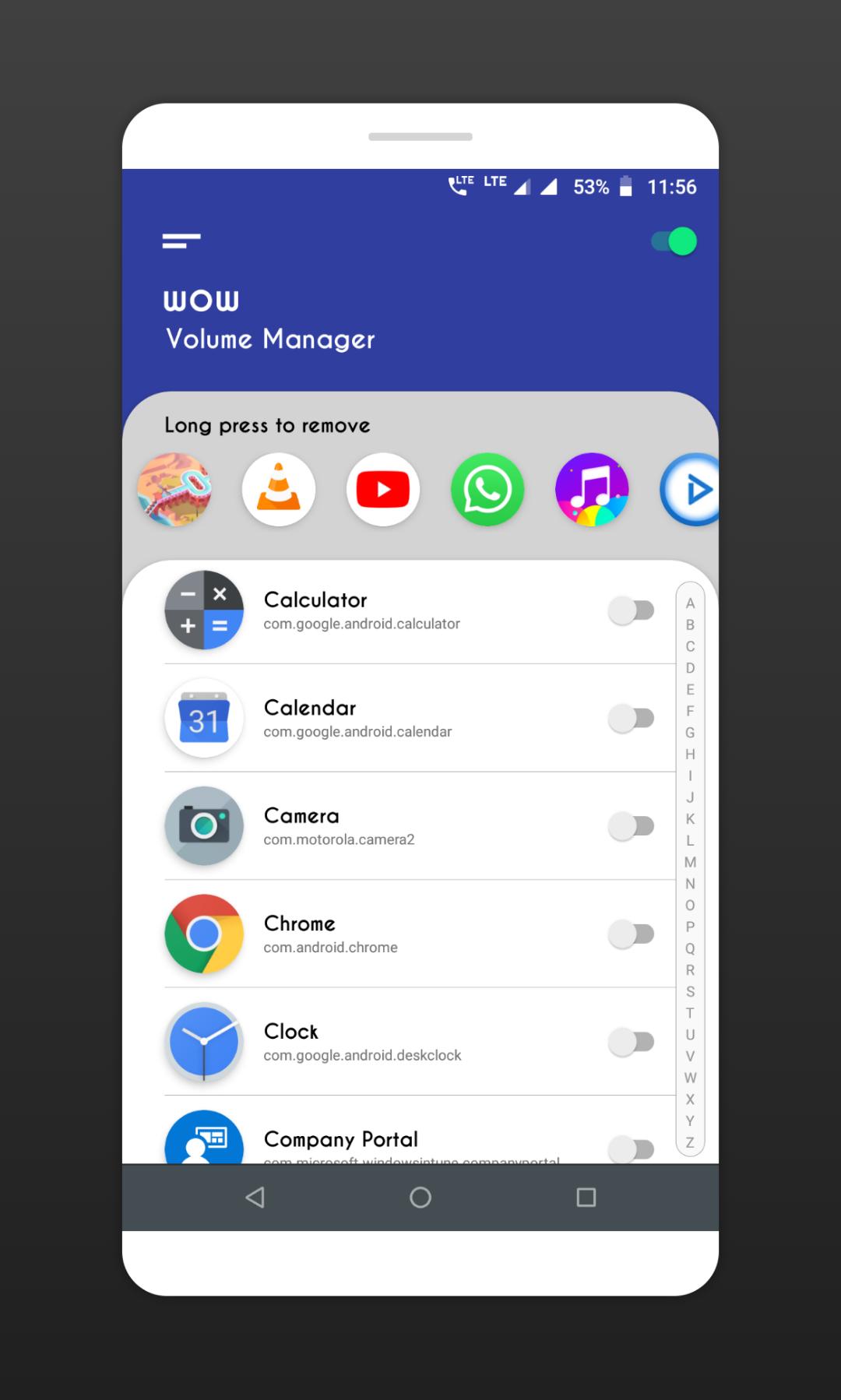
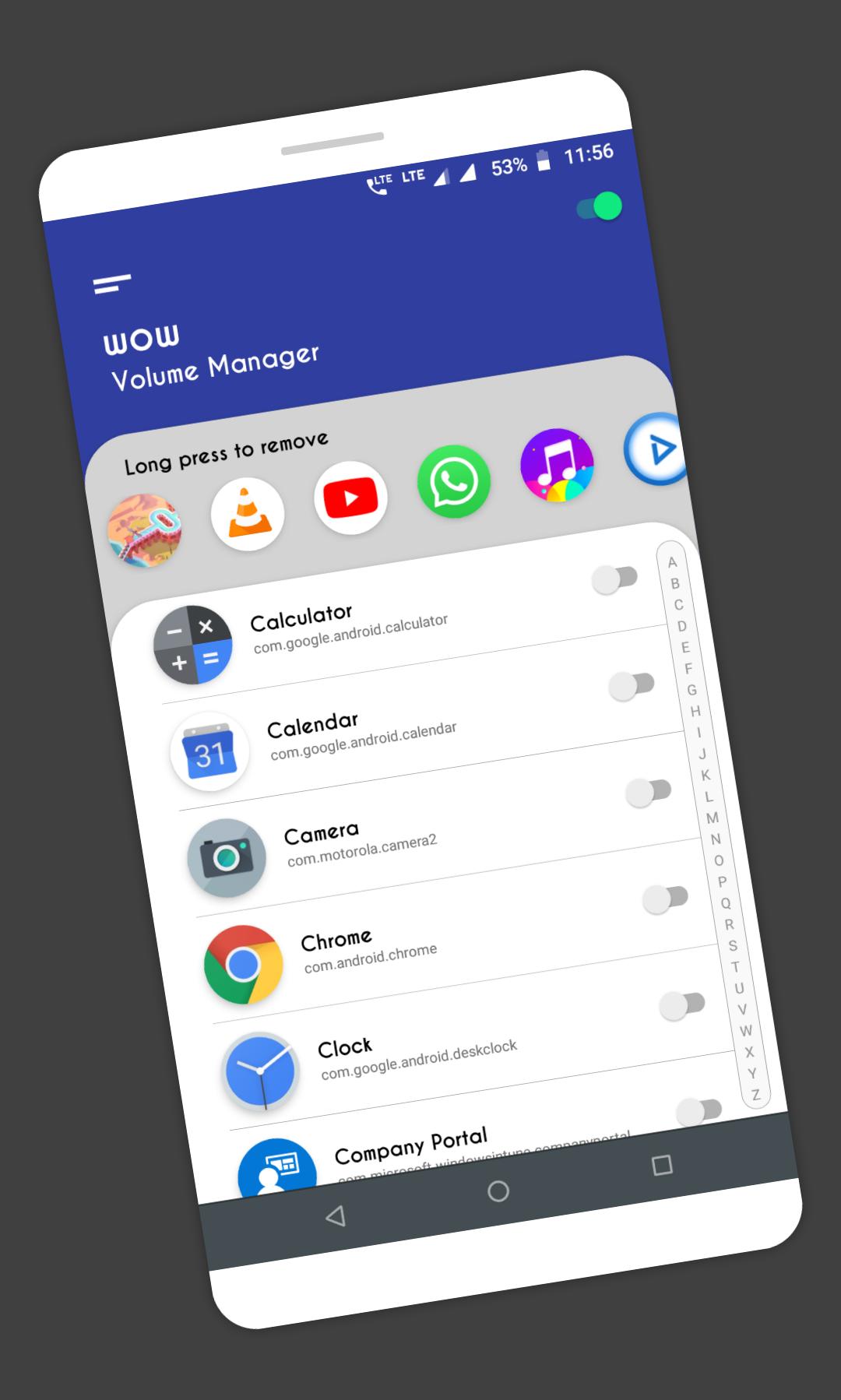
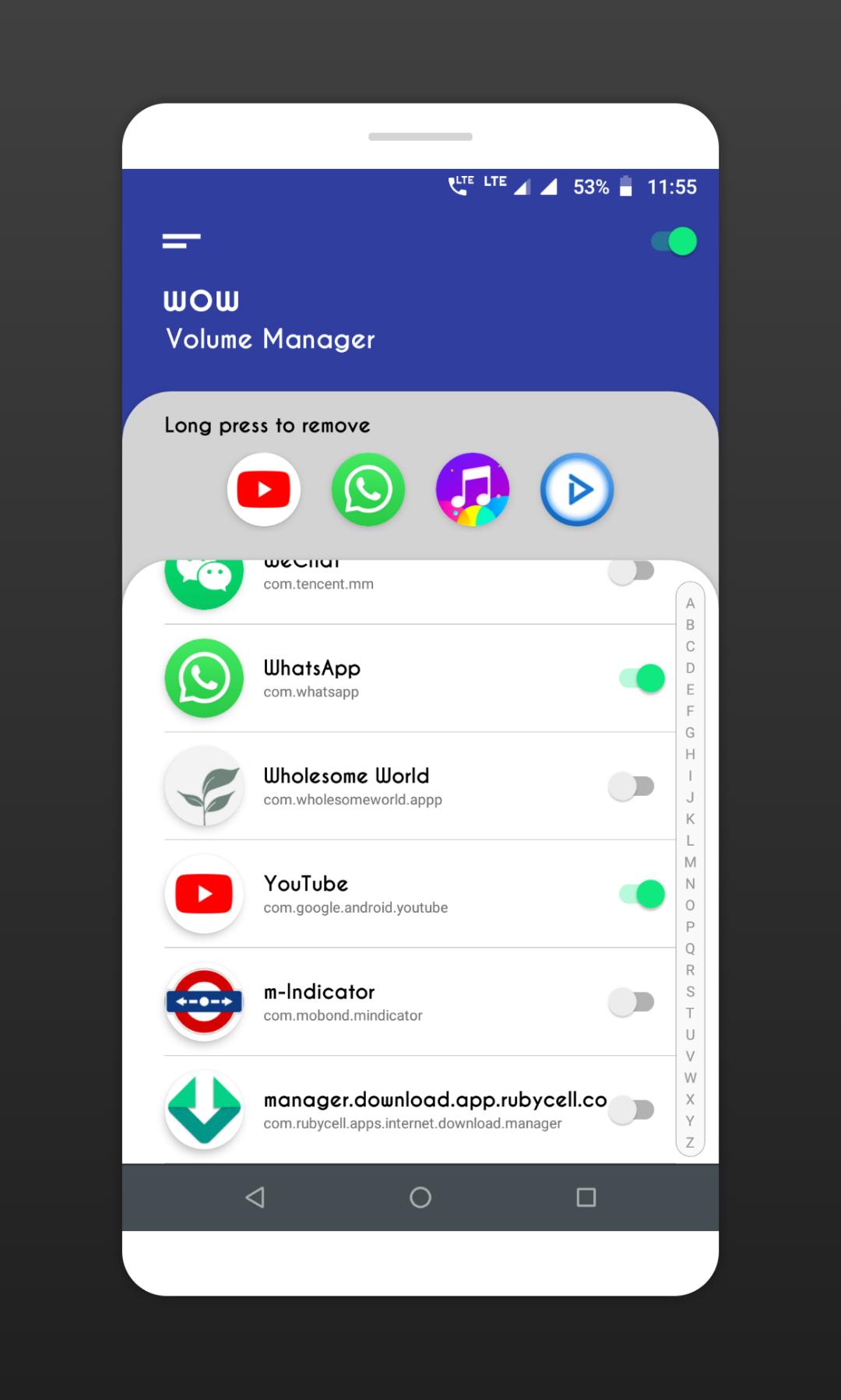
1. App shows list of installed apps & system apps from your device. enable auto volume control for the app you want, turn switch ON at right side of app name.
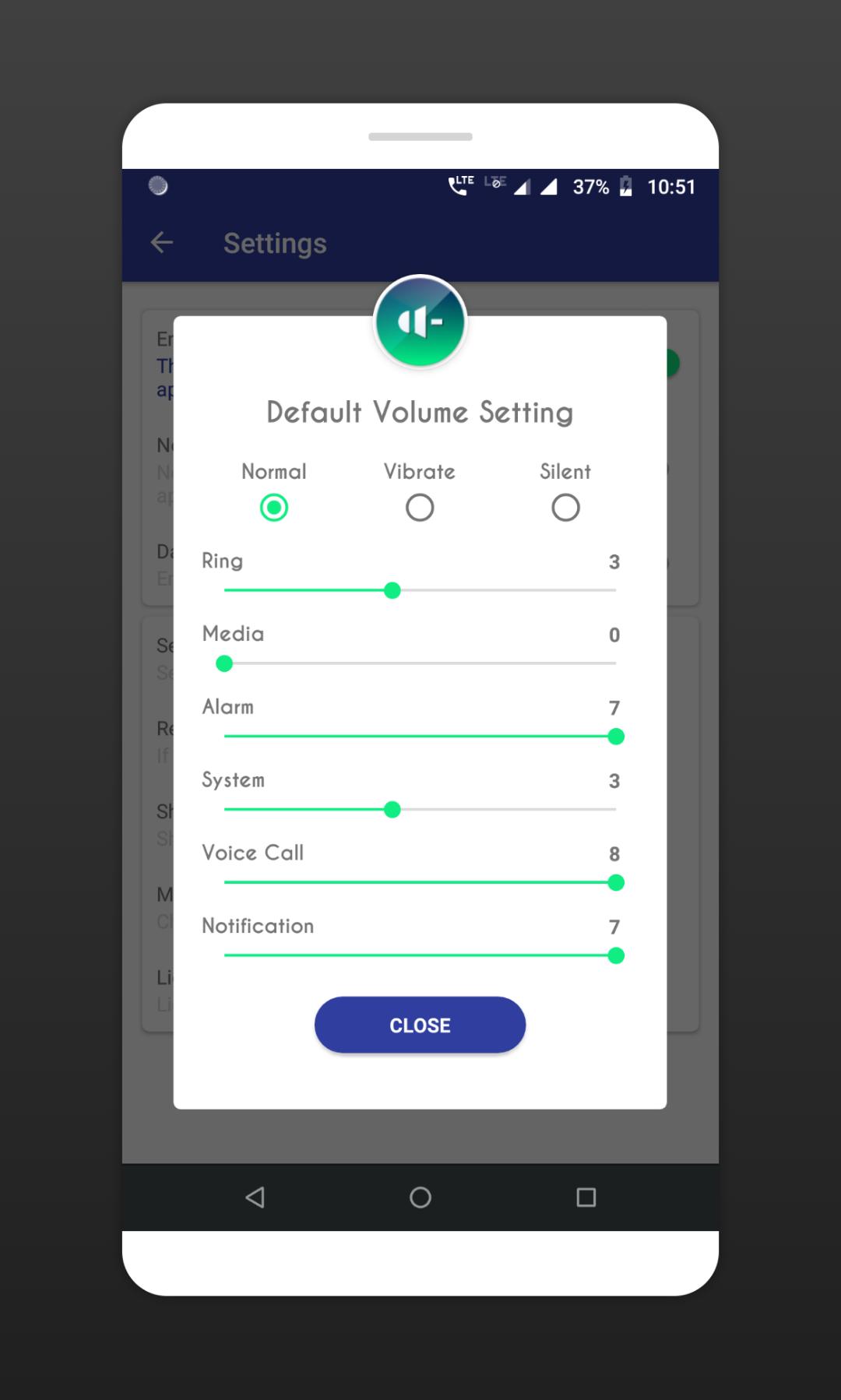
2. App shows Ringer mode, Silent, Vibrate, Normal with different volume levels. Choose the mode or set the volume levels for the app you selected.
That's all, easy and quick.
3. If you select silent or vibrate modes, you can not change volume levels under it.
Features:
◇ Enable apps for auto volume control.
◇ Automatically changes the volume levels or ringer mode when you open the app.
◇ Default volume settings for apps those are not configured.
◇ Clean and easy UI to configure quickly.
App need following permissions to complete the task, please allow these permissions for the app when you first time open the app.
Permissions:
Do Not Disturb: permission need to change volume modes.
Usage access: permission needed to check currently running app for applying volume level changes.
Note:
✔ Please make sure Volume Manager is ON, Check the switch at right top corner.
✔ App also provides default volume setting for the apps those are not configured,
so when you leave any app, the default settings gets applied. find this in app setting screen.
✔ By default, this default volume setting is OFF, this means, volume settings will remain same after leaving the app you enabled.
Please try app and let us know, what more we can do to improve the app and to make app more useful to all users.
If you like the app, please leave your review and rating on playstore.
Thank you.
Latest Version
Varies with deviceUploaded by
Abhijith G S
Requires Android
Category
Tools AppContent Rating
Everyone
Security Report
Report
Flag as inappropriateLast updated on Nov 7, 2025
Minor bug fixes and improvements. Install or update to the newest version to check it out!



APKPure - A multi-platform app store primarily focused on Android, providing extensive app-related content. Discover the app you want easier, faster, and safer, with quick and efficient downloads and installations.