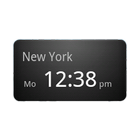
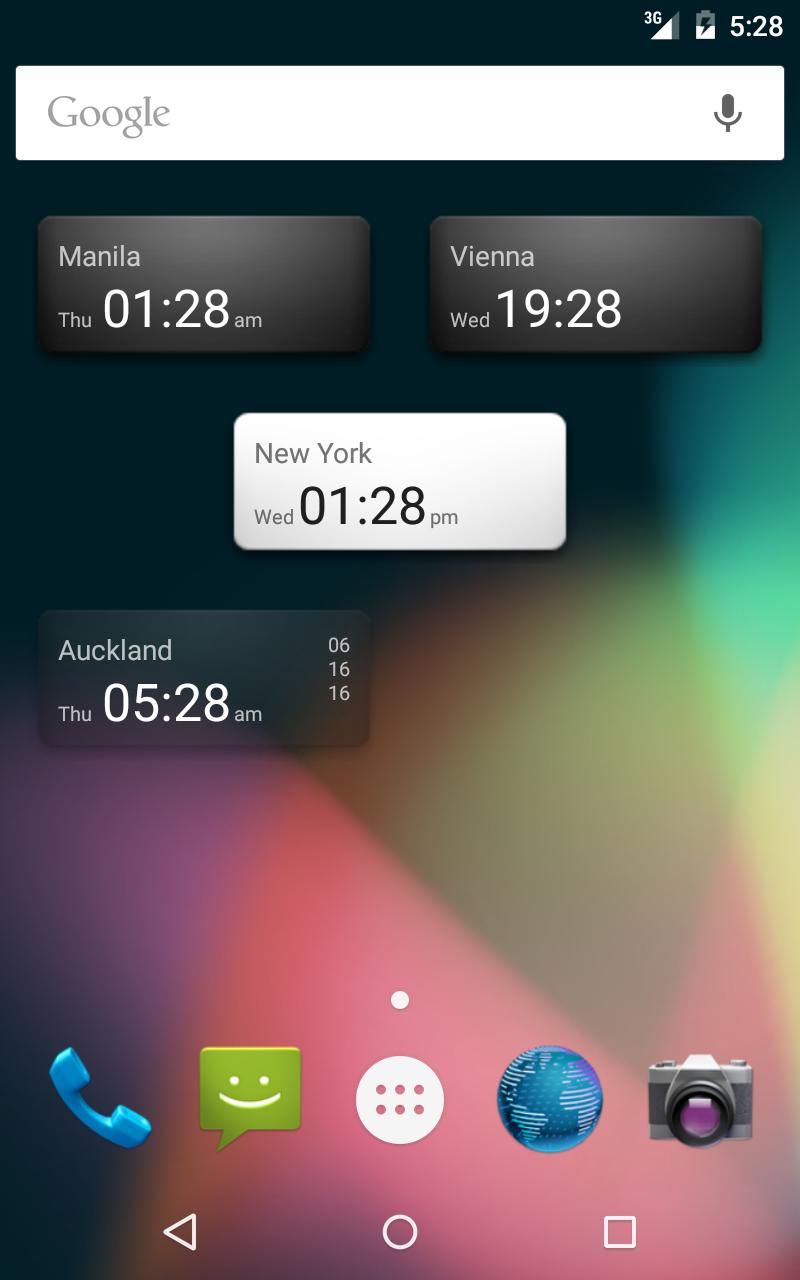
World Clock Widget is a simple, small and clean widget to display world clocks on your home screen.
See times from different time zones on your home screen.
How to use:
- Press long on empty space at home screen.
- Select "Widget"
- Select "World Clock Widget"
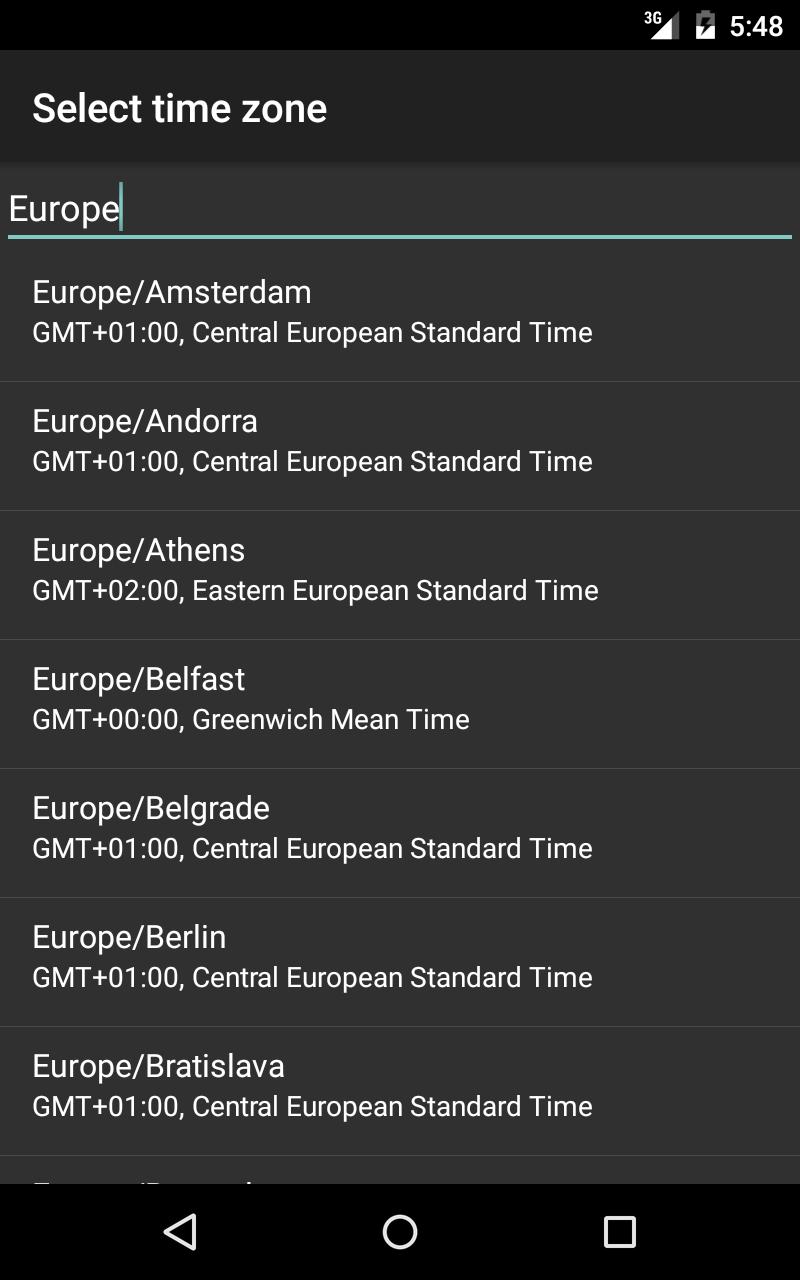
- Set your preferences and tap "OK"
Since Android 4.0 (Ice Cream Sandwich) you can add the widget from the Apps screen.
You can add as many clocks you like to your home screen.
Tap on time to adjust preferences for this clock. Make sure you accept your changes by tapping "OK".
Attention Google TV: There have been reports Word Clock Widget is not working properly with some Google TV devices. Make sure you test it within refund period.
Latest Version
1.1.4Requires Android
2.1
Category
Productivity AppContent Rating
Everyone
Report
Flag as inappropriateLast updated on Sep 26, 2017
This release includes minor bug fixes and general improvements. Update to the latest version for the best experience.





APKPure - A multi-platform app store primarily focused on Android, providing extensive app-related content. Discover the app you want easier, faster, and safer, with quick and efficient downloads and installations.