
Work Log Pro is made for people who need to keep clear records of shifts, hours, and pay without using a paper notebook. It fits common work situations such as hourly jobs, shift schedules, service work, sales roles, contract work, and more than one job at the same time. Because it works as the paid key for Work Log, users should understand how the Work Log Pro APK supports the main app before installing it.
Quick shift recording
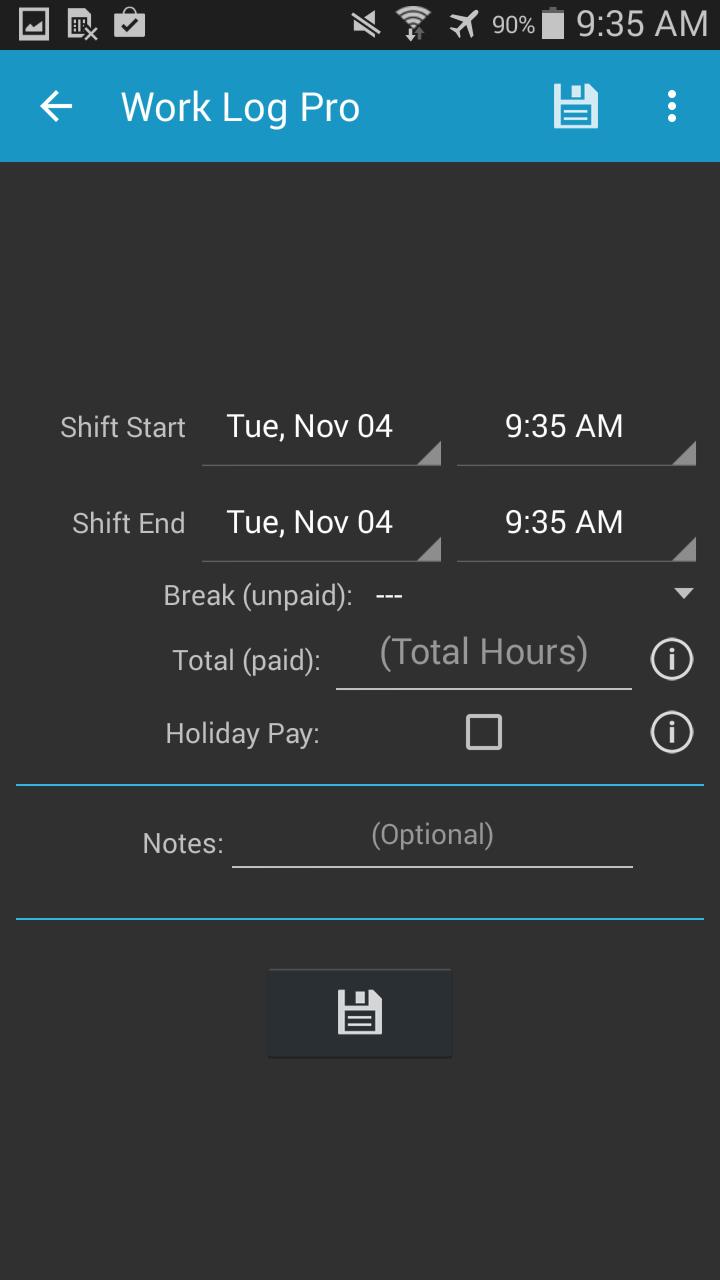
Work Log Pro supports the shift tracking tools in Work Log, so you can record work time by punching in and out or by entering hours manually. This helps when you need to add a finished shift after work or correct a time entry that was missed during a busy day. As a result, the record can stay close to the actual hours worked.
Hours and wage calculations
Work Log Pro helps Work Log calculate working hours and estimated wages across different time views. You can check totals by pay period, week, month, year, or all saved shifts. This is useful when you want to compare your own records with a payslip, especially if overtime, breaks, or changing schedules affect the final amount.
Multiple job tracking
Work Log Pro unlocks support for tracking more than one job. You can set separate details for each job, including wages, breaks, overtime, tips, sales, deductions, and bonuses. Therefore, a worker with two part time jobs or a contractor with different rates can keep each record separate instead of mixing all hours into one total.
Exports and backups
Work Log Pro adds CSV and PDF export options for shift records. These files can help when you need to review past work, share records, or keep a personal copy outside the app. In addition, database import and export tools can help when moving records to a new device, since the saved shift data belongs to Work Log.
Time, pay, and display settings
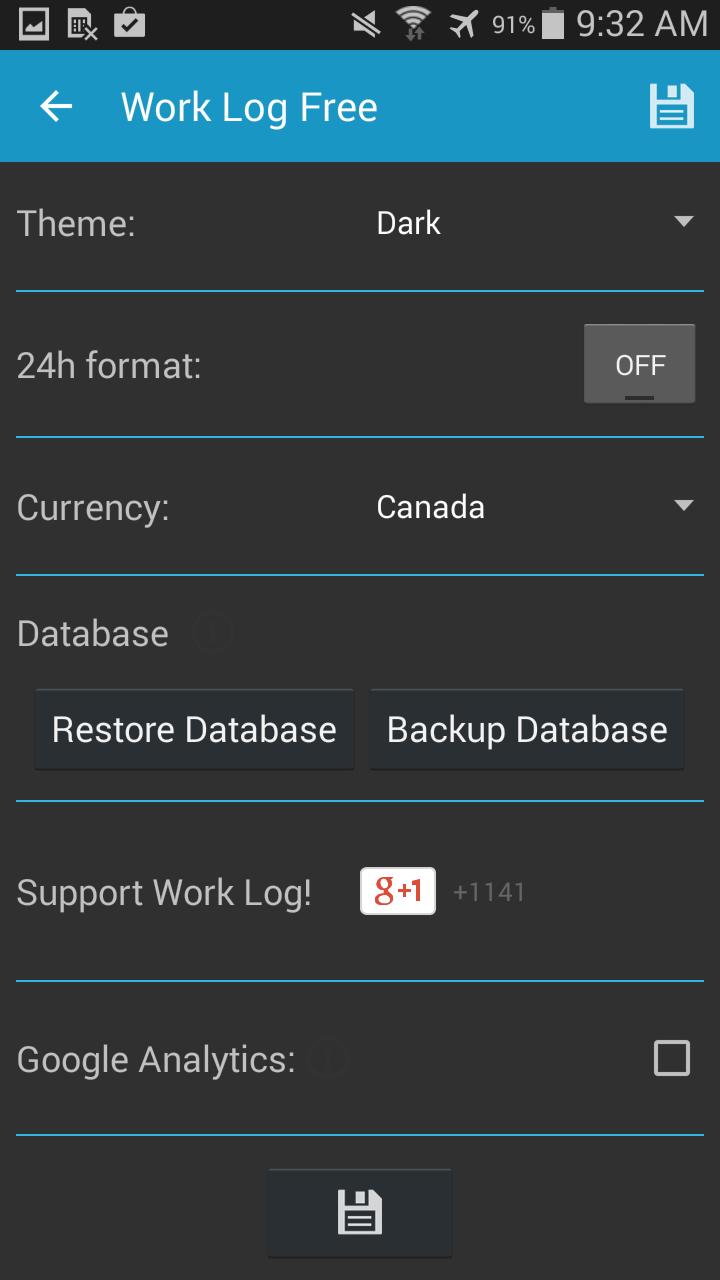
Work Log Pro unlocks settings that can match different workplace rules. You can use automatic break deductions, pay period settings, shift rounding, overtime rules, deductions, and bonuses. For daily use, the app also supports light and dark themes, AM or PM time, 24 hour time, many currency symbols, and either decimal or hours and minutes display.
Work Log Pro is an unlock key for Work Log by AR Productions Inc. It is not meant to replace the main Work Log app on its own. To use the paid features correctly, you need to keep both Work Log and Work Log Pro installed on the same Android phone.
This matters because Work Log stores the shift data, while Work Log Pro unlocks extra tools inside that setup. If Work Log Pro is removed, the unlocked functions may no longer be available, although the main shift records are handled through Work Log. Before a Work Log Pro download, users who already rely on Work Log should confirm that the main app stays installed.
Work Log Pro can help users who need personal records for pay checks and work schedules. For example, you can compare your saved hours with payroll when a shift looks missing or when overtime does not appear as expected. It can also help servers and sales staff record tips, sales, deductions, or bonuses in the same work record.
For users with changing schedules, pay period views make it easier to check totals before payday. For users with multiple jobs, separate job settings reduce confusion between different pay rates or break rules. These details can support better personal record keeping, but final payroll decisions still depend on the employer’s official records.
After installing Work Log and its unlock key, open the main Work Log app to manage your records. If you use the Work Log Pro latest version, the paid tools should be available inside the Work Log experience once both apps are installed.
Work Log Pro is useful for workers who already use Work Log and want paid tools for exports, backups, multiple jobs, and detailed pay settings. Users can download Work Log Pro when they need an unlock key that supports clearer shift, wage, and pay period records on Android.
Official information for Work Log Pro is available through the following channels:
Latest Version
12Requires Android
4.0
Category
Productivity AppContent Rating
Everyone
Report
Flag as inappropriateLast updated on Oct 31, 2025
This release includes minor bug fixes and general improvements. Update to the latest version for the best experience.






APKPure - A multi-platform app store primarily focused on Android, providing extensive app-related content. Discover the app you want easier, faster, and safer, with quick and efficient downloads and installations.