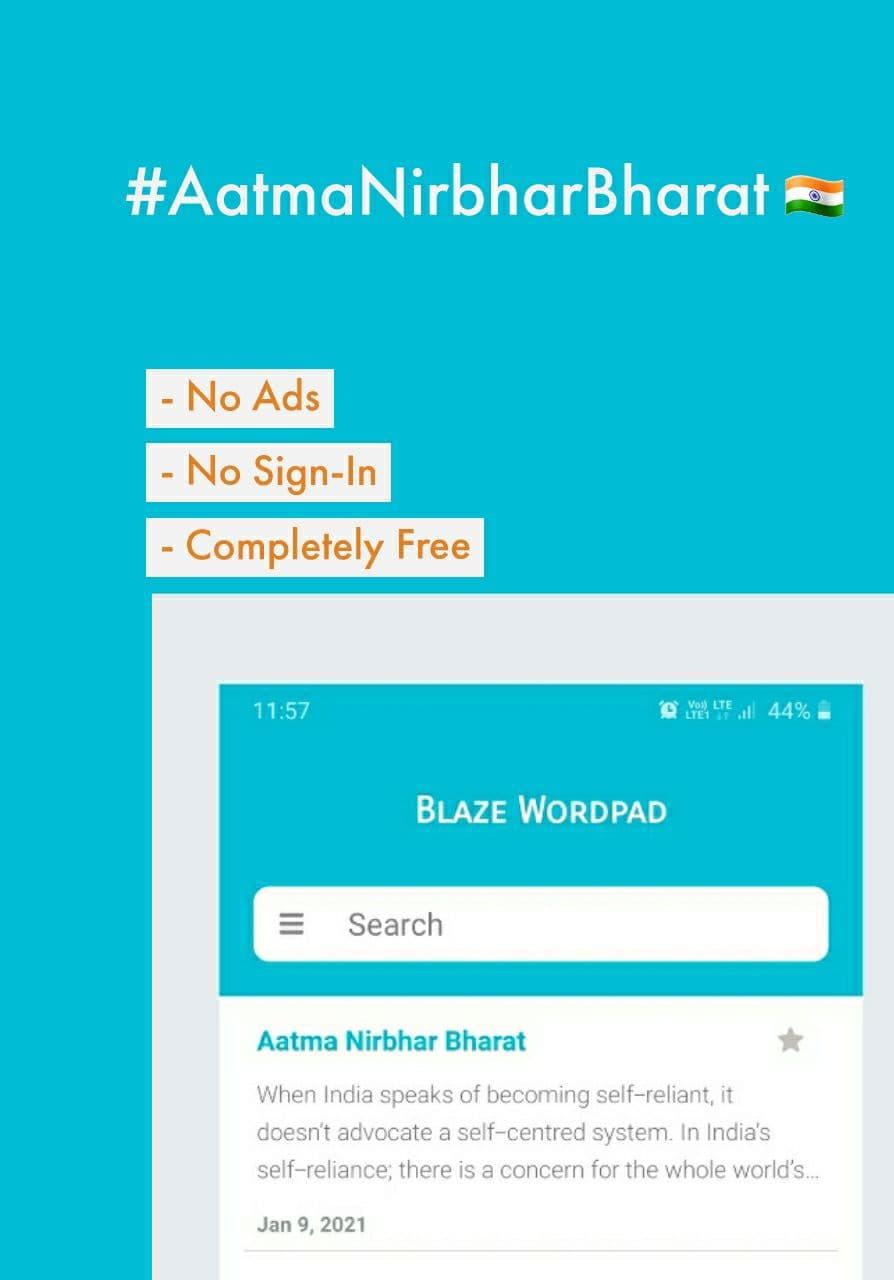
Wordpad is a free to use powerful word processing app. Write your document and let wordpad take care of the formatting. Use Wordpad to quickly create notes, tasks and list down your inspirations.
The writing app and word processor is as handy as you want it to be, whether you’re a blogger, writer, journalist, columnist, student, or a project manager working on documentation. Your office moves with you when you use Wordpad.
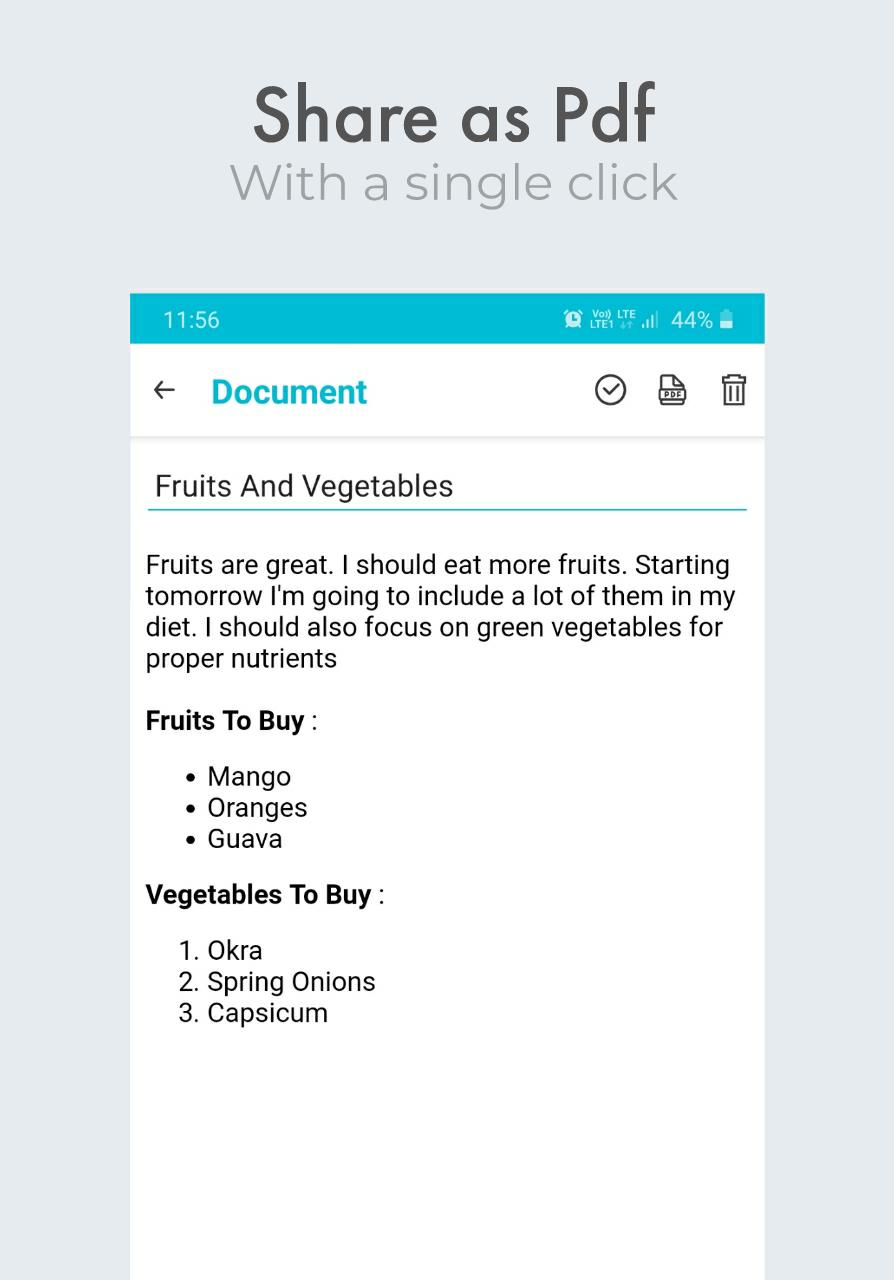
Write in wordpad and get your document as pdf or txt file with a single click. You can use the direct print feature to print your document or note.
Features Of Wordpad :
- Create Unlimited documents and notes without any hassle
- Share your document as Pdf with a single click.
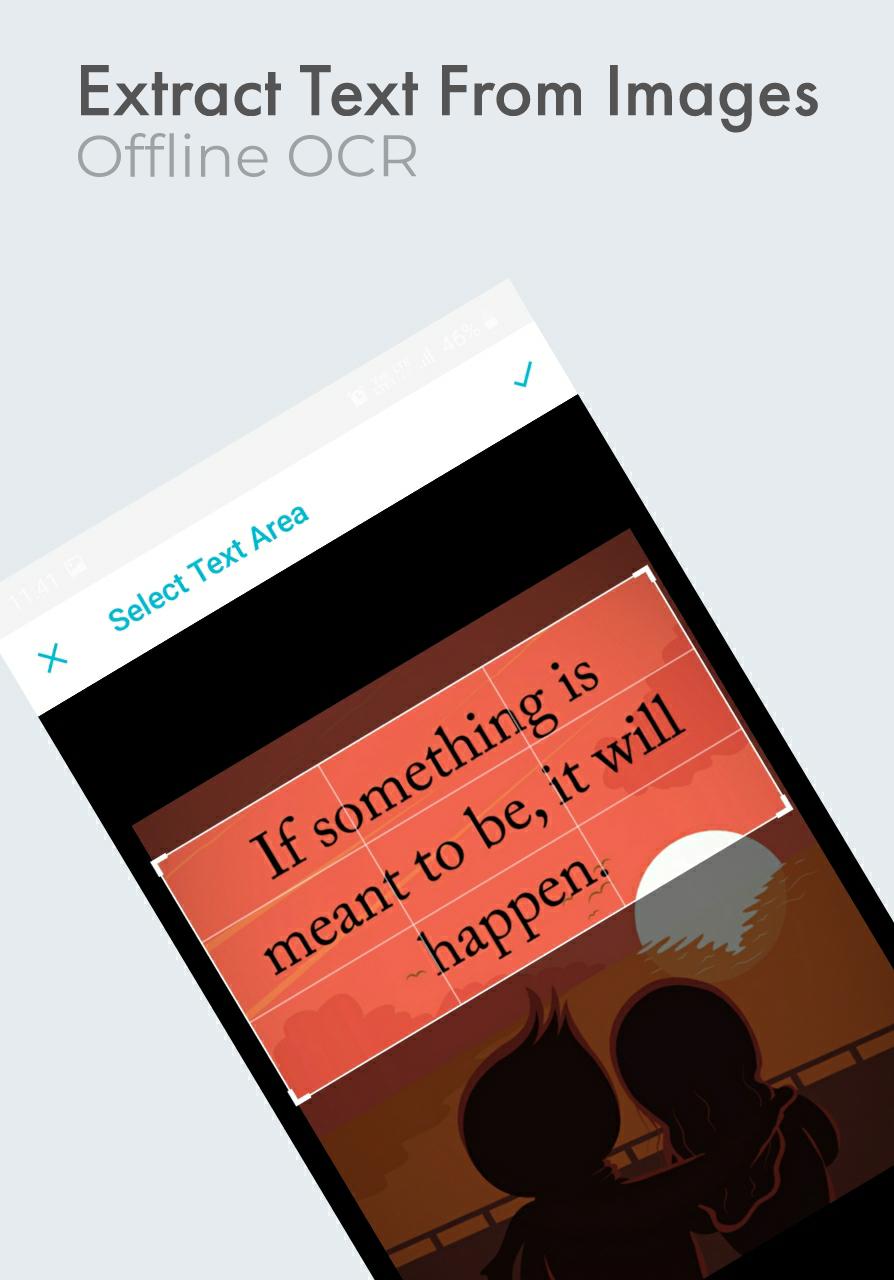
- Extract Text From Images using built-in offline OCR engine.
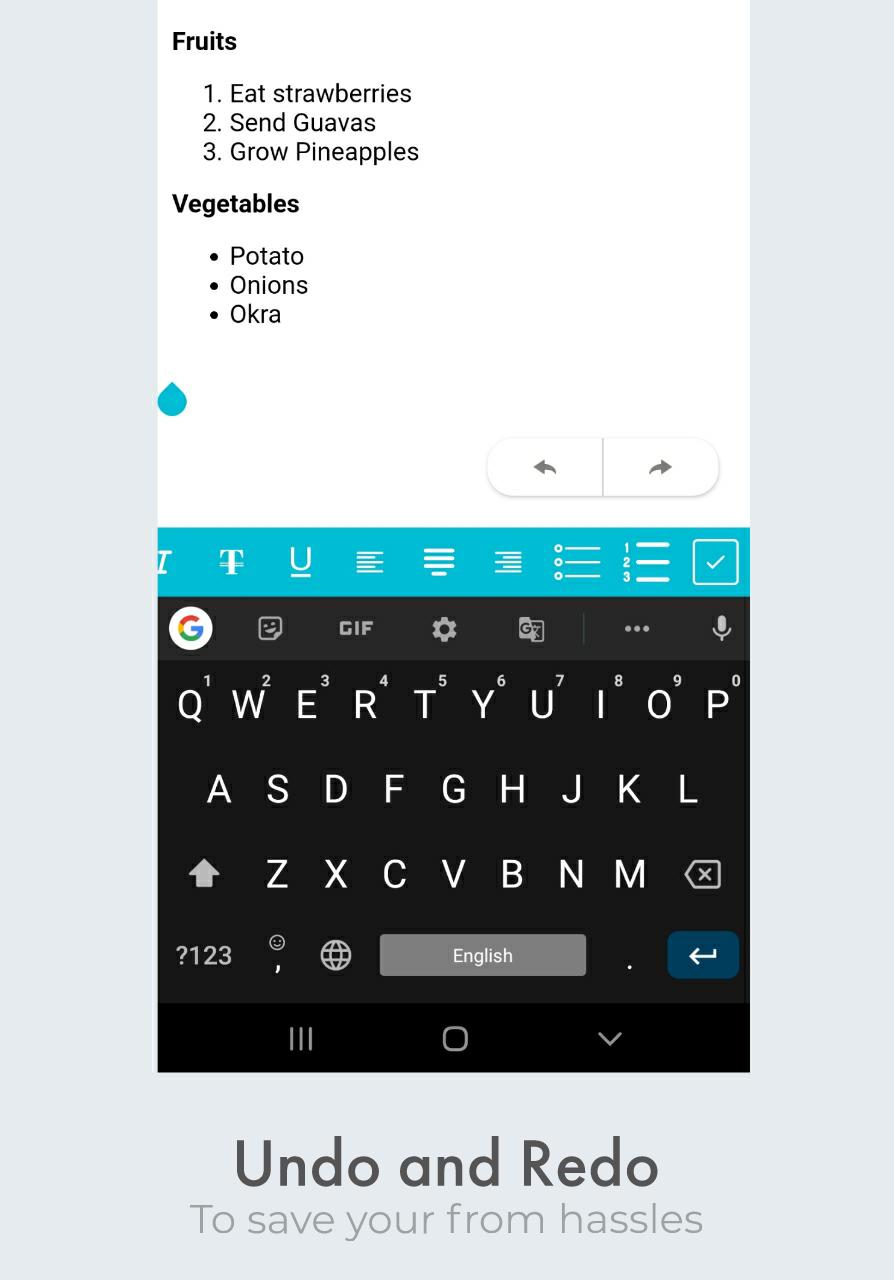
- Undo And Redo with a single click
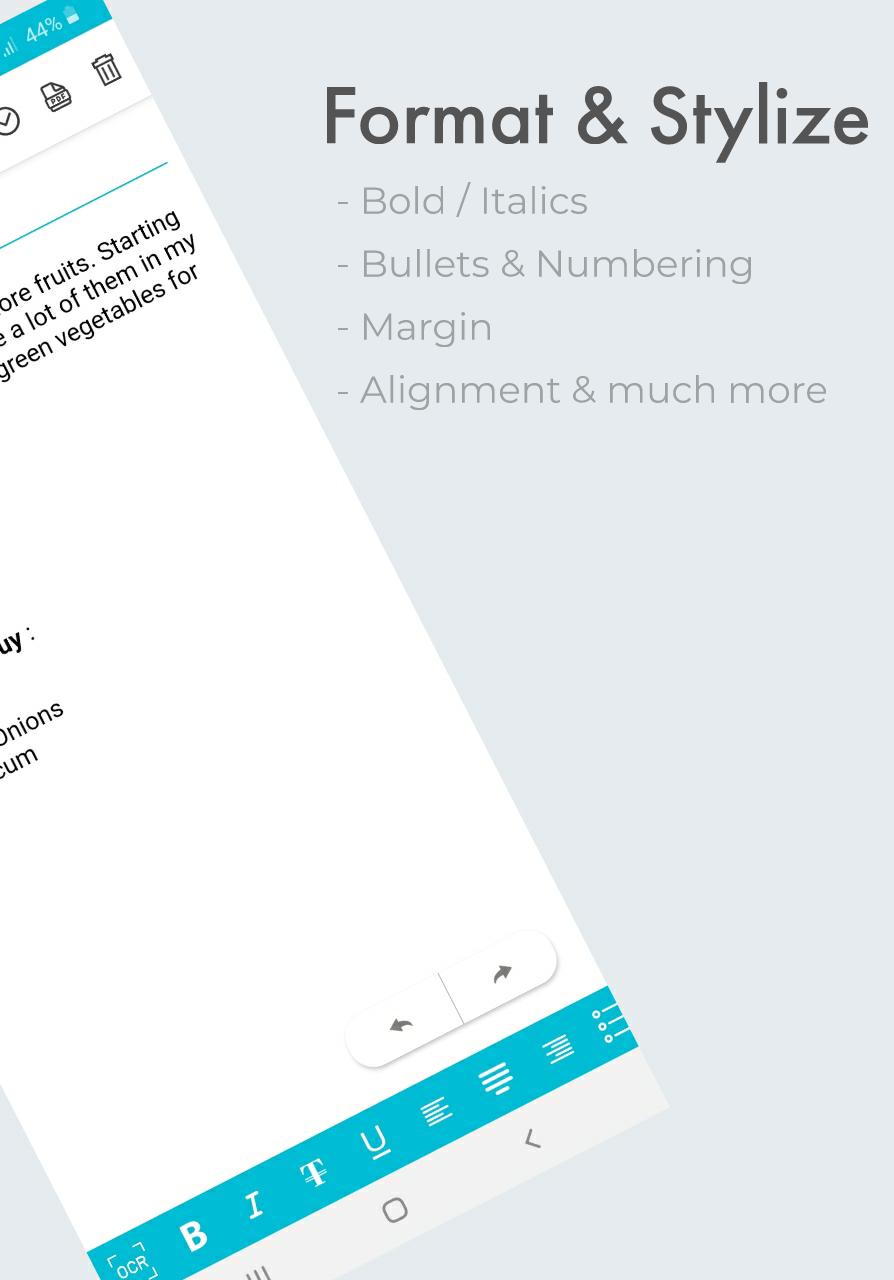
- Alignment Support
- Bullets and Numbering Support
- Wide Variety Of Stylizing and Formatting
- Add your favorites document in a separate list.
- Deep Search Support lets you find your document from a single word.
- Powerful Reader Mode to enjoy your notes
- Text to Speech engine with speed and pitch control for free !
- Print with a click (Pro)
- Adjust Font Size
- Adjust Font Color (Pro)
- 15+ styling tools to format you notes
- Direct Save/Export to *.pdf file
- Direct Save/Export to *.txt file
Wordpad app is built with love in India and will be coming with new major updates. Stay tuned.
Latest Version
3.0Uploaded by
Astartea Anita
Requires Android
Android 5.0+
Category
Free Productivity AppContent Rating
Everyone
Report
Flag as inappropriateLast updated on Sep 11, 2021
Set Text Color (Pro), Set Text Size, Superscript and subscript formatting, Insert Indent and Outdent, Autosave, Show/Hide Editor Tools, Landscape Support, Export as plain text (.txt), Direct Print Feature (Pro), Export button relocated, German translation added, Extra section added, Delete button added in note viewing screen, New Export button in note viewing screen, Favorite Notes shifted to Extra section, Pro Version upgrade available


APKPure - A multi-platform app store primarily focused on Android, providing extensive app-related content. Discover the app you want easier, faster, and safer, with quick and efficient downloads and installations.