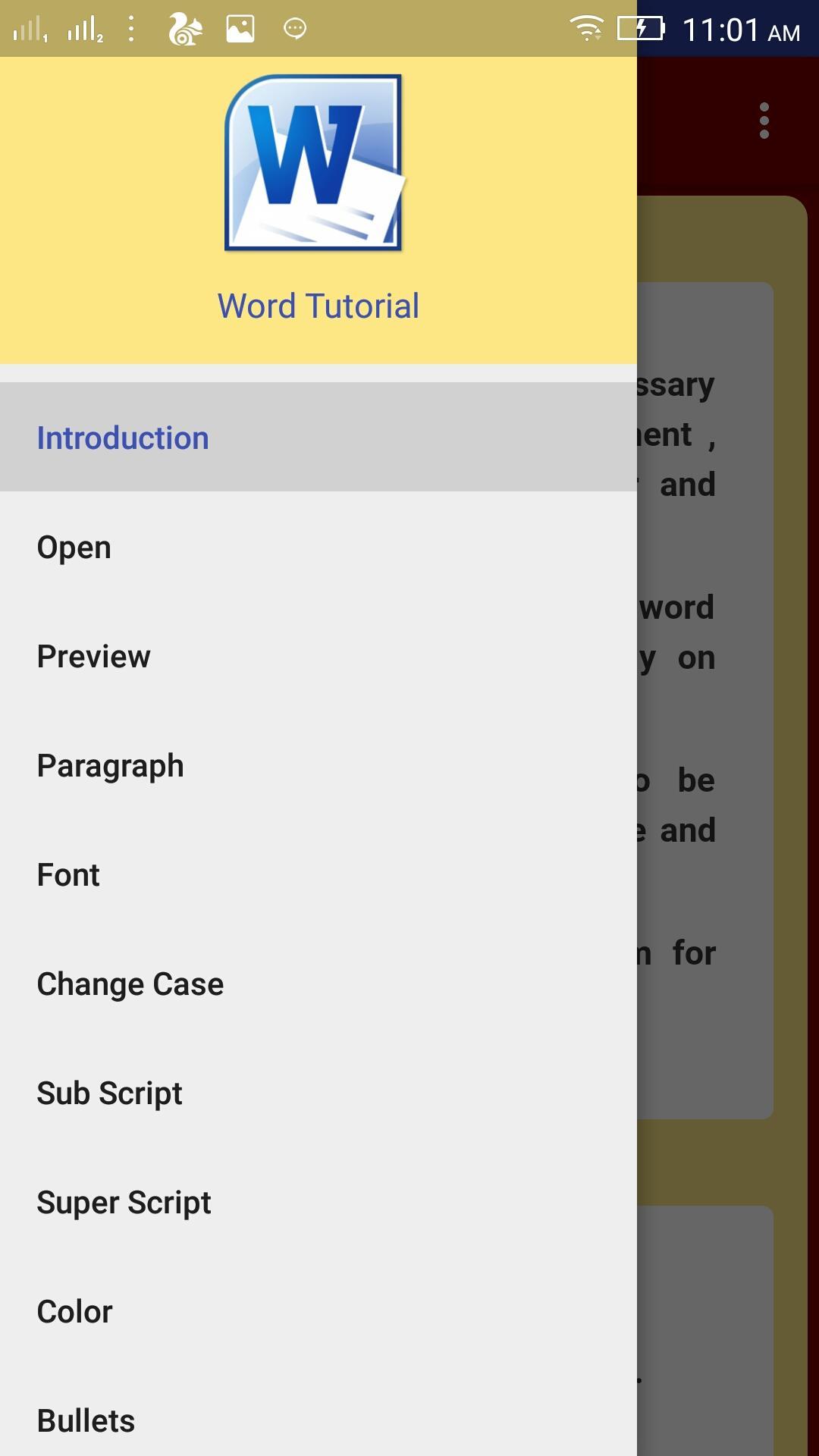
In this tutorial we have describe all topics of microsoft office word with step by step screen shots and descriptions. All learners can find example of all tools of microsoft office word in this tutorial. Microsoft office word 2018 is covers brief desription of all topics.
Examples of Word
- Subscript
- Superscript
- Fonts
- Paragraph with Text alignment
- Insert shapes , charts, clipart , smartart , pictures and etc.
- Page setup - Margin, orientation, page break, watermark, page color etc
- Reference - auto index, caption, Citation
- Review and View
Features Covered
- Fonts with font size , font color, Bold, Italic, Underline, Subscript, Superscript, Highlight color and etc.
- Paragraph with align text left, right, center, justify, bullets, numbering, space after paragraph, space before paragraph , line spacing.
- Insert Shapes, tables , chart, smart art, clips, pictures, header, footer, hyperlink, bookmark, cross reference, page number, text box etc.
- page layout options like margin, orientation , page break, watermark, page color, page border, indent spacing, position, wrap text, bring forward , send backward etc.
- Reference tab with index, footnote, bibliography, citation, caption, index and etc.
-Mail merge with step by step guide
- and review and view tab
Keywords - Microsoft , Microsoft office , Microsoft office word , word tutorial, word, office word, word 2013, word 2010, word 2016, word 2003, tutorial, learn word, learn office, learn Microsoft office, Basics, Explore Window, Backstage View, Entering Text, Move Around, open, Close documents, Context Help, Insert, Select, Delete, Move Test, Copy and Paste, Find and Replace, Spell Check, Special Symbols, Undo Changes, Setting Text Fonts, Text Decoration, Change Test Case, Color, Alignments, Indent Paragraphs, Create Bullets, Set Line Spacing, Set Tabs, Apply Formatting, Adjust Page Margins, Add, Insert, Blank, Cover Page Numbers, Page Orientation, format documents, save documents, compare documents, email, Preview documents, print documents, zoom in and out, header and footer, Move, Resize, Merging, Split cells, Add Formula tables, Quick Styles, Use Templates, graphics, Auto Correction, Formatting, clip art, smart art, borders and shades, translation and cover pages, Set Watermark.
Latest Version
2.8Uploaded by
Baseem Hossny
Requires Android
Android 4.0.3+
Category
Free Education AppContent Rating
Everyone
Report
Flag as inappropriateLast updated on Feb 17, 2019
Minor bug fixes and improvements. Install or update to the newest version to check it out!




APKPure - A multi-platform app store primarily focused on Android, providing extensive app-related content. Discover the app you want easier, faster, and safer, with quick and efficient downloads and installations.