
Tired of typing and searching through Wikipedia with your tiny keyboard?
Tired of reading Wikipedia articles on your tiny phone screen?
Tired of having to search for images relating to what you are reading about on Wikipedia?
Well then why you are still reading this? You should be downloading and using Wiki Voice Search right now!
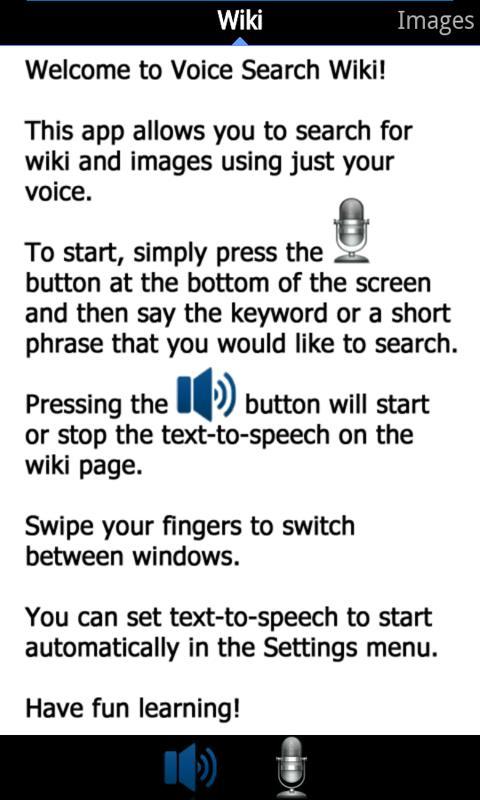
Wiki Voice Search allows you to search both Wiki and Images with your voice! In addition it can read the wiki articles aloud to you so you don't have to! Go ahead, install it and make having to read Wiki articles a thing of the past.
I recommend IVONA Text-to-Speech add on for better and more natural voices than the build in android voices.
Install Google Voice Search if you are having trouble getting voice recognition to work.
Latest Version
1.3Uploaded by
Vàmßhi Yàdàv Gàñgülá
Requires Android
Android 2.2+
Category
Free Tools AppContent Rating
Unrated · Warning – content has not yet been rated. Unrated apps may potentially contain content appropriate for mature audiences only.
Report
Flag as inappropriateLast updated on Dec 27, 2015
Change Log
1.3
- Speed boost on grabbing content from wiki
- minor bug fixes
1.2
- Update Wiki to new Wikipedia layout/format.
*Note: Due to the new way Wikipedia is presenting the pages you might experience a slow down on the page load time because of the text to speech transcribing function.
1.1
- Fix setting menu getting stuck
- Minor bug fixes




APKPure - A multi-platform app store primarily focused on Android, providing extensive app-related content. Discover the app you want easier, faster, and safer, with quick and efficient downloads and installations.