
Wii emulator Project (Unreleased) suits users who want to play their own Wii titles without carrying discs or a console. It loads game images from local storage, and it includes a simple guide to help you prepare files correctly. Because no games are bundled, you create backups from legally owned discs and place them on an SD card or USB drive. If you plan to download Wii emulator Project (Unreleased), note that performance depends on your phone’s hardware and the format of the images.
User-supplied games and setup
You add your own games. Dump real Wii discs to ISO, then place the files on an SD card or USB storage. No games are included with the app. After setup, the in-app guide explains how to add the titles to your library, and the next step is checking supported formats.
Supported file formats
Wii emulator Project (Unreleased) APK supports loading game images with these extensions: .bin, .mdf, .pbp, .iso, .toc, .cbn, .m3u, zip, .img, .cue, and 7z. Some images use .ecm, and those do not work in this emulator.
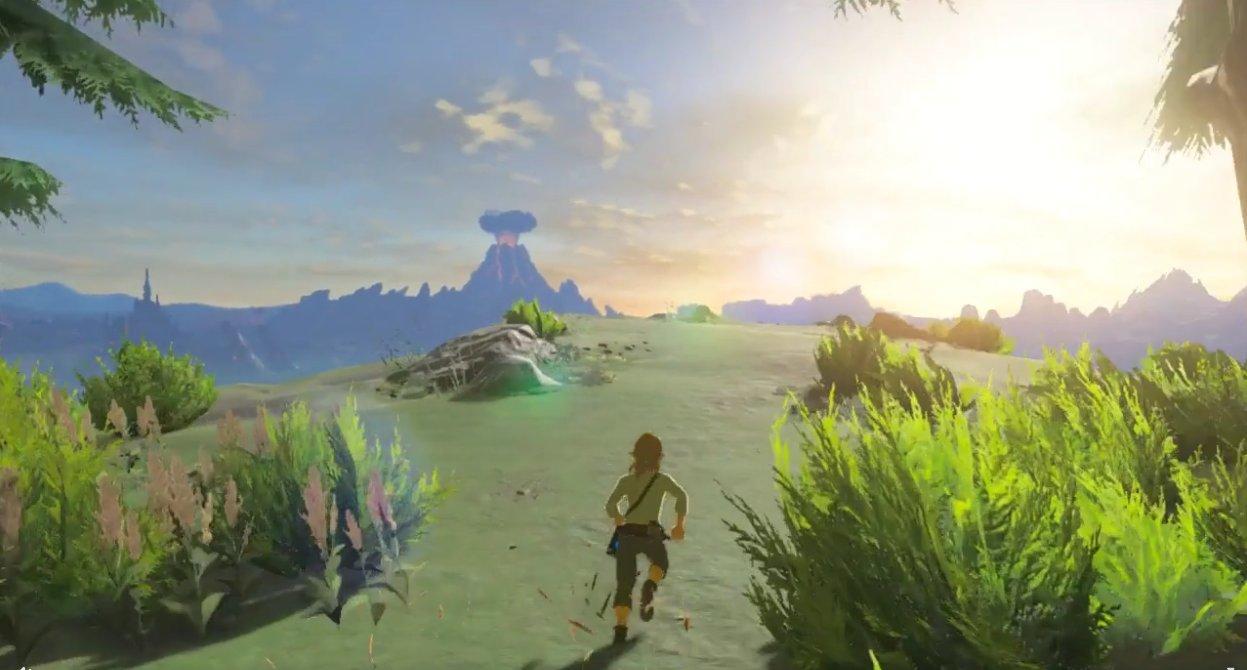
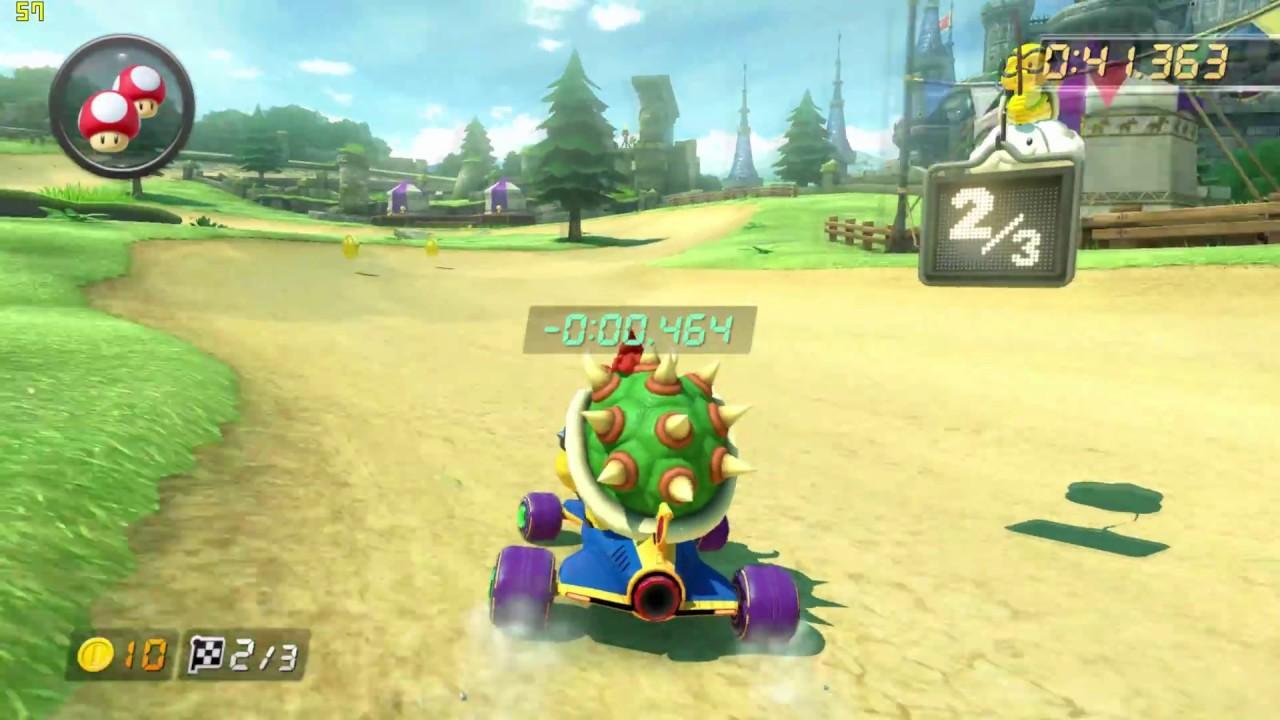
Performance examples on Samsung S8
Legal and support notes
This emulator is not affiliated with Nintendo or its subsidiaries. Nintendo game software is sold separately. Screenshots or audio simulated by the software remain the property of their respective copyright holders. If you have questions or issues, support is available from within the app.
Wii emulator Project (Unreleased) lets you run your own prepared game images on Android with guidance in the app. For a stable setup, install the Wii emulator Project (Unreleased) latest version and follow the included steps to add titles from local storage.
Latest Version
1.2Uploaded by
Sagvan Şarafany
Requires Android
Android 4.0.3+
Category
Free Arcade GameContent Rating
Everyone
Report
Flag as inappropriateLast updated on Nov 8, 2018
Minor bug fixes and improvements. Install or update to the newest version to check it out!


APKPure - A multi-platform app store primarily focused on Android, providing extensive app-related content. Discover the app you want easier, faster, and safer, with quick and efficient downloads and installations.