Package Name:com.cac.qrforwifi
SHA-256:a02930d3910b5cc6a4c3158809a42af7ebeda85b8881c68f61eccd2b73d3408b
Show More

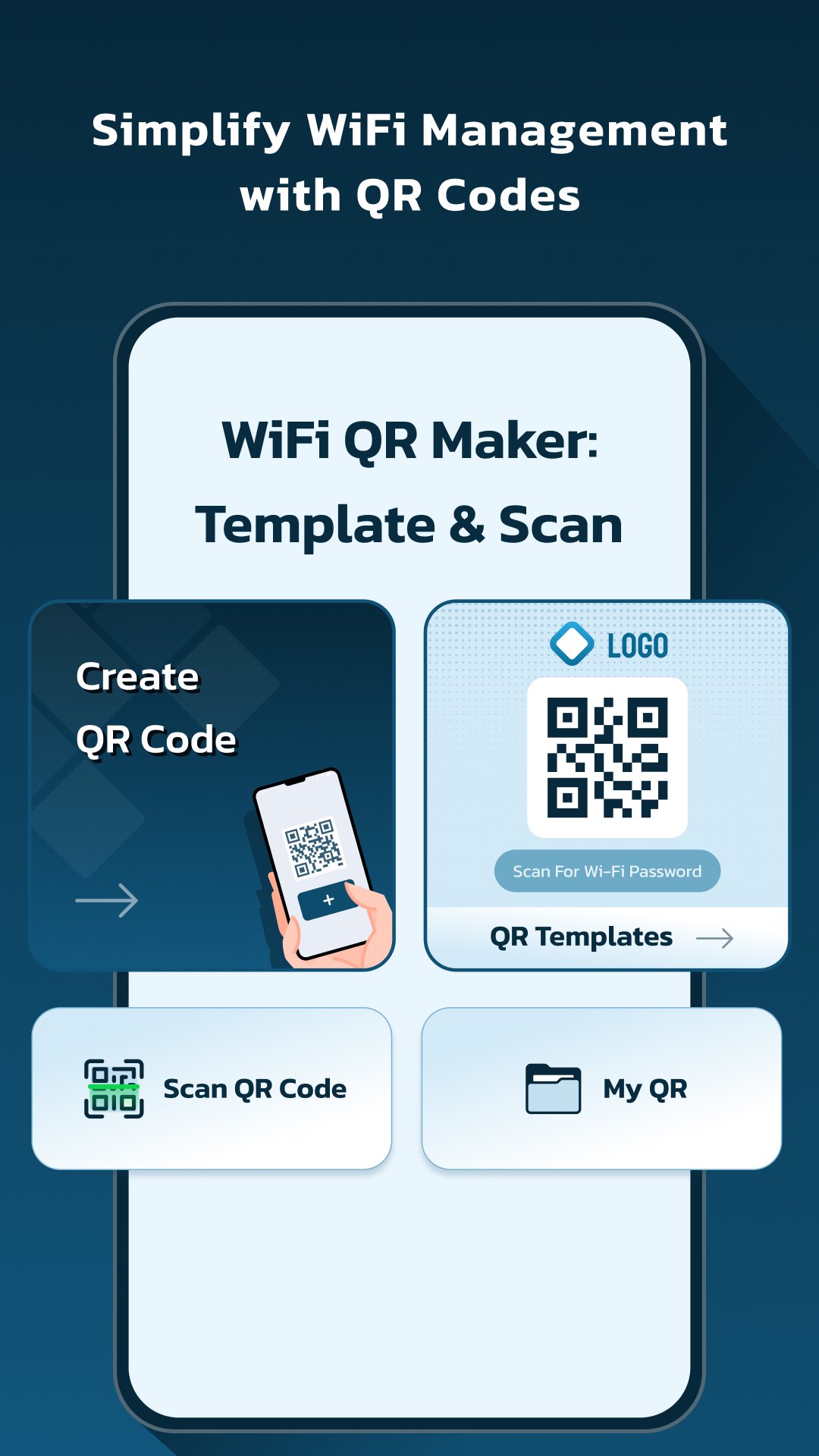
🛜 WiFi QR Maker: Template & Scan is the app for easily managing and sharing your WiFi networks. With an array of powerful features, our app simplifies the process of creating custom QR codes for your networks and sharing them with friends, family, and colleagues.
App Features :
🔗 Create QR: With this app, creating personalized QR codes for your WiFi networks. Our app lets you insert custom network names, configure security preferences (None, WEP, or WPA/WPA2), and add WiFi passwords. You can also get all available networks and modify them by altering their name, security preferences, and password for your device info only. Once you're done, give your QR code a personal touch by adjusting the colors and saving it with your chosen name. Sharing or copying your WiFi network details.
✨ Added Features: QR Edit option, 🎨 Customize QR color and QR shape, 🖼️ Option to add a logo on your QR codes for a personalized touch.
🧩 QR Template Creation & Print Option:
Create WiFi QR codes instantly using ready-made templates — no setup needed. Choose a design, fill in your network details, and your QR is ready to use.
You can also edit templates, add your brand logo, name, or any photo to create a fully personalized QR code that matches your style or business identity. 🖨️ You can also print QR codes or templates directly for quick sharing or display.
📷 Scan QR: Quickly scan QR codes with this app. Our app enables you to utilize your camera or select an image from your gallery to scan the code. Once scanned, you'll receive all the pertinent details for the WiFi network, including its name, security type, and password. Sharing, copying, or saving the details is just a few taps away.
💾 Saved QR: Keep all your customized created QR codes in one organized place with our Saved QR feature. This app allows you to easily access all your saved QR codes and easily share or retrieve more information about them.
📜 History: The History feature lets you keep tabs on all your scanned QR codes. This app provides you with a comprehensive list of all the WiFi networks you've ever scanned and their corresponding details.
🌟 User-Friendly: This app is designed user-friendly With our app, you can efficiently manage your WiFi networks and create personalized QR codes with just a few taps. Whether you're a novice or a pro, our app streamlines the process of getting started.
💡 Why Use This App?
🏠 Home Sharing Made Simple: Create a QR code for your home WiFi so guests can connect instantly without asking for passwords.
🏢 Office Access Made Easy: Share network details with team members or clients quickly and securely using custom templates.
☕ Cafes & Shops: Print your WiFi QR code and display it for customers — no need to repeat login details.
🏨 Hotels & Rentals: Use ready-made templates to create and print room-specific QR codes for easy guest access.
📱 Multiple Networks Management: Save and organize different WiFi codes (home, office, hotspot) in one place for quick connection anytime.
🧠 Tech-Savvy Customization: Change QR colors, shapes, or add a logo to match your brand or personal style.
⚡ Quick Scanning: Scan any WiFi QR code from camera or gallery and connect in seconds — no typing needed.
Experience the convenience of managing and sharing your WiFi networks with this app today! 🌐📱✨
Permission:
Camera Permission - This permission is required for scanning WiFi QR code using camera.
Location Permission- This permission is required for scanning near by available WiFi networks.
Latest Version
1.1.0Uploaded by
RedRae Bon
Requires Android
Android 6.0+
Category
Free Tools AppContent Rating
Everyone
Security Report
Check Now
Report
Flag as inappropriateLast updated on Oct 27, 2025
Minor bug fixes and improvements. Install or update to the newest version to check it out!





APKPure - A multi-platform app store primarily focused on Android, providing extensive app-related content. Discover the app you want easier, faster, and safer, with quick and efficient downloads and installations.