

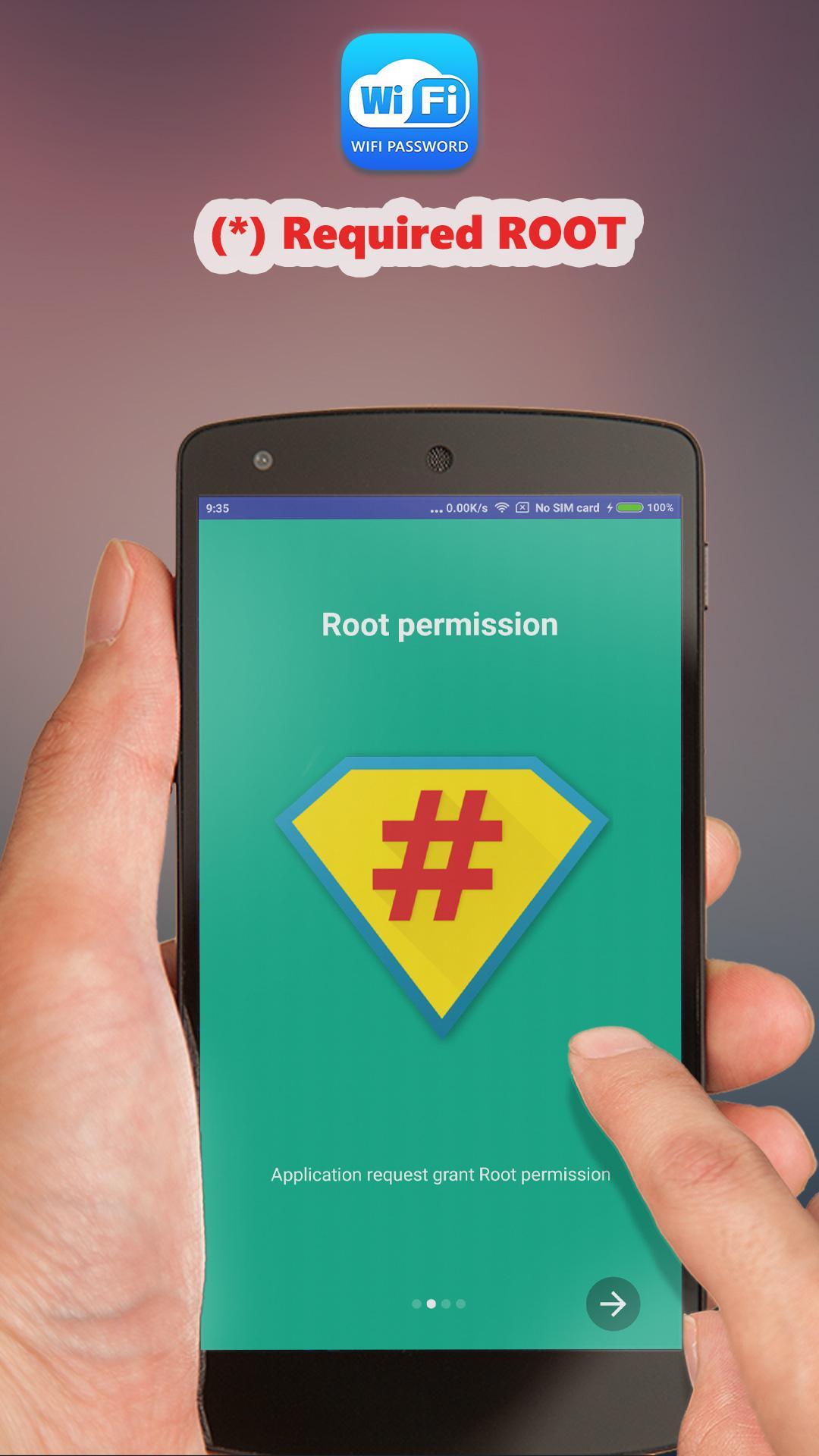
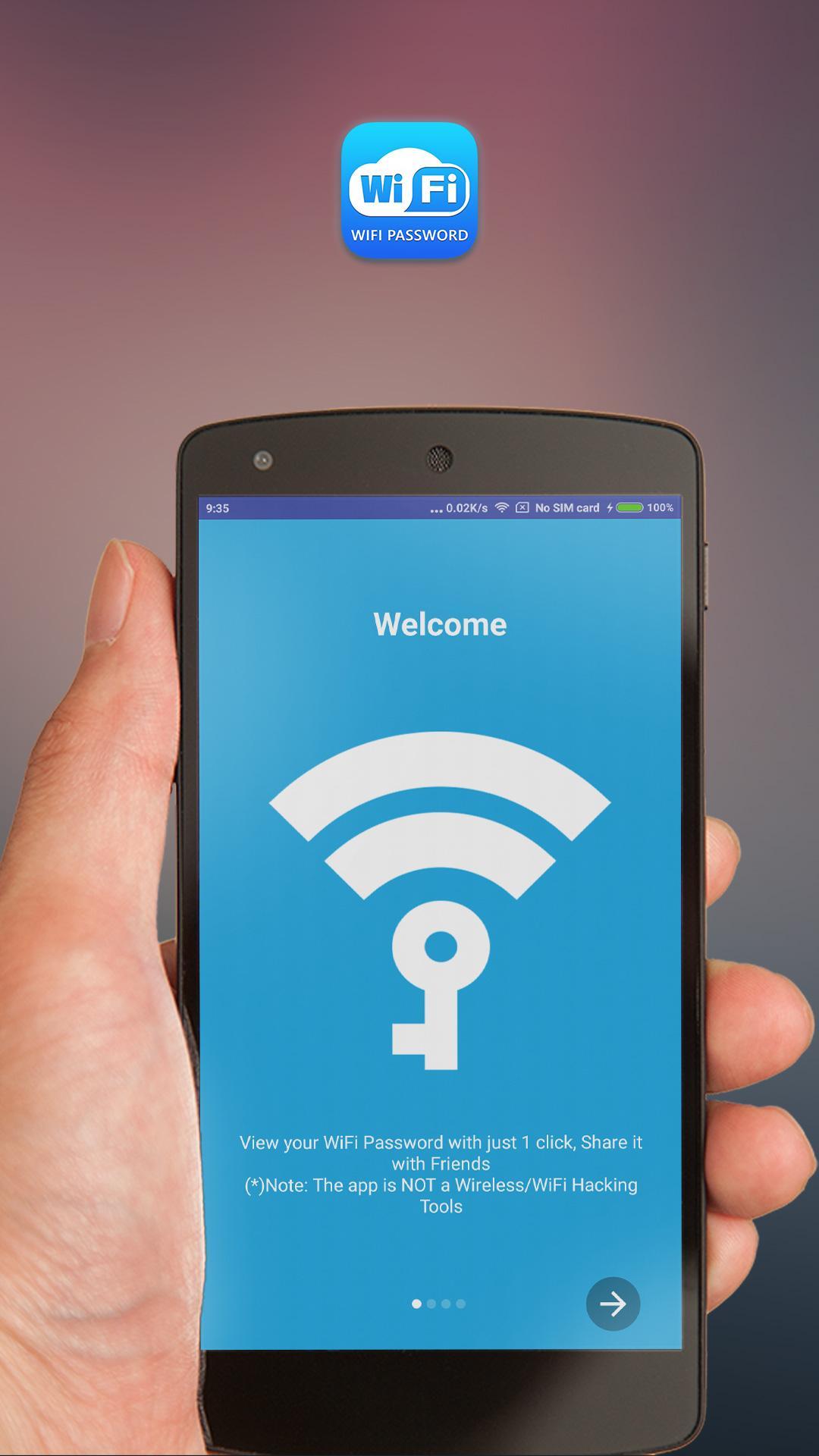
Wifi Password Show helps when you need to reconnect a device but the password is forgotten, or when you want to share access with a friend. It requires root to read stored network details on the device. It is not a WiFi password cracker, and it only shows passwords for networks used before. With a simple layout, finding saved credentials is quick. If you plan to download Wifi Password Show, check that your device has superuser access before installing.
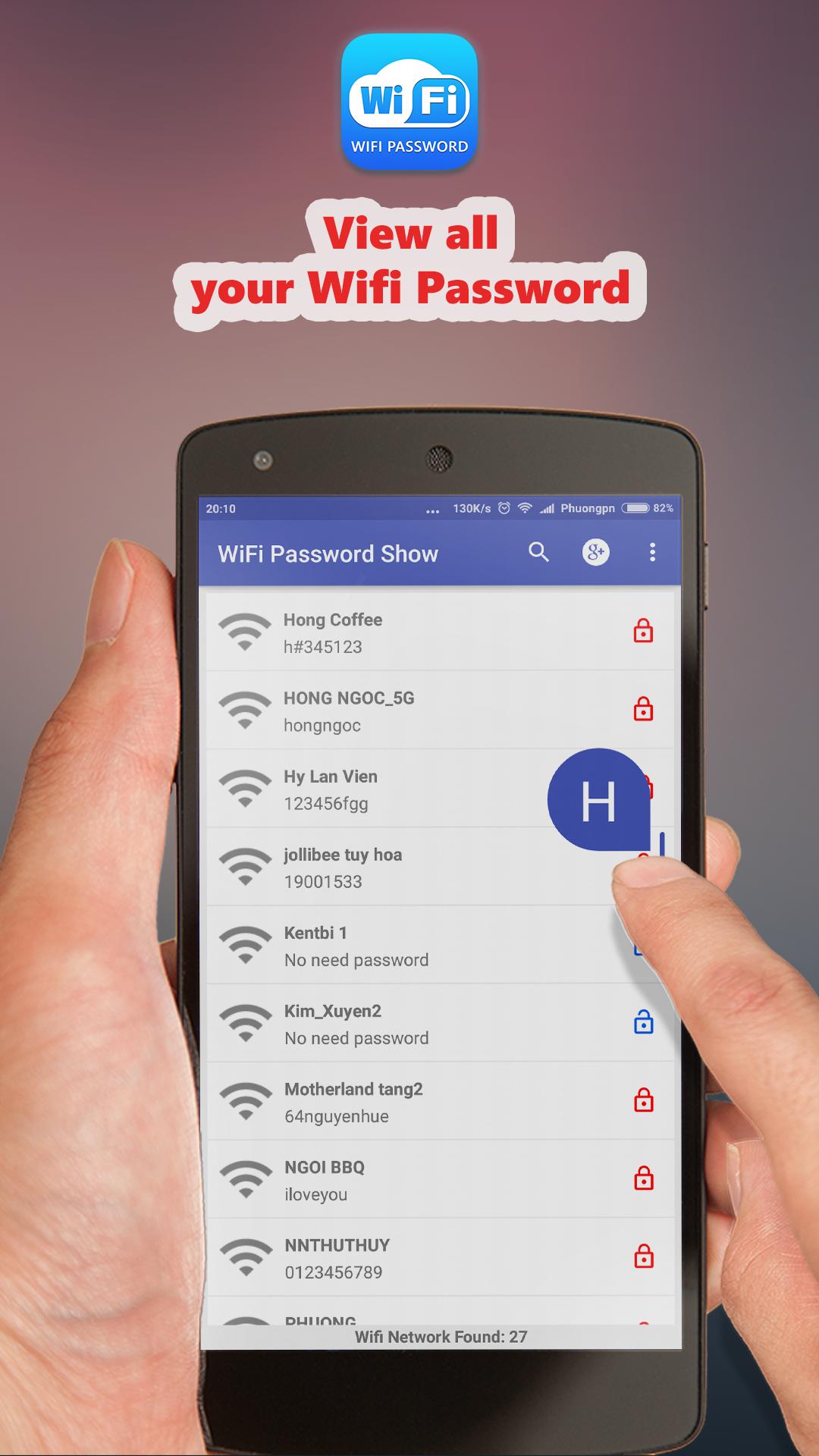
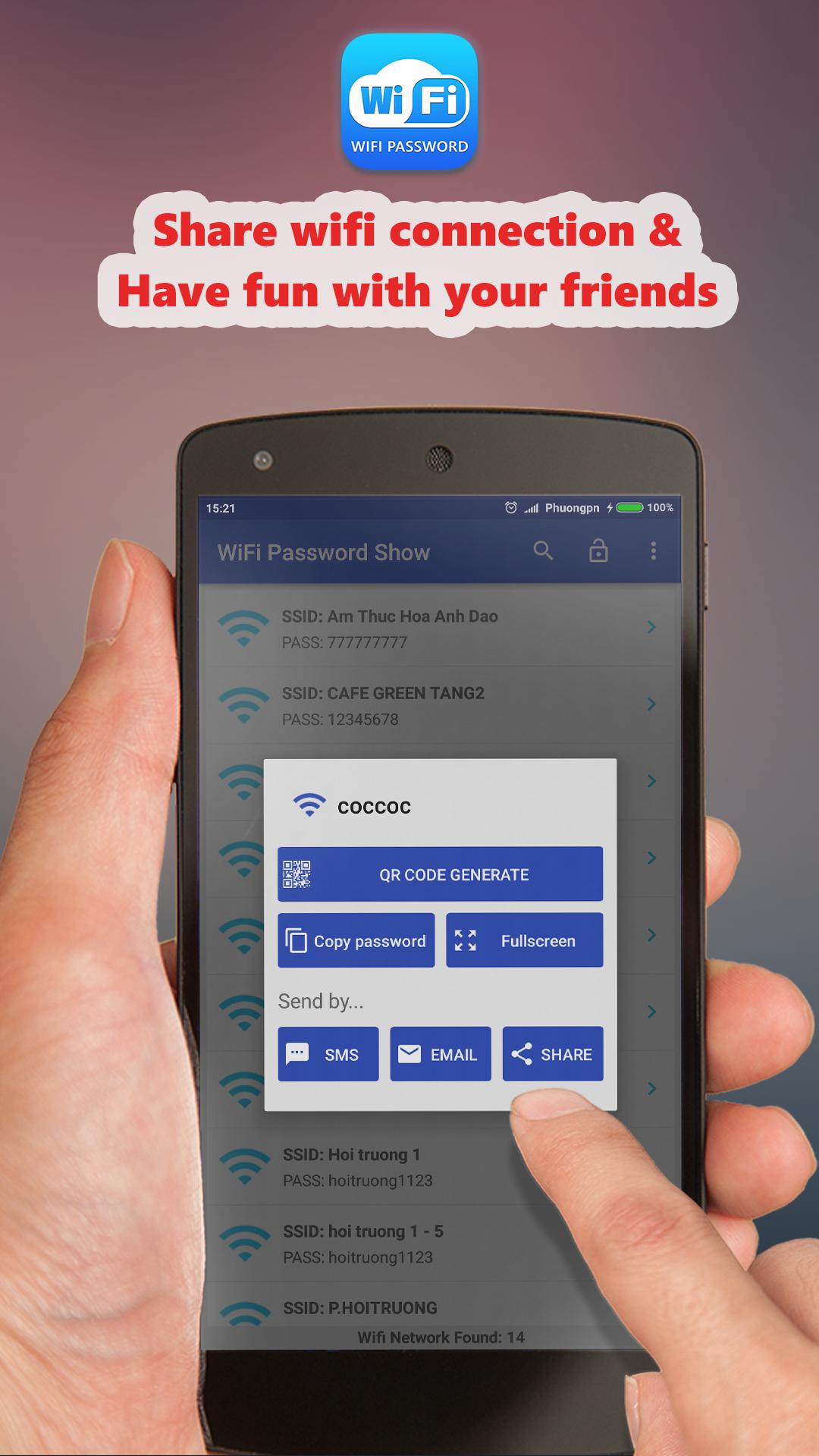
View saved SSID and passwords
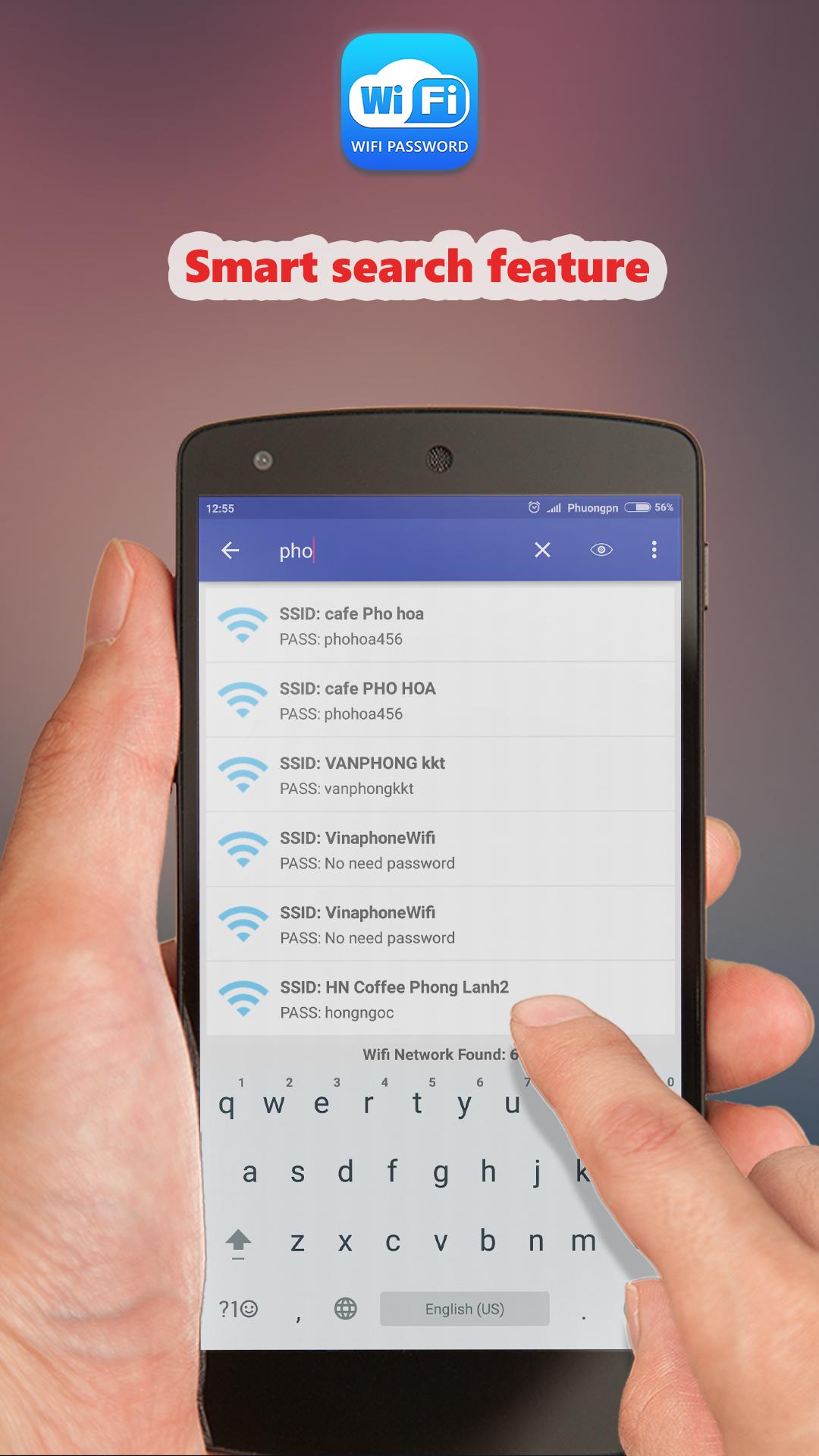
Wifi Password Show lists previously connected networks with their names and stored passwords in one place. Results depend on what the system has saved. Root access is required to display this information. On some Samsung devices, passwords might show as hexadecimal strings due to system settings.
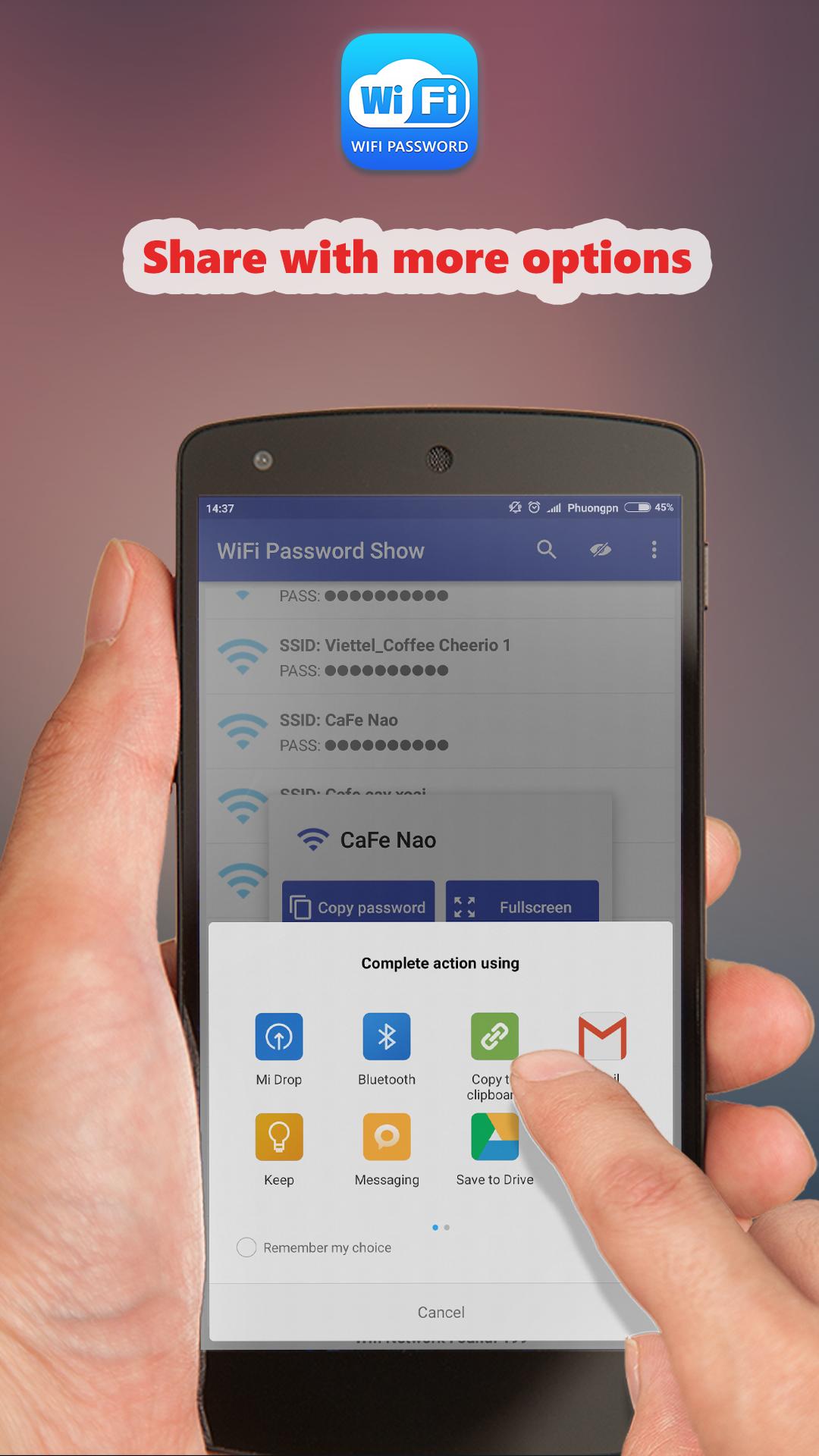
Copy and share when needed
You can also copy a password to the clipboard to paste into another app or a router page. Sharing through SMS or email is available for quick handoff. A fullscreen view is provided for easier reading during setup.
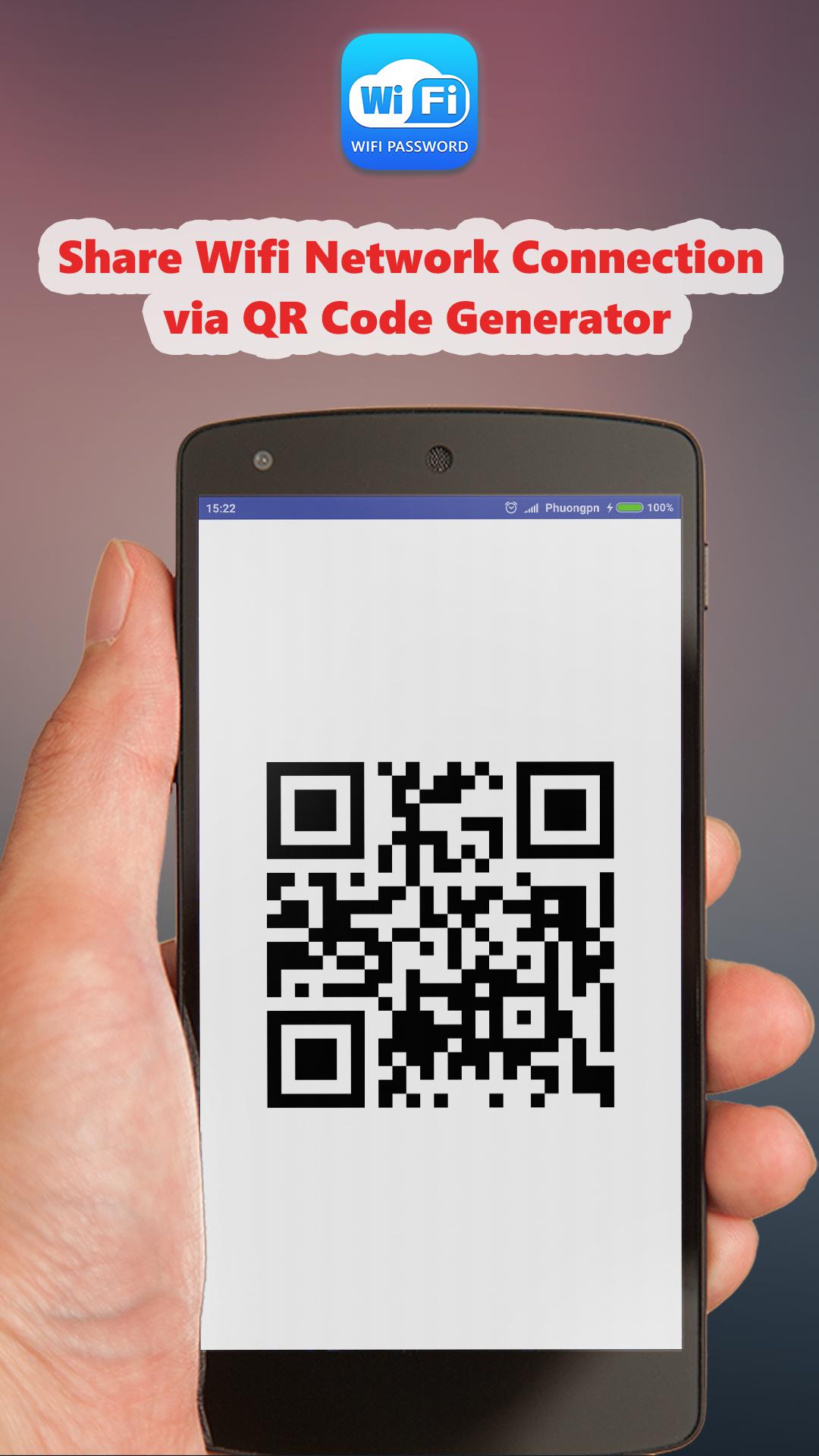
Create a WiFi QR code
Generate a QR code that encodes the network name and password. Others can scan the code to join without typing. This is useful when helping guests connect in a home or office.
Recover stored passwords on the device
With superuser permission, the app reads configuration files to recover saved WiFi credentials on that device. It does not attempt to break into networks. Note that the Wifi Password Show APK functions only after the device has connected to the network in the past.
This tool displays saved WiFi passwords on rooted devices so you can reconnect or share access without guesswork. Confirm that root and superuser permissions are available before use. For the most stable experience, use the Wifi Password Show latest version. The app is free and includes ads.
Latest Version
2.3.2Uploaded by
Surya
Requires Android
Android 4.0+
Category
Free Tools AppContent Rating
Everyone
Report
Flag as inappropriateLast updated on Nov 18, 2018
We always updates App, so that we can make it better for you. Turn on your Automatic Update to use the latest version automatically.
Feedback to us via email: phuongpnitvn@gmail.com
------------------------------------------------------
What's new:
- Support Show WiFi Password on Android 8.0 Oreo;
- Add Czech language (Thank to: Cllasyx);
- Upgrade support library;
- Bug fix and improvement.



APKPure - A multi-platform app store primarily focused on Android, providing extensive app-related content. Discover the app you want easier, faster, and safer, with quick and efficient downloads and installations.













