
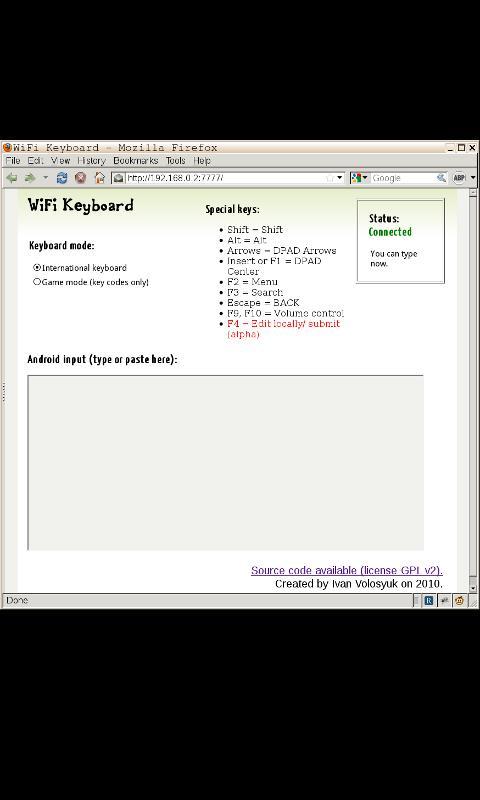
Keyboard for keyboard-less phones like Nexus One. Allow you to type on your phone using your computer's browser.
It works as ordinary input method. In example, you can use it in terminal or to type SMS.
Use WiFi for low latency input. 3G may be blocked by some carriers. USB connection works best, but require some technical knowledge and connected cable.
Source Code is available under GPL2 licence.
Latest Version
2.3.5Uploaded by
Sonu Sonu
Requires Android
Android 1.5+
Category
Free Tools AppContent Rating
Everyone
Report
Flag as inappropriateLast updated on Aug 4, 2015
2.3.5:
- Enter should work fine again. If it still broken, I'll disable submit on enter for single-line inputs.
2.3.4:
- Disable full screen mode in landscape
- New key combinations supported: Ctrl-Del, Ctrl-Backspace.
- No need to press "submit" button anymore. Enter will submit single-line messages, Ctrl-Enter will submit multiline messages.
(Thanks Daniel Sim for the patch)
Check out "AOSP WiFi Keyboard" if you want this keyboard combined with the standard one (thanks to Marcos Diez).



APKPure - A multi-platform app store primarily focused on Android, providing extensive app-related content. Discover the app you want easier, faster, and safer, with quick and efficient downloads and installations.











