Scan Date:Jan 19, 2026
Show More

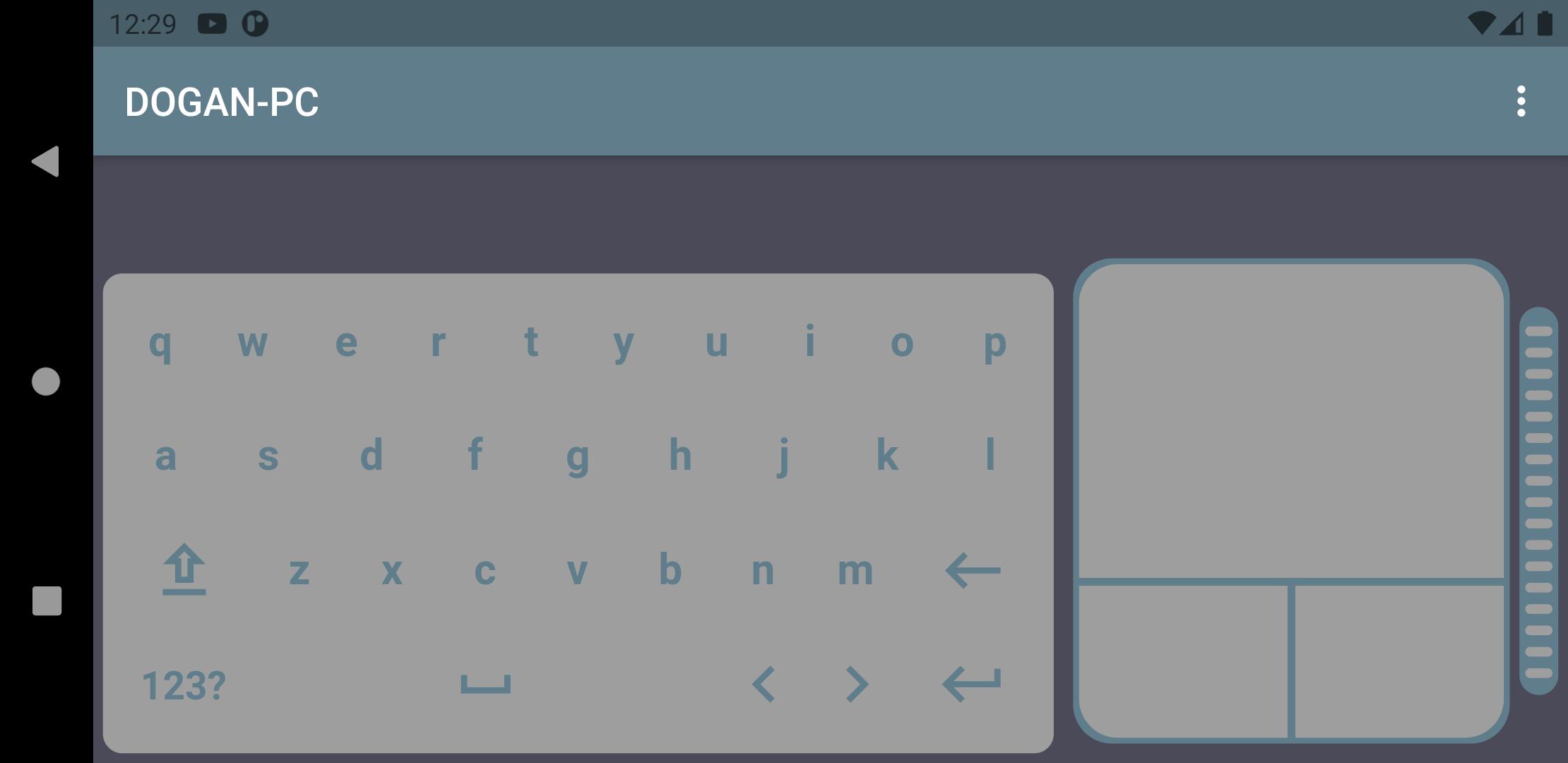
This application allow you to control your pc over wifi with your phone.
To control your pc via your phone, you need to download our server application from the link below and install it to your pc that you want to control.
Unfortunately we are supporting only windows pc's for now. After installation is complete connect your phone and pc to same wifi network.
Then open the settings menu from the mobile application and press search button. If all is well, you will see the list of all pc's that you have installed the server application.
After selecting one of pc from the list, press the save button and start enjoying of controlling your pc via your phone.
Server Application Link:
https://www.wifikeyboardmouse.com.tr/
Conntection Method:
*Wifi
Platforms that can be control :
*Windows(available)
*Linux (coming soon)
*Mac (coming soon)
Features:
*Keyboard
*Mouse
Latest Version
1.0.58Uploaded by
Maria Alfareen
Requires Android
Android 6.0+
Category
Free Tools AppContent Rating
Everyone
Security Report
Report
Flag as inappropriateLast updated on Aug 30, 2025
Multiple keyboard language layout.
Customized keyboard and mouse layout.
Better UI.
Premium features.



APKPure - A multi-platform app store primarily focused on Android, providing extensive app-related content. Discover the app you want easier, faster, and safer, with quick and efficient downloads and installations.