Package Name:wifi.ftp.server
SHA-256:c2172f5edec389a0b5c844b85b469f1f65a5c5b851b37a75bd38ec0da631a733
Show More

Turn your Android phone into a wireless WiFi FTP server and transfer files between your phone and computer in seconds — no USB cable, no internet, no account required.
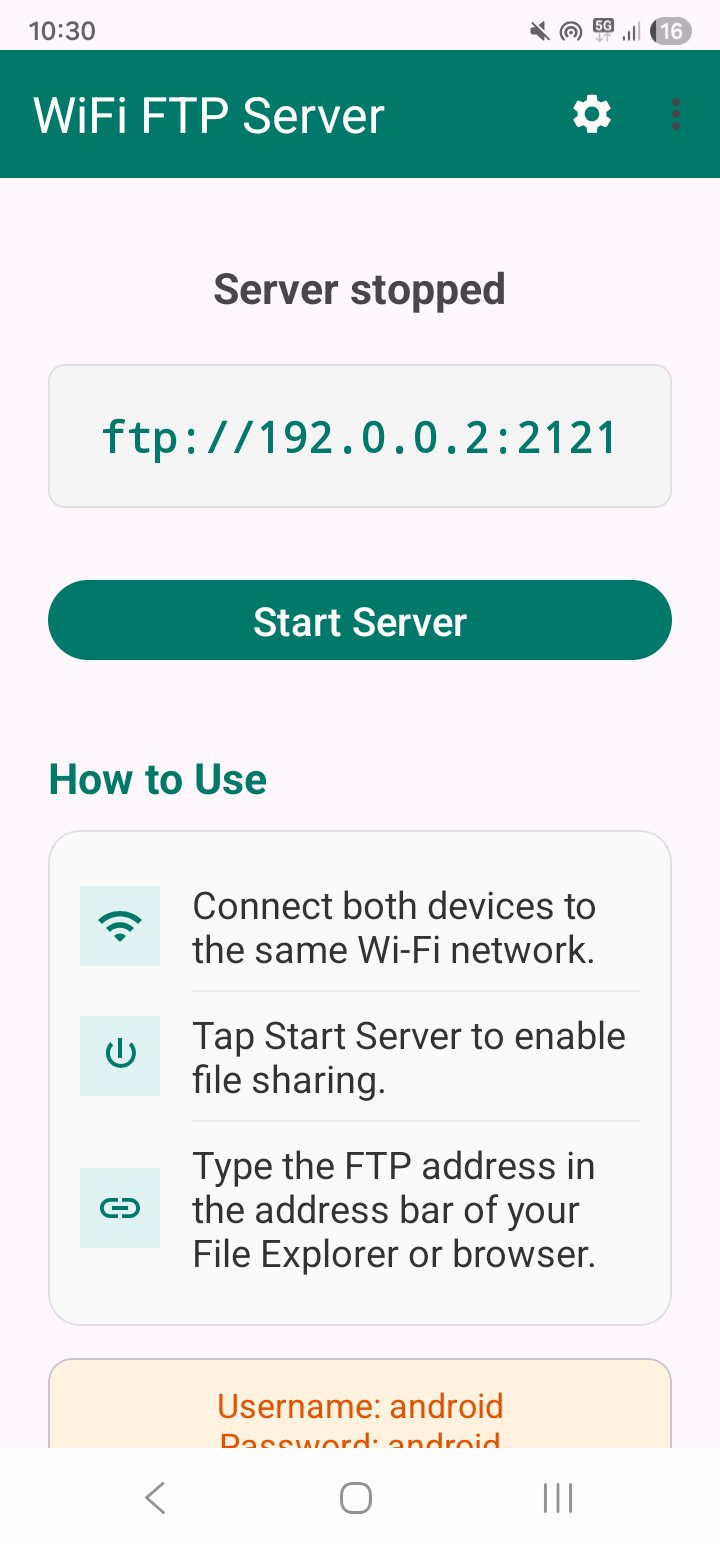
WiFi FTP Server runs a fast, lightweight FTP server right on your device. Connect your phone and your PC, Mac, or laptop to the same WiFi network, start the server, and a web address like ftp://192.168.1.42:2121 appears on screen. Open that address in your computer's file manager or any FTP client and instantly browse, upload, and download files over WiFi.
No cables. No cloud. No sign-up. Your files stay on your local network.
WHY USE WIFI FTP SERVER
- Transfer files wirelessly — move photos, videos, music, documents, and APKs between phone and computer with no USB cable.
- Works both ways — upload files from your PC to your phone, or download files from your phone to your PC.
- Fast over local WiFi — large files move quickly on your own network instead of slow uploads to the cloud.
- No internet needed — the FTP server works entirely on your local WiFi, so your data never leaves your network.
- No account, no ads — just open the app, start the server, and connect.
HOW IT WORKS
1. Connect your phone and computer to the same WiFi network.
2. Open WiFi FTP Server and tap Start Server.
3. The app shows your FTP address (for example, ftp://192.168.1.42:2121).
4. Type that address into Windows File Explorer, macOS Finder, or any FTP client (such as FileZilla).
5. Browse, copy, move, and delete files over WiFi. Tap Stop Server when you're done.
KEY FEATURES
- One-tap WiFi FTP server — start and stop file sharing instantly.
- Standard FTP protocol — compatible with Windows, macOS, Linux, and every popular FTP client.
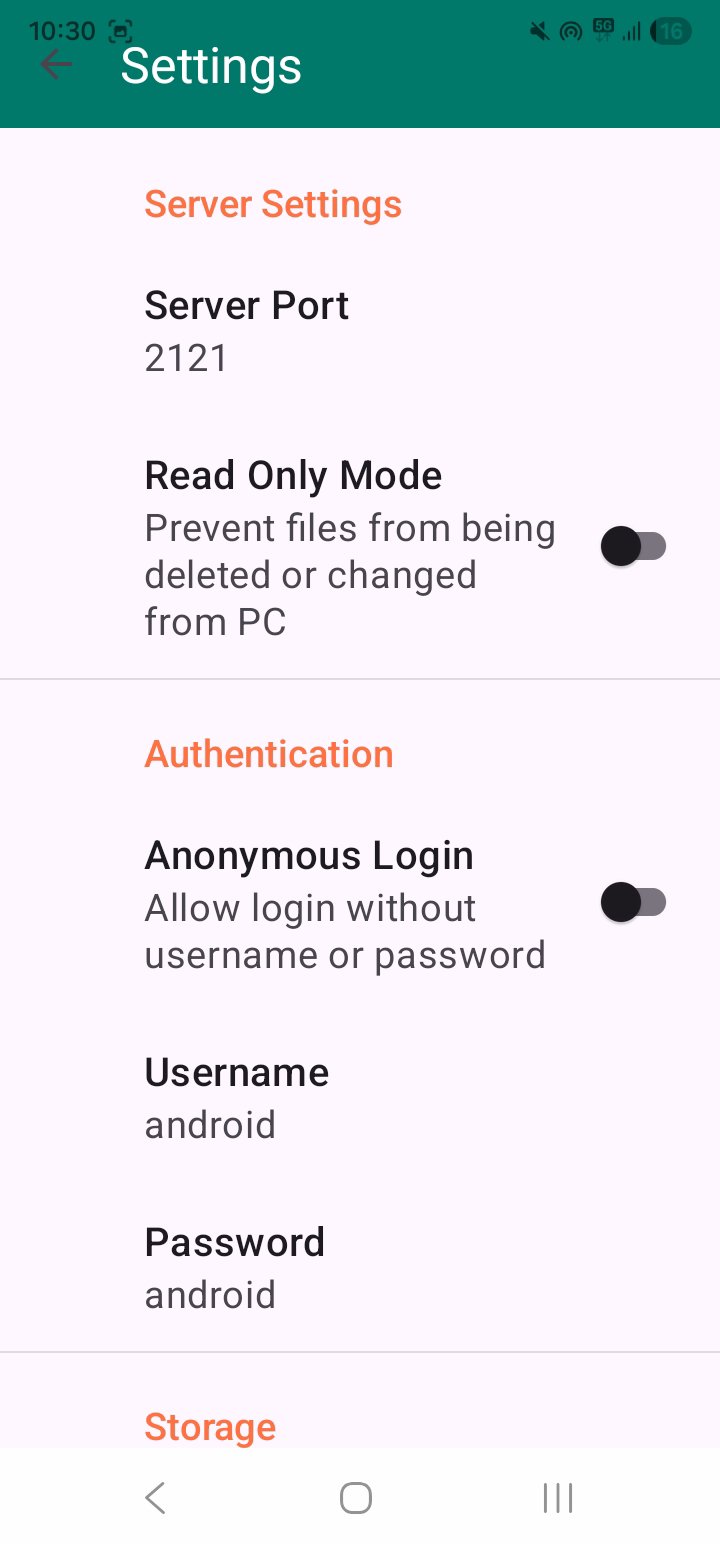
- Optional username and password to protect access to your files.
- Runs in the background with an ongoing notification so transfers keep going while you use other apps.
- Clean, simple interface designed for quick file transfer.
- Lightweight and battery friendly.
PERFECT FOR
- Backing up phone photos and videos to a computer over WiFi.
- Moving large video files without messaging apps that compress them.
- Sharing documents and downloads between devices.
- Transferring files when you don't have a USB cable handy.
- Anyone who wants a simple, cable-free FTP file transfer tool.
IMPORTANT NOTES
WiFi FTP Server is designed for use on trusted networks such as your home or office WiFi. Standard FTP is not encrypted, so we recommend starting the server only when you need it and stopping it when you're finished. Set a username and password for extra protection.
Download WiFi FTP Server now and start transferring files between your phone and computer over WiFi — fast, free, and cable-free.
Latest Version
1.0Uploaded by
Huy Xuka
Requires Android
Android 5.0+
Category
Free Tools AppContent Rating
Everyone
Security Report
Check Now
Report
Flag as inappropriateLast updated on Jun 13, 2026
Minor bug fixes and improvements. Install or update to the newest version to check it out!





APKPure - A multi-platform app store primarily focused on Android, providing extensive app-related content. Discover the app you want easier, faster, and safer, with quick and efficient downloads and installations.