
Transfer files from mobile phone to pc without connecting to cable by Wifi FTP Server. Run your phone as FTP server and transfer photos, videos, music, documents, and other files easily on pc.
Features:
* Transfer files over wifi connections
* No need to connect USB cable for transferring files
* has anonymous access
* Work with both wifi and hotspot tethering
* transfer files from mobile to pc or pc to mobile easily
How to use this app
1. turn on hotspot tethering and connect pc with this network
2. Open app
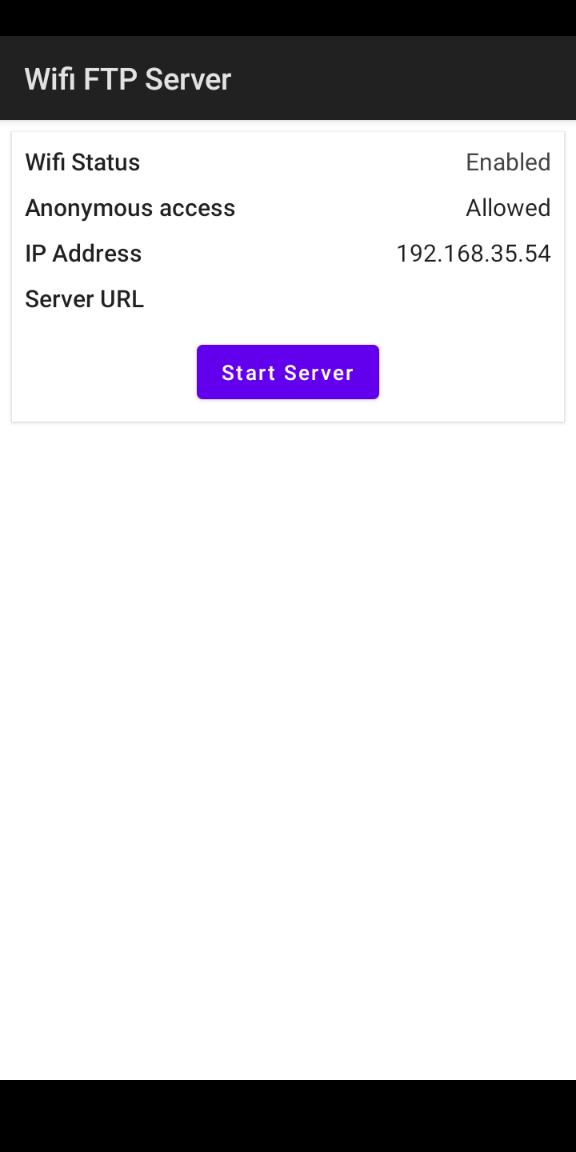
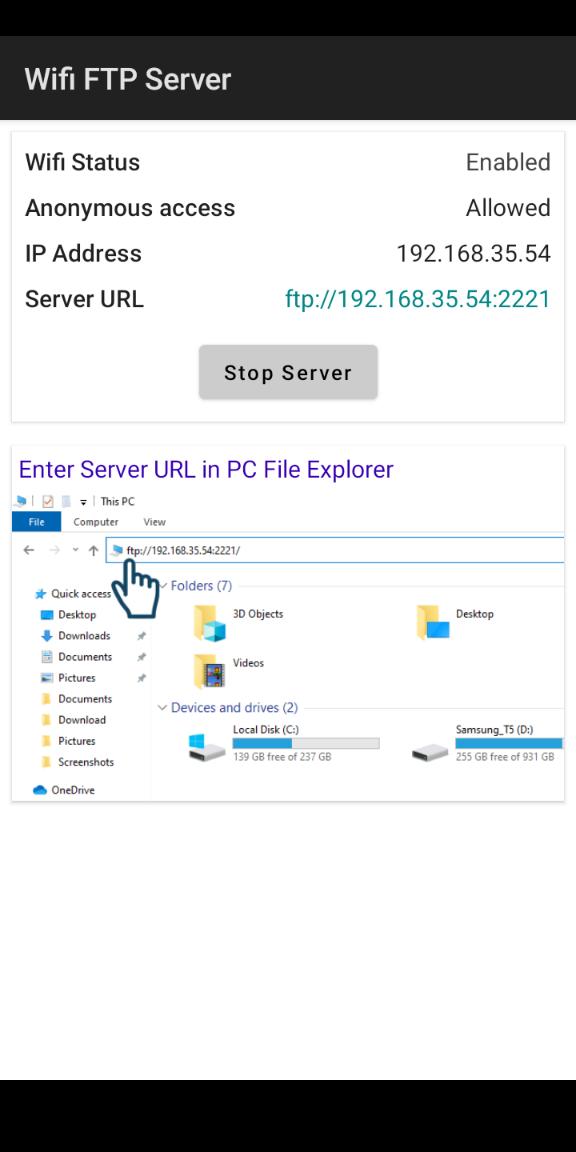
3. Click on Start Server button
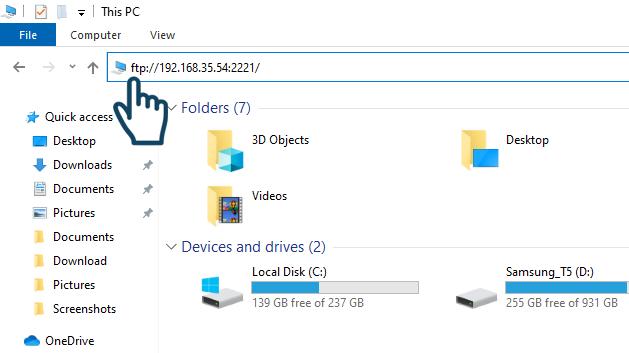
4. Enter server URL in pc file explorer
Latest Version
7.0Uploaded by
Tiara Tangke
Requires Android
Android 8.1+
Category
Free Tools AppContent Rating
Everyone
Report
Flag as inappropriateLast updated on Sep 11, 2024
Transfer files from mobile to PC easily with Wifi FTP Server



APKPure - A multi-platform app store primarily focused on Android, providing extensive app-related content. Discover the app you want easier, faster, and safer, with quick and efficient downloads and installations.













