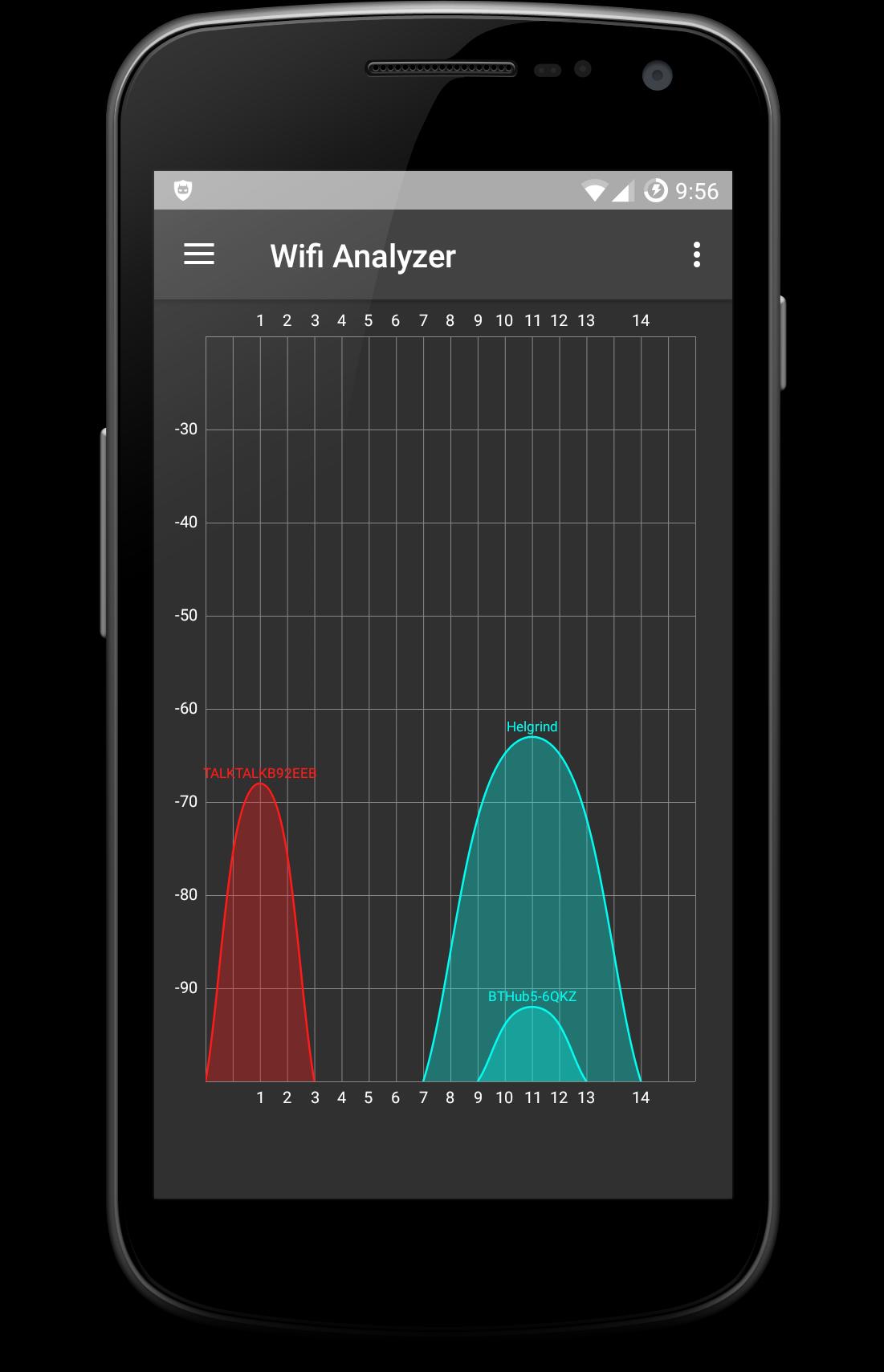
WiFi Analyzer allows you to visualize WiFi signals all around you. Works with 2.4Ghz and 5Ghz networks. Make your WiFi Faster!
Use WiFi Analyzer to find the best channel for your WiFi access point or router, to increase your WiFi Speed. Android 6.0/Marshmallow+ users you can also view the WiFi signal bandwidth.
Features
✦ List nearby Access Points
✦ Animated graphs show signal strength in real time.
✦ Show the best channel for a new AP
✦ Displays the bandwidth of the Wi-Fi signals ie 20/40/80/160mhz
✦ Find the optimum position for your AP
✦ Lookup router vendor from MAC address
✦ Speed up WiFi
WiFi Analyser will speed up your wlan speed by showing you the fastest channel to set your Access Point on.
✦ *NOTE* Android 6.0/Marshmallow+ users must grant the Location permission to be able to scan for WiFi networks. Scan results will be blank otherwise.
Permissions Used
✦ In-app purchases - You can remove the adverts by making a small donation.
✦ View network connections - A simple check to see if the app can access the internet
✦ course location - Needed to scan WiFi.
Latest Version
1.4.16Uploaded by
Mahamad Chadili
Requires Android
Android 4.0.3+
Category
Free Tools AppContent Rating
Everyone
Report
Flag as inappropriateLast updated on Feb 25, 2019
fix layout bug on startup




APKPure - A multi-platform app store primarily focused on Android, providing extensive app-related content. Discover the app you want easier, faster, and safer, with quick and efficient downloads and installations.