Package Name:de.mphil.whosnext
SHA-256:775f234db6a91827deaa6a1b48f0643cddefb1949518100f75a37be15f24b49f
Show More

Handy tool for teachers and professors. Useful whenever a student has to be selected randomly or sub-groups of students need to be assembled.
Features:
‣ Random generator
‣ Sound effects (optional)
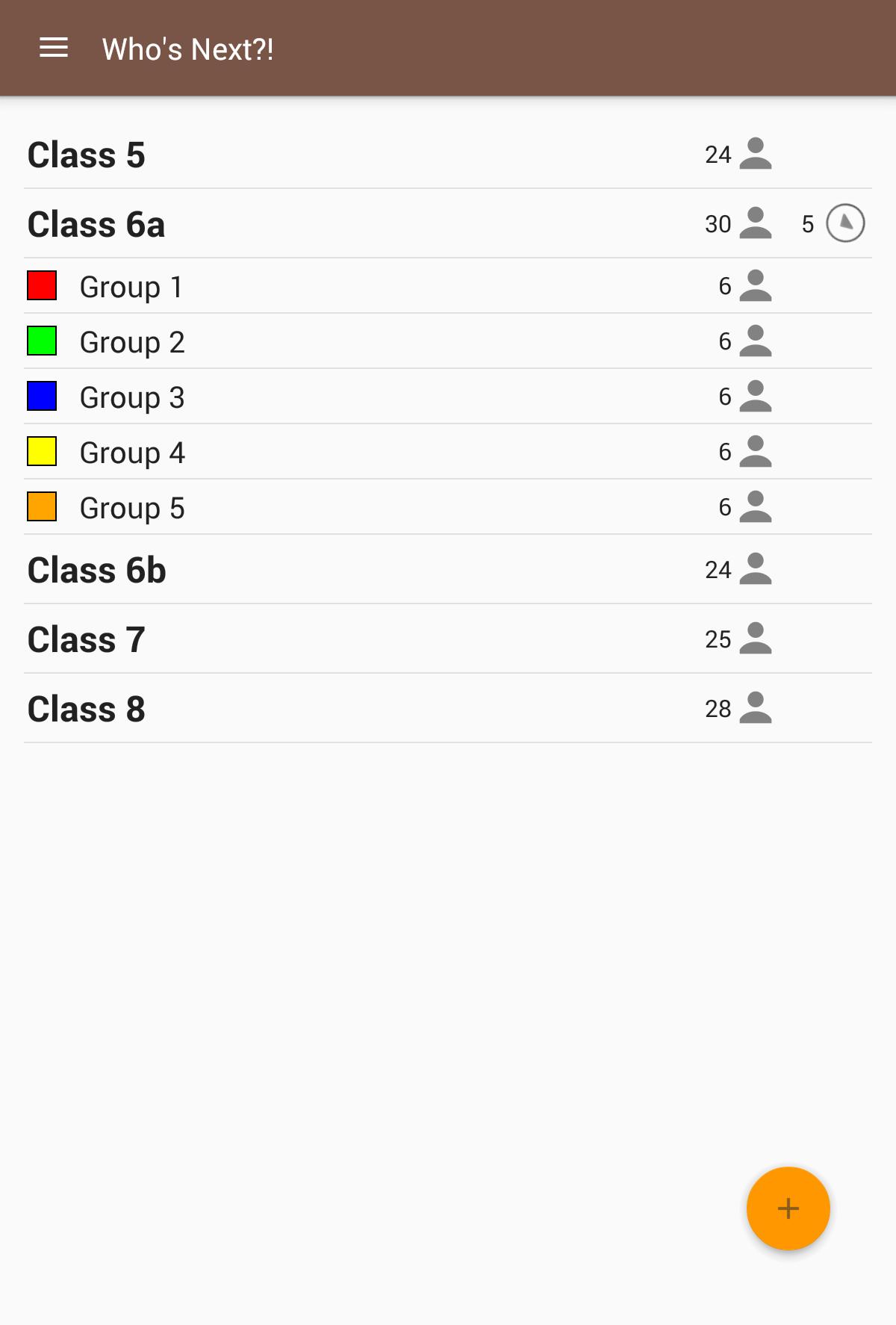
‣ Course and sub-course management
‣ Sub-course generator
Random student selection with various display options:
• Standard: Displayed student names will change in rapid sequence. When you tap the screen the sequence will stop and show the selected student.
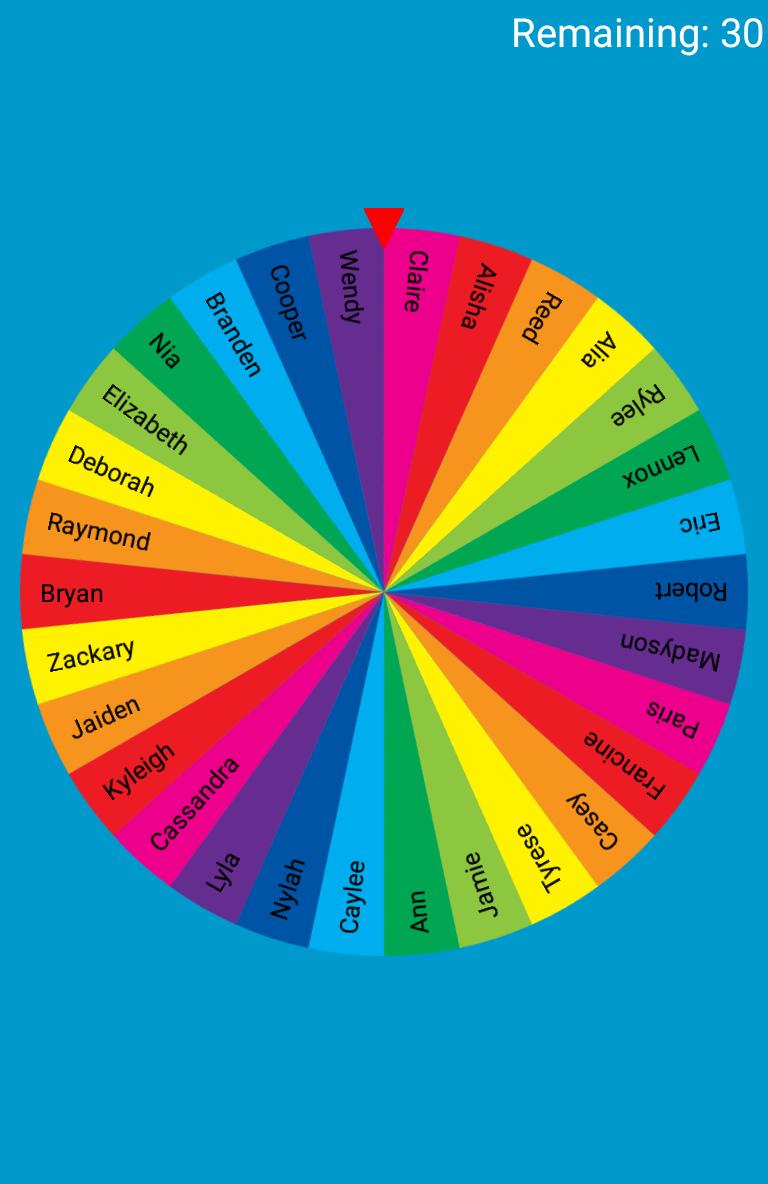
• Spinner wheel: Spin the wheel by swiping the screen. The wheel has all selectable students on it. When it stops the selected student will be displayed.
Selection modes in random mode:
• Repeating: The selected students will stay available in the following random round.
• One-time only: Selected students will be removed from the available students and cannot be selected again in the following rounds.
Absent students can be deselected before starting random mode.
Personalization:
• Choose sound effects from your device to be played when starting or stopping the random generator.
• Select a color or image to be displayed in the background when using the random generator.
Forming groups:
• Build a group (sub-course) from selected students or randomly generate sub-courses by specifying the number of groups or number of students per group.
• Optional assignment of colors to sub-groups for easier group organization or allocation of work materials to groups.
Student database:
• Either manually enter your students or import them via CSV file from Tapucate.
• Assignment to multiple courses and sub-courses is possible.
• No confusion if students have got the same name by displaying the surname if necessary.
Who's Next is suitable for visualization on a tablet or smartphone, as well as broadcasting to a digital board or using a projector.
This app has been tested and developed in close collaboration with teachers of primary schools, secondary schools and colleges.
Free of charge and advertising!
License notes:
This app uses graphical resources from
• http://www.icons4android.com / License: Creative Commons Attribution 3.0 Unported (CC BY 3.0)
• http://icons8.com / License: Creative Commons Attribution-NoDerivs 3.0 Unported
• http://www.graphicsfuel.com
Latest Version
0.8.8Uploaded by
Eric Chew
Requires Android
Android 5.0+
Category
Free Education AppContent Rating
Everyone
Security Report
Check Now
Report
Flag as inappropriateLast updated on Sep 10, 2025
Minor bug fixes and improvements. Install or update to the newest version to check it out!






APKPure - A multi-platform app store primarily focused on Android, providing extensive app-related content. Discover the app you want easier, faster, and safer, with quick and efficient downloads and installations.