
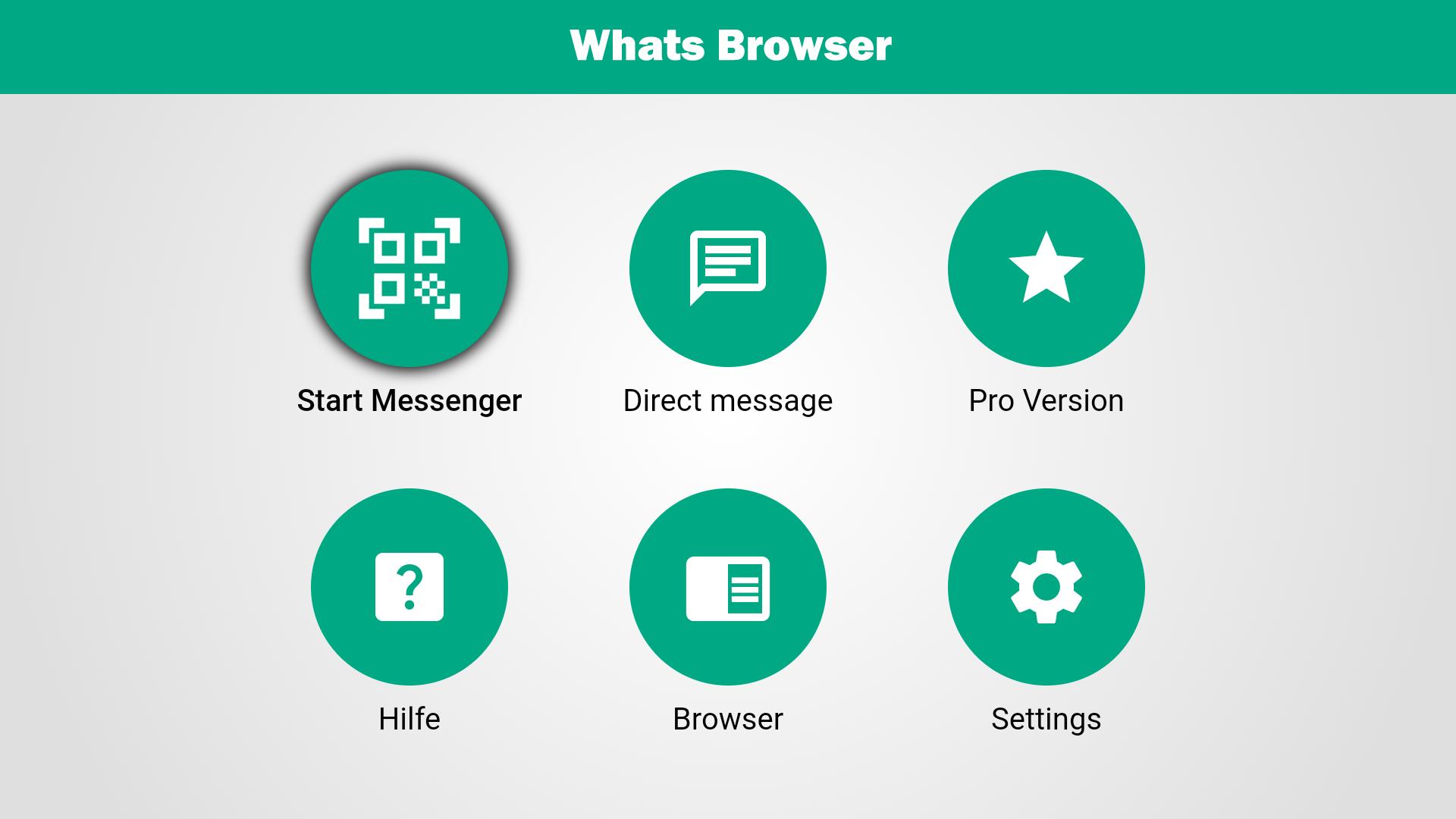
Whats Browser TV Messenger is optimized for Android TV.
Your advantages:
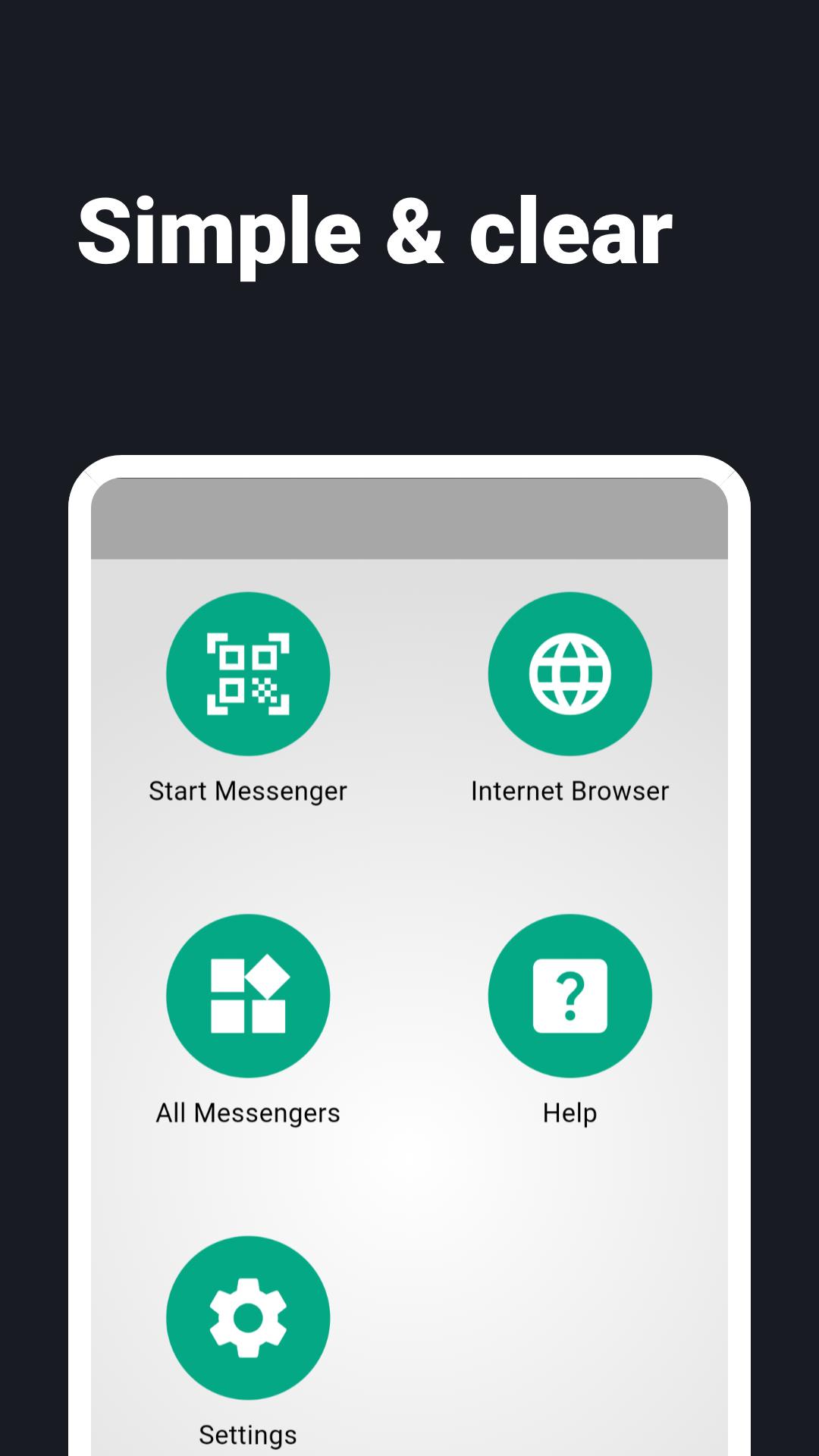
- Whats Browser is simple, straightforward and clear
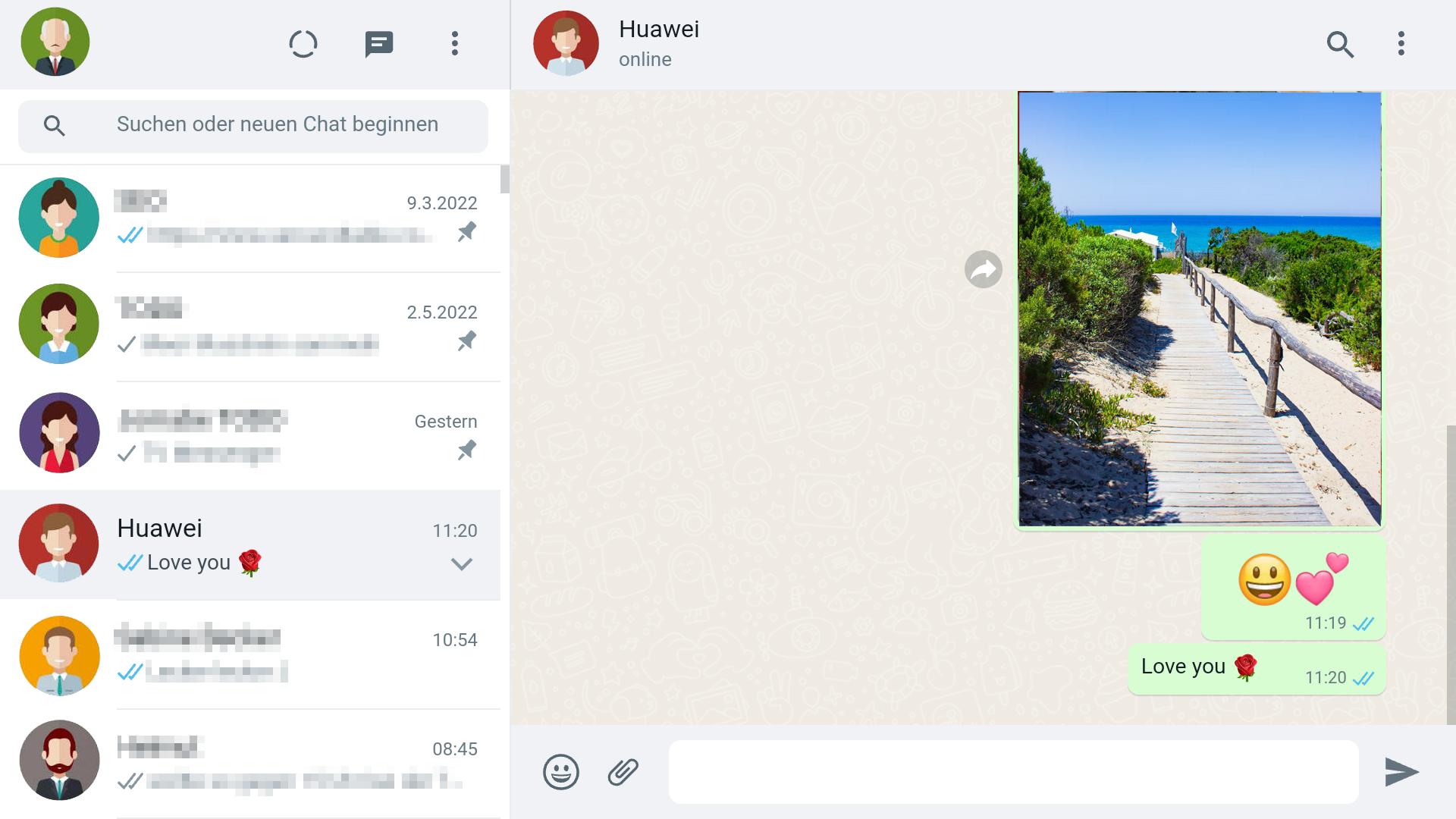
- Synchronous: all chats are synchronized on smartphone and TV
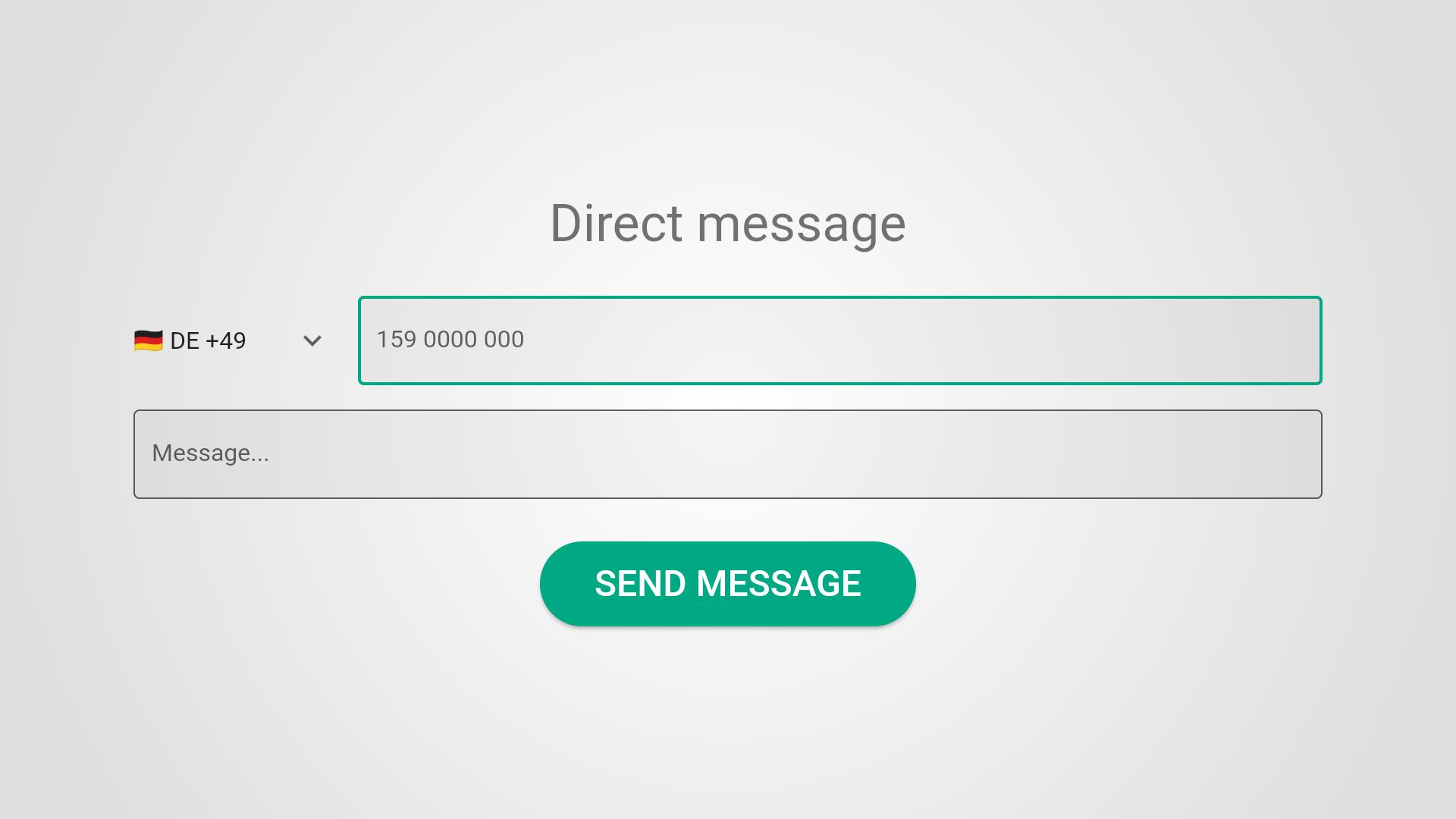
- Direct messaging: send WA messages
Simply start:
On your TV:
1. launch Whats Browser
2. you will see a QR code
On your smartphone:
1. launch WA
2. open the settings (the 3 dots on the top right)
3. select "Linked devices".
4. click on the "ADD DEVICE" button.
5. scan the QR code on the TV screen with your smartphone.
Sometimes you need to do the scanning twice. After scanning, it will take a while to connect.
Disclaimer: Whats Browser TV Messenger is created by MUMASH UG and is not an official WhatsApp application and not affiliated with WhatsApp Inc.
Latest Version
1.19.0Uploaded by
ဂ်ေလဘီ လူဆုိး
Requires Android
Android 6.0+
Category
Free Tools AppContent Rating
Everyone
Report
Flag as inappropriateLast updated on May 22, 2024
This release includes minor bug fixes and general improvements. Update to the latest version for the best experience.



APKPure - A multi-platform app store primarily focused on Android, providing extensive app-related content. Discover the app you want easier, faster, and safer, with quick and efficient downloads and installations.