Welcome to Web Kiosk Launcher.
Please read , this is importiant.
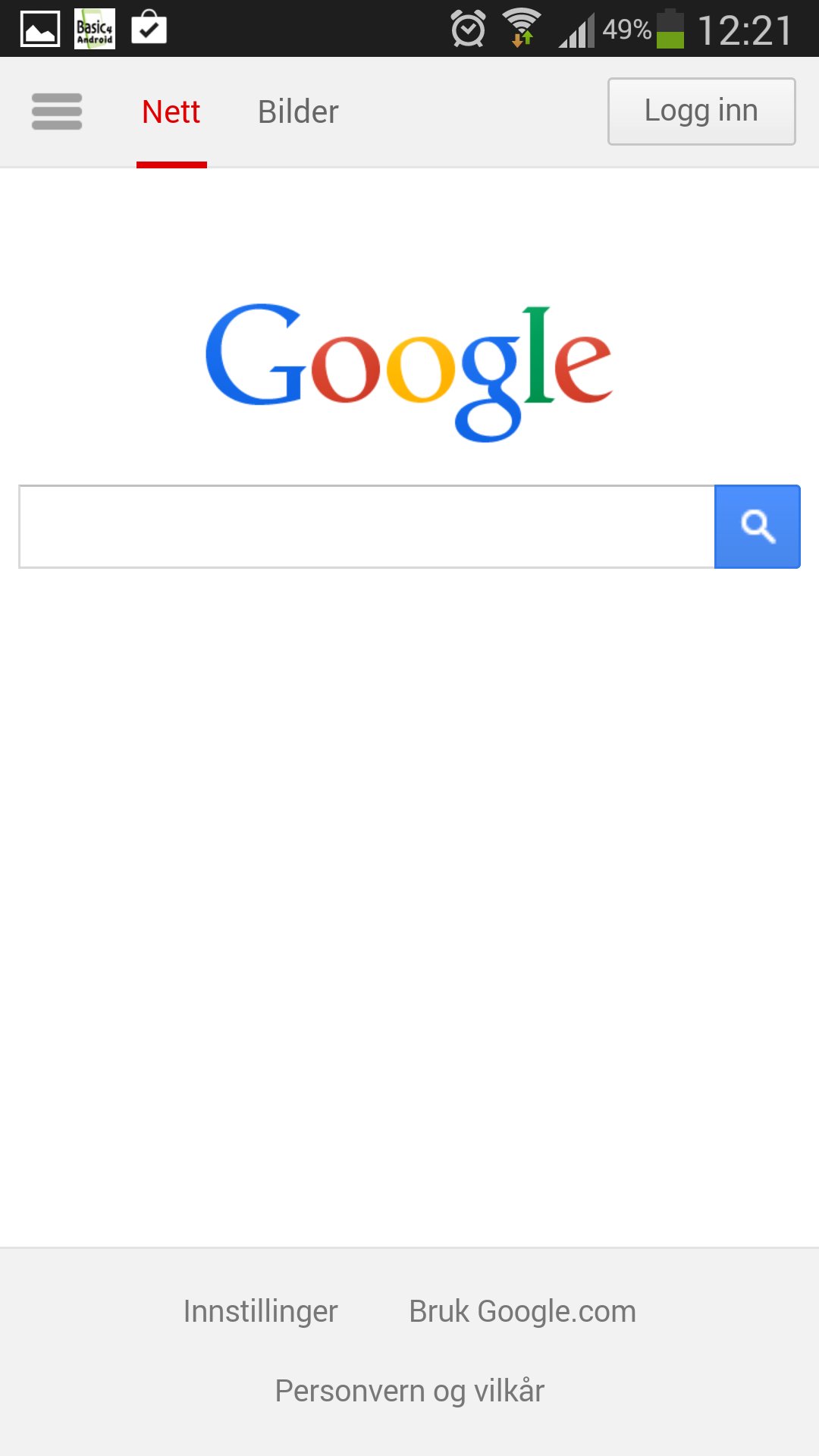
This application is a web browser who becomes the new home screen when you press device home button.
Use this application if you want to lock your device to only show a spesific web page. Restart device for full effect.
Importiant!
Settings is password protected. Password is 1.
Activate Launcher:
Press home button on device. Select "use by default for this action", and select Android Browser.
Edit Home page url, menu buttons, fullscreen and clock in Menu > preferences.
Undo Launcher:
Menu > System settings > Applications > Manage applications. Clear defaults in Android Web Launcher.
by Skjold Display
Latest Version
1.1Uploaded by
Ebrahim Samir
Requires Android
Android 1.6+
Category
Free Communication AppContent Rating
Everyone
Report
Flag as inappropriateLast updated on Jul 15, 2015
Minor bug fixes and improvements. Install or update to the newest version to check it out!




APKPure - A multi-platform app store primarily focused on Android, providing extensive app-related content. Discover the app you want easier, faster, and safer, with quick and efficient downloads and installations.