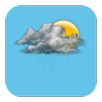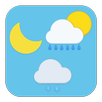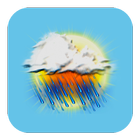
This application is just a theme app for Weather M8 (version 1.1.5 and above), it has no any functionality and launcher icon.
Do this steps to activate the theme pack:
- Open Weather M8 app (if you don't have one, download it)
- Go to app's Settings (app menu)
- Go to "Weather icons" option
- Choose newly installed theme pack and press "Apply" button
Latest Version
1.3Uploaded by
Nurullah Mayda
Requires Android
Android 4.0.3+
Category
Free Personalization AppContent Rating
Everyone
Report
Flag as inappropriateLast updated on Nov 22, 2016
- Replaced haze icon (to be more visible on the dark application theme)




APKPure - A multi-platform app store primarily focused on Android, providing extensive app-related content. Discover the app you want easier, faster, and safer, with quick and efficient downloads and installations.