Scan Date:Oct 16, 2023
Show More
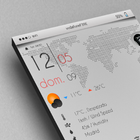
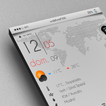
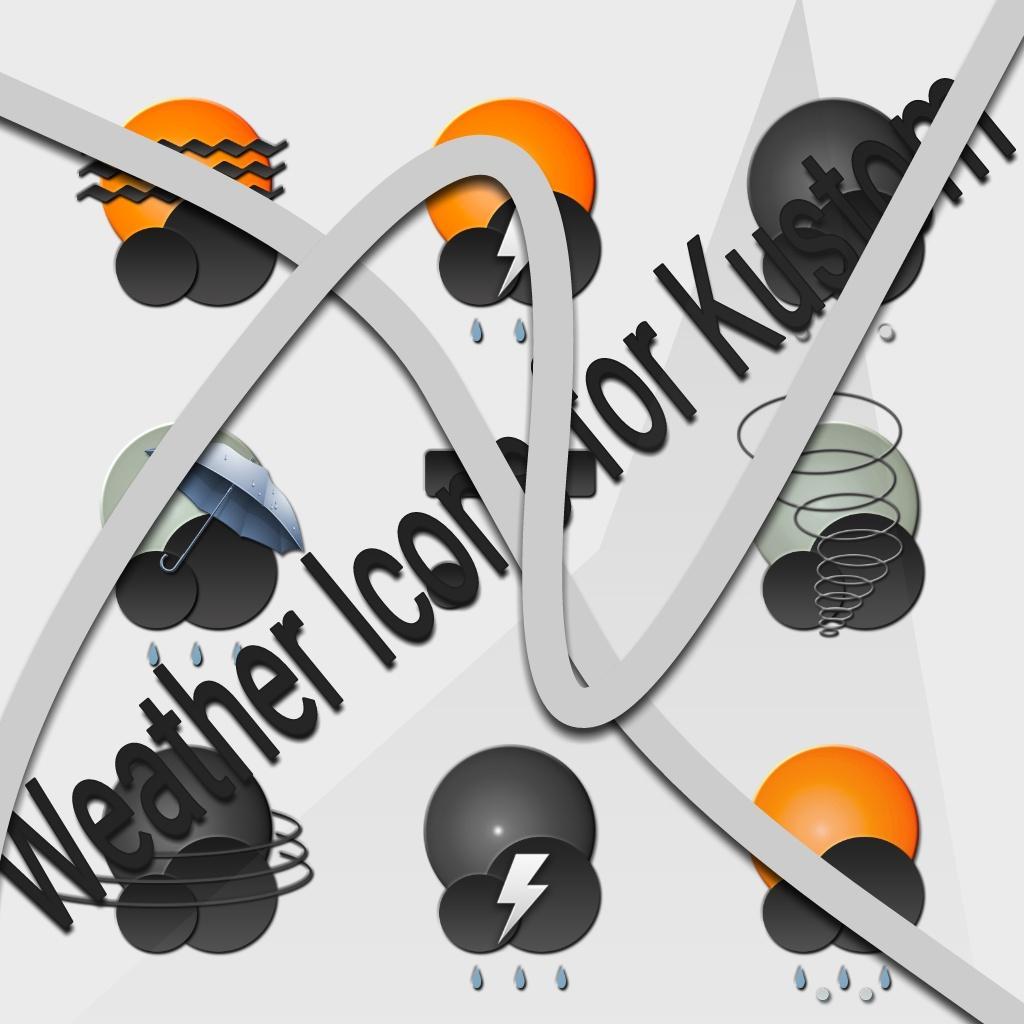
You will find in this application Packs Premium 8 beautifully icons for Kustom Live Wallpaper (Klwp) which will inform you of the weather with a nice icon
How to use it....
1 / Open Pro application klwp
2 / Press the + symbol in the top right
3 / Press the rectangle called Komponente
4 / Choose your preferred weather icons on the tab installed
5 / Done!
Latest Version
V5.3Uploaded by
Idan Yalo Yalo
Requires Android
Android 5.0+
Category
Free Personalization AppContent Rating
Everyone
Security Report
Report
Flag as inappropriateLast updated on Oct 12, 2019
Minor bug fixes and improvements. Install or update to the newest version to check it out!







APKPure - A multi-platform app store primarily focused on Android, providing extensive app-related content. Discover the app you want easier, faster, and safer, with quick and efficient downloads and installations.





![Oblique [KLWP] APK](https://image.winudf.com/v2/image1/b2JsaXF1ZS5rdXN0b20ucGFja19pY29uXzE1NTY1NjgxOTdfMDQ2/icon.png?w=102&fakeurl=1)