UPDATE: Added support for Android Wear 2.0 with Complications!
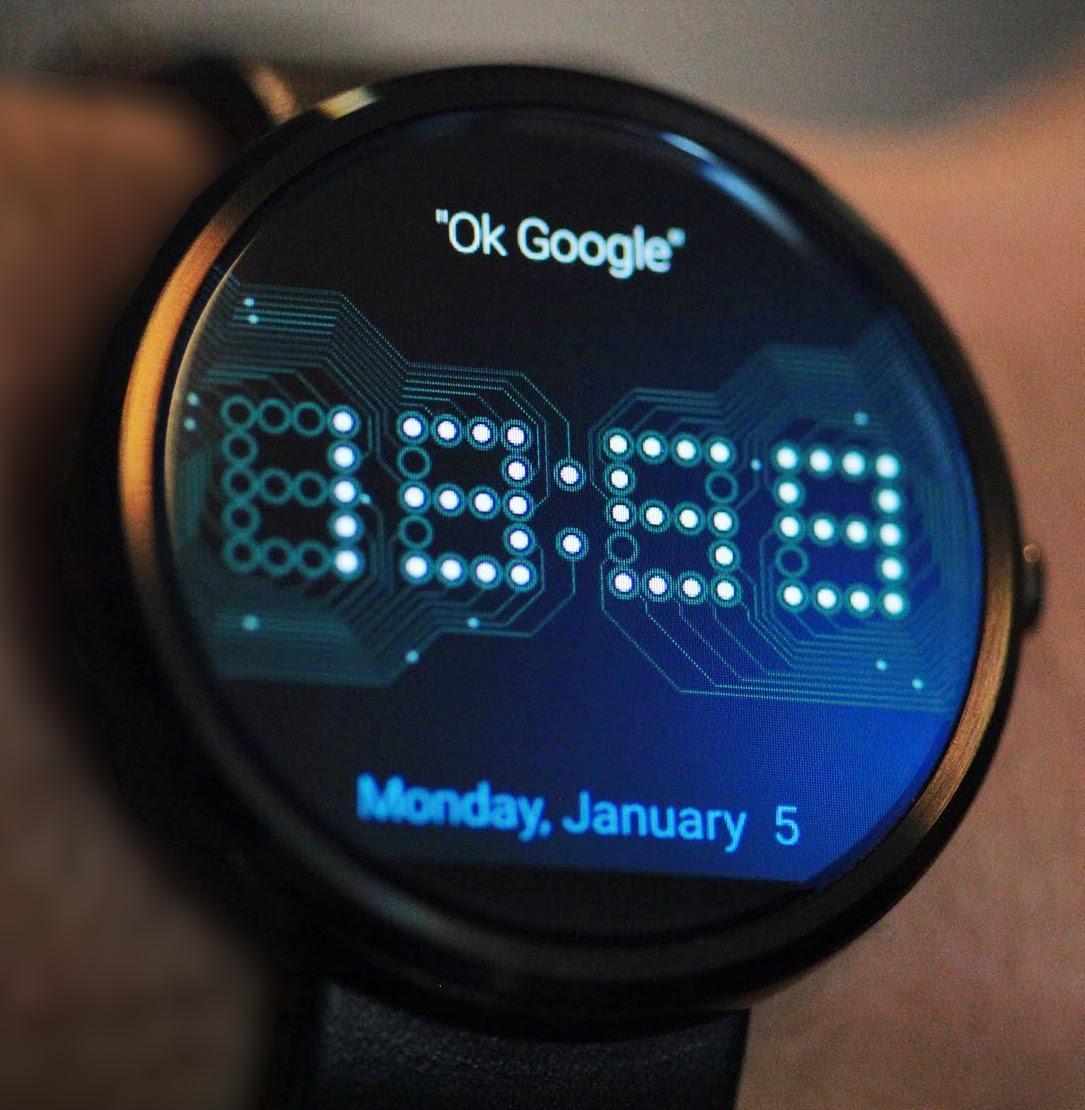
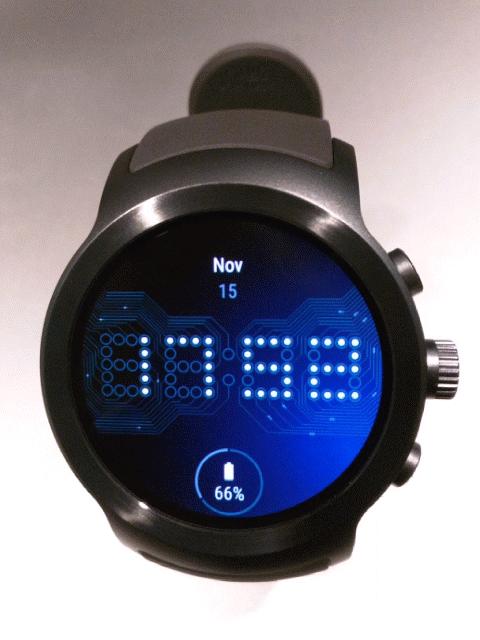
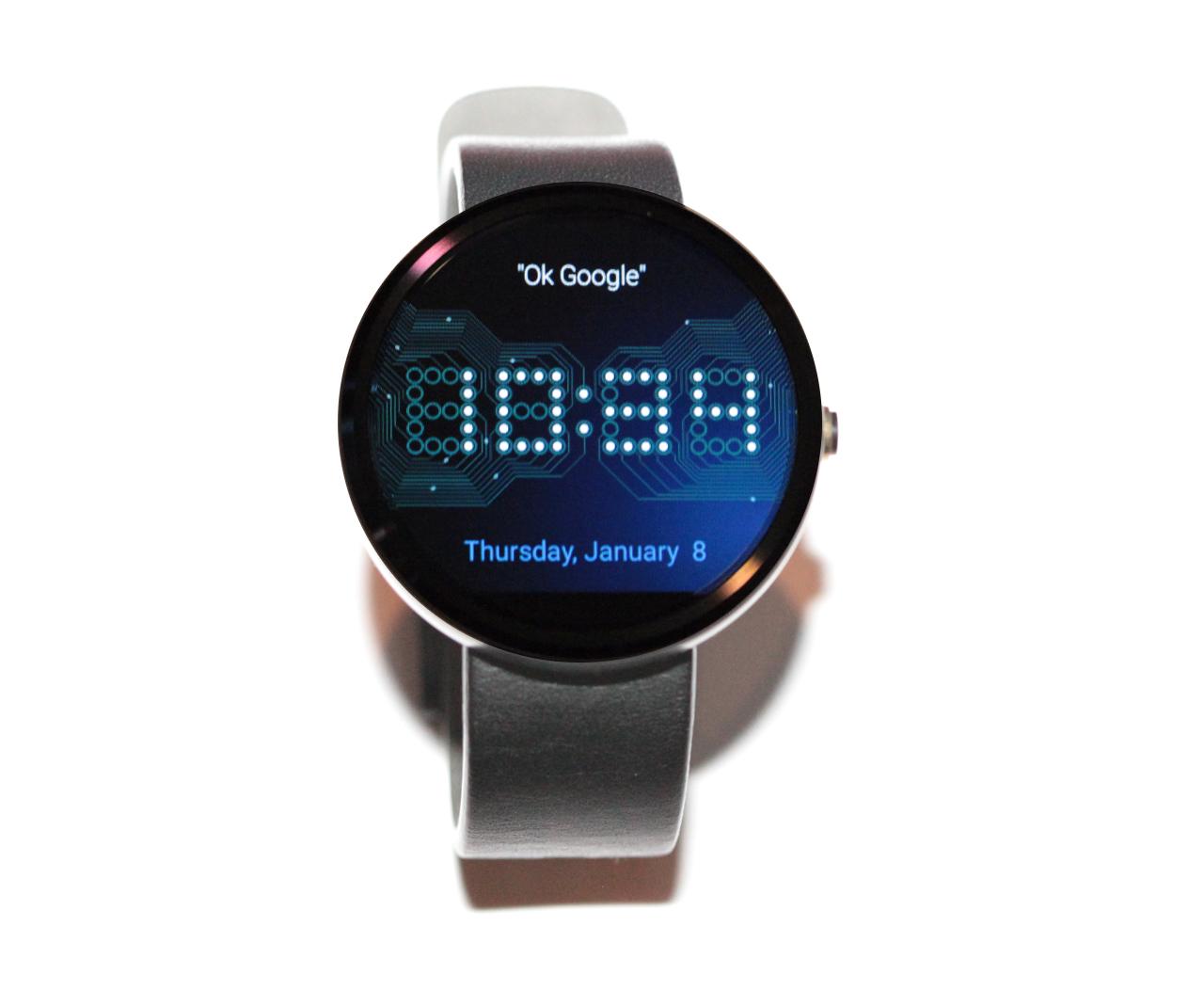
This is a custom watch face for watches running Android Wear that displays a circuit board with animated flowing electrons!
Check out the animated preview here:
https://moto360mockup.appspot.com/
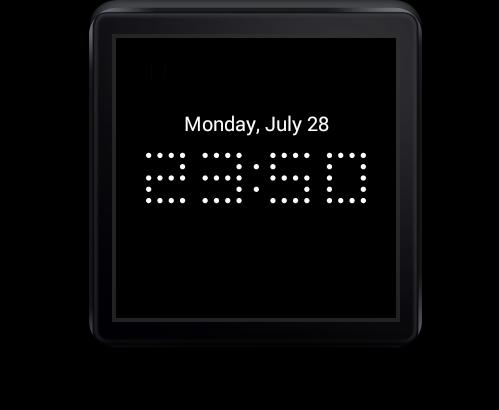
During normal operation, the watch face consumes minimal CPU (and therefore battery) by displaying a simple dot-matrix display clock. When you touch the watch face, the screen is illuminated to reveal the circuit with flowing electrons.
The watch face supports both 12 and 24 hour formats and can optionally display the current date.
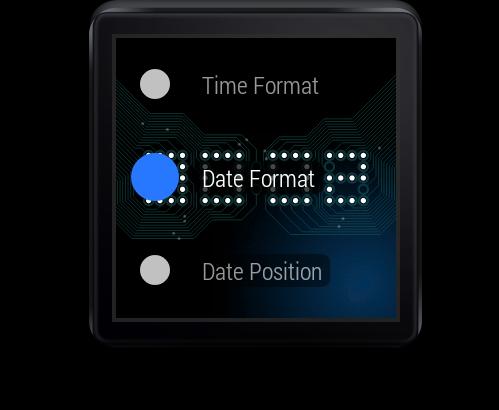
Almost all settings are configurable directly on your watch. No need to pull your phone out of your pocket in order to change the settings!
Configuration options:
* Complications (on Android Wear 2.0 devices only) - Specify type, colors and position.
* Time Format - Specify whether the time will be displayed in 12 or 24 hour format or will match how it is displayed by your phone.
* Time Color - Select the color of the L.E.D. lights that are used to show the time in non-ambient mode.
* Time Position - Slide the clock face up/down the screen to the desired location.
* Date Format - Specify the display format of the date.
* Date Position - Select the position for the date (Hidden / Above time / Below time or Custom).
* Date Color - Select the color of the date when in non-ambient mode.
* Background - Control the intensity of the background glow or disable it entirely.
* Circuit Color - Select the color of the circuit wires.
* Circuit Intensity - Specify the brightness of the circuit wires. Values range from 1 (dim) to 3 (bright).
* Electron Intensity - Specify the brightness of the electrons. Values range from 1 (dim) to 3 (bright).
* Electron Speed - Specify how fast the electrons travel along the circuit. Speed ranges from 1 (slow) to 4 (fast)
* Electron Size - Specify the size of the electrons. Sizes range from 1 (small) to 4 (large)
As you change these settings, you will see their effect immediately.
IMPORTANT NOTE: This application is ONLY intended for devices running ANDROID WEAR (1.0 or 2.0)
Latest Version
Varies with deviceRequires Android
Category
Personalization AppContent Rating
Everyone
Report
Flag as inappropriateLast updated on Jan 12, 2018
Minor bug fixes and improvements. Install or update to the newest version to check it out!



APKPure - A multi-platform app store primarily focused on Android, providing extensive app-related content. Discover the app you want easier, faster, and safer, with quick and efficient downloads and installations.