Package Name:com.cogniter.watchaccuracychecker
SHA-256:c72f61a8a439158302383365abe2fb9e898302843aebe683e3e3f9ebf6935ac5
Show More
This simple, free and easy to use app will help you measure and track the accuracy of your Mechanical, Automatic or Quartz wrist watches.
Features of the app:
√ Take a snap and add a watch you want to check for accuracy.
√ Edit Watch if needed.
√ No restrictions on number of watches that can be added and tracked.
√ Check accuracy of your watch in against current global time.
√ Start and Stop timer as per your requirement.
√ Timer runs in foreground and background as well.
√ Ability to run tracker for multiple watches simultaneously.
√ Ability to reset the timer in case it is needed.
√ Screenshot is captured when timer is stopped which makes it easy to
compare seconds lost or gained.
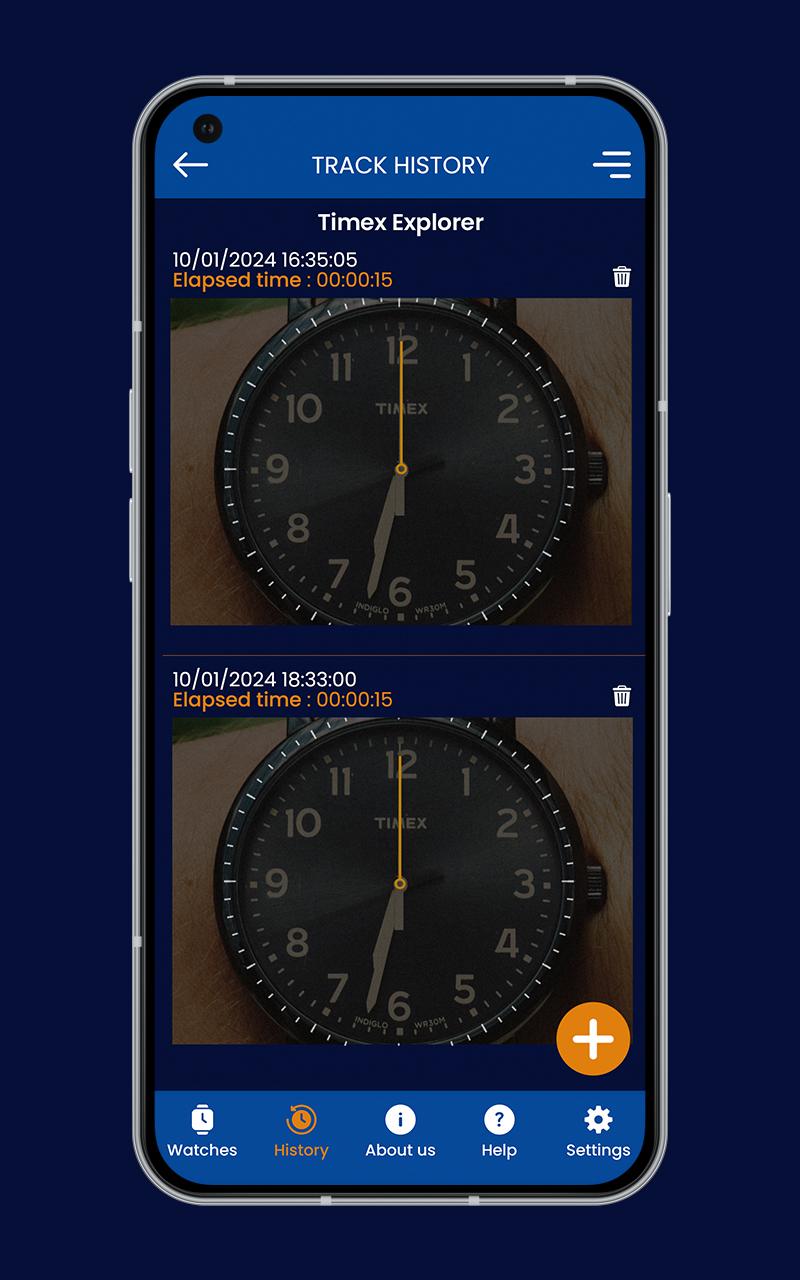
√ History of tracking is maintained in the app.
√ Time elapsed along with time stamp is shown in tracking history.
√ Notifications to the user about running tracker so user knows how long
tracker has been on.
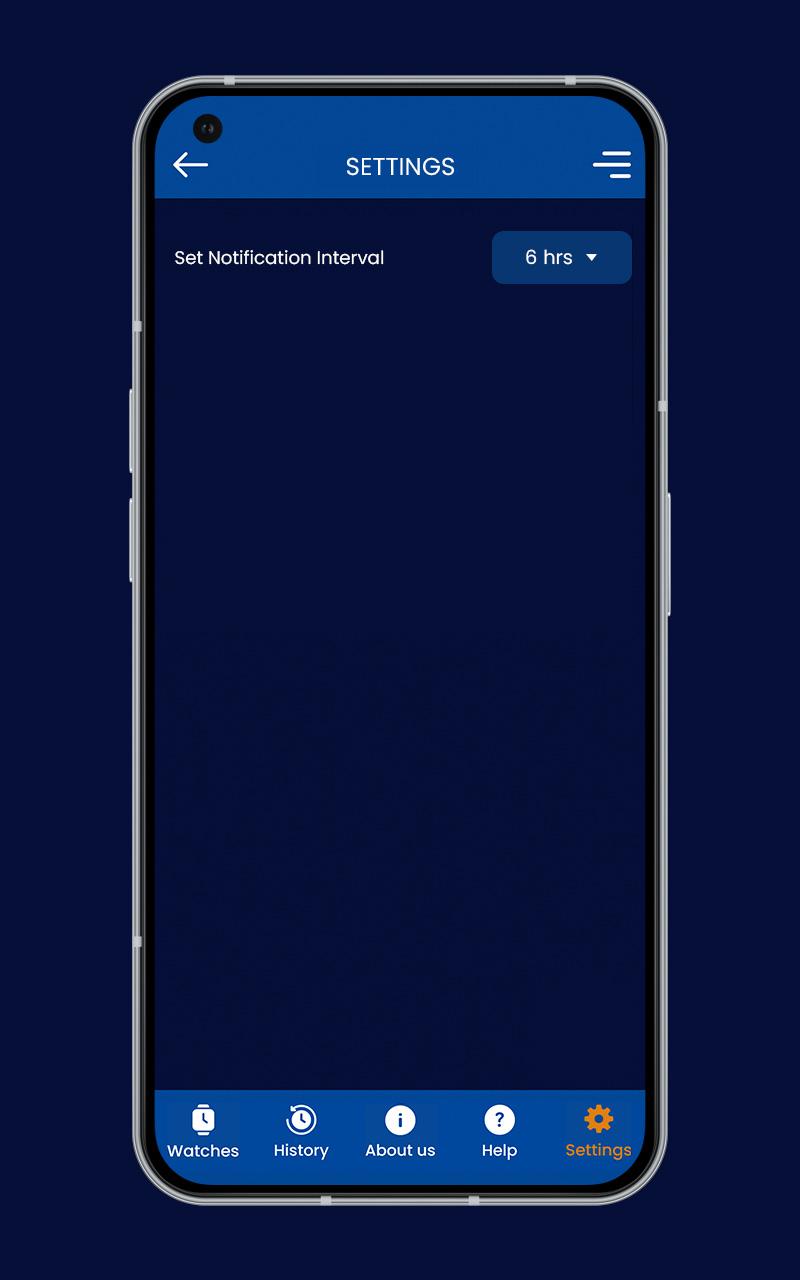
√ Settings available to set the notification interval for the tracker.
How to use this app?
Objective of this app is to give you the ability to check accuracy of your wrist watch.
Our app has an accurate system watch which is used as the reference.
You need to perform following steps to achieve the objective.
1. Add your Watch
2. Track Watch
3. View track history to check watch accuracy
How to Add Watch?
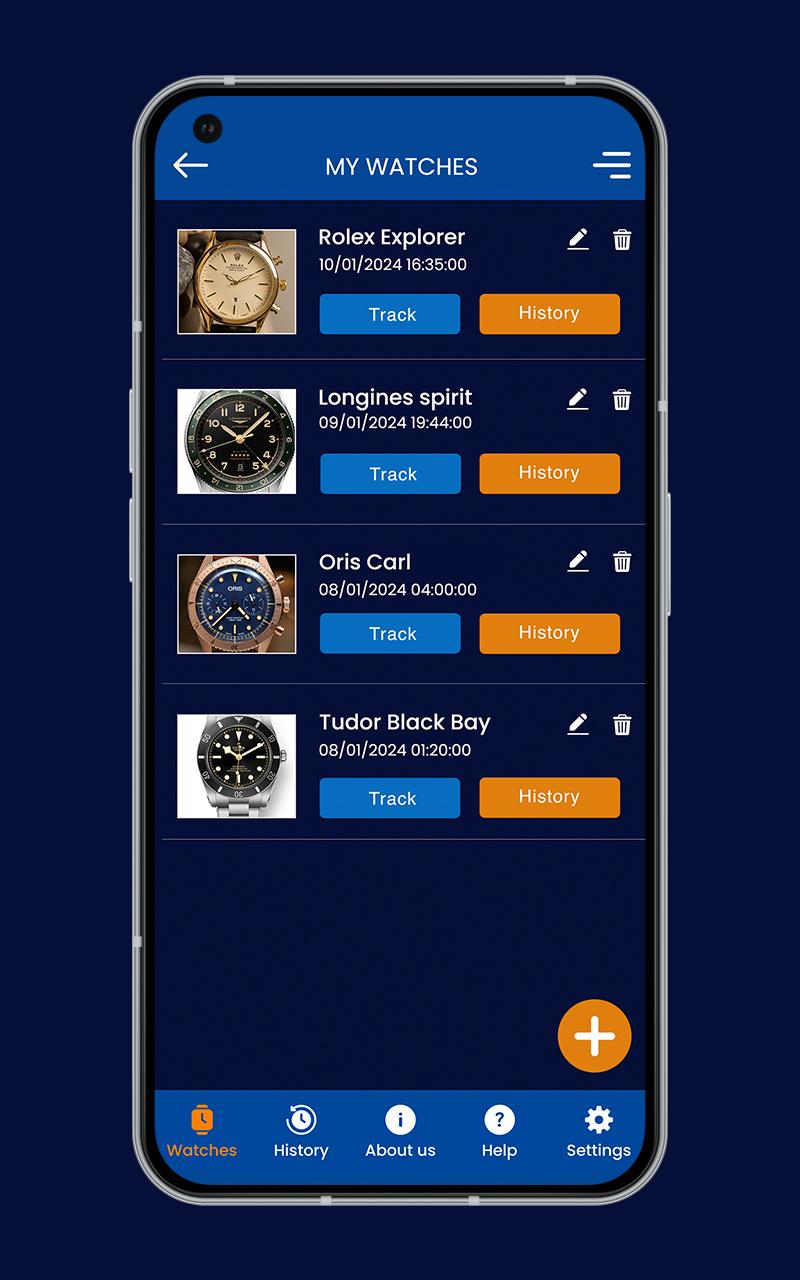
√ Click on ‘My Watches’ in footer menu.
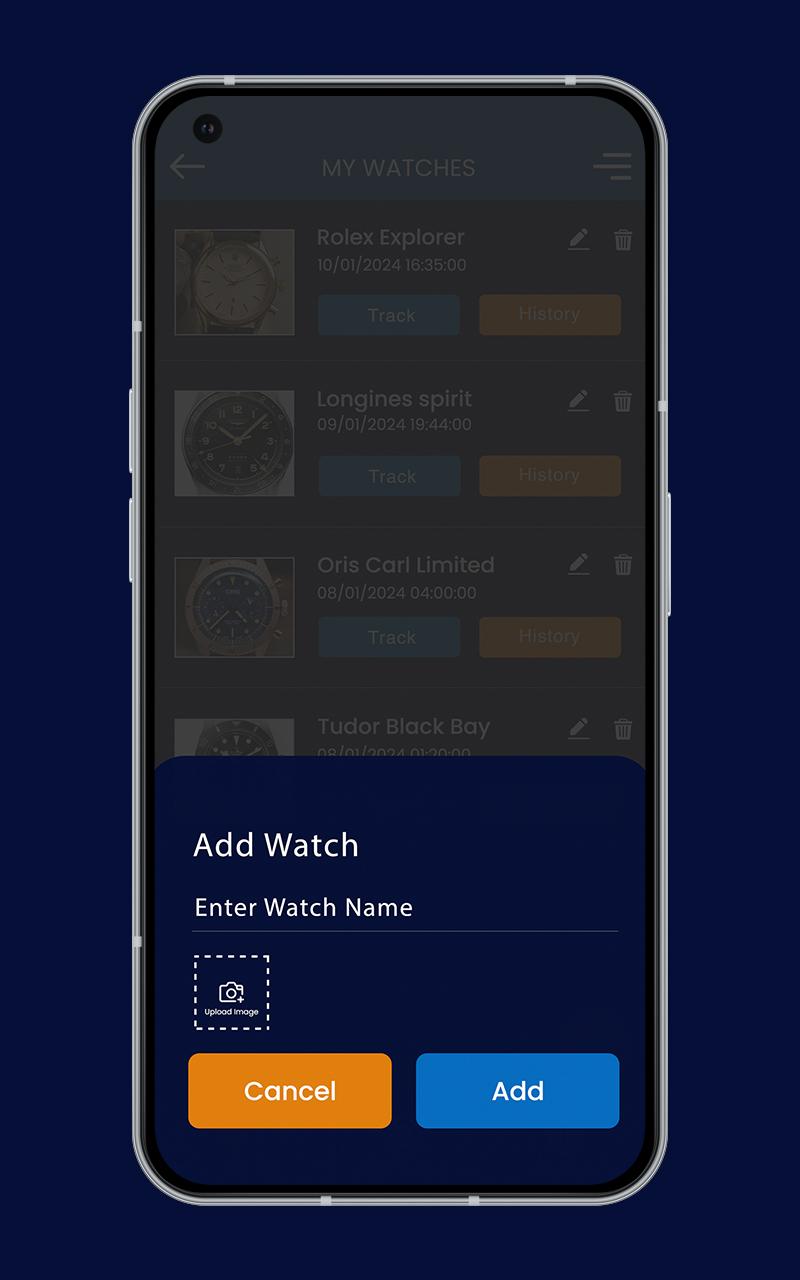
√ The click + icon.
√ Enter name of watch.
√ Take picture of the watch.
√ Click ‘Add’.
√ It will be added in My Watch List.
How to Track Watch?
√ Click on ‘My Watches’ in footer menu.
√ Click on ‘History’ button for the watch.
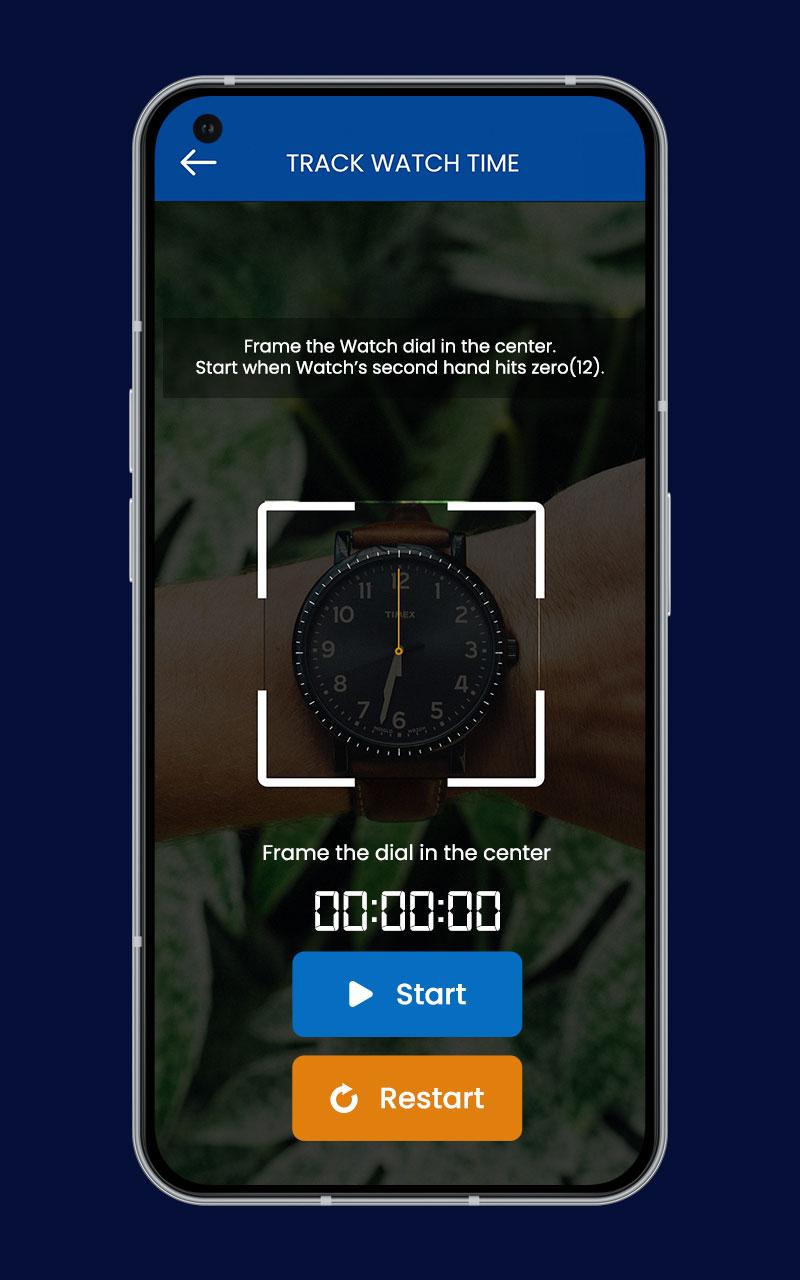
√ Tracker screen will open with phone’s camera on and app’s reference
watch with only Seconds hand in it.
√ Start and Restart button is there on tracker screen.
√ Clicking on Start button starts the tracking and button changes to “Stop”.
√ Before starting tracking, you need to super impose the app’s reference
watch on to your wrist watch.
√ As soon as your wrist watch’s second hand reaches zero and matches the
static second hand of the app you need to start tracking.
√ After a few hours have passed, when you are ready to stop the tracking,
then again, you need to super impose the app’s reference watch on to your
wrist watch.
√ Clicking on “Stop” button will stop the tracking.
√ When tracking is stopped, a screenshot is taken by the app and is saved in
history of the watch.
√ This screenshot show app’s reference watch along with your wrist watch. It
will show time of tracking and elapsed time of tracking.
√ Based on position of ‘Seconds hand’ of your wrist watch and app’s watch
in the screenshot, you can check the accuracy of your watch.
√ If both are on same position, your watch is accurate.
How to view Tracking History of a Watch?
√ Click on ‘My Watches’ in footer menu.
√ Click on ‘History’ button for the watch.
√ Tracking History of the Watch will be displayed.
√ Record will show time of tracking and elapsed time of tracking.
Latest Version
1.6Uploaded by
Daniel Estif Mandonado Mendoza
Requires Android
Android 6.0+
Category
Free Tools AppContent Rating
Everyone
Security Report
Check Now
Report
Flag as inappropriateLast updated on Jan 10, 2026
Two or more watches can now be tracked simultaneously.
Elapsed time is now displayed correctly.
Camera opening issue fixed.
Only the rear (back) camera can be used.
The Add Watch floating icon design has been updated.
Time tracking continues even if the app is closed or interrupted

APKPure - A multi-platform app store primarily focused on Android, providing extensive app-related content. Discover the app you want easier, faster, and safer, with quick and efficient downloads and installations.