
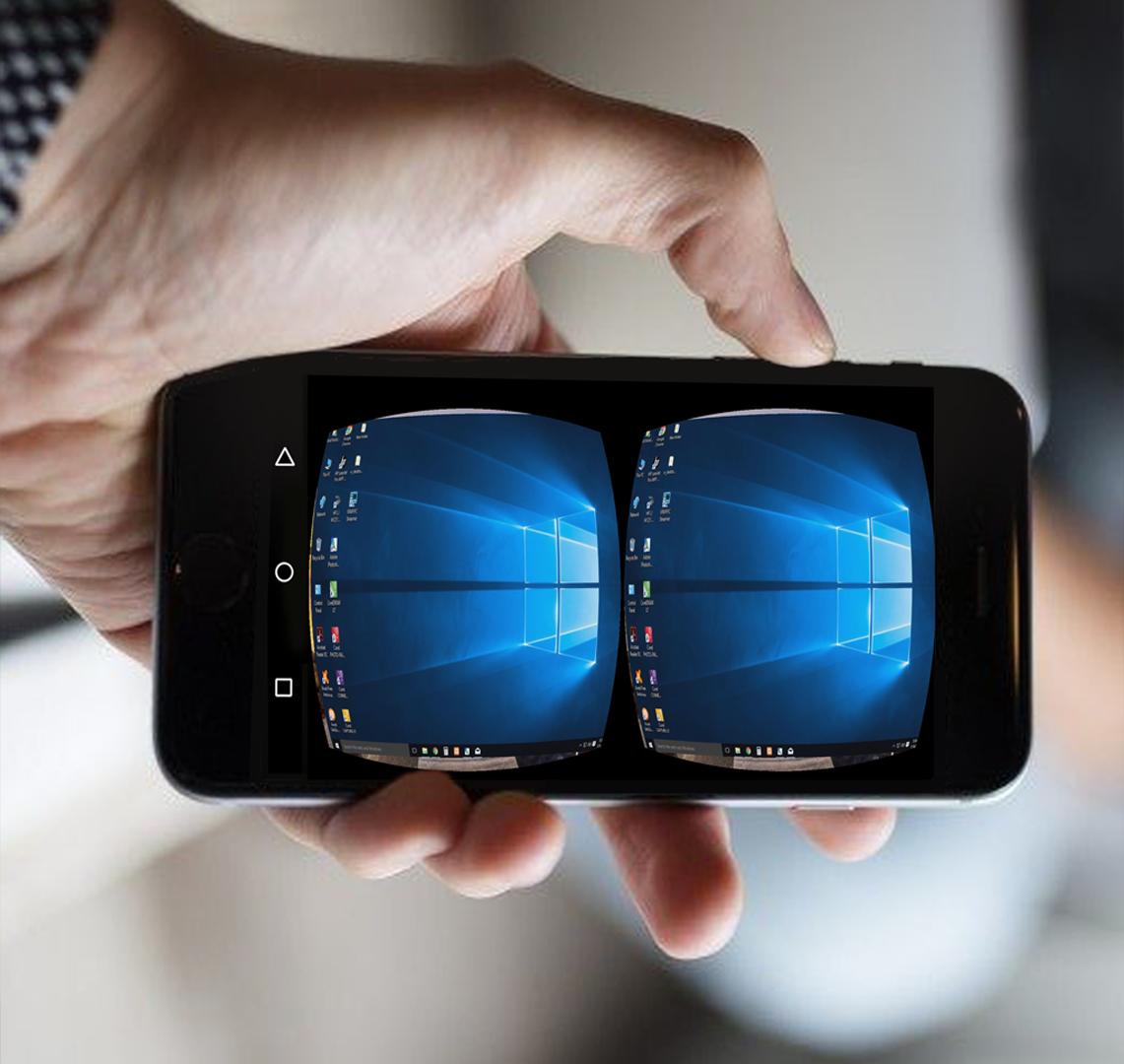
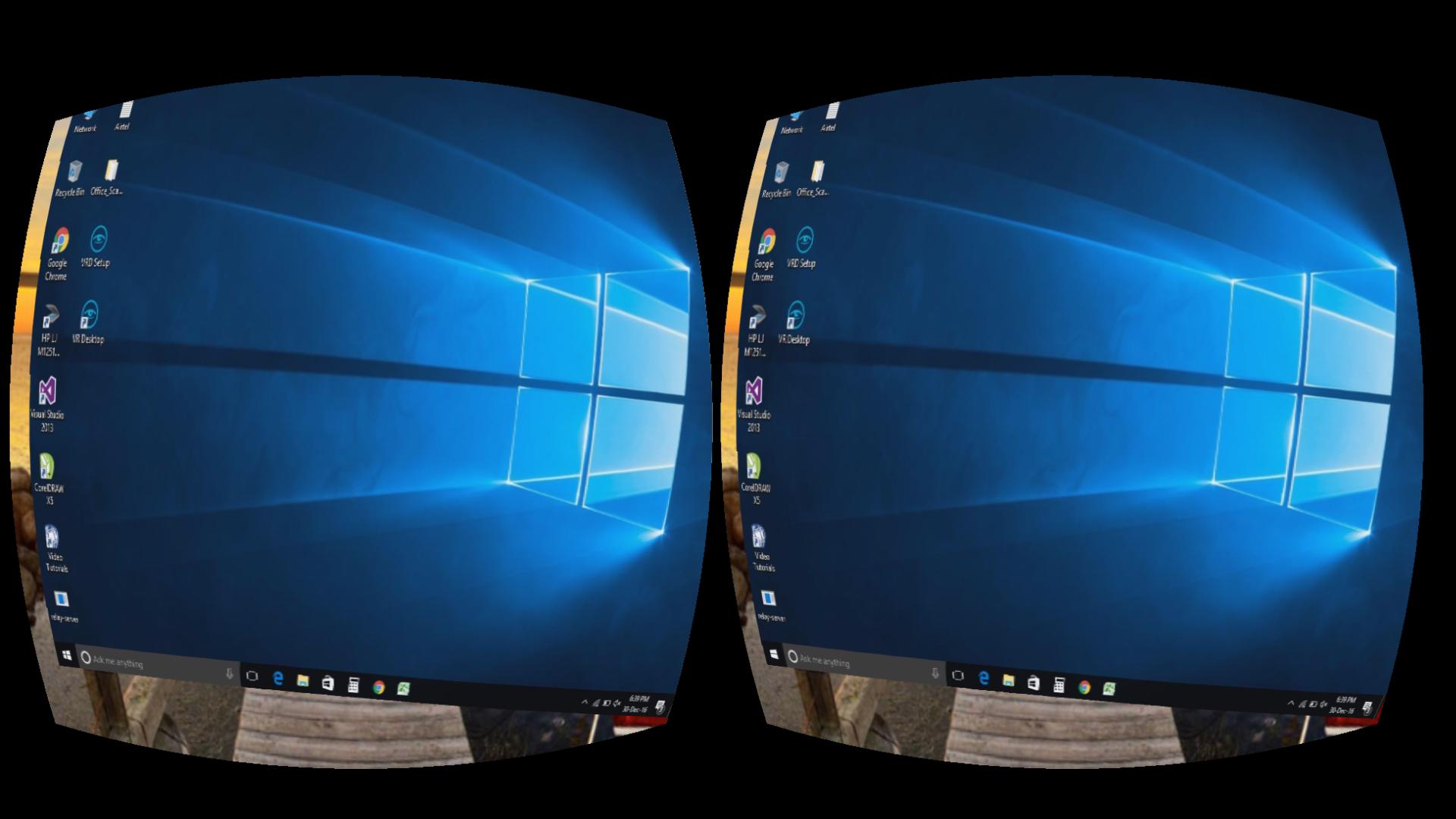
VR MYPC lets a user enjoy his desktop with virtual reality headsets like google cardboard, PC, oculus rift, HTC vive, GearVR. You can enjoy any Windows PC in virtual reality. All you need PC, wi-fi network, and a VR headset.It provides a virtual desktop with several surroundings and scene.It is the most simple way to enjoy virtual desktop. There are no complex settings and restrictions. It takes few clicks to start experiencing your PC in virtual reality.
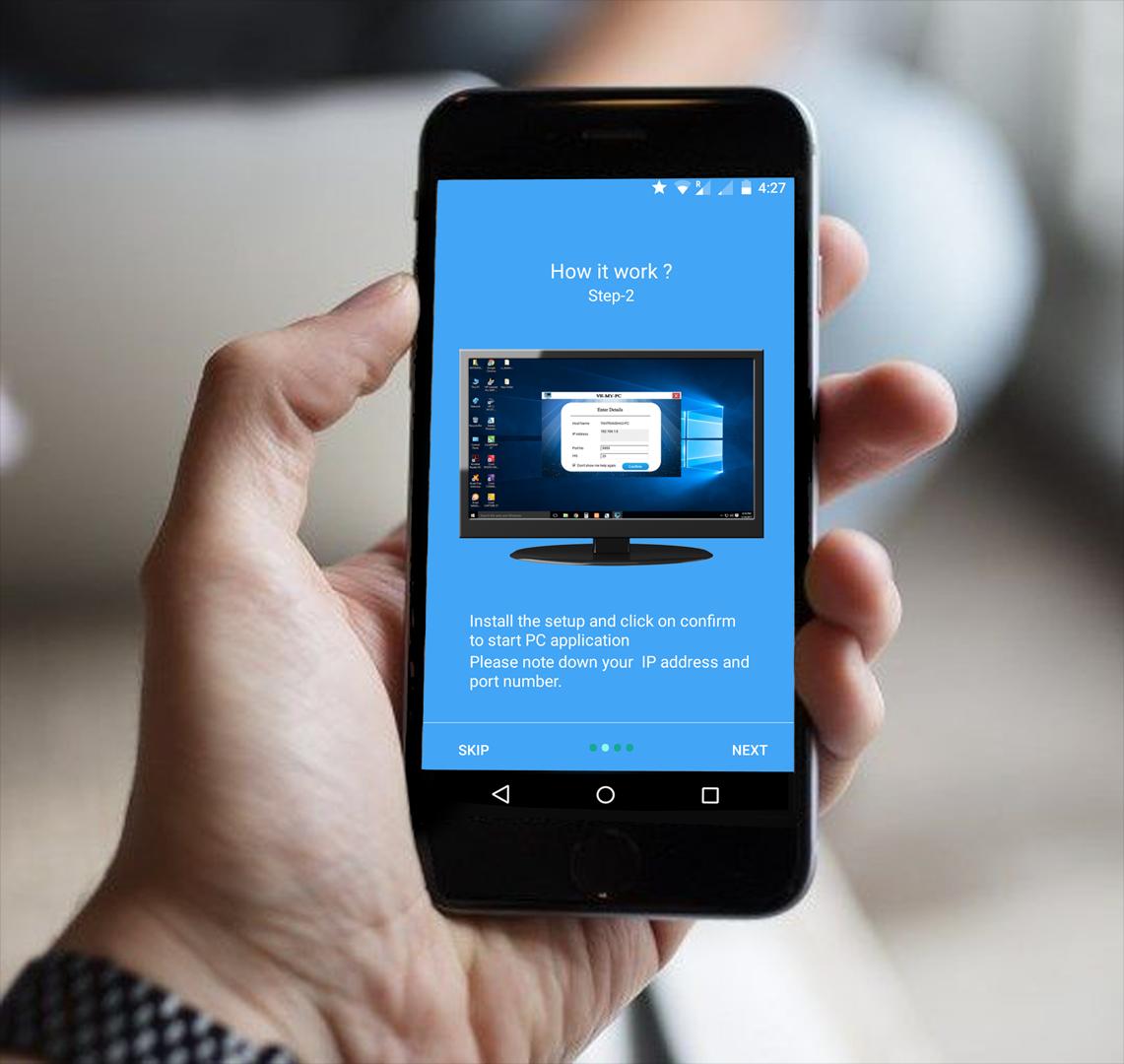
Follow below steps:
Step-1: Download and Install VR MY PC on you PC from http://vrmypc.tantransha.com/
Step-2: Install VR MY PC on your android smartphone.
Step-3: Enter the IP and Port No. and connect your PC.
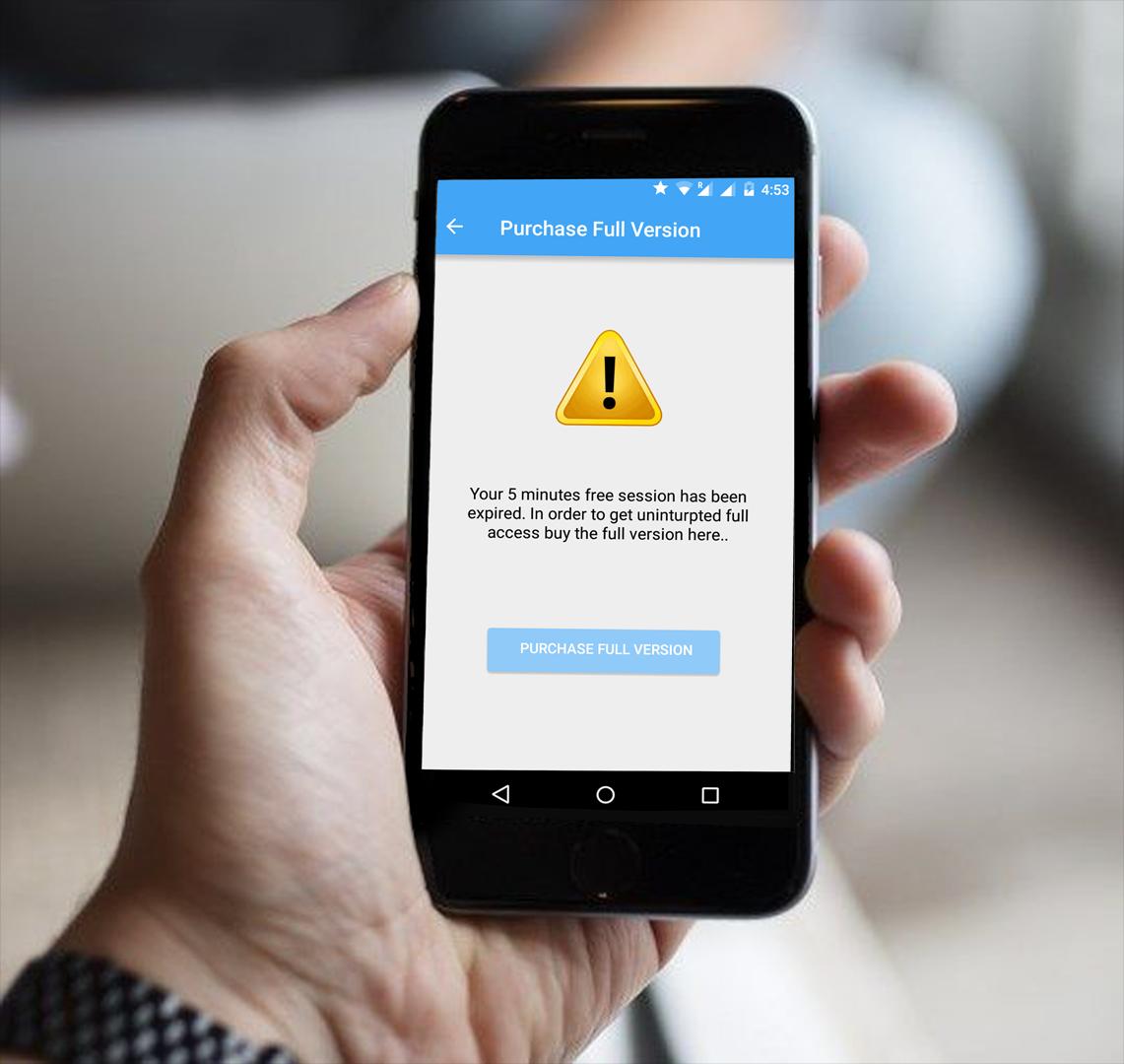
Enjoy VR view of your PC with VR headset ( cardboard, oculus rift, HTC vive, Gear VR ).This app creates a real-time virtual desktop for your VR headsets. To know about how to use it for devices other than Android smartphone please visit our website.Please note that free session is valid up to 5 minutes use ( unlimited free sessions). In order to enjoy uninterrupted access please purchase the full version ( you can purchase it from inside the app ).
This app is a successor to popular VR VNC app( https://play.google.com/store/apps/details?id=tantra.tantransha.cardboardremotedesktop.lite )Please feel free to write us about new feature requests or the bugs.
Latest Version
2.7Uploaded by
Halit Yaman
Requires Android
Android 4.1+
Category
Free Entertainment AppContent Rating
Everyone
Report
Flag as inappropriateLast updated on Feb 19, 2017
Fixed bugs and improved UI




APKPure - A multi-platform app store primarily focused on Android, providing extensive app-related content. Discover the app you want easier, faster, and safer, with quick and efficient downloads and installations.




![Device Control [next] (Unreleased) APK](https://image.winudf.com/v2/image/b3JnLm5hbWVsZXNzcm9tLmRldmljZWNvbnRyb2wubmV4dF9pY29uXzBfM2U2MjQ1NDA/icon.png?w=102&fakeurl=1)









