Package Name:india.vpn_tap2free
SHA-256:5178b6b4f5bea2e81a8a935389ed6bc55ef26afc41fa675e3d25d79379d989f7
Show More

VPN India suits users who need quick access to India-only websites, apps, or streams, or who want safer browsing on public networks. It focuses on fast setup and simple controls so you can connect without accounts or complex settings. At the same time, it secures your traffic with established VPN technology and hides your IP from local networks. For many, the draw is the separate option to connect to India instantly, yet you can also choose other regions as needed with the VPN India APK.
Instant Indian IP
VPN India provides a clear connect button and a separate Connect to India option, so you can get an Indian IP with one tap. There is no registration and no traffic limit, which makes quick checks, streaming access, or app testing straightforward. If you only need India locations, the direct button reduces extra steps and saves time.
Encryption with OpenVPN
The app uses the OpenVPN protocol with OpenSSL encryption to protect your traffic. This helps keep data private on public WiFi, such as in cafes, airports, or hotels, where open networks can expose sensitive information. By routing your connection through the VPN tunnel, your browsing and app requests are harder to intercept on shared networks.
Access region restricted content
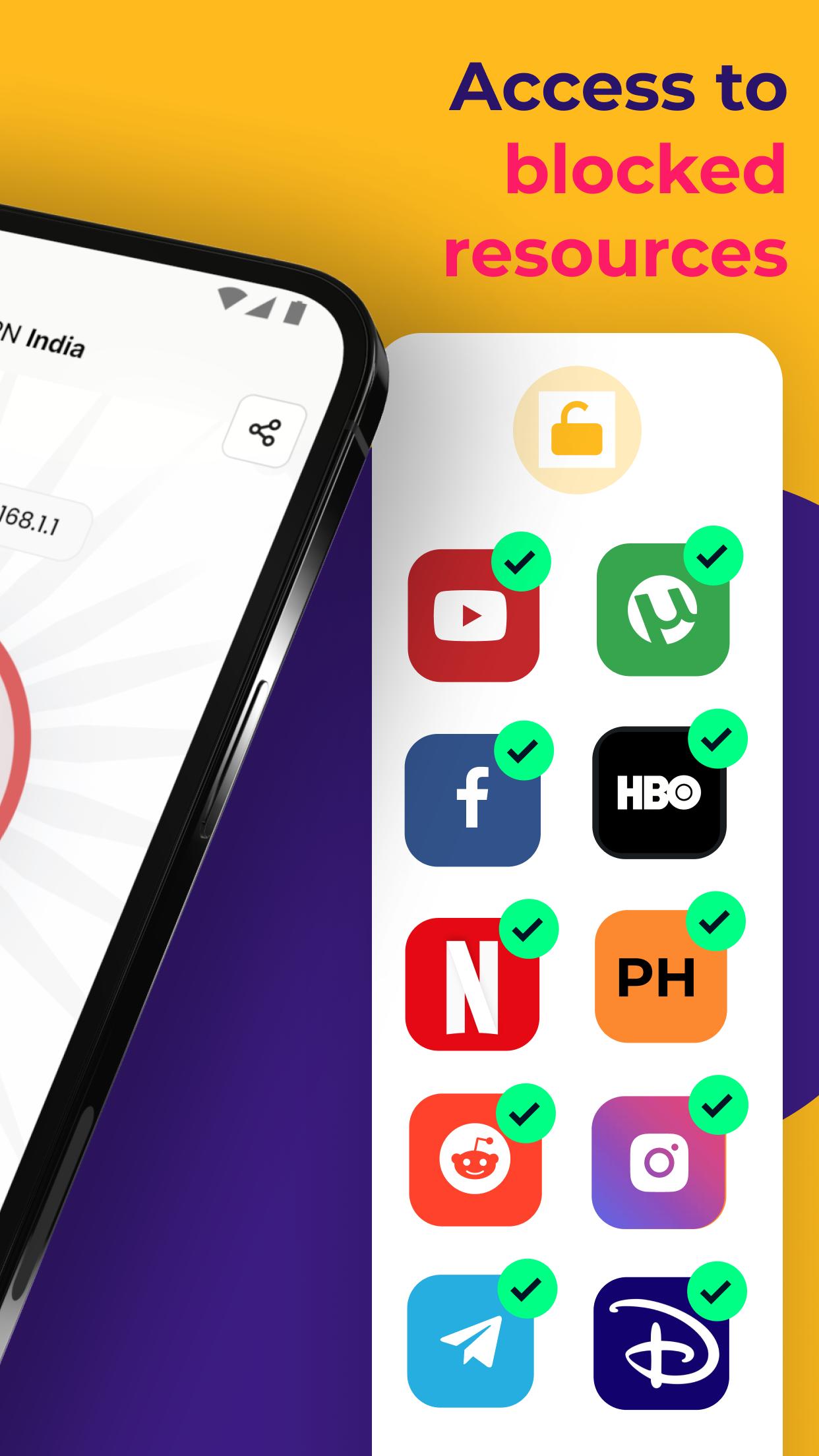
With an Indian IP, you can reach India-only sites and services, including popular video platforms, local news, and regional apps. It can also help bypass ISP blocks or school and office firewalls for legitimate access needs, including VoIP calling apps and websites that are otherwise unavailable. If a server feels congested, switching to another free location often restores stable access.
Smart server selection
VPN India can auto pick the nearest or least crowded server to reduce waiting and improve reliability. You can also change servers manually when speed drops at peak times. As the global server pool grows, you may see more options to balance load and choose routes that fit your task, whether browsing, calling, or streaming.
Free and PRO choices
Free servers are available without time limits or data caps, which covers most everyday needs. When heavy traffic slows a free server, the app offers PRO servers with lighter load and a seven day trial for testing stability. You can move between free and PRO lists as needed, then decide whether the paid tier fits your usage.
Using a VPN in India is legal. In 2022, CERT-In introduced rules that require data logging for providers operating physical servers inside India. To avoid logging requirements, many providers offer virtual India locations hosted outside the country. If you want the highest privacy, consider connecting to a non India server. If you need local content or services, connect to an India location, and switch back when finished.
Your server selection affects both privacy and access. An India server helps with local platforms and regional catalogs. A server outside India helps reduce exposure to local retention rules and may offer steadier speeds during busy hours. If speed drops or a platform buffers, try a nearby alternate region first, then test a different India location to find a better route.
Video quality depends on server load and your connection. When a stream buffers, change to another free server with lower load. If several free servers are crowded, sample a PRO location during the trial to check for consistent playback. Keep the app open while streaming so you can switch quickly if conditions change.
This VPN app for Android is designed for a quick start. After you download VPN India, setup takes only a few taps. The process below helps you connect, switch servers, and disconnect smoothly.
VPN India focuses on simple controls, fast access to India locations, and encrypted connections for everyday use. It offers free servers for common tasks and optional PRO servers when you need steadier performance. To keep current with fixes and improvements, consider the VPN India latest version.
For official information or support, use the links below.
Latest Version
1.159Uploaded by
نجيبة العياشي
Requires Android
Android 6.0+
Category
Free Tools AppContent Rating
Everyone
Security Report
Check Now
Report
Flag as inappropriateLast updated on Mar 24, 2026
Minor bug fixes and improvements. Install or update to the newest version to check it out!







APKPure - A multi-platform app store primarily focused on Android, providing extensive app-related content. Discover the app you want easier, faster, and safer, with quick and efficient downloads and installations.