

VPN Door fits moments when you want quick privacy for web browsing at home, at work, or on public Wi‑Fi. It routes your traffic through proxy servers so your IP address is not exposed, which helps reduce tracking across sites. The connection process focuses on speed and minimal setup, so you can connect quickly and continue browsing without distractions. If you install outside an app store, the VPN Door APK offers a straightforward way to set it up.
One tap connection without registration
VPN Door keeps the setup simple so you can connect with a single tap. You do not need to create an account or share personal details. This lets you start a VPN session quickly when you need it, such as before opening a browser or public hotspot.
Secure connection on Wi‑Fi and mobile data
The app creates an encrypted tunnel that protects your browsing on public Wi‑Fi and on mobile networks. This helps prevent third parties on the same network from seeing your activity. You can keep the VPN on while switching between Wi‑Fi and cellular data.
Worldwide proxy network with unlimited bandwidth
VPN Door provides unlimited data usage across its proxy servers, so you can browse, download files, and refresh pages without worrying about caps. Server options span five countries, giving you flexibility to pick a route that works better for your location. If a server feels slow, switching to another region can improve responsiveness.
IP masking for private browsing
The app hides your IP address by routing traffic through proxy servers, which helps keep your location private. This reduces the exposure of device and network details to websites and services you visit. You continue using your regular apps and browser with the VPN active in the background.
Optional protocol selection for compatibility
VPN Door supports IKEv2 and OpenVPN, allowing you to choose the protocol that works best on your network. If a connection is blocked or unstable in one mode, switching protocols often restores access. This flexibility helps maintain a consistent connection in different environments.
VPN Door uses a proxy based approach optimized for web browsing and everyday privacy tasks. Streaming or gaming performance can vary by server, distance, and current network load. If you experience drops or slow speeds, try changing to another country or switch between IKEv2 and OpenVPN to see which is more stable on your network.
At the time of editorial review, the APK file showed a Clean result on VirusTotal, indicating no detected malware or spyware in that scan. Scan results may change over time, so users should make choices based on their own trust preferences. VPN regulations differ by country, and you are responsible for using VPN Door lawfully according to local rules.
VPN Door is published by Power Ideas and is available under a free license. It functions as a free VPN proxy focused on simple, private browsing without sign ups.
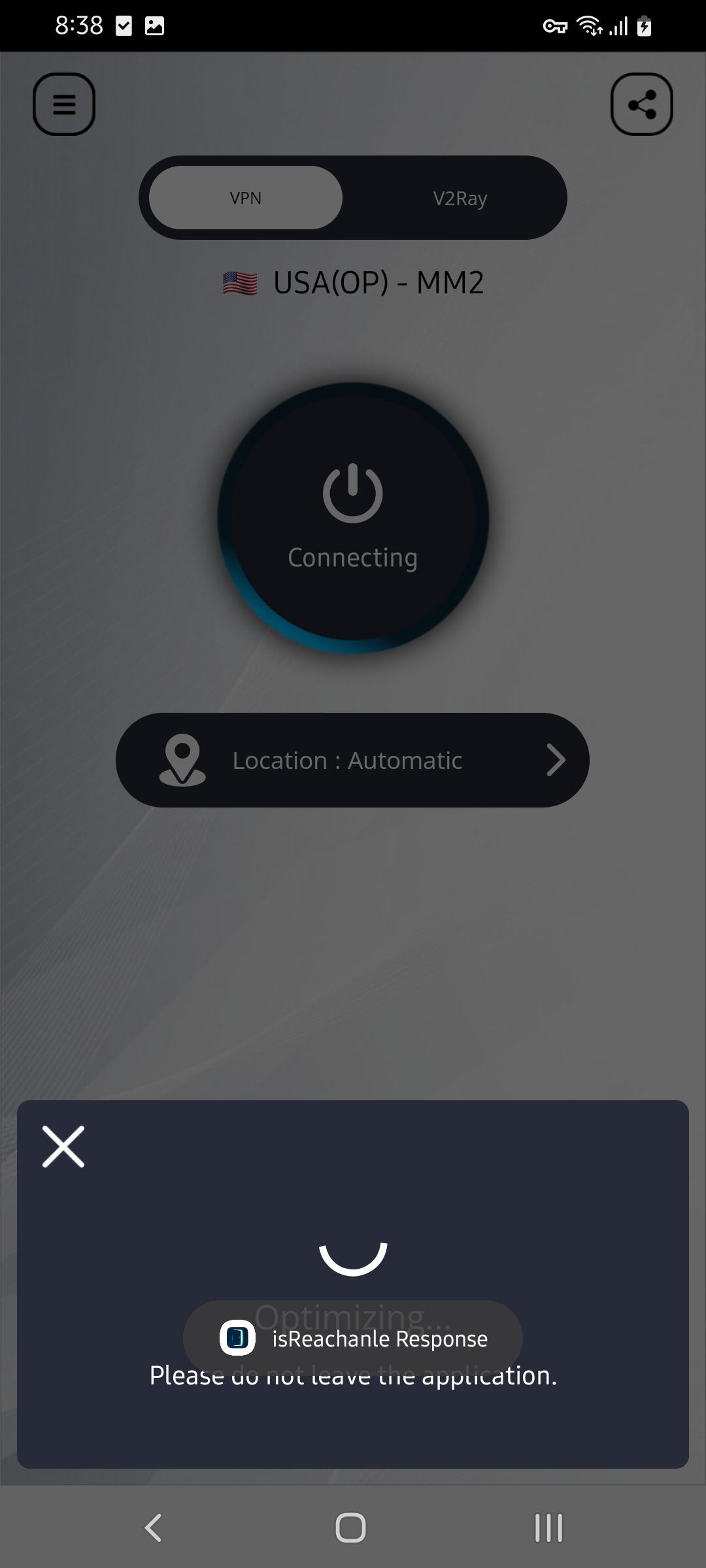
To begin, download VPN Door and install it on your phone. The interface is straightforward, so you can connect in a few taps. Follow these steps to set up a stable connection for everyday browsing.
VPN Door offers a simple way to add private browsing on Android with one tap, IP masking, and unlimited bandwidth. If you need quick protection on public networks, it provides clear controls and flexible routing. For the most stable experience, check the VPN Door latest version when installing.
Official information:
Latest Version
3.0.5Uploaded by
Rohit Shinde
Requires Android
Android 5.0+
Category
Free Tools AppContent Rating
Everyone
Report
Flag as inappropriateLast updated on Sep 1, 2024
Minor bug fixes and improvements. Install or update to the newest version to check it out!





APKPure - A multi-platform app store primarily focused on Android, providing extensive app-related content. Discover the app you want easier, faster, and safer, with quick and efficient downloads and installations.