Volume Rocker is a volume controller that provides a better way to manage and customize volume settings and profiles for your touch screen phone.
************************************
This app does not make your phone louder. Recently several 1 star reviews have been submitted because the app doesn't increase or improve phone volume. It only provides a way to manage volume setting profiles that you can customize. If your phone is not loud, it is probably an issue with your phone or your carrier signal.
However, if you have any issues, please email us at netshopinc@yahoo.com. We are committed to providing the best possible apps and will take every request seriously. If you put issues or complaints in the comments, we have no way of addressing them directly.
************************************
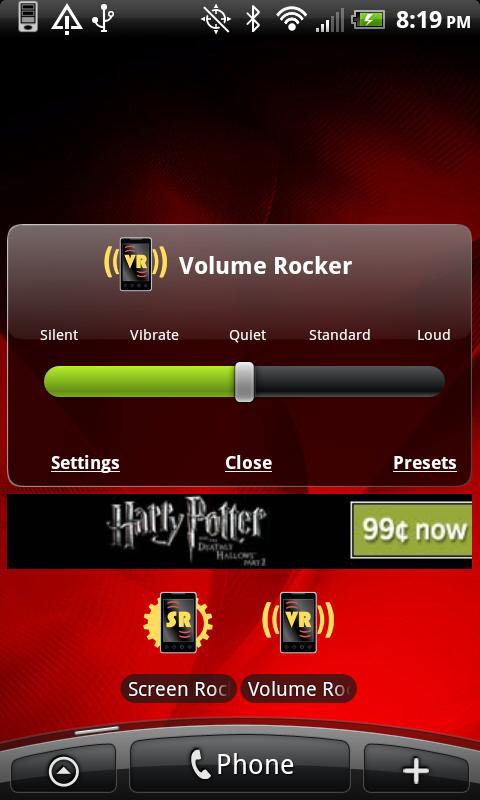
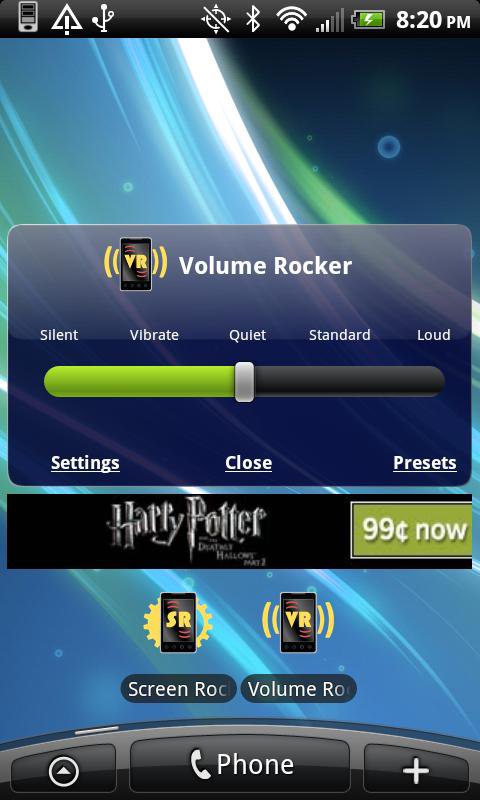
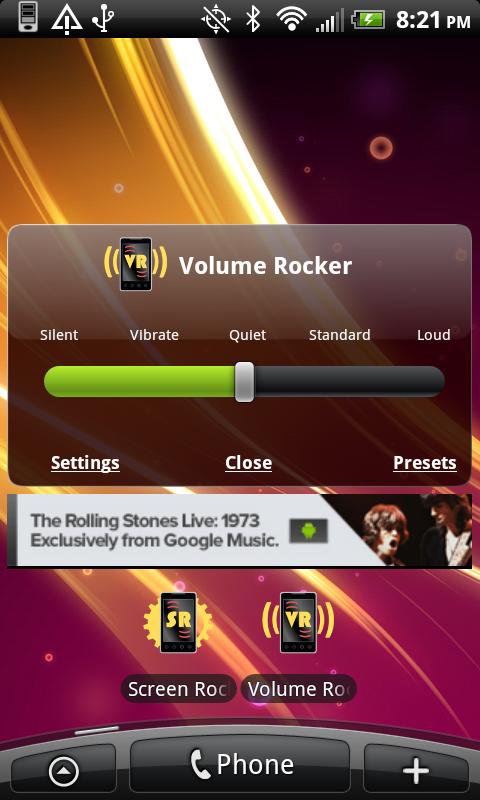
Simple and fast, select one of five profile volume levels with one click. Each volume profile is fully customizable so you can adjust any way you want. Customizations include different ring tones, notification sounds, volume levels, icons, and profile names for each of the five available profiles. Your volume profile can also be viewed or changed from the task bar so you know what preset you have just by looking at the screen. Enable or disable task bar icons in settings. Also has large selection of colorful and transparent themes for cool appearance.
- Five default profiles: Silent, Vibrate, Quiet, Normal, and Loud
- You can change the name and ringtones of your volume profiles
- Assign different ring tones and notification sounds to each profile
- Customize the volume levels for all five presets
- Volume control and levels for each preset includes:
- Ringer volume and vibrate settings
- Notification volume and vibrate settings
- System volume
- Alarm volume
- In call volume
- Media volume
- Enable Volume Rocker task bar icons for quick view of selected presets
- Change the task bar icons. Select from 14 different icons
- Enable or disable default system task bar icons for silent mode
- Enable Volume Rocker to start automatically when you reboot your phone
- Select custom themes and colors for cool appearance
- Easy to use menu and preferences
*** Ad Free Version Now Available ***
Volume Rocker Pro is now available and is completely ad free.
Latest Version
1.5Uploaded by
Ion Moroz
Requires Android
Android 2.1+
Category
Free Music & Audio AppContent Rating
Unrated · Warning – content has not yet been rated. Unrated apps may potentially contain content appropriate for mature audiences only.
Report
Flag as inappropriateLast updated on Aug 17, 2015
Volume Rocker 1.5.8 Released July 24, 2014
- Improved support for Android ICS
- Minor bug fixes



APKPure - A multi-platform app store primarily focused on Android, providing extensive app-related content. Discover the app you want easier, faster, and safer, with quick and efficient downloads and installations.