Why spend money on game triggers or game pads when you can use this application to do the same thing for you.
Control any in-game buttons with your hardware volume buttons
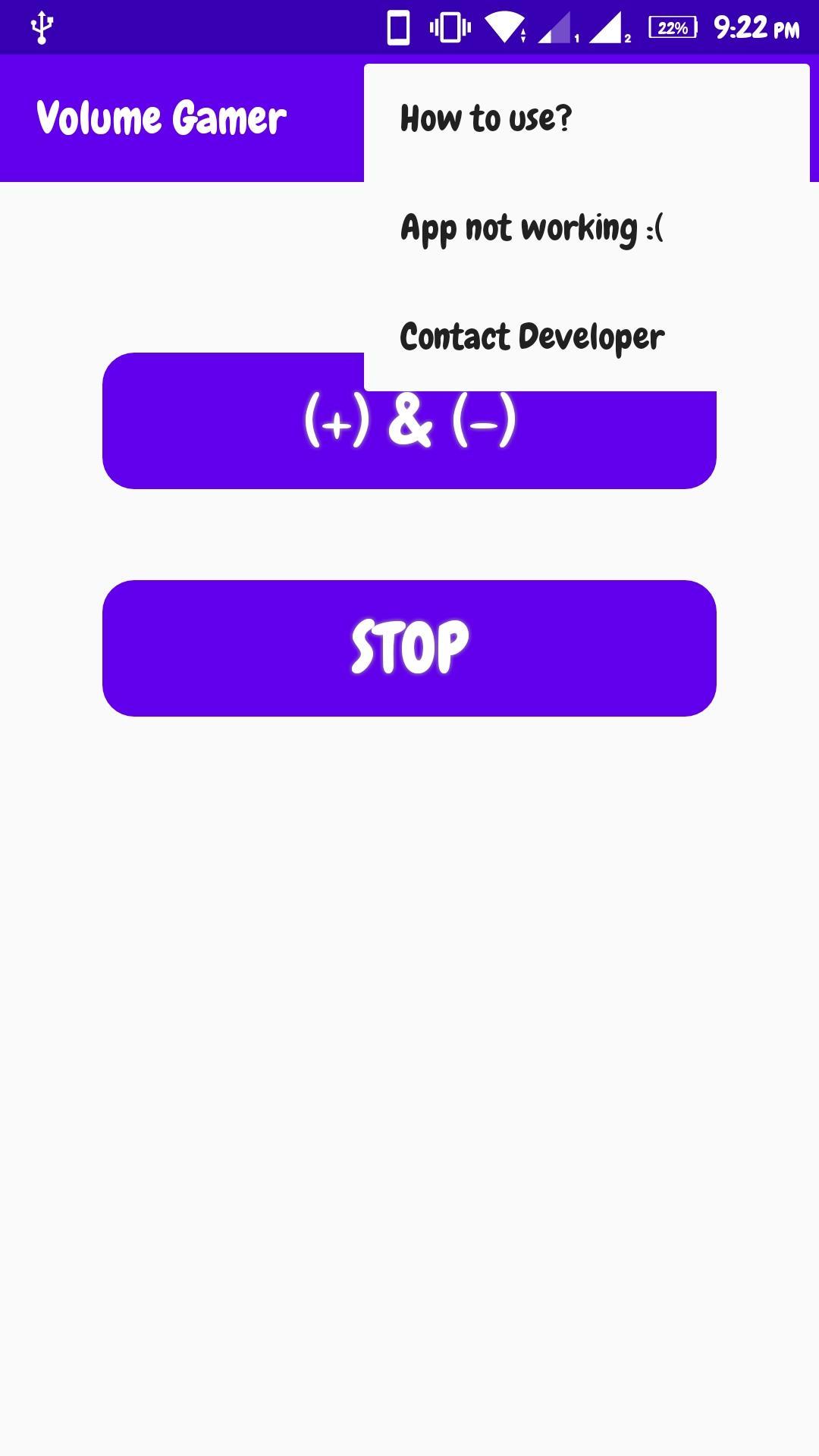
How to use?
1) Provide the 'draw over other apps' and 'accessibility' permissions
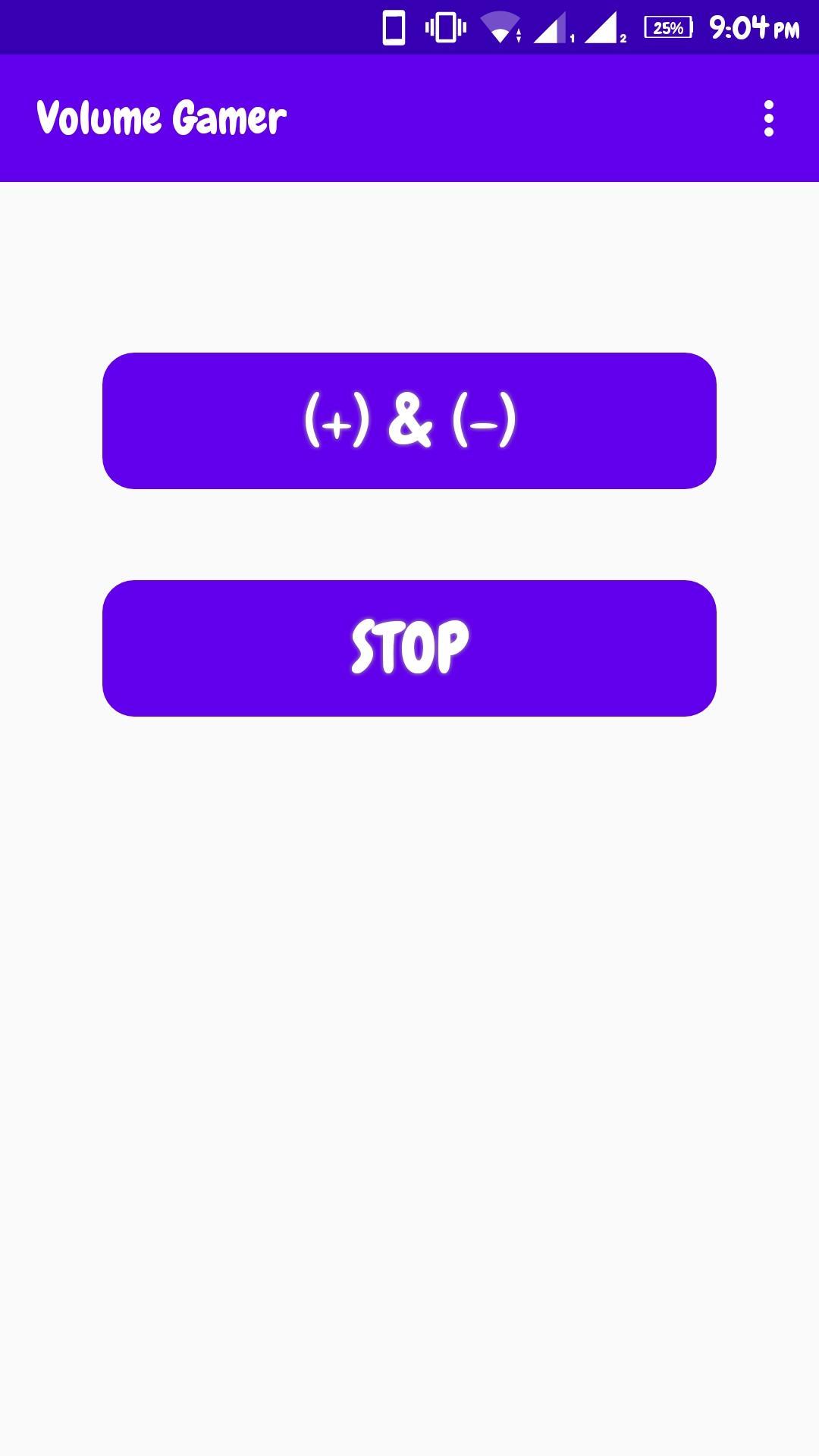
2) start the service
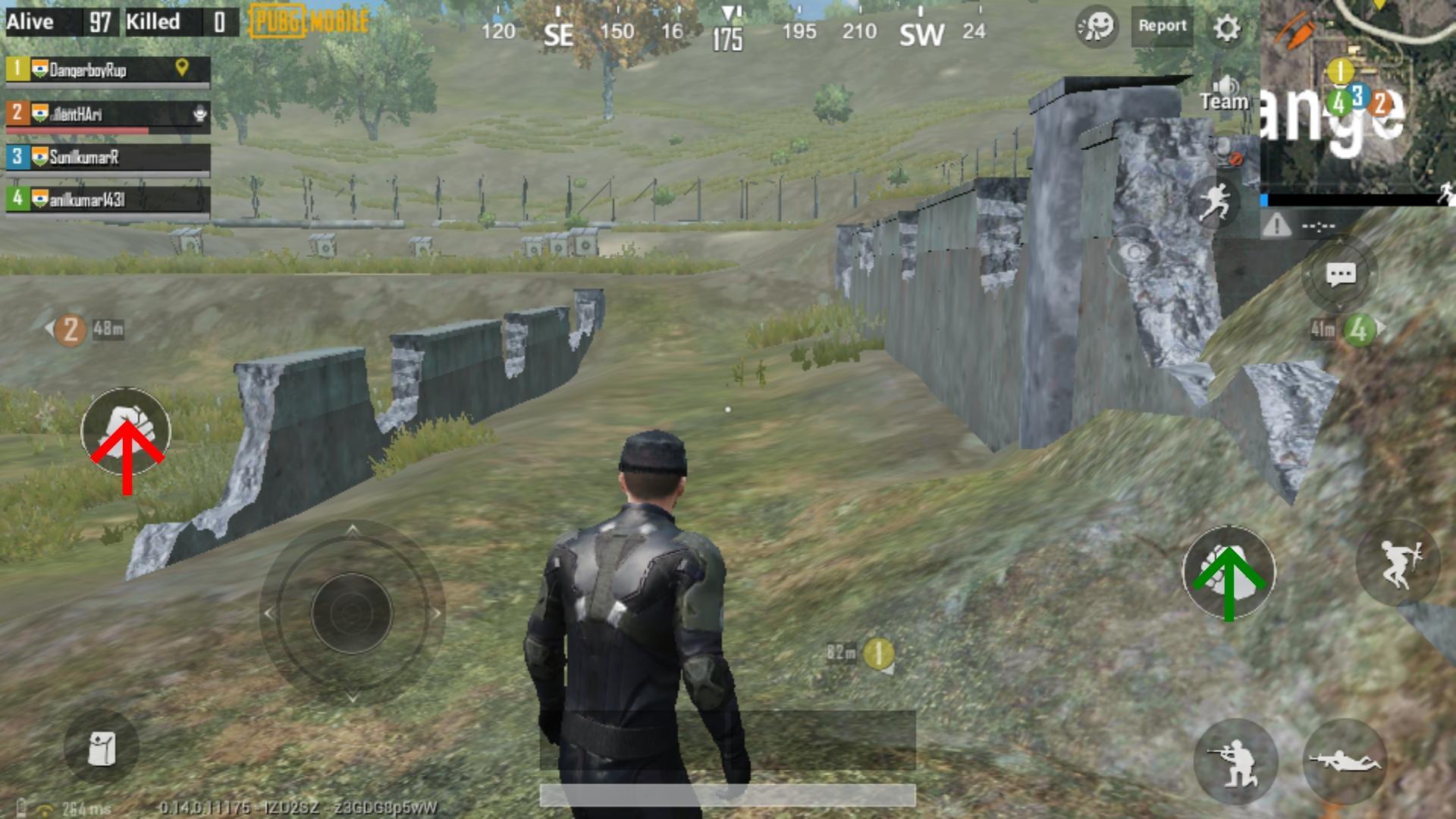
3) Drag/drop the '+' and '-' icons anywhere and in any screen
4) Press your hardware volume buttons to click on that part of the screen
5) Long press the hardware volume buttons to click continuously
Latest Version
1.2Uploaded by
Santiago Adechiny
Requires Android
Android 7.0+
Category
Free Personalization AppContent Rating
Everyone
Report
Flag as inappropriateLast updated on Jun 26, 2020
increased the speed of clicking




APKPure - A multi-platform app store primarily focused on Android, providing extensive app-related content. Discover the app you want easier, faster, and safer, with quick and efficient downloads and installations.