

Voice Changer for WhatsApp helps when you want to sound different in a chat without leaving the conversation. It adds a small widget inside WhatsApp so you can record and apply a voice effect in place. Setup involves signing in and enabling the needed permission, and you can turn the tool on or off when required. For users looking for a simple way to alter audio in messages, Voice Changer for WhatsApp APK provides a straightforward option.
Change your voice before sending
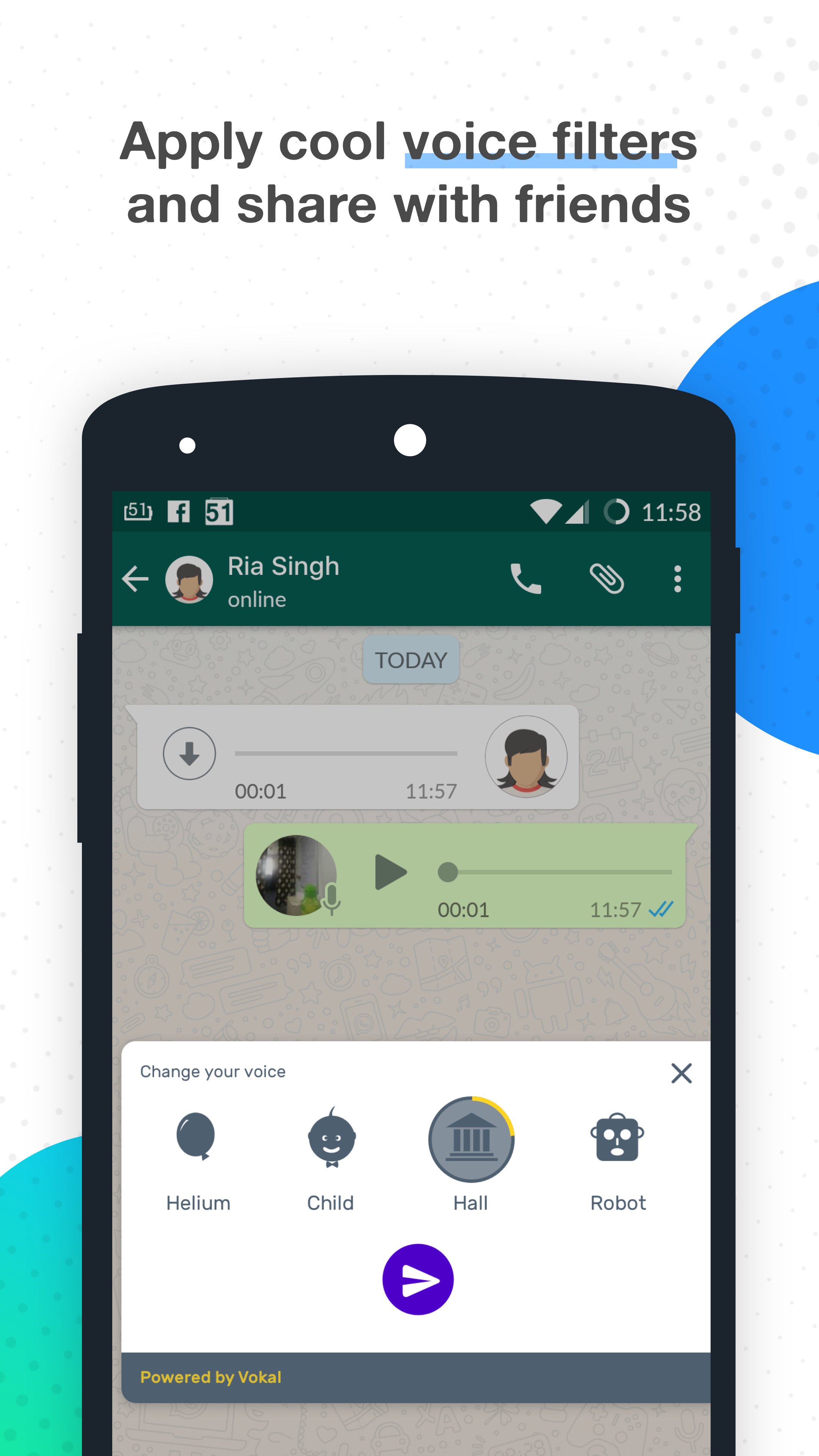
You can apply an effect to a voice note directly in WhatsApp and send it in your chat. This keeps your conversation in one place and avoids switching between apps.
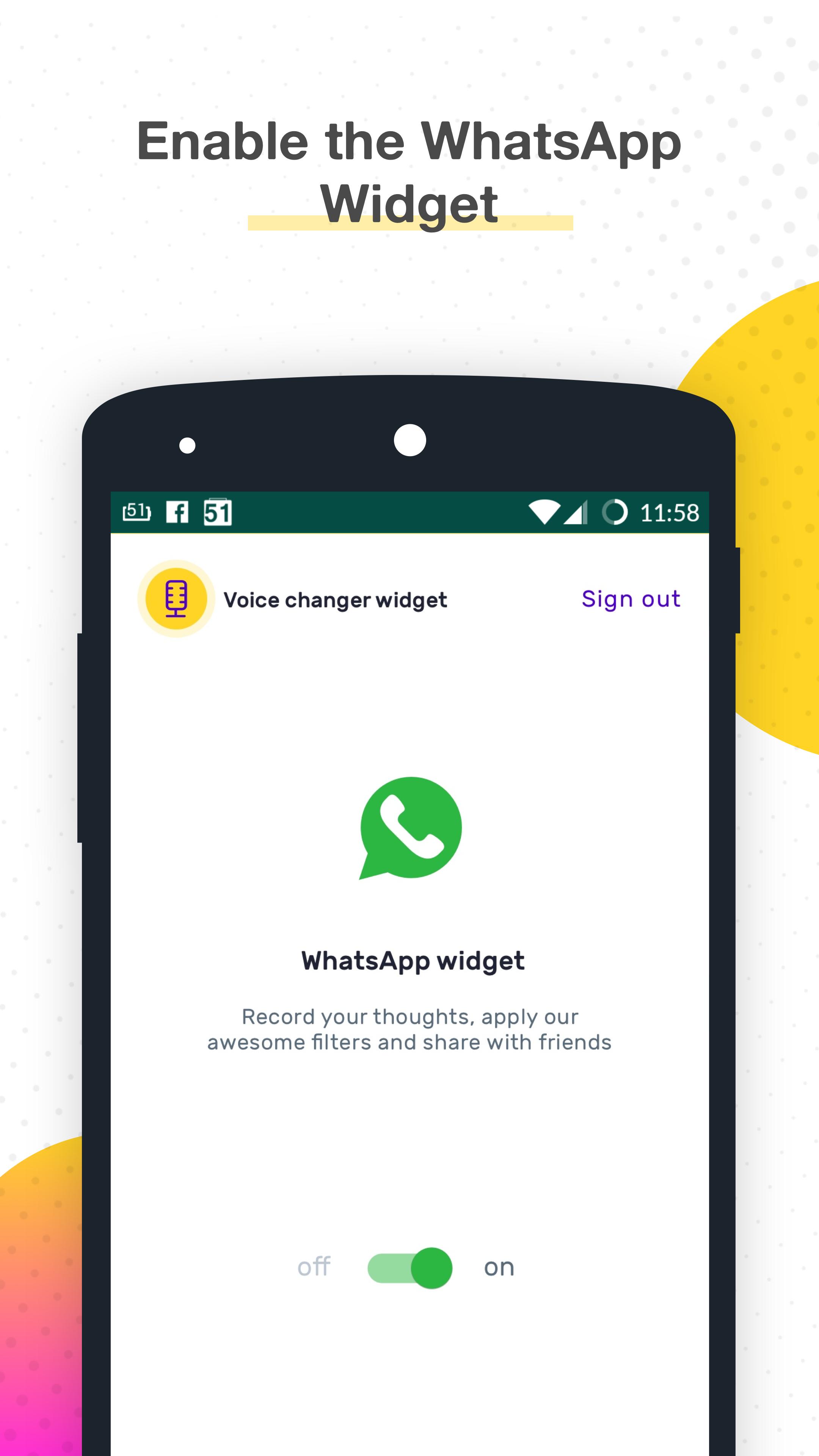
Built-in widget with on or off switch
Next, Voice Changer for WhatsApp provides a built-in widget with a clear on or off switch. You turn it on only when you need effects, and turn it off to use your normal voice.
Multiple voice changers included
Simple activation steps
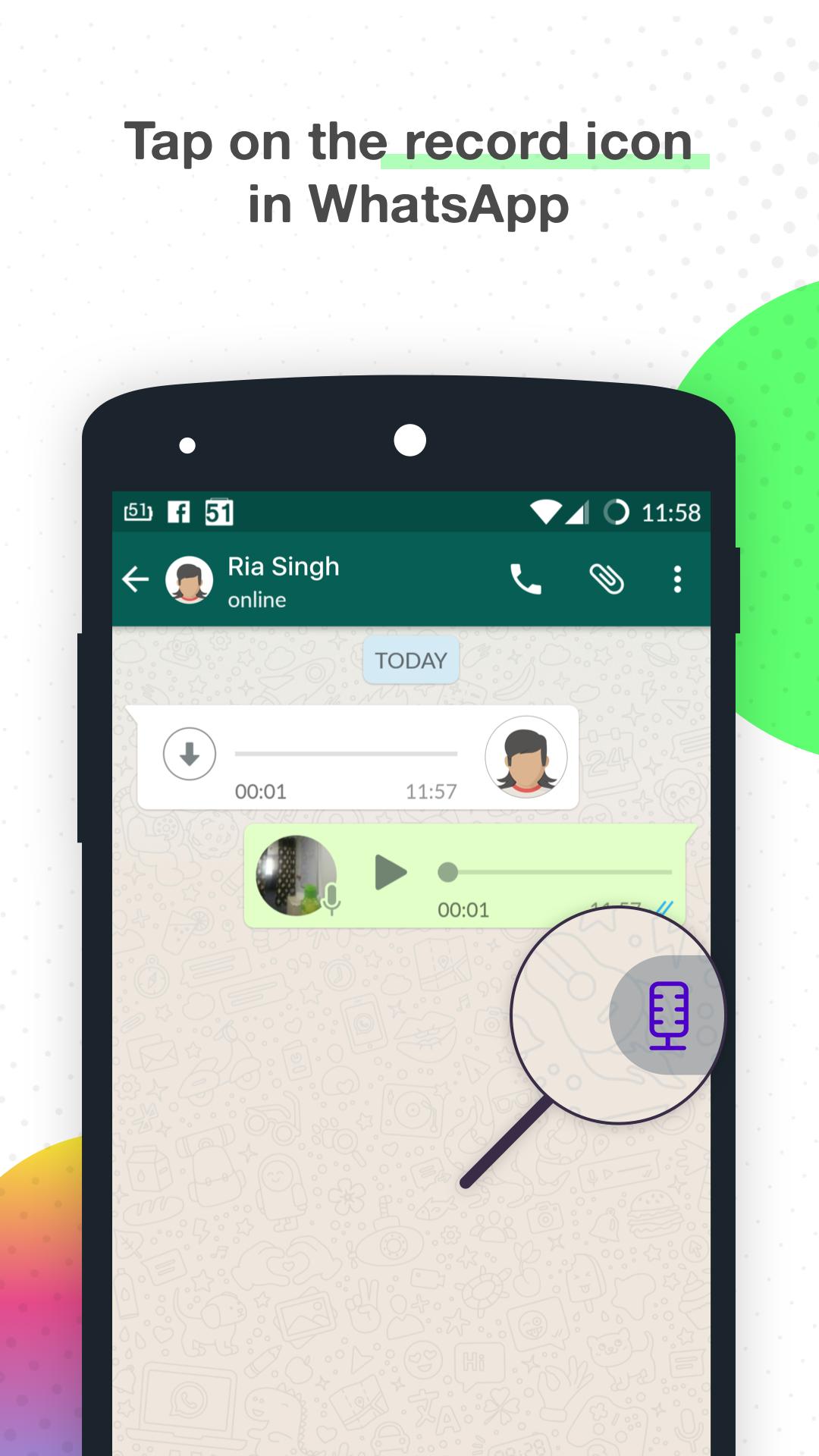
Finally, you activate the widget by signing in with your Google account and granting Accessibility permission to the Vokal WhatsApp Widget. After enabling it, open WhatsApp and look for the purple mic to start using effects. You can revisit the switch in the app or your device settings to turn it off when needed.
Voice Changer for WhatsApp focuses on quick voice effects inside WhatsApp chats through a simple widget and clear controls. To keep features current, get the Voice Changer for WhatsApp latest version and follow the prompts to enable the widget and permissions.
Latest Version
1.3Uploaded by
Râniâ Ël-Śherif
Requires Android
Android 4.2+
Category
Free Music & Audio AppContent Rating
Everyone
Report
Flag as inappropriateLast updated on Jun 4, 2017
Minor bug fixes



APKPure - A multi-platform app store primarily focused on Android, providing extensive app-related content. Discover the app you want easier, faster, and safer, with quick and efficient downloads and installations.









