
Security on site, control from anywhere - with the Vodafone Smart Lock App, you as a business customer control your Vodafone Smart Lock simply and intuitively.
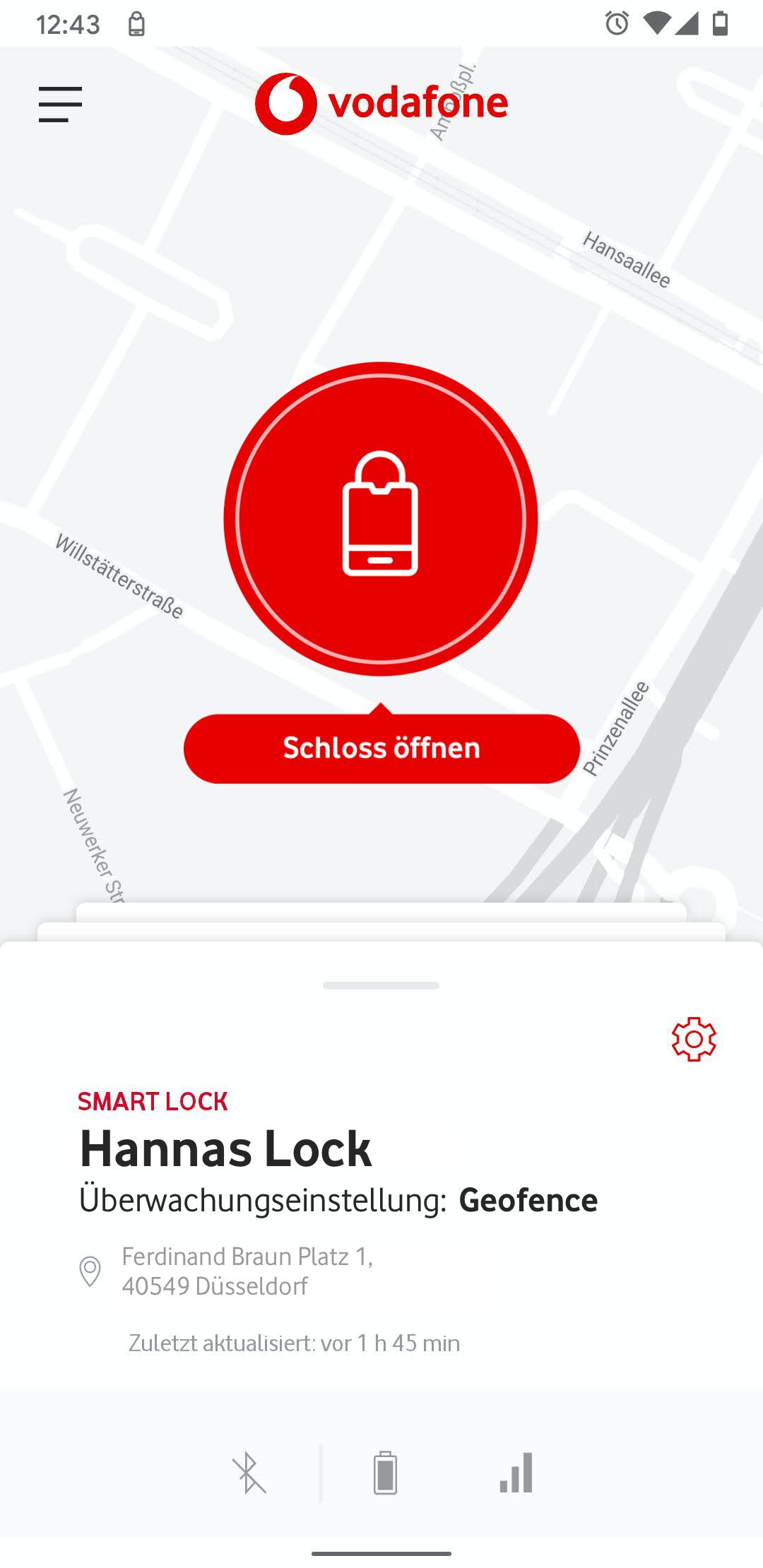
The mobile app allows you to open locks at any time and pass on digital keys via Bluetooth.
Features and advantages:
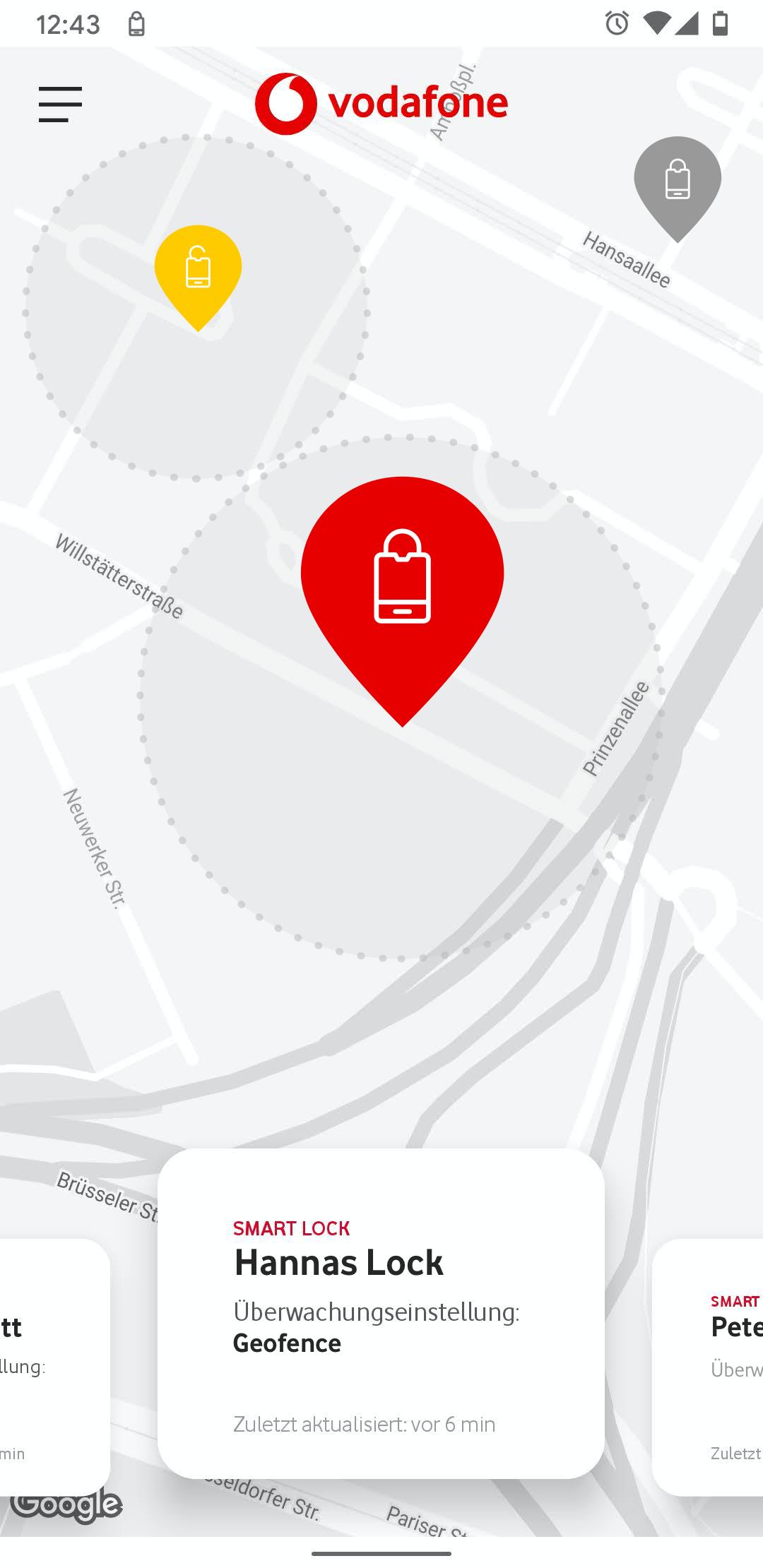
- Positioning: e.g. display of the location, tracking of the route and distance to your own location
- Geofencing: geographical limitation of the use of the castle
- Keyless-Go function: opening by pressing the button on the lock without opening the app
- Display of all activities: log data and more
- Display of modes, battery status and status of the Bluetooth and network connection
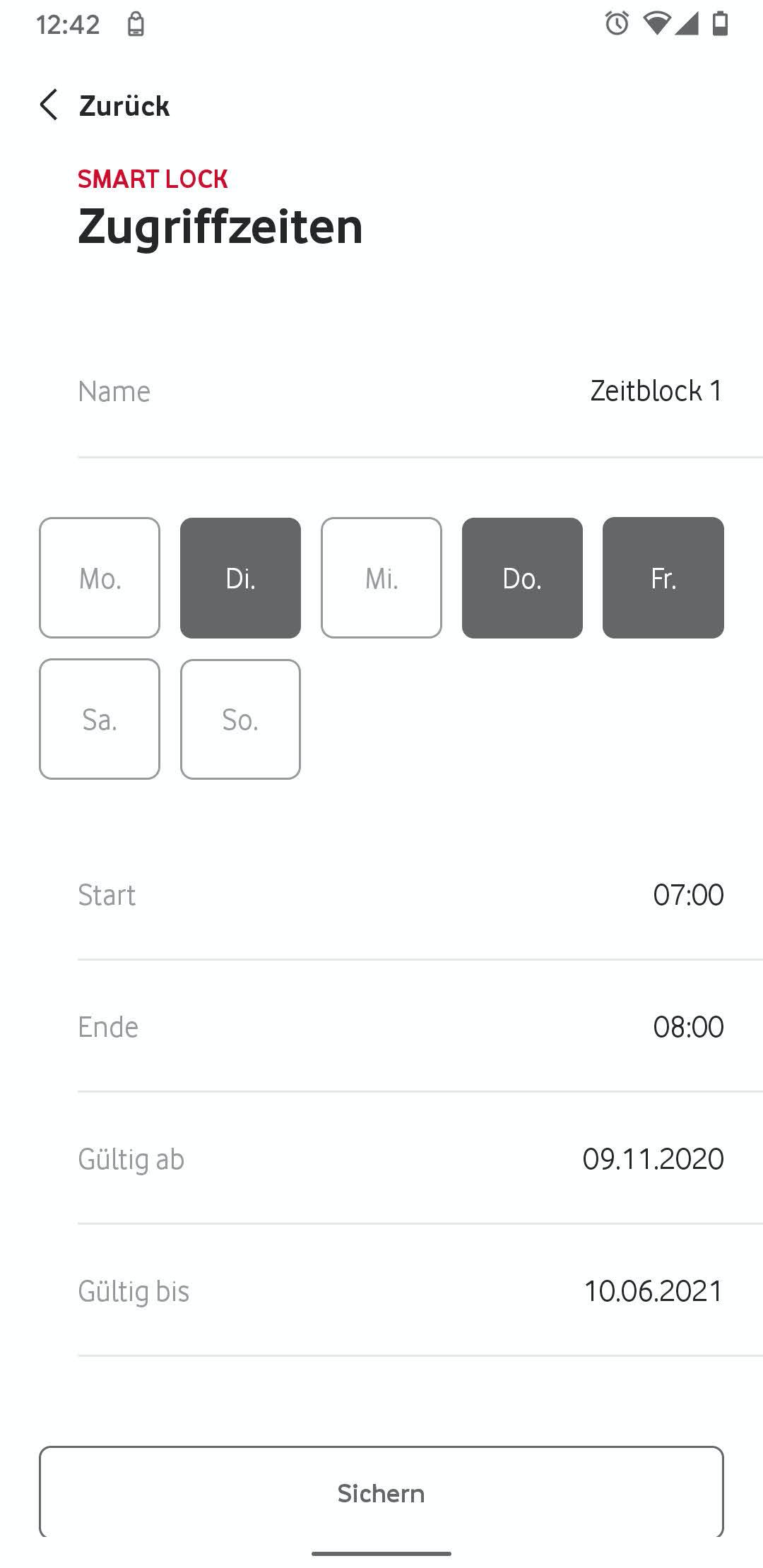
- Definition of access rules and alarm function: Overview of accesses, an alarm is triggered in case of unauthorized access, different alarm modes possible
- Push notification for events: e.g. alarm or low battery
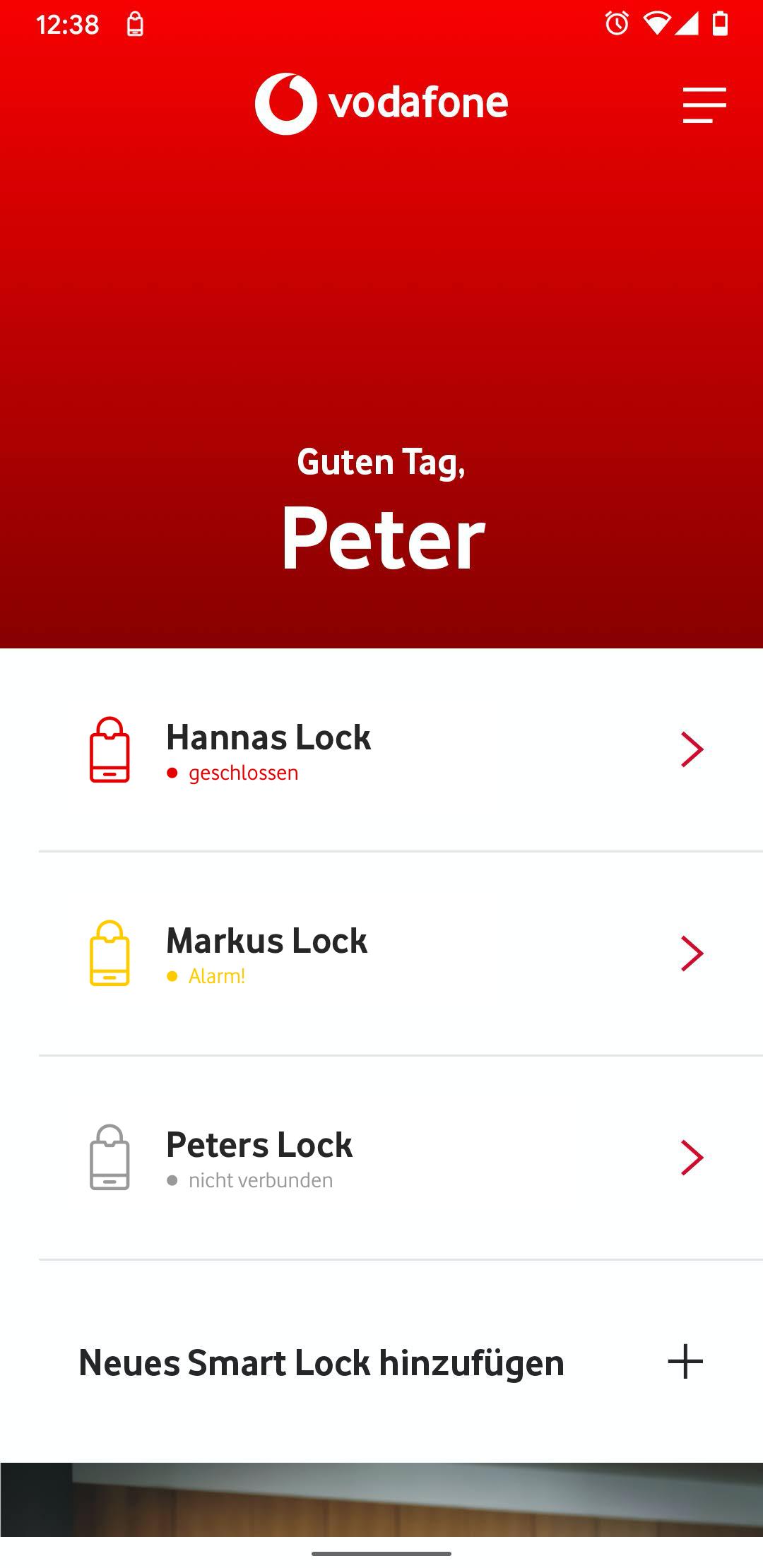
The app enables the registration, management and control of physical locks and their users, as well as setting the monitoring modes.
Would you like to get more information or create an order? Simply contact your Vodafone business customer sales department.
Provider of the app: ABUS August Bremicker Söhne Kommanditgesellschaft
Latest Version
1.3.0Uploaded by
Kyaw Zin Hein
Requires Android
Android 6.0+
Category
Free Productivity AppContent Rating
Everyone
Report
Flag as inappropriateLast updated on Jul 15, 2022
Information about new lock invitations directly in the app: as soon as you as a registered user have been assigned a lock by your administrator, you will now receive information about this invitation directly in the main menu. In addition, in the main menu you will see an overview of the locks that have been assigned to you and are still waiting to be activated.



APKPure - A multi-platform app store primarily focused on Android, providing extensive app-related content. Discover the app you want easier, faster, and safer, with quick and efficient downloads and installations.