
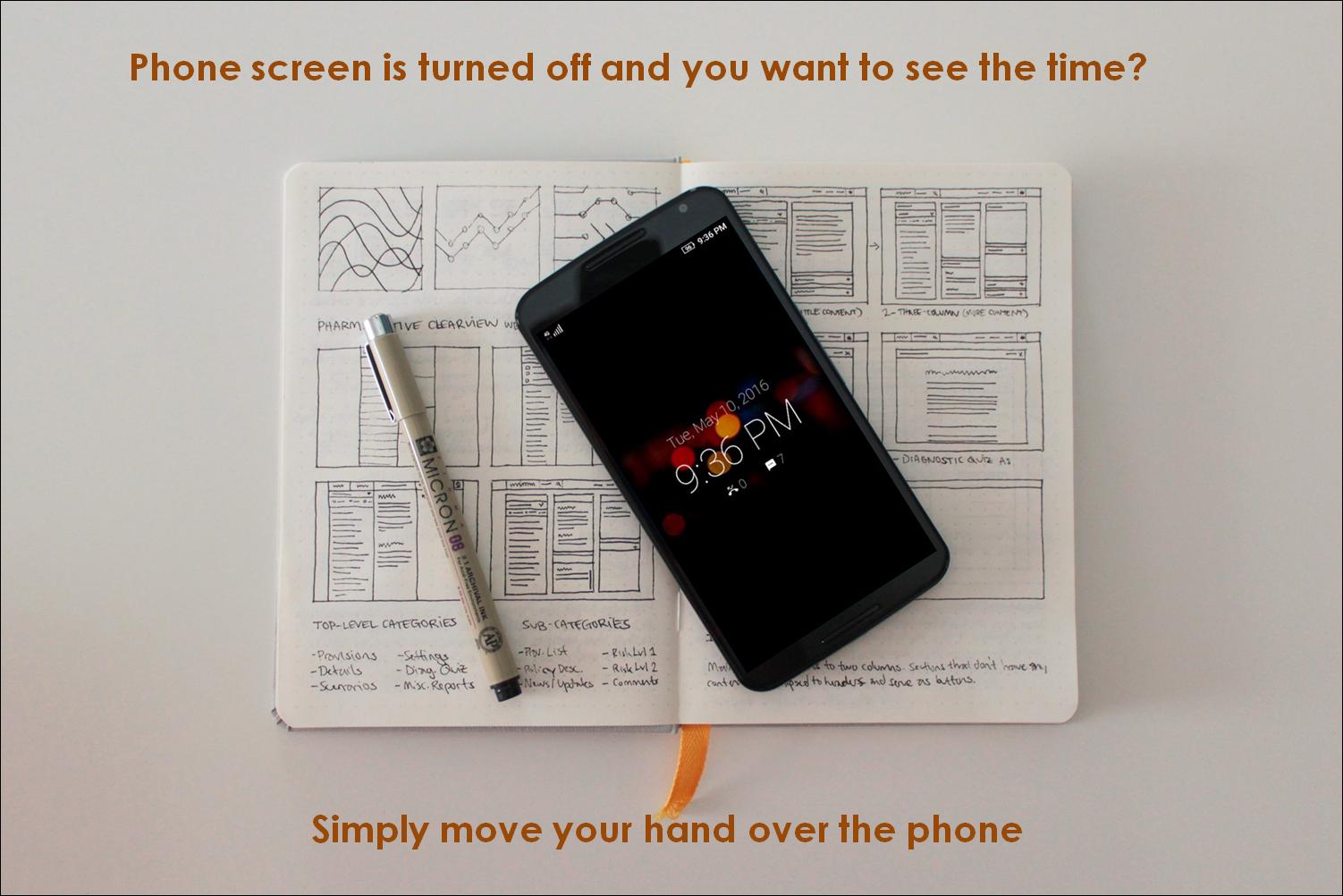
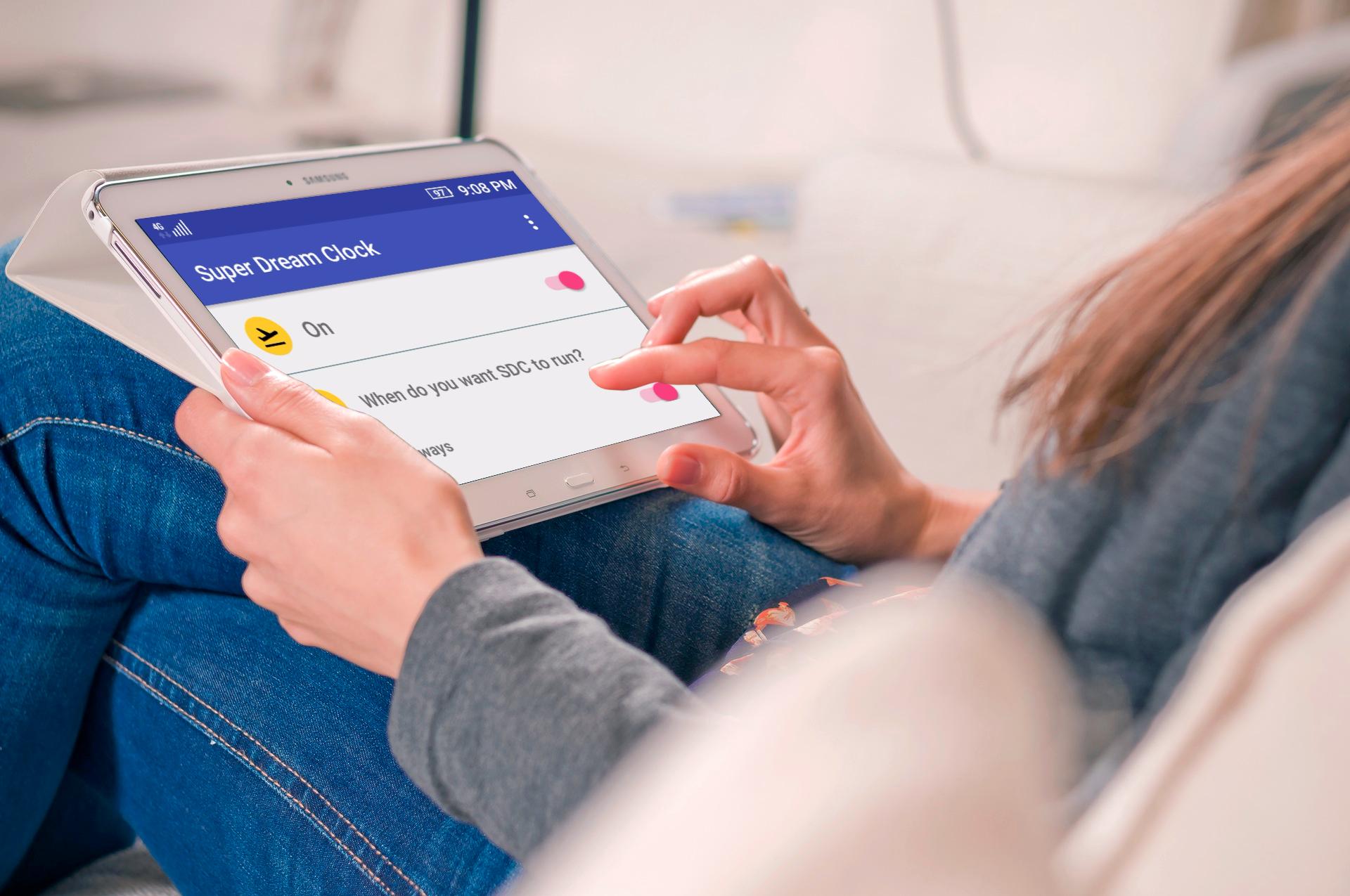
Super Dream Clock is the simplest yet most useful Screensaver Clock app, something you always have wanted to have in your mobile device. This app will assist you to quickly check the Date, Time and other notifications with a simple hand gesture without even touching the phone. Not only does it make your life simpler, it presents the details in a beautiful UI.
How to see the time?
When the screen is turned off or phone is locked, and phone is in rest position
- Gently wave your hand over the top part of phone over the proximity sensor (around the phone’s earpiece area).
- A dimmed screen will appear with Date, Time and other Notification details
- To show time, phone should be in rest position for at least 3 secs and not moving. This is to avoid it turning on when in pocket or bag
- As per your display timeout settings (Settings->Display->Sleep->After X seconds/minutes of inactivity), the clock screen will turn off and phone will sleep. Simply touch it once if you want to go to the lock screen
- The clock screen will not appear if there is an ongoing call
Calibration
Super Dream Clock uses sensor values to detect gesture and motion. These values differ based on device models. Hence it is highly recommended that you calibrate this app before using for best performance. You can choose to let it work with default settings, and if you face issues calibrate later from the appbar icon or the menu options. Please follow the instructions carefully to calibrate.
When is this useful?
Whether you are doing your dishes,
or both hands are occupied while cooking,
or during work you do not want to get distracted by picking and turning on phone to see time and notifications,
or in the night you want to see time and notification without much hassles and do not want to turn on the phone screen with full brightness,
and in many other similar situations.
Please do not use Super Dream Clock while driving, working with machines, or any situation which requires complete attention.
I removed the app from Recent Screen menu, and SDC stopped working. Why?
In some phones (manufacturer and model specific), when an app is swiped out or cleared from Recent Screen list or Recent Task list, the app gets force-killed. This kills all associated processes and the app will not work until manually started again. If you face this issue in your phone, please don't remove Super Dream Clock from your recent list.
Battery and Memory
SDC consumes very less memory (few MB only) and minimal battery power, hence there won't be any impact on the overall performance of the phone.
Permission Required
Read SMS – To read the number of unread SMS
Read Call Log – To read the number of unattended Missed Calls
NOTE: This app only reads the unread SMS and Missed Call count and does not read the details, nor does it send any SMS or make calls.
IMPORTANT NOTE
- In Samsung Galaxy S6/S6 Edge or Note 4 – if Air Wakeup or Gesture Wakeup is turned on, this app might not work properly. If you see erratic behavior, please disable the feature from phone’s Settings > Accessibility > Dexterity and interaction > Air wake up (Gesture Wake up on S6/S6 Edge).
Sources and Copyrights
Material Icons: https://design.google.com/icons
Screen Mockups: http://frame.lab25.co.uk, http://smartmockups.com
Feature Graphics: http://www.norio.be/android-feature-graphic-generator
Music: http://www.bensound.com/royalty-free-music
Images
Supratim Haldar - https://500px.com/supxyz
Vector Graphics - http://vecto2000.com
This app is still evolving and I am committed to improve it by each day, I solicit your help and support for the same. For any feedback, suggestions, encouragement and comments, please write to supratim.droid@gmail.com and give me a chance to take it a step forward. Please visit https://superandroidweb.wordpress.com as well.
Thank you for using Super Dream Clock :-)
Phiên bản mới nhất
1.1Được tải lên bởi
Jho Sousa
Yêu cầu Android
Android 4.0+
Danh mục
Miễn phí Cá nhân hóa ỨNG DỤNGXếp hạng nội dung
Everyone
Báo cáo
Gắn cờ là không phù hợpLast updated on Jul 6, 2016
- Added "Calibrate" option - please calibrate the app if clock screen is not showing up properly (please follow the steps carefully)
- To show clock screen through hand gesture, phone should be at rest for 3 secs. This is to avoid it turning on when in pocket or bag.
- In certain models, the clock screen appears during a call (if the screen turns off while on call). Now, the clock screen will never appear if there is an ongoing call.
- Performance optimization and minor fixes





APKPure - Kho ứng dụng đa nền tảng chủ yếu tập trung vào Android, cung cấp nội dung phong phú về ứng dụng. Khám phá ứng dụng bạn muốn dễ dàng, nhanh chóng và an toàn hơn, với tính năng tải xuống và cài đặt nhanh chóng và hiệu quả.