Do in-depth wifi analysis with Pixel NetCut, one of the best wifi analyzer, wifi scanner , and wifi monitor apps on Google Play. See all of the devices connected to your wifi network and know exactly who is using your network. Block wifi users (intruders, stealers) and deny their access. The remote disconnecting of unwanted users is available for rooted devices only.
SIMPLE, IN-DEPTH WIFI MANAGEMENT (DENY USERS)
Note: Root is required
Features:
* Full device details including IP address, MAC address, Device Name,Device Manufacturer,and more.
*Check your Internet Connection.
*Access fine location map permissions .
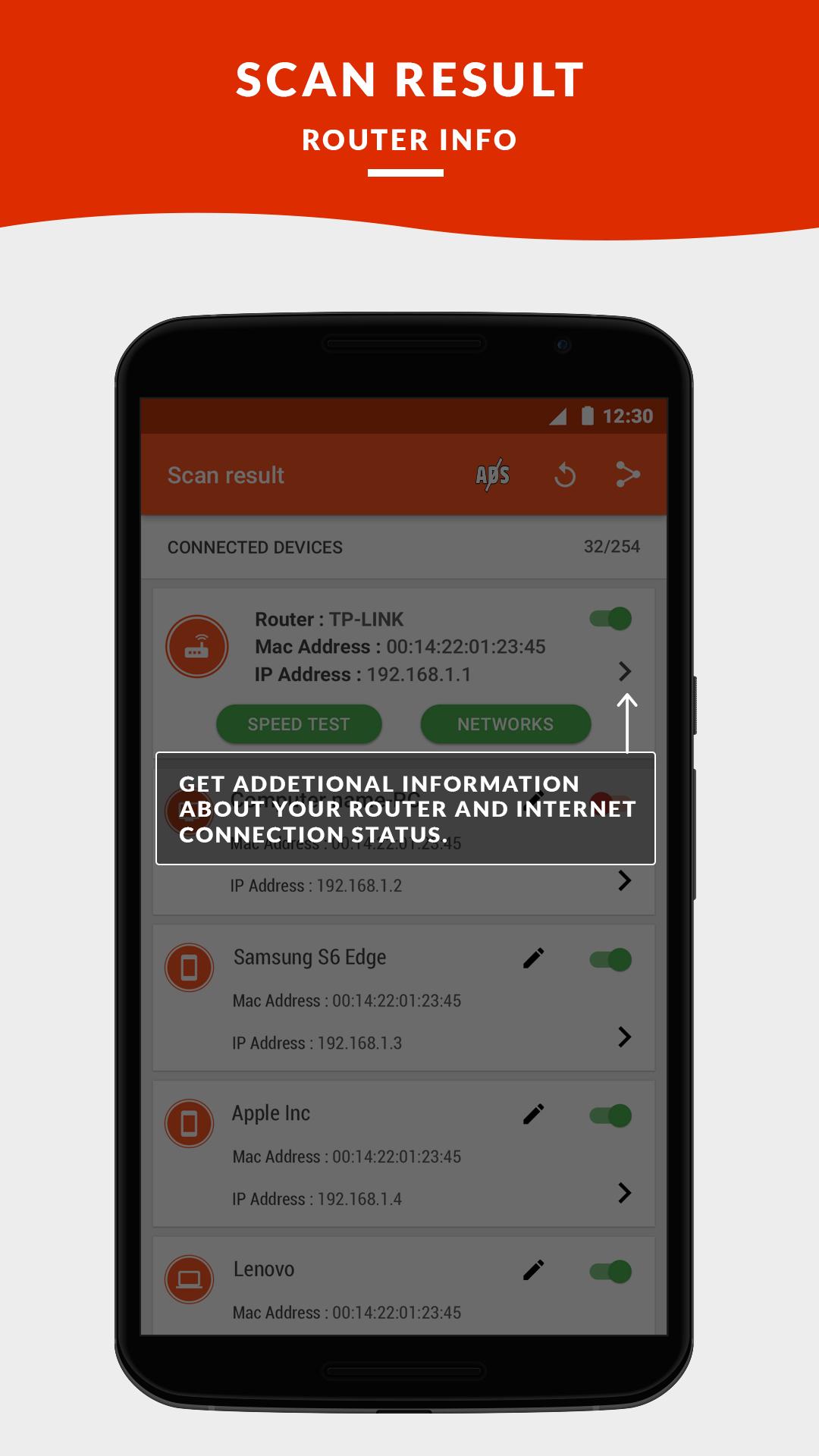
*Get detailed information about your current ISP Provider.
*Get Your Public IP Address.
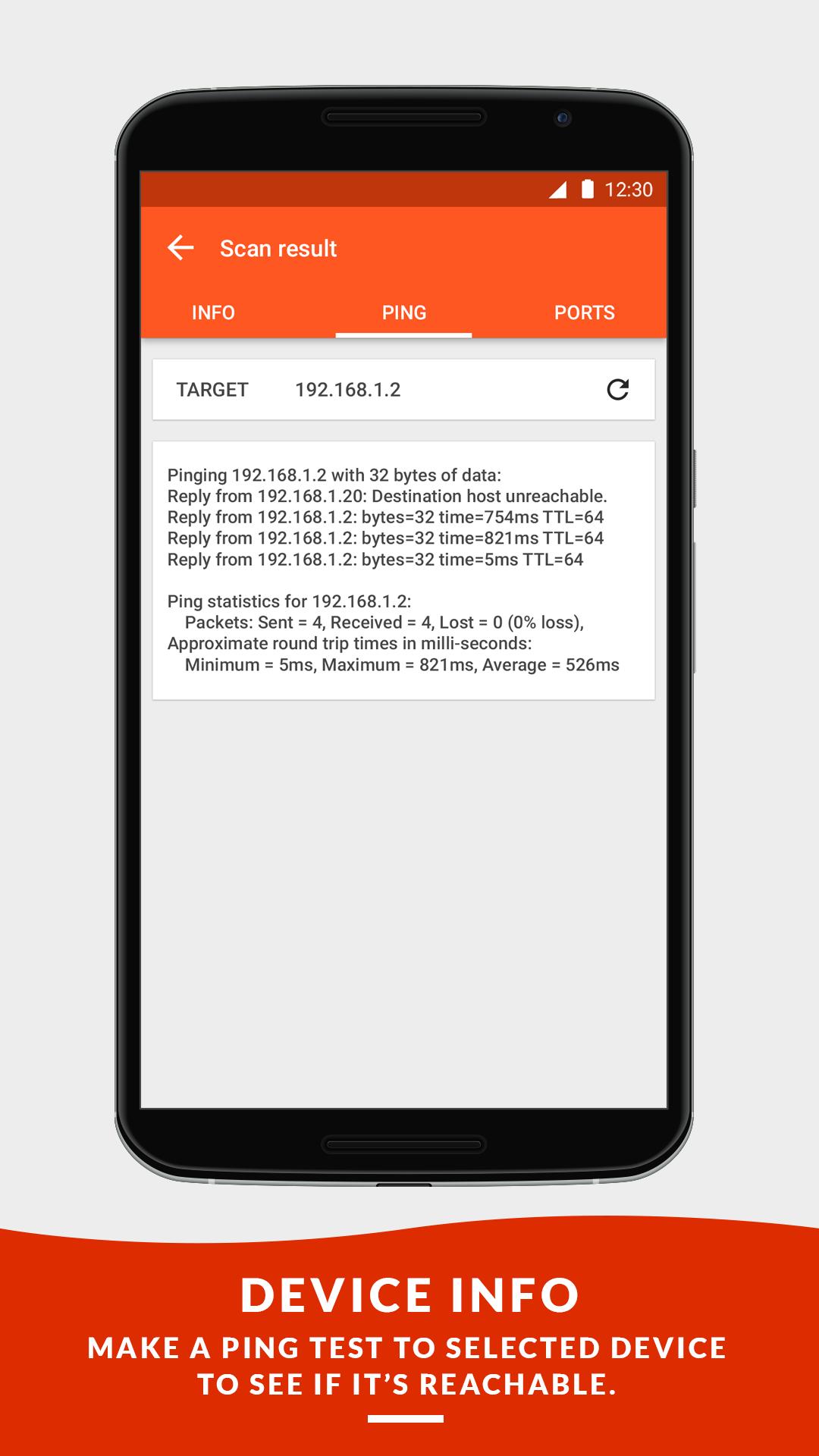
*Ping test for your network quality.
* Cut Internet for all devices on the Network.
* Internet Speed Test , Download and Upload Test.
*Check your network for intruders.
*Basic information about your device network.
*Watch all devices on your network.
*Custom names of your discovered devices.
*Get manufacturer Details of your discovered device.
* if you don't want to see the ads you can tap on the ADS button appear in the top front to purchase the PRO version.
----------------------------------------------------------------------------
Wifi management has never been easier. Pixel NetCut (ROOT) will show you detailed data about every user and manage wireless networks with the free wifi scanner and wifi analyzer tool. Answers the questions of “how can I block someone from using my wireless internet”. Exactly know who and when is using your network and block them!
HOW TO USE PIXEL NETCUT?
-------------------------------------------
1. Welcome Screen: In this screen, Pixel NetCut connects to your router to save
the settings. You will see a window asking you to confirm the validity of the
application (Super User) through the option (Grant).
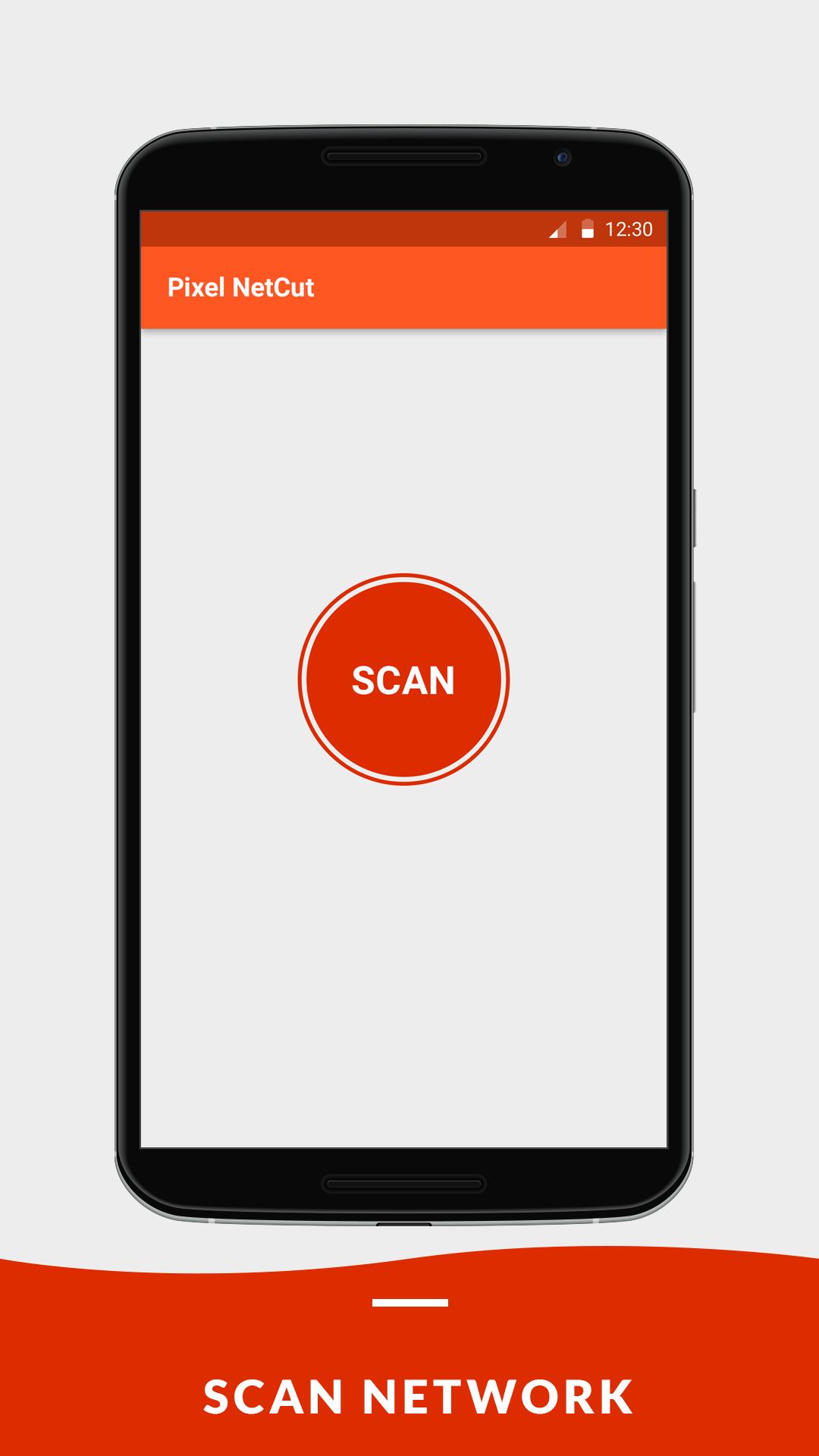
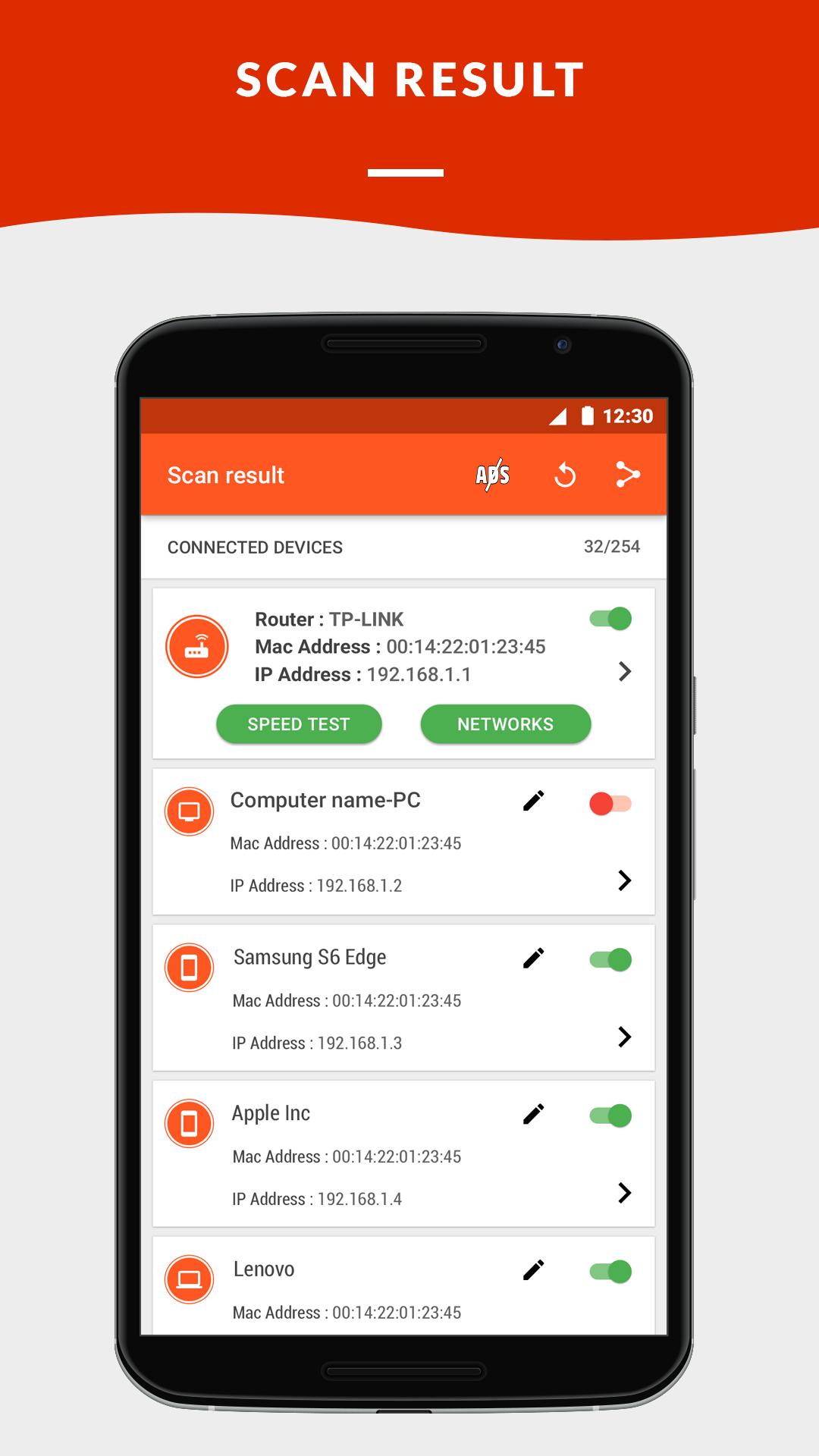
2. Search screenAfter clicking on (Scan), Pixel NetCut searches for all the
devices connected to your wifi network, and list them in the menu that
contains all their data such as: IP, Mac Address, the type of device (Android,
iPhone, PC, Router). You can also rename each device appears in the list, so
you can easily select the device later.
3.Deny users: Pixel NetCut can deny any user by remotely disconnecting him out of the
network and preventing him from using it.
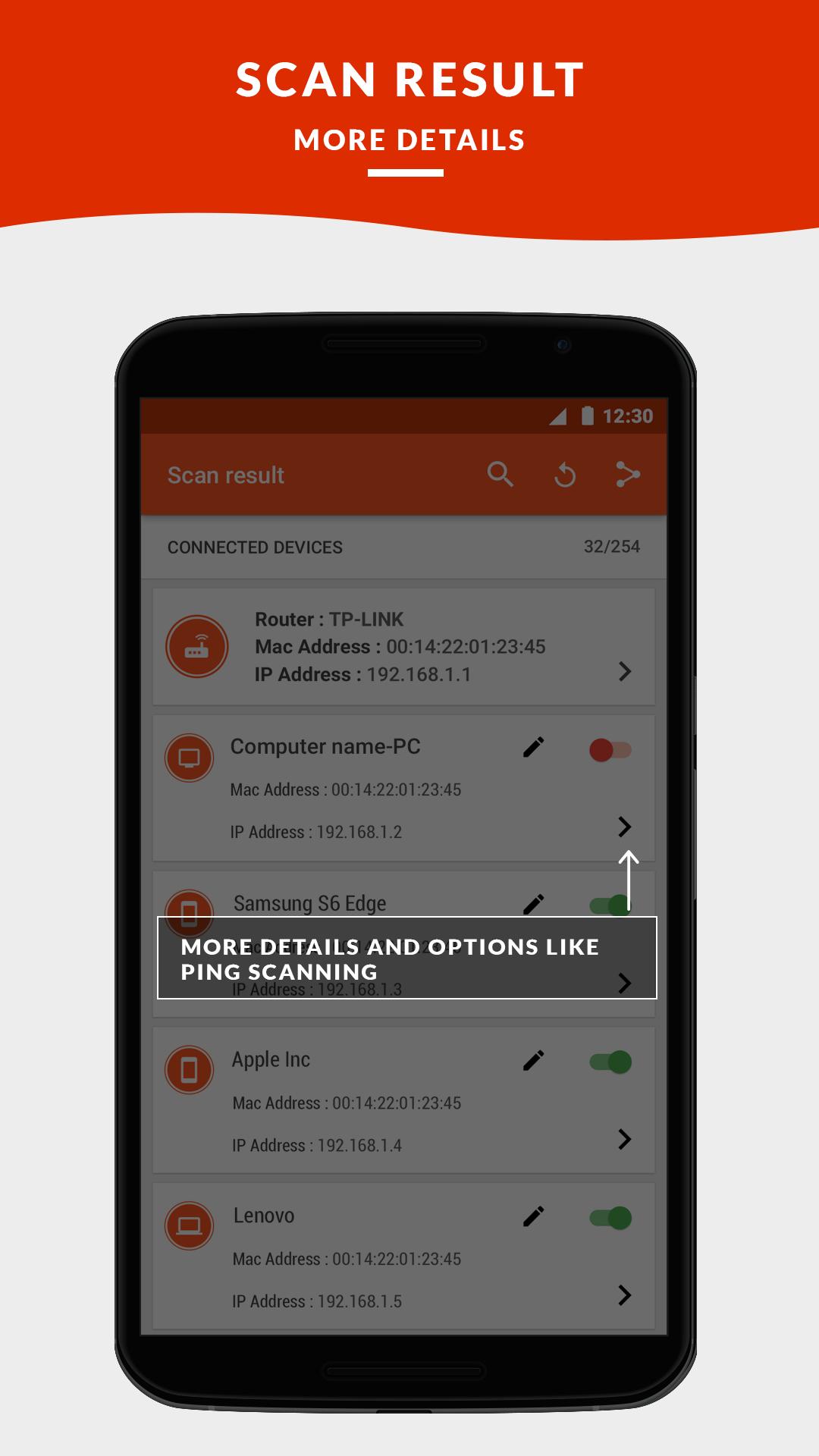
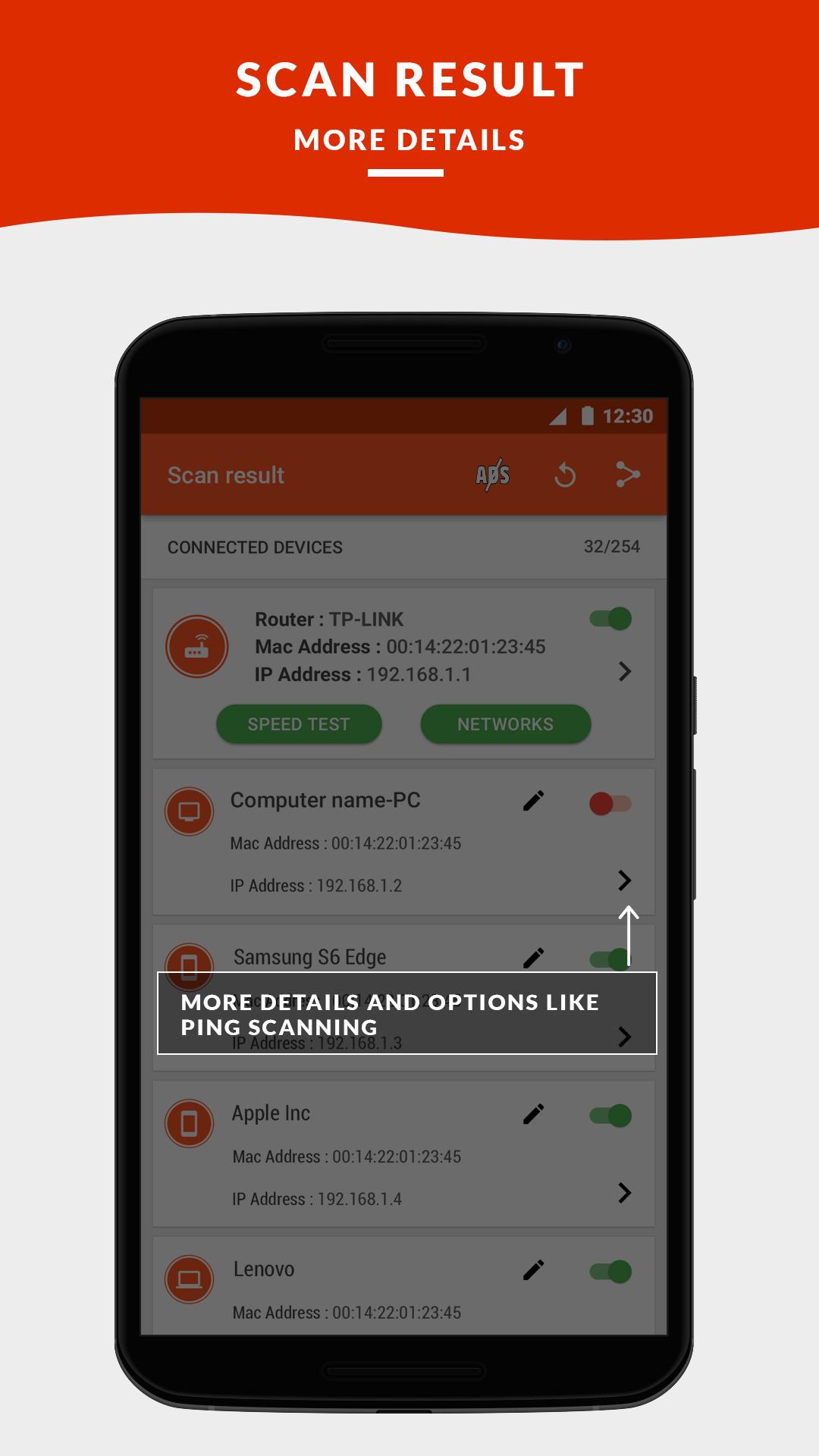
4. Free wifi scan for ports on the selected device.
5. Ping Scan for selected device.
6. Click to visit the open ports in the browser.
7. View The Manufacturer of all devices.
---------------------------------------------------------------------------------------
The wireless network analyzer tool features will help you if you are asking yourself how can i block someone from using my wifi.
Monitoring device connections and view hosts information (IP ,Hostname ,Organization,Address and Location)
We are deeply committed to offer you FULL control over your wifi network.
Wireless network should never be comprised. The Wireless analyzer features included in our app will guarantee security.
Get it free NOW!
All rights reserved © pixelitc 2017
Phiên bản mới nhất
1.0.1Được tải lên bởi
Wendyy De Milo
Yêu cầu Android
Android 4.0.3+
Danh mục
Miễn phí Công cụ ỨNG DỤNGXếp hạng nội dung
Everyone
Báo cáo
Gắn cờ là không phù hợpLast updated on Mar 20, 2017
Phiên bản này bao gồm các bản sửa lỗi nhỏ và cải tiến chung. Hãy cập nhật lên phiên bản mới nhất để có trải nghiệm tốt nhất.




APKPure - Kho ứng dụng đa nền tảng chủ yếu tập trung vào Android, cung cấp nội dung phong phú về ứng dụng. Khám phá ứng dụng bạn muốn dễ dàng, nhanh chóng và an toàn hơn, với tính năng tải xuống và cài đặt nhanh chóng và hiệu quả.