Are you using your phone till late night? Is your phone's light damaging your eyes? Then Download our all new Night Mode app now.
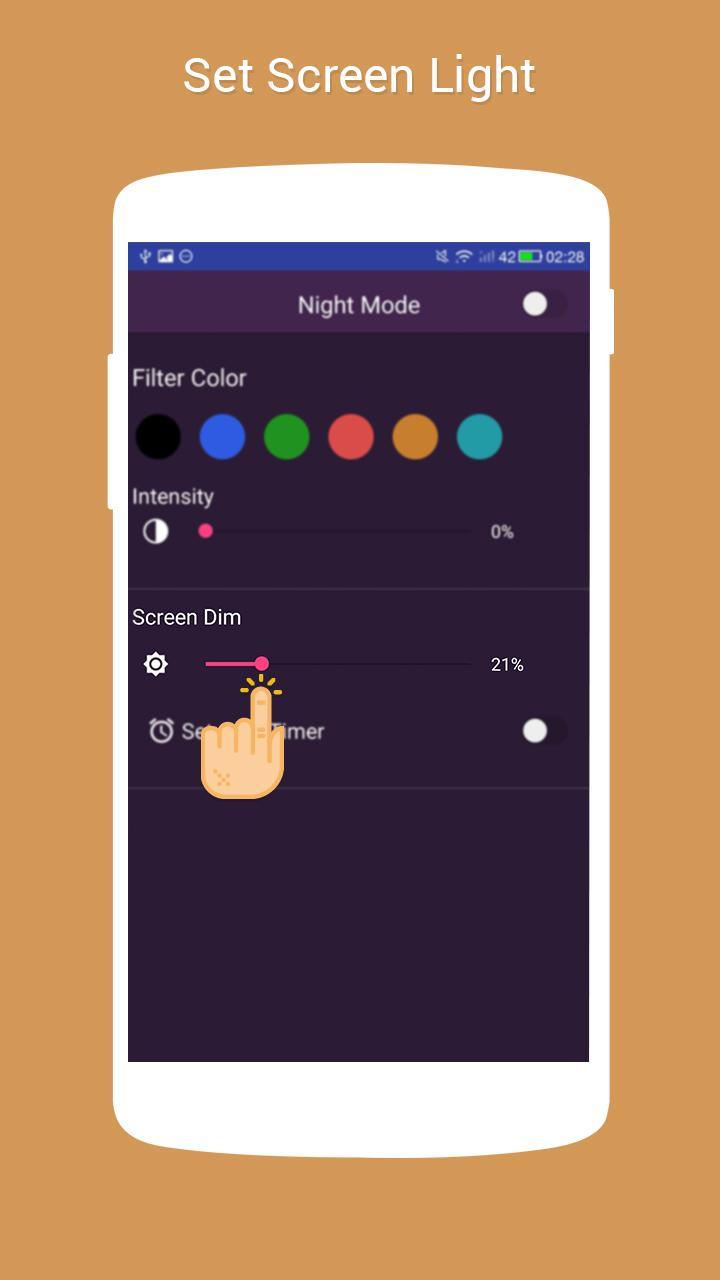
Use Night Mode to reduce eyestrain also this app can be used in theaters, reading, gaming, without disturbing other people. Adjust Screen brightness so that you can work on low-light environments. Set screen color intensity requiring as per your eye sensitivity.
Instructions:
1. Open Night Mode Application
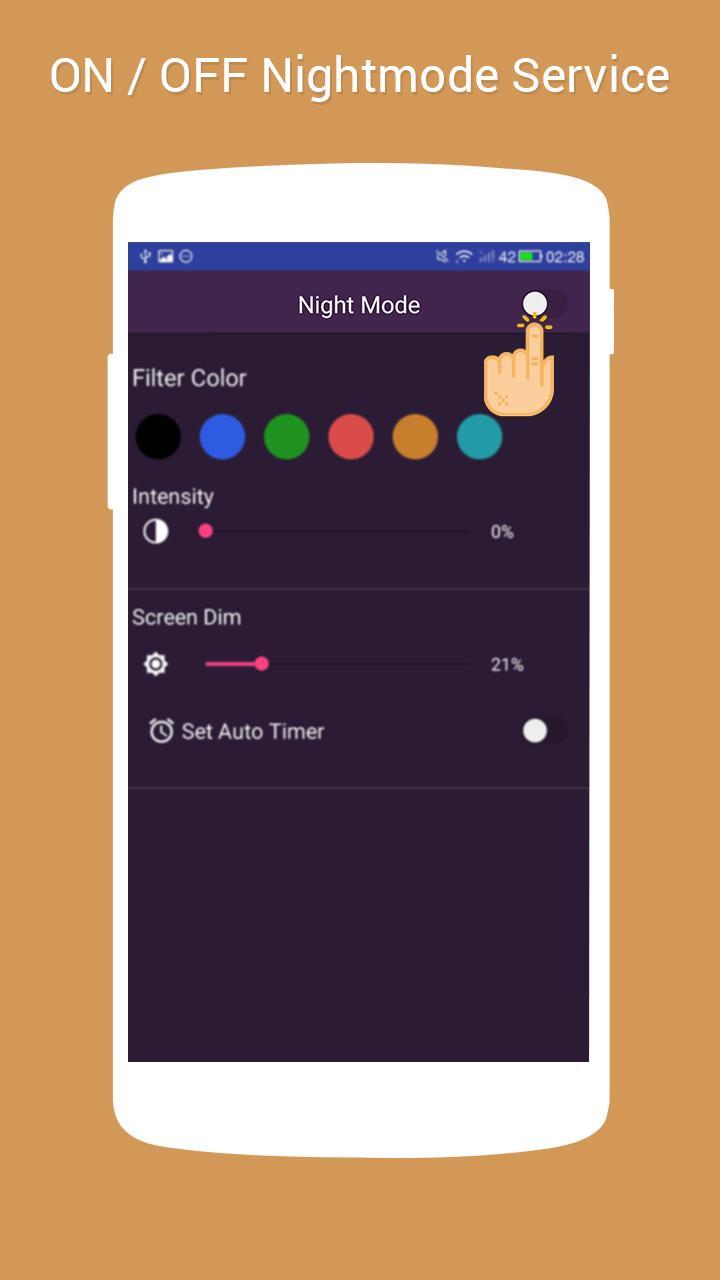
2. Turn on Night Mode
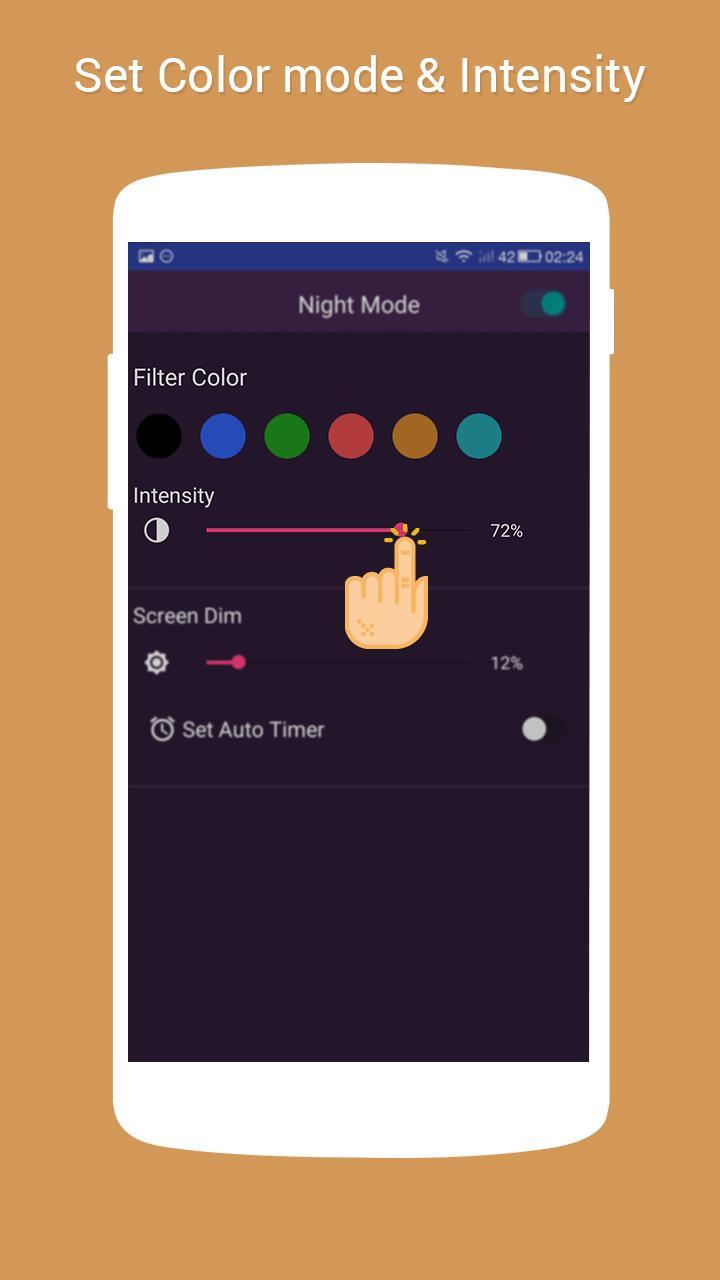
3. Set color Filter which suites you best
4. Adjust Color intensity
5. Adjust Screen Dim setting
6. Set Scheduler to automatically turn Night Mode ON / OFF
Features:
- Easy to start and stop Night Mode service.
- Auto Scheduler - Automatically Start / Stop Night Mode
- Select from Filter Colors
- Set Filter Intensity
- Prevent your eyes from hurting when the screen is too bright.
- App running notification
Phiên bản mới nhất
1.0Được tải lên bởi
Tomas Carreño
Yêu cầu Android
Android 4.0.3+
Danh mục
Miễn phí Công cụ ỨNG DỤNGXếp hạng nội dung
Everyone
Báo cáo
Gắn cờ là không phù hợpLast updated on Oct 18, 2016
Phiên bản này bao gồm các bản sửa lỗi nhỏ và cải tiến chung. Hãy cập nhật lên phiên bản mới nhất để có trải nghiệm tốt nhất.


APKPure - Kho ứng dụng đa nền tảng chủ yếu tập trung vào Android, cung cấp nội dung phong phú về ứng dụng. Khám phá ứng dụng bạn muốn dễ dàng, nhanh chóng và an toàn hơn, với tính năng tải xuống và cài đặt nhanh chóng và hiệu quả.