
Learning Solution (LS) is the best way to bring Amco’s unique content into a digital environment. Experience our books and their complementary media right on your device with all the benefits of a modern e-reader and many features more. LS is not just a way to view Amco’s content digitally, it’s also a powerful tool for teachers and students to create a dynamic and engaging classroom experience. All of this without needing a permanent internet connection.
LS works differently for teachers than for students, providing each with their own particular experience.
Students
LS presents an excellent way to view their books and interact with Amco’s complementary materials, allowing students to take full advantage of the learning opportunities found in our content. Students can make annotations right on the page, add bookmarks, and add and save images, audio, video, PDFs, or URLs to their personal portfolio.
Teachers
Here is where LS really has a chance to shine. As a teacher, you can take advantage of all the features available for students and also be able to easily screencast your books to any screen or projector. You can add resources like images, audio, video, PDFs, or URLs and link them to specific pages within a book to enhance your lessons, add and recall bookmarks, or display the included complementary media.
Create new and engaging ways of presenting content to your class. With our interactive teacher tools you can transform your device into a smartboard tablet and screencast whatever you draw on your screen or make annotations right on any content you are projecting.
Teachers also get access to the special teacher edition of our book which features additional pages and materials that are essentials to help you plan and develop your lessons.
LS includes powerful tools to help you manage your class. Keep track of your student’s attendance and participation, create class engagement using our random student picker, or use our timer tool to create fun new challenges for your class.
This application is only available to schools subscribing to Amco Educational Services.
Features for Teachers only
• Screencast your content onto any screen connected to a wifi network.
• Customize your lessons using “Flares” by adding any of your resources to specific book pages.
• Create engaging time-based challenges using the included Timer tool.
• Student pickers give you an easy way to engage specific or random students into participation.
• Use our grid, lined, or blank views to turn your device into a smartboard tablet and screencast anything you draw on your screen.
• Keep track of your classes attendance and participation.
Features for both Students and Teachers
• Navigate through Amco's unique digital content.
• Make text or freehand annotations right on the page.
• Create and save your own custom PDF, image, audio, video, or URL assets to be used at any time. For teachers, these are called resources; for students, they’re called portfolio files.
• Playback complementary audio and video clips included in our books.
• View “Sparks” to enrich and enhance your lessons. These are Amco-created multimedia materials included with our books.
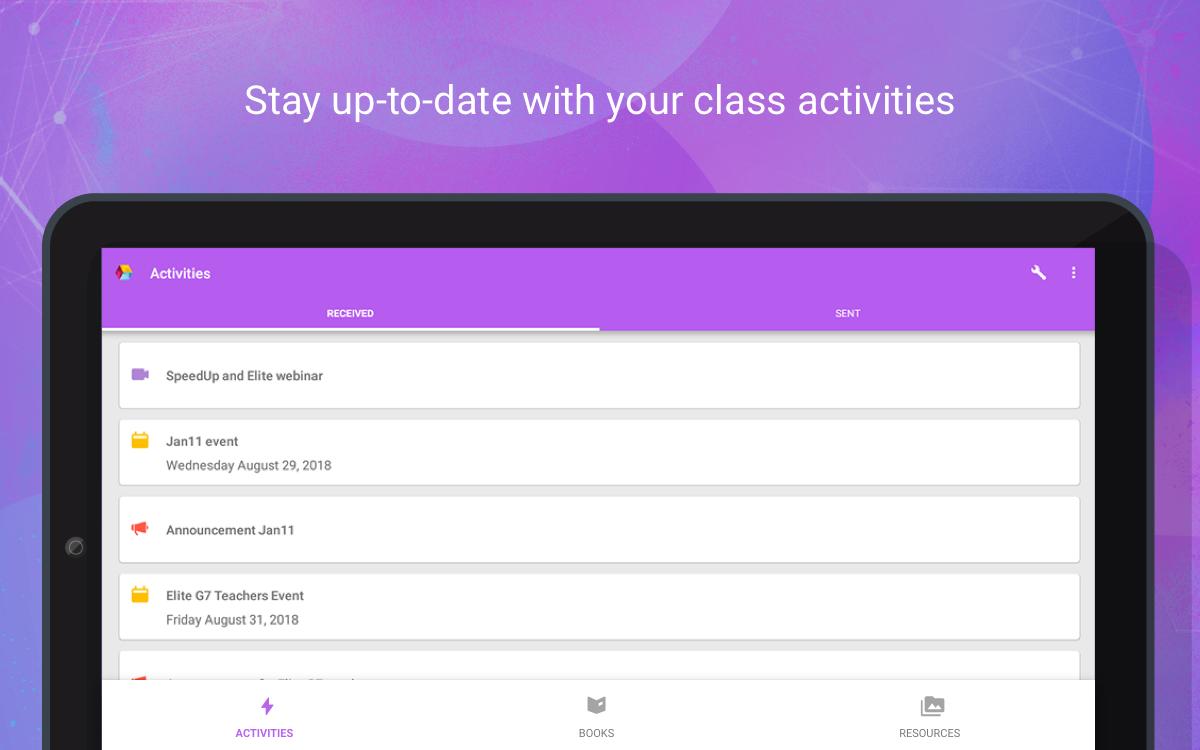
• Stay up to speed by viewing all your Web Solution Activities in LS.
• LS works perfectly without a permanent internet connection to display any books and resources you download ahead of time.
Phiên bản mới nhất
Varies with deviceYêu cầu Android
Varies with device
Danh mục
Miễn phí Giáo dục ỨNG DỤNGXếp hạng nội dung
Everyone
Báo cáo
Gắn cờ là không phù hợpLast updated on Aug 4, 2020
Phiên bản này bao gồm các bản sửa lỗi nhỏ và cải tiến chung. Hãy cập nhật lên phiên bản mới nhất để có trải nghiệm tốt nhất.




APKPure - Kho ứng dụng đa nền tảng chủ yếu tập trung vào Android, cung cấp nội dung phong phú về ứng dụng. Khám phá ứng dụng bạn muốn dễ dàng, nhanh chóng và an toàn hơn, với tính năng tải xuống và cài đặt nhanh chóng và hiệu quả.