Are you searching for an app to convert your java files? Use Java to PDF converter to convert your java files to PDF. It helps you to make PDF from java files easily.
If you want to convert your java language file to text format(PDF), this is an amazing app to help you convert your file.
How to use the app:
--> Install JAVA to PDF converter.
--> Launch the app.
--> During launching, it will pick all the java file from your phone directory.
--> All the files will be listed in a screen.
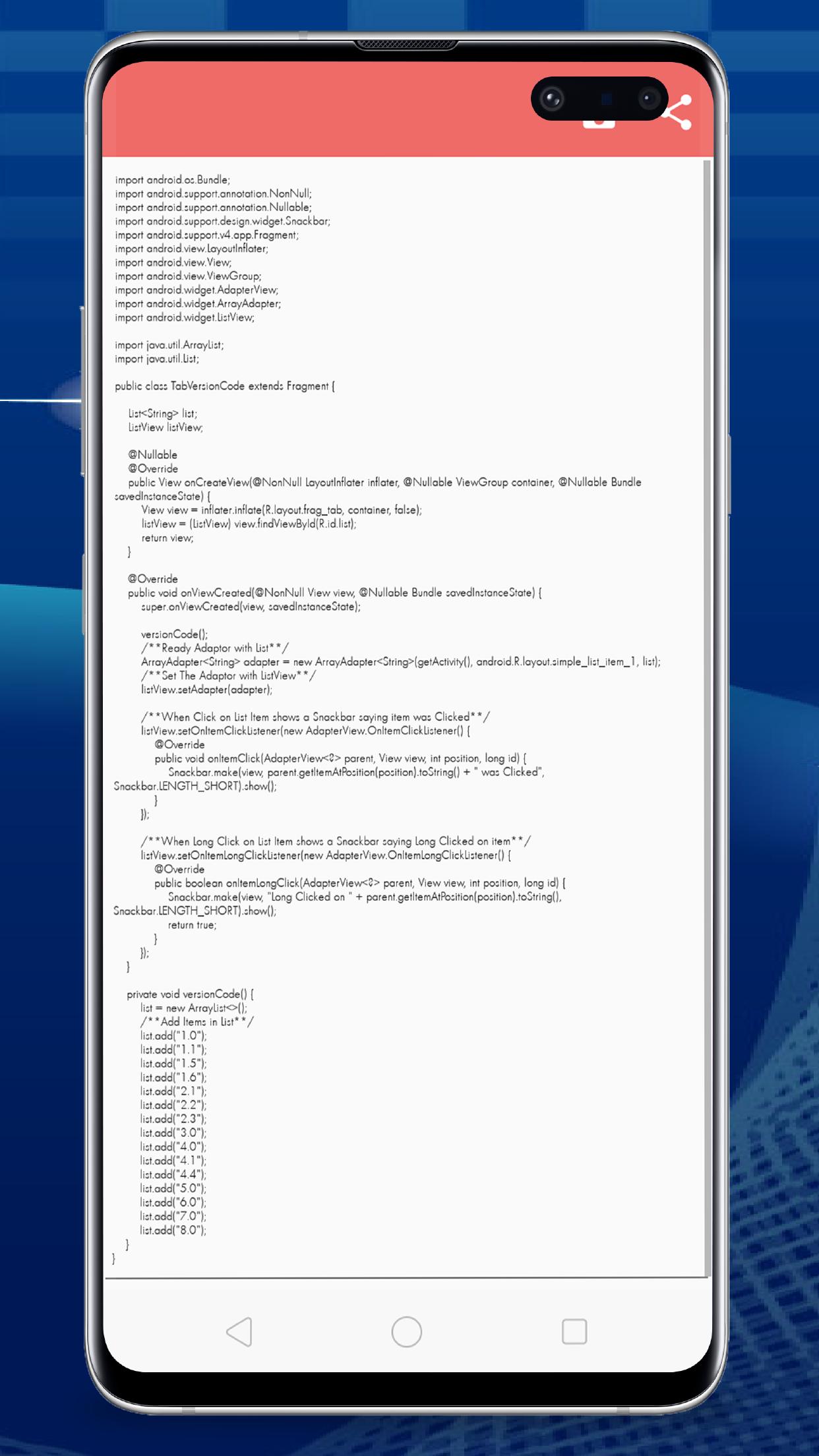
--> If you want to edit your file, just click on a file.
--> Long press the java code.
--> It will go to the editing mode.
--> From here you can change the color of your java text, can change background color.
--> By clicking the pencil icon in the editing windows, you can edit your java text.
--> Click on the save button to save your editing to the file.
--> If you want to convert some files to PDF, click on the convert to pdf button.
--> If your phone doesn't exists any java file, it will show the message that no file found.
--> Click on the Converted PDF Files to show all the converted PDF files.
--> Click on a single file to view your file as pdf.
--> You can delete, rename and also you can share your pdf as well as java file with your friends.
--> Click the Brows button in the main screen to manually open your java file from the phone directory.
Phiên bản mới nhất
1.3Được tải lên bởi
Abet AzmanShinji Taicho
Yêu cầu Android
Android 4.4+
Danh mục
Miễn phí Năng suất ỨNG DỤNGXếp hạng nội dung
Everyone
Báo cáo
Gắn cờ là không phù hợpLast updated on Aug 6, 2021
Phiên bản này bao gồm các bản sửa lỗi nhỏ và cải tiến chung. Hãy cập nhật lên phiên bản mới nhất để có trải nghiệm tốt nhất.






APKPure - Kho ứng dụng đa nền tảng chủ yếu tập trung vào Android, cung cấp nội dung phong phú về ứng dụng. Khám phá ứng dụng bạn muốn dễ dàng, nhanh chóng và an toàn hơn, với tính năng tải xuống và cài đặt nhanh chóng và hiệu quả.