Flashlight Alerts controls the flashlight of your smart phone for calls, messages and other notifications. So you can get notify in a very unique and stylish way very easily. Install Flashlight Alerts now and get notify on each notification you receive.
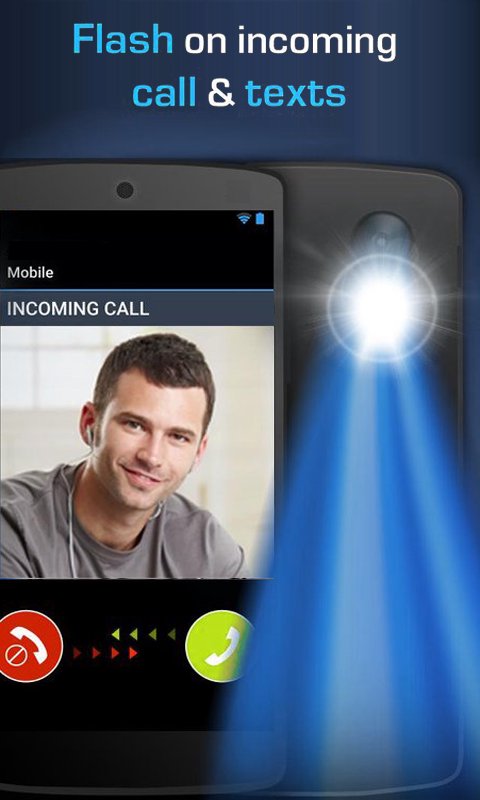
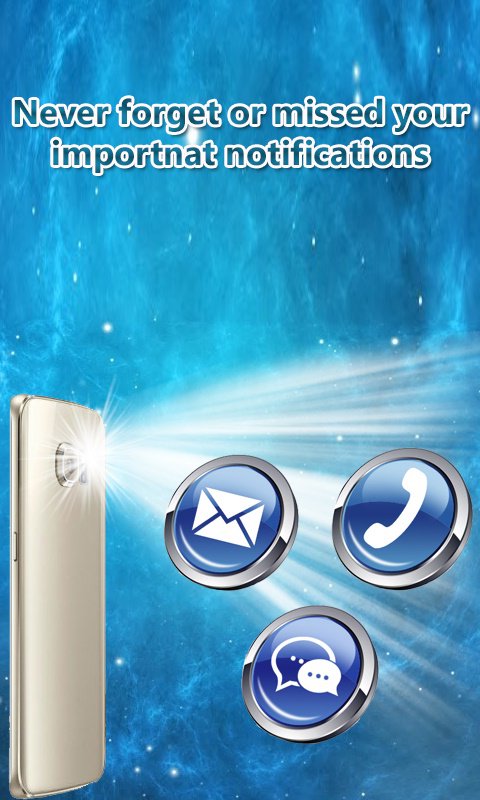
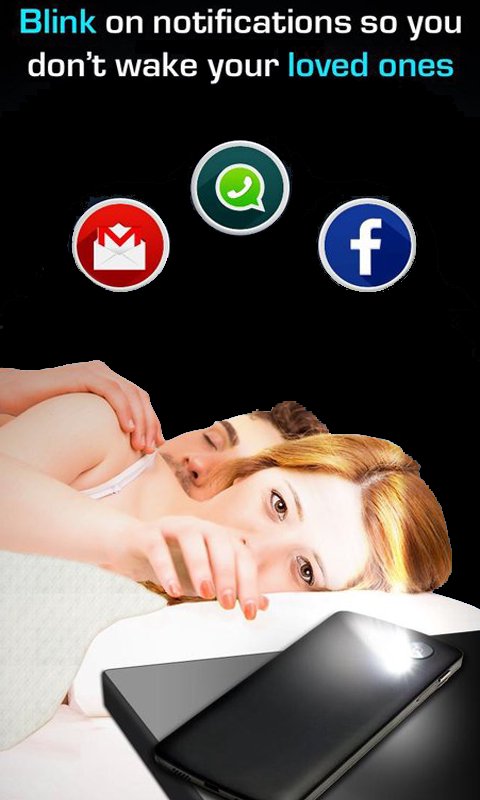
You use silent mode or quiet where you don't listen your telephone ringing or vibrating additionally you not recollect any individual mistake give the notice with flickering the blaze light. The Flashlight shows the approaching calls or SMS any alert or notification.
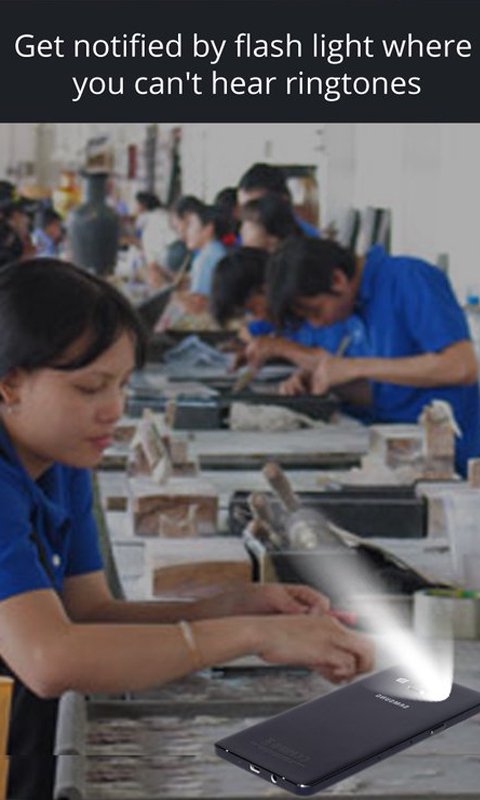
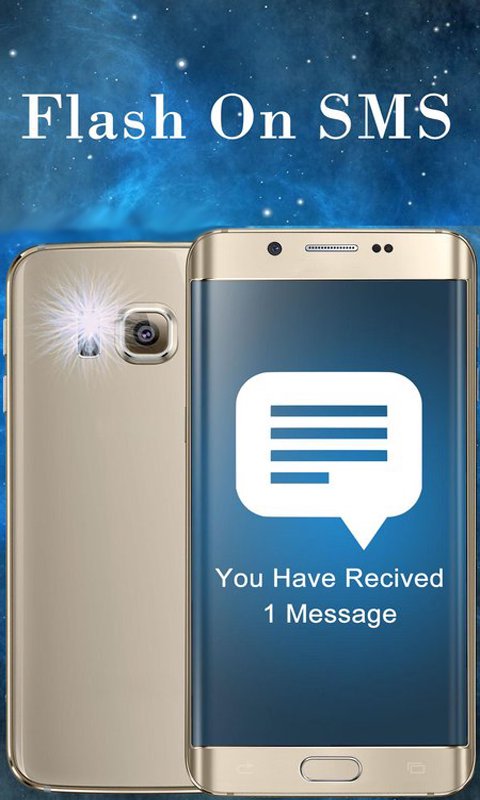
You additionally set ON or OFF the Flashlight Alerts from its setting. Flashlight Alerts application will utilize your gadget camera glimmer to begin flickering when you are getting a call or a SMS. It is an extremely valuable application for those clients who are generally occupied in gatherings or work in spots where they need to keep their cell phones quiet, for example, doctor's facilities and so on. Flashlight Alerts will make your life less demanding by telling you about each call and SMS, that if your cell phone is for the most part silent you will undoubtedly miss.
This application is easy to use and truly simple to utilize. Flashlight Alerts has an assortment of alternatives incorporated into it. The flashlight of your smartphone can be controlled inside this App. You can empower or incapacitate the Flash available to come back to work Application in different Ringer Modes.
It could be very useful in a case such that you phone was on silent and you forgot where you have placed your phone in your room. If Flashlight Alerts is installed in your phone, just make a call or message on your own number and guess what? Your phone’s flashlight will start blinking. Problem Solved!
HOW TO USE
It is quite easy to use Flashlight Alerts:
1.Enable your preferred operation mode and test is using the test buttons.
2.ON Duration: Select the duration (in milliseconds) for which the flash is ON.
3.OFF Duration: Select the duration (in milliseconds) for which the flash is OFF.
4.Set your preferences for calls or message notifications respectively.
5.In order to enable the flash notification on other apps you need to enable the Accessibility Service from
Settings->Accessibility->Flashlight Alerts Notification Service or from Notification Flash Preferences.
Phiên bản mới nhất
1.0Được tải lên bởi
Årshäd Řoý
Yêu cầu Android
Android 4.2+
Danh mục
Miễn phí Công cụ ỨNG DỤNGXếp hạng nội dung
Everyone
Báo cáo
Gắn cờ là không phù hợpLast updated on Mar 11, 2017
Phiên bản này bao gồm các bản sửa lỗi nhỏ và cải tiến chung. Hãy cập nhật lên phiên bản mới nhất để có trải nghiệm tốt nhất.





APKPure - Kho ứng dụng đa nền tảng chủ yếu tập trung vào Android, cung cấp nội dung phong phú về ứng dụng. Khám phá ứng dụng bạn muốn dễ dàng, nhanh chóng và an toàn hơn, với tính năng tải xuống và cài đặt nhanh chóng và hiệu quả.